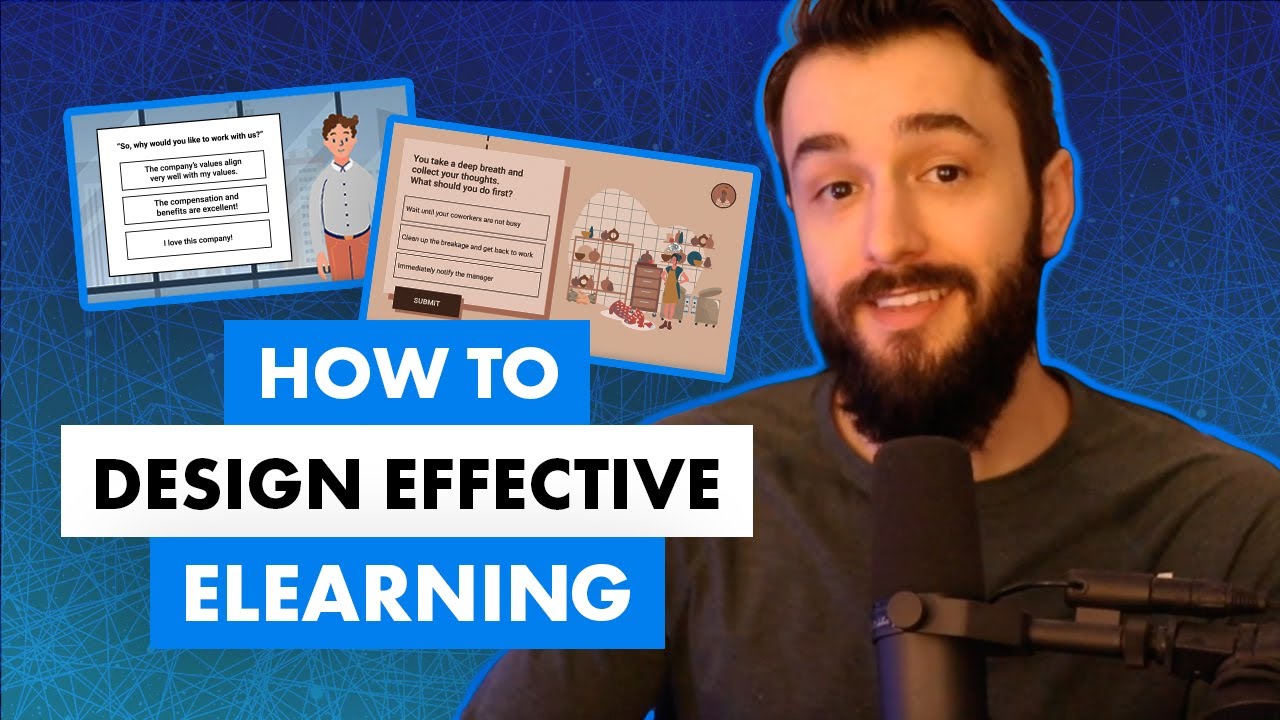
so let me ask you this are you doing everything you possibly can to make your e-learning scenarios as effective as possible for your learner's hmm I don't know about that I guess we'll find out today hey there folks Tim slate here so when you're designing an e-learning course one of the things that you can do to make your courses more engaging effective and impactful for your learners is by putting them in situations where they need to take information that they obtained previously and apply it to a situation or a scenario in order to make a
decision scenario based elearning courses are really really powerful because they allow your learner's to practice a situation that they might have to experience in real life they get to practice it in a safe environment they get to make mistakes and learn from their consequences and of course from a learning perspective it's forcing them to take information that they obtained previously and to apply it in a new situation right it's interactions that are meaningful however it's really easy as e-learning designers to get stuck in this rut where you end up creating scenarios that are more or
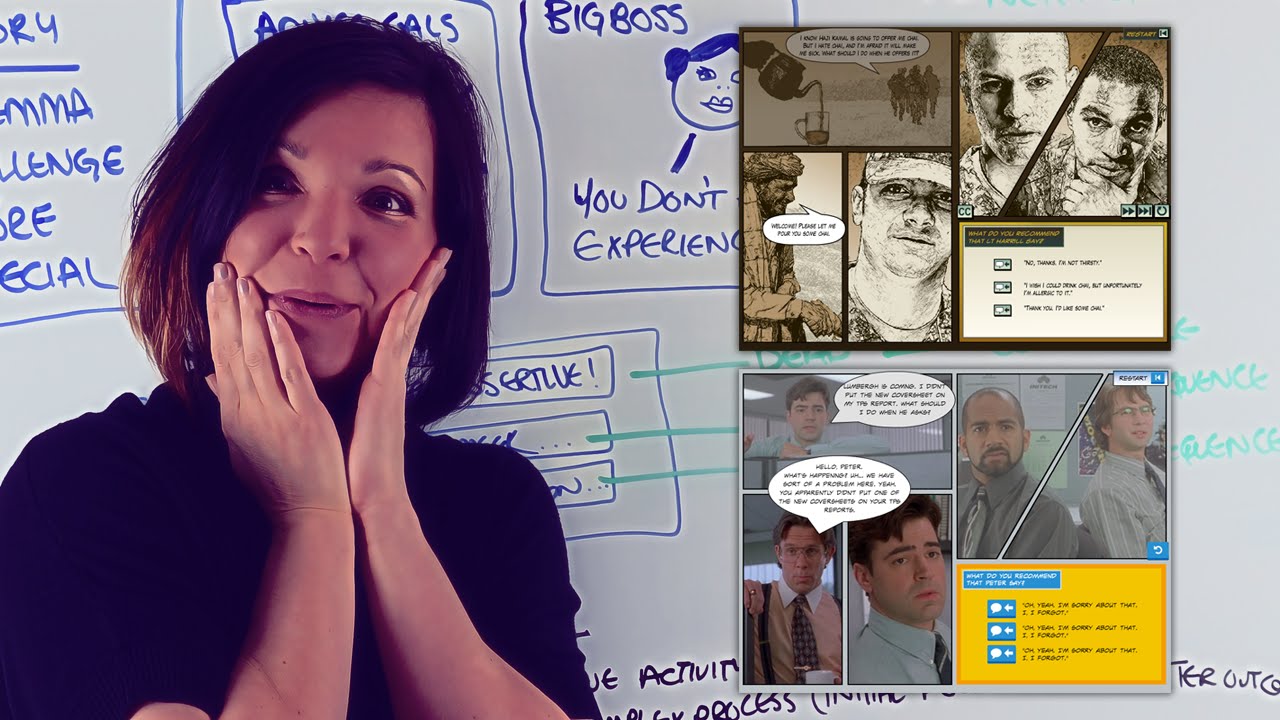
less the same over and over and over again let me give you an example let's say you create a scenario where there's a situation and the learner needs to make a decision maybe you provide them two or three different options and they select the option and then maybe they get some feedback and then it's the same thing over and over again you have another situation the story progresses and then you give them a couple of options and then it progresses from there if there's nothing wrong with that type of scenario based learning however it can
get really repetitive and it can get actually really boring for the learner and the truth is there's a whole lot more you can be doing with your scenarios to make them more engaging and impactful and allow the learner to look at the situation or their decisions in new and different ways so what I want to do today is provide you three different tips for how you can make your scenarios your e-learning scenarios more engaging so let's dig in alright so my first tip for creating elearning scenarios that are super engaging and impactful for your learners
is to make sure your scenarios are relevant and realistic to your learner's you will be doing your learner's a huge disservice if you create scenarios that aren't realistic if they don't resemble situations that they will actually experience on the job right one of the ways that you can go about determining how do you create realistic scenarios is to go ask folks in your organization who are performing the behaviors at the level in which you're trying to help your learner's perform right go out and observe folks who are doing what you want to teach your learner's
to be able to do and see what sort of situations that they're experiencing on the job let's say you work in a call center and you're trying to create scenarios that your learner's might face when they're on the phones right go listen to some phone calls go listen to some situations that happen in real life and base your scenarios based off of those real situations the other thing that you need to make sure you're doing is creating scenarios that are relevant to your learner's job right so you want to make sure that the scenario that
you design is actually relevant to what they'll be doing on the job don't fill your course with scenarios that are kind of relevant but not really in alignment with what they'll be doing make sure they're relevant and realistic alright my number two tip for creating elearning scenarios that are engaging and impactful for your learner's is to create scenarios where you let your learner's fail you must be willing to create situations where your learner's can make a decision whether it's a right decision or wrong decision and then have a consequence as a result of that decision
think about how we learn how to do things in real life let's say you're learning how to bake a cake right well you're gonna try baking that cake and then that cake might come out really really bad and you're going to learn from that mistake you're gonna learn that you should have added more flour or baking soda or whatever you needed to do differently to make that cake about properly the same thing should apply in your e-learning scenarios right you should create situations where your learner can select any outcome any option right and they go
down that path and there is a result of that action and maybe it's a consequence maybe they did something wrong that's how your learners are going to learn one of the best ways we learn how to do things in real life is through trial and error and so give your learners situations where they can choose an option maybe it's a customer service scenario right where they're needing to respond to a customer and you give them several options and they choose one right and maybe they select that option and maybe it wasn't the best way to
respond to that customer well present the learner with a realistic outcome as a result of their decision maybe the customer gets angry right and at the end of that scenario you can help the learner understand the decision that they made and how come it resulted in an angry customer through that the learner will then learn how to do it differently or hopefully they'll learn how to choose different options next time so of course let your learners fail and then give them the option to go back and try again so that they can learn from their
mistakes over time all right so my third and final tip for creating elearning scenarios that are more engaging and impactful for your learners is to go beyond the basics like I said at the beginning of the video it's really really easy to create scenarios where you present your learner with two or three different options for responding to a situation maybe they're responding to a customer they click on that option it provides some feedback where there's a result and then it's kind of the same thing over and over and over again until they get to the
end of that scenario the reality is there's a lot more you can be doing to engage your learner in a specific scenario that goes beyond just simply clicking a response and seeing what happens for example one of the things you can be doing is let's say you are presenting the learner with a scenario a customer service scenario where you have a call center agent or a customer service representative responding to a customer right and maybe you want the learner to analyze that customer service agents response right they could look at the answer and maybe they
click on different components different sentences of that customer service reps statement to figure out what did the customer service rep safe correctly what did they say incorrectly right the other thing that you can do is you can have the learner actually practice responding rather than just presenting the learner with a situation and providing them three or four different canned responses what if you actually let the learner type in their own response right so for example you present them a situation where the customer asks a question and the learner needs to respond so make them type
in their response right there's no way you're gonna be able to prevent the learner from just typing a bunch of random text but if the learning is really engaging and relevant to the learner they're going to give it a try right they'll type in their response and maybe they then click of a button to compare their answer to your answer so that they can analyze what they did right or what they did wrong another option is maybe you have your learners actually build a response so again if we're doing a customer service situation rather than
just again clicking on a canned response maybe the learner can drag-and-drop different components of a response to build a custom response and then of course analyze that maybe you can have a checklist where they compare their response the one that they built two different components that they need to make sure they're keeping in mind when responding to a customer those are just a couple of examples of how you can create elearning scenarios that go beyond just the basics of a situation and some responses in a situation and some responses really get your learner engaging with
the scenario by analyzing how they're responding to a situation or helping them build a response that goes beyond what you could have provided in two or three canned responses so those are some tips for creating more engaging and impactful elearning scenarios which leads me to my question of the day what other tips can you share for creating more engaging and impactful of e-learning scenarios share your tips by commenting below all right folks thank you so much for watching make sure to hit that subscribe button until next time I will see you around hey there youtubers
if you like that video and you want to learn more about becoming an e-learning designer click that subscribe button down here check out some of my other great videos and follow me at Tim slate com