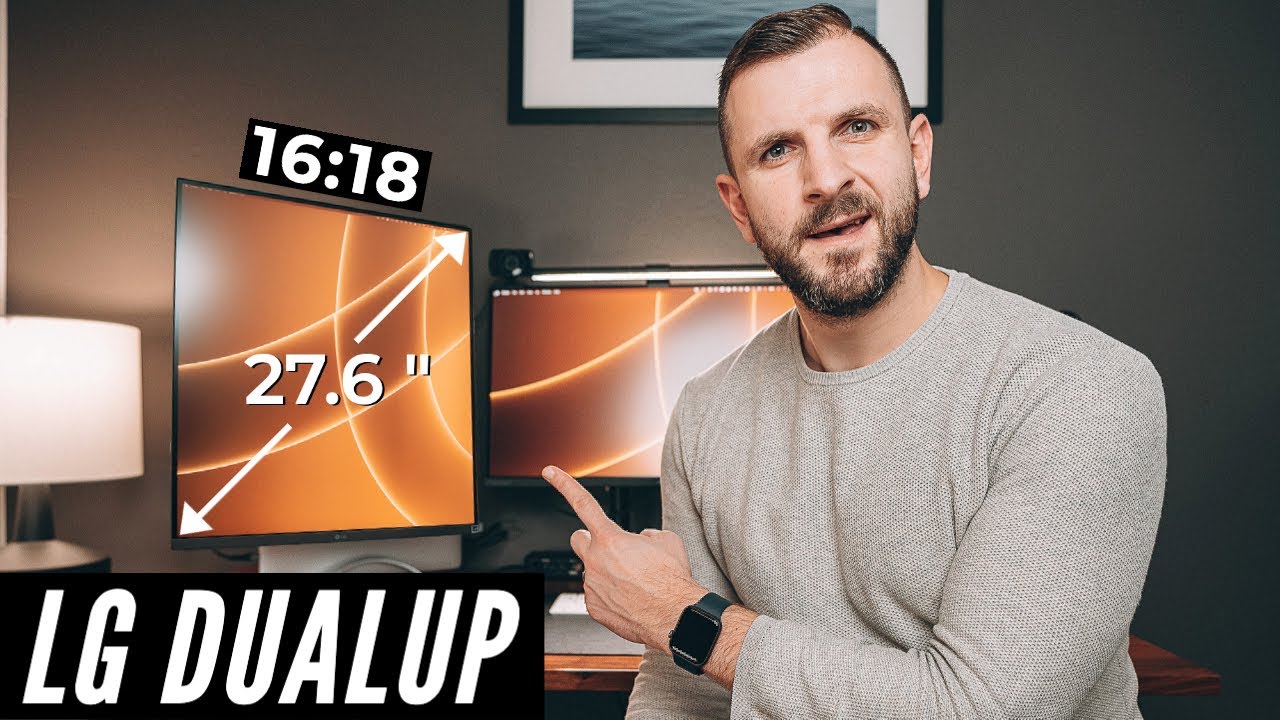
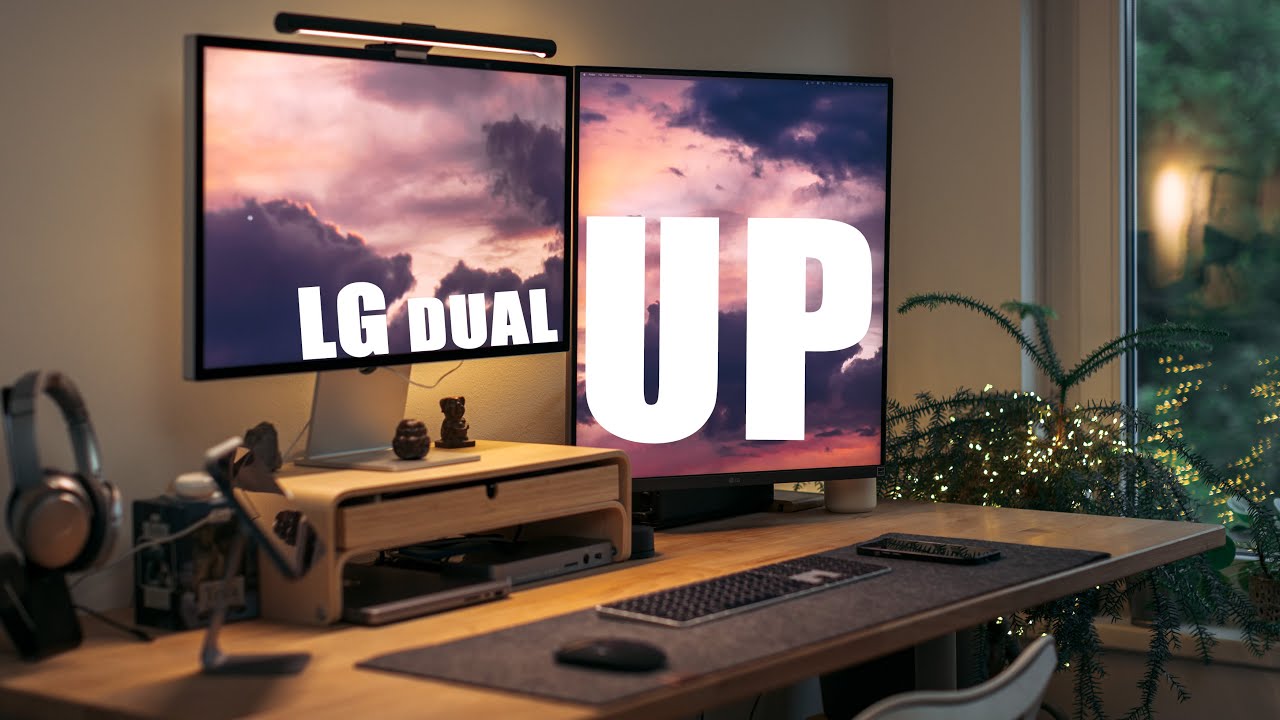
[Music] foreign [Music] hey everyone I'm here so I did a video on the LG duel up at the beginning of June and it did surprisingly well it looks like a lot of you are interested in this quite unique monitor now I've been using it over the last month wanted to sort of do a follow-up video and share my experience with it and share some of the things I've learned about it some issues that I had with it and just go over the monitor Itself by the way you should definitely sign up for my newsletter if
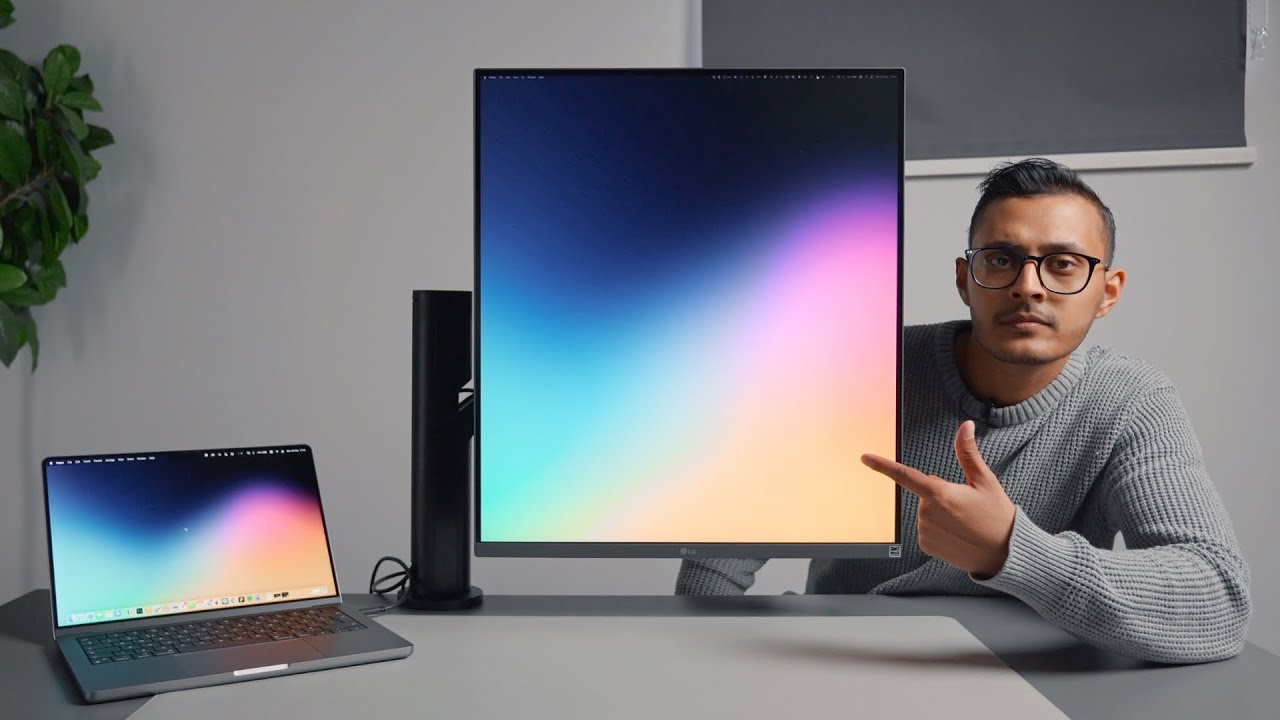
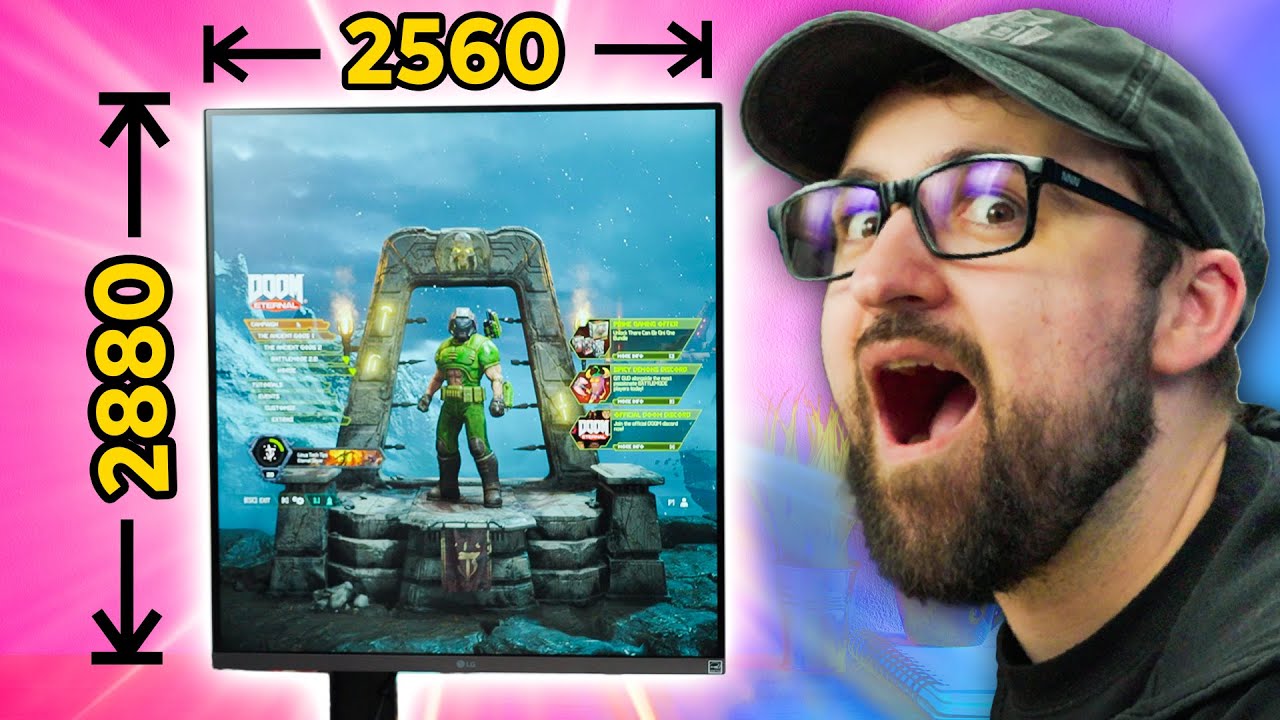
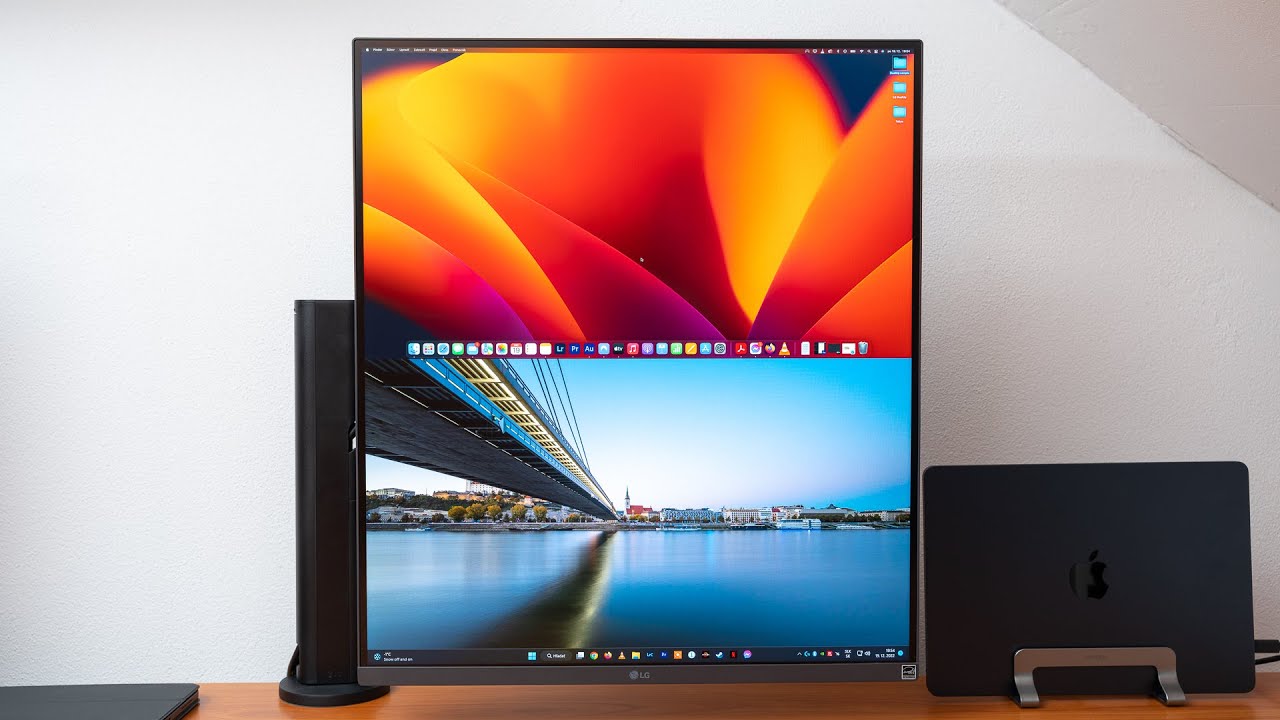
you haven't already I only sent it out once per month but I usually cover things that I feel like don't really make sense on YouTube makes more sense sort of like a written format so make sure to subscribe so one thing I wanted to get out of the way is the price of this thing as I didn't fully comprehend what you're getting for the money for 6.99 you're essentially getting two 2560 by 1440 displays that are stuck together it's an IPS panel with DCI P3 and hdr10 it also has a bunch of ports such as
two HDMI ports DisplayPort a built-in USB hub and what I think is the most important one a USBC Port that can handle both power and data there's also the Ergo desk mount monitor arm which is included in the Box this monitor arm is pretty damn good it has a lot of movement so you can get the monitor just right as well as built-in Cable Management high quality monitor arms like this can easily be 100 to 200 alone getting all of this for 6.99 I actually think it's good value for money I'll also leave a link
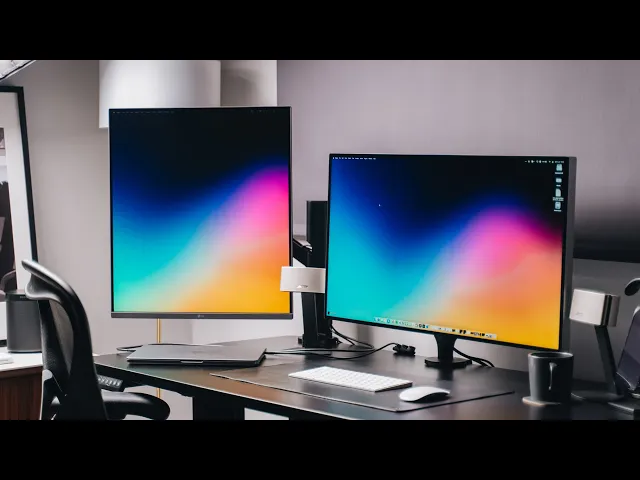
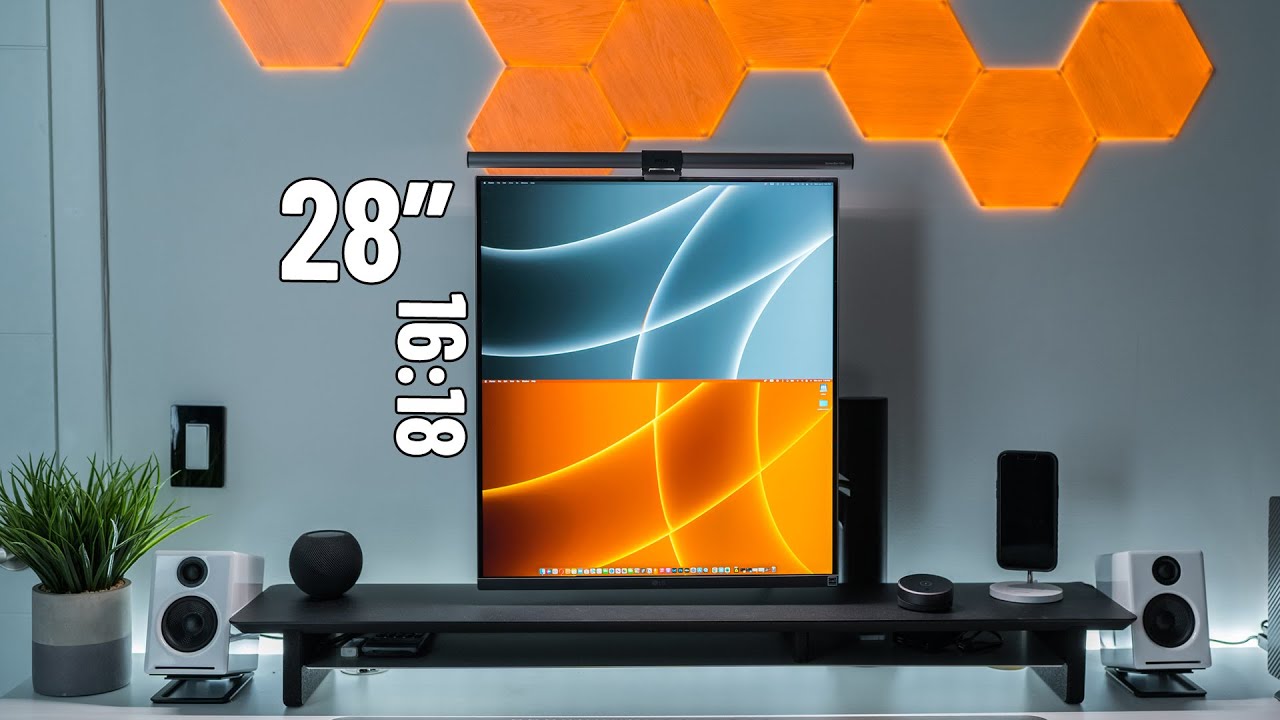
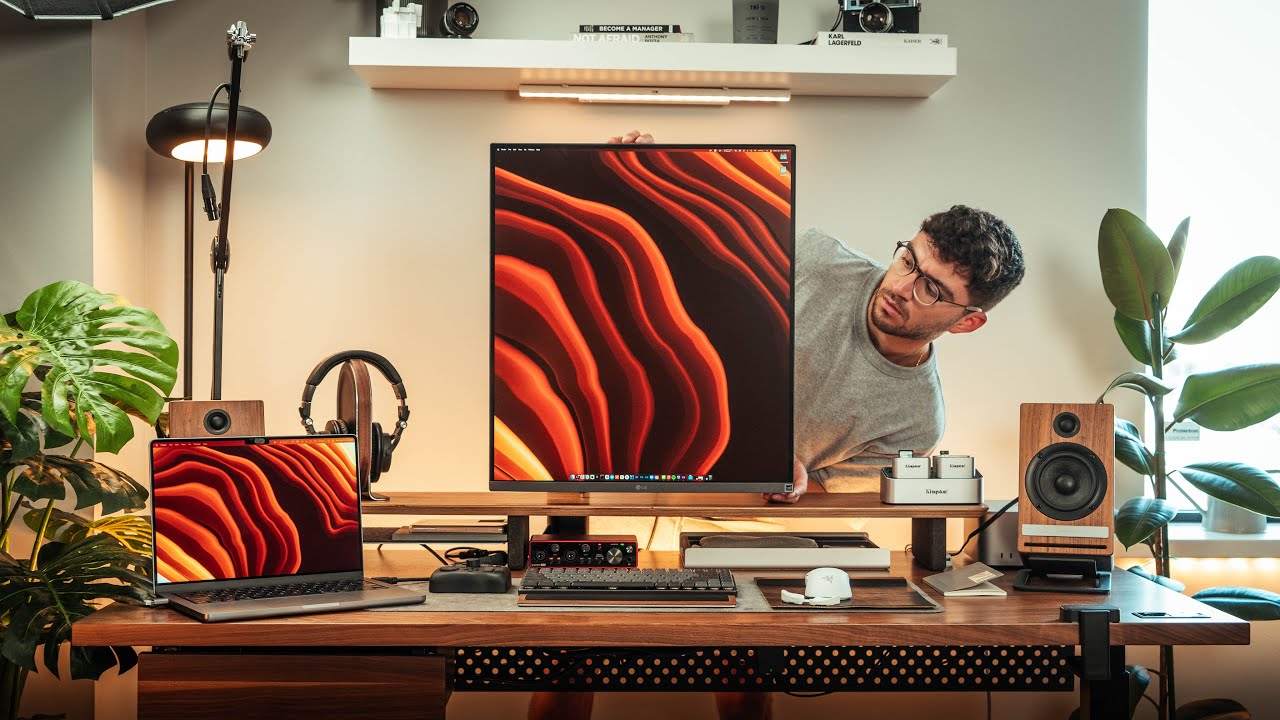
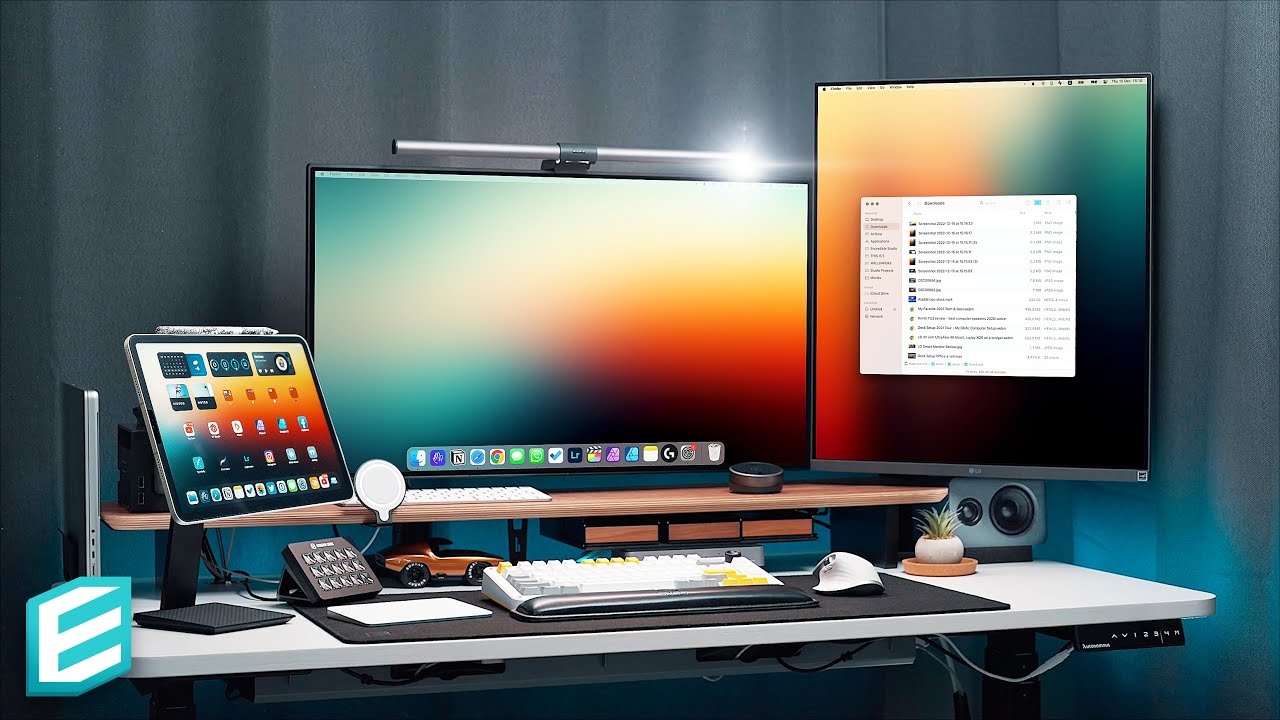
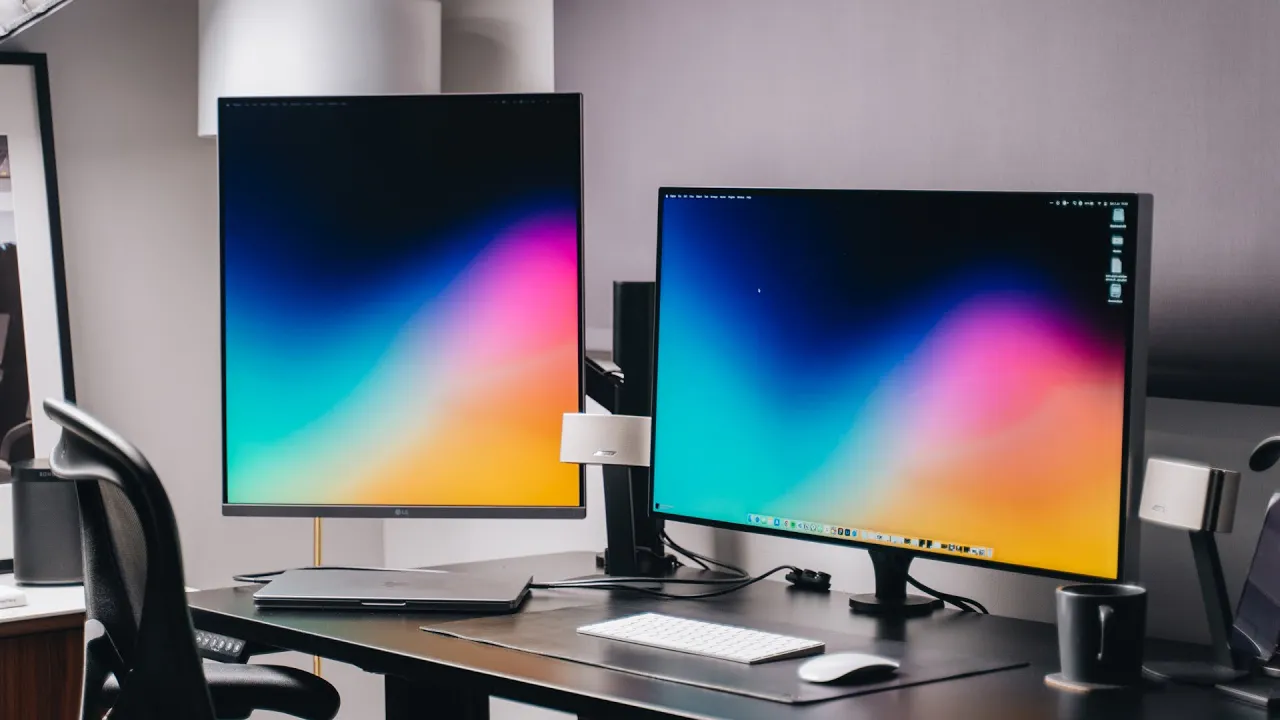
to the wallpaper for anyone who's interested something I love to see is being able to have a one cable setup I wish it was more common with modern monitors you can use one USBC cable to connect to the Monitor and it will also provide 90 watts of power more than enough to charge something like a Macbook it also makes for a much cleaner setup if you have the one monitor for me and my workflow the Dual up makes the most sense as a secondary monitor I have it set up alongside my Pro display xdr with
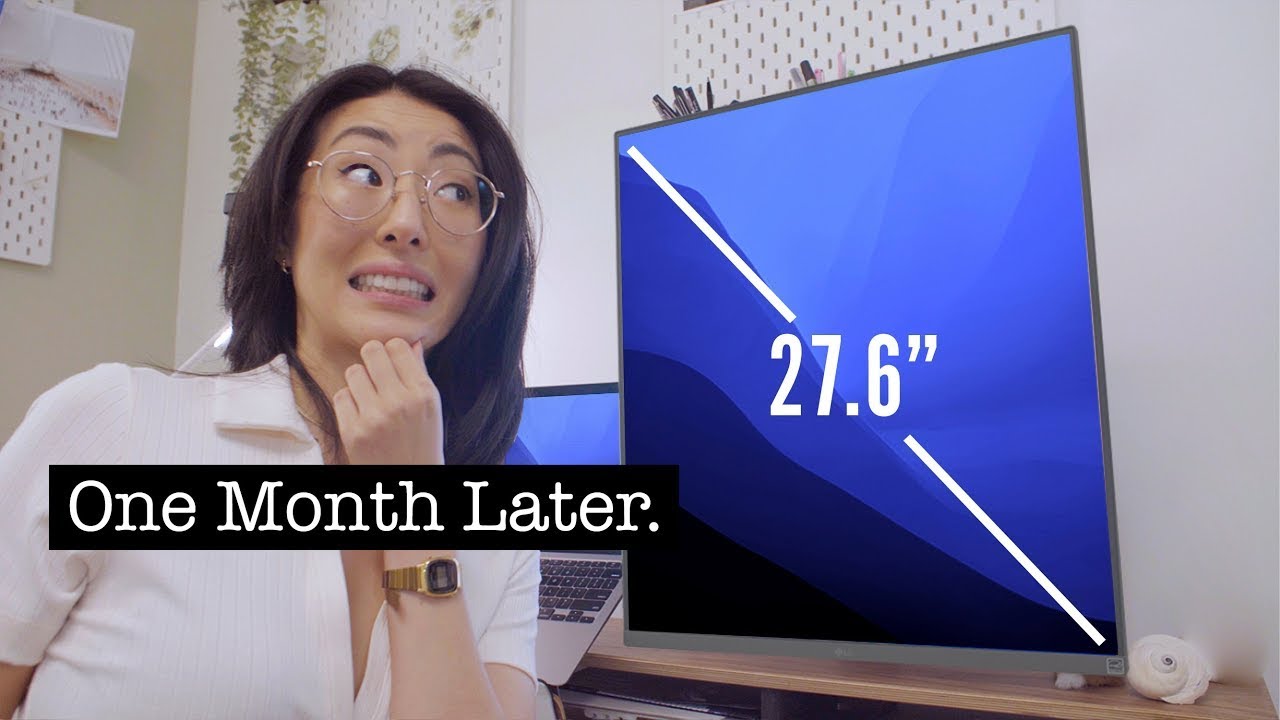
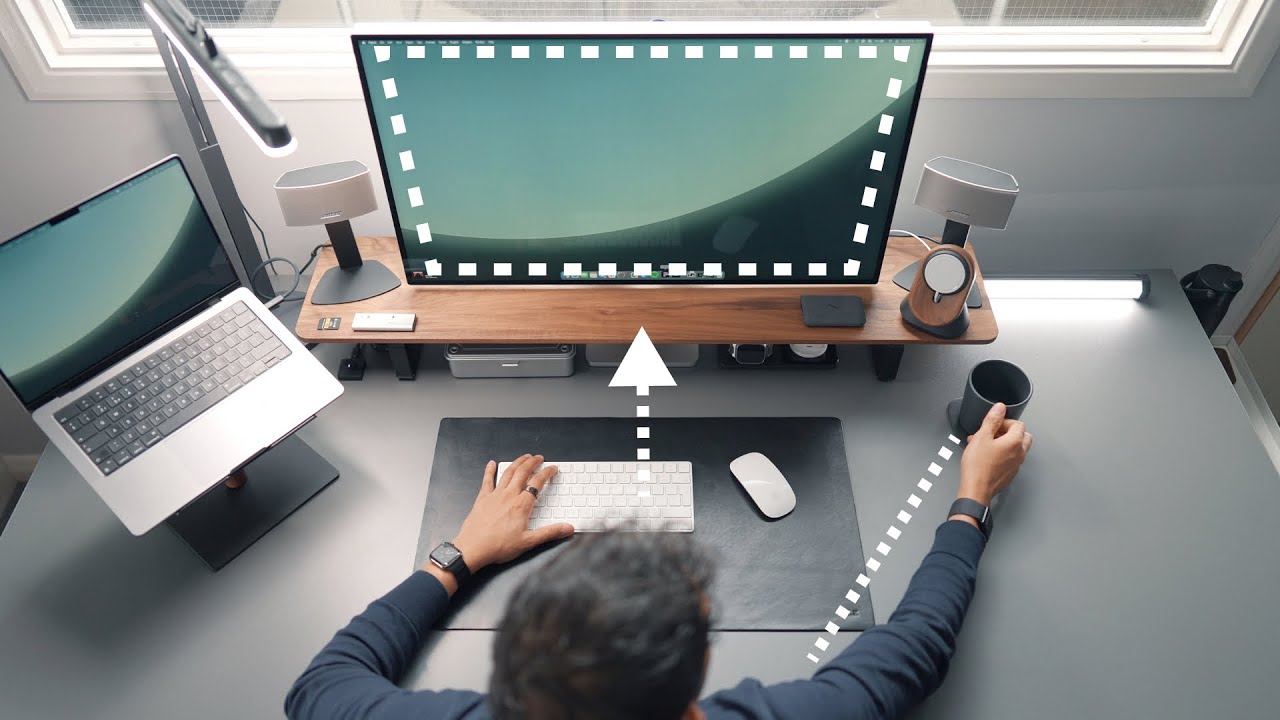
the pro display xdr being a 32 inch and the Dual up being a 28 inch it does match up pretty well I think I think if you had a smaller main display the proportions might look quite off I also think it's pretty important to have a large desk because the monitors need space to actually fit on the desk of course and then you want to sit a good disc is away from them a valid concern many people had in the original video was having to Crane your neck up to see the monitor causing neck pain
I think this would only be an issue if you had the monitor quite close to you as long as it's far enough away you should be completely fine the Ergo desk Mount that I mentioned earlier makes it quite easy to place them on a certain any position you like so I have mine off to the left of my desk to be honest it's not the most aesthetic thing ever but I wanted to give it a try for a few weeks at least just to see what it's like I wouldn't say it's exactly a pretty looking
monitor either like the pro display or maybe the studio display but it's good enough it has thin enough bezels and it has an understated design however it hasn't been completely smooth sailing and the one issue that I had was display scaling with my M1 MacBook Pro and the display and it seems to be quite a common issue with M1 machines as far as I can tell when looking it up online the issue arises when you want to scale the monitor down so for example the physical resolution of the monitor is 2560 by 2880 but I
want to scale it down to half that 12 of 80 by 1440 so that the text on the display is super sharp Apple does this with all of their displays when I do that on the Dual up it would not scale down properly it would simply output 1280 by 1440 making the text very fuzzy I ended up finding an obscure work around I'll link to it below which requires an app called better display it's a little annoying because it should just work out of the box but the workaround was quite easy quite simple and anyone
should be able to do it side note the better display app is actually pretty awesome and gives you quick access to things like display brightness and resolution adjustments so now I have what is essentially a 1280 by 1440 display off screen estate it's of course not as much as the full 2560 by 2880 but I don't mind as it works for my workflow when it comes to my workflow and how I actually use the monitor I almost found myself using it like a virtual whiteboard just a place where I can put stuff that I don't
want on my main display I like to put things like my Pinterest boards up there for inspiration or reference it's also great for when I'm designing in figma maybe I need to look at some other designs for instance inspiration or maybe I have The Branding guidelines for whatever I'm designing at the time you can of course use it for browsing the web being able to have more of the page itself visible is a nice experience considering how much of what we use on our computers every day requires scrolling a 16 by 18 aspect ratio makes
a lot of sense I've been using it for coding too I'm currently coding up some adjustments for the home page of my personal website and it is fantastic for that being able to see a lot of my code and then having a preview of the changes on my main display is really useful if you wanted you could even use it as a dual setup for Final Cut Pro you can have your timeline and browser on the Dual up and then the preview on the main display there's a lot of possibility here and I'm just one
use case there are a lot more other types of use cases for a monitor like this I've seen people mention using it for things like engineering applications writing essays handling spreadsheets and many more a big concern that I usually have for external displays is color rendition it's something that a lot of creative people have issues with whether you'll be designing photos saying video about it saying you want a display that looks right you know it matches your other displays especially if you have a Macbook I found that Apple really do their color sort of calibration
out of the factory perfectly there's something about it I don't know what it is so being able to match the monitor to your MacBook display for me is very very important I have my Pro display HDR set to DCI P3 and I've also done the same for the LG tulip and I found that it looks nearly identical I would personally still trust my Pro display xdr naturally due to it being a more Pro grade monitor but if you're looking for it to match your MacBook display I think most people will be very happy where I
always notice the difference between a Mac display and an external display is the white balance you notice it most when browsing websites with white backgrounds the LG dual app seems to nail it and looks near identical to my eyes to a Mac display one comment which I saw crop up a lot in my first video is the lack of a high refresh rate display this is only 60 hertz and I completely get it it would have been nice to get 144hz it would have been nice to have a high refresh rate display I also feel
like that would have made it a lot more expensive and from my day-to-day use I definitely would not have seen much benefit of it being a high refresh rate display I think most people who buy this monitor also just won't care considering it's targeted more for productivity rather than gaming I think 60 hertz is okay another question I got was whether you could use the split screen functionality and have two inputs from one machine and yes yes you can I connected my MacBook via the USBC cable and the HDMI port and yes it does see
it as two different displays I'm not sure why you would want this or when it makes sense but I thought I'd answer it anyway so yeah that is the LG dual up I personally think it's a weird but very wonderful display and something that I feel like it's just very unique fair play to LG for coming up with something that's just completely different to anything else there really isn't anything else like it on the market and like I said earlier for 6.99 I think you're getting good value for money for a lot of people buying
this monitor it will most likely be a business expense or something of the sort and if it makes you more productive then that 699 price tag will be worth it I'm not sure I'll be keeping it in my setup though I'm more of a person who prefers a one monitor sort of setup but I wanted to give it a try anyway see what it's like and yeah I will most likely find another use case for it anyway so I hope you guys enjoyed this video like I said please subscribe to my newsletter if you haven't
already follow me on Instagram and Twitter and subscribe for more easy pizza