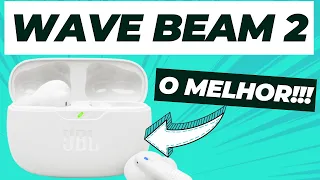
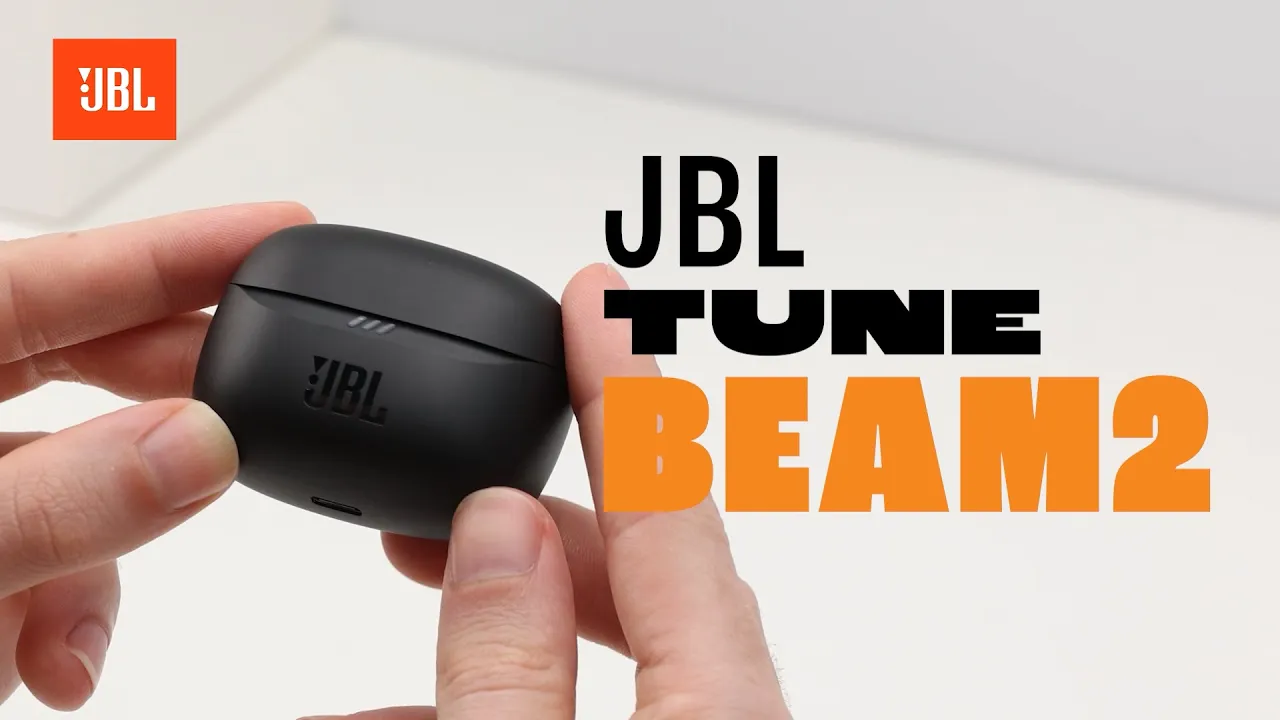
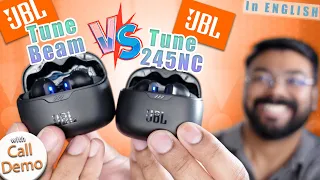
[Music] hey guys today I'm unboxing the JBL tun beam 2 and we'll show you some cool tips and tricks to get the most out of these earbuds let's discover when you open the box you'll find the charging case with the earbuds multiple sizes of ear tips and the quick start guide before you can Vibe with your earbuds you need to connect them via Bluetooth take the earbuds and try different sizes for a perfect fit with pure base and zero noise pop the earbuds back into the charging case and watch for the blue LED lights to
Blink on each earbud this means they're ready to pair grab your phone and connect via Bluetooth using Android add the earbuds to your Google account to use the fast pair function on all your other Android devices to connect the JBL tune beam 2 to multiple devices tap the earbud once then hold for 5 seconds you can now pair the earbuds to the second device your JBL tune beam 2 will automatically enable mono or stereo mode depending on how many earbuds you are using do you want to control the volume use ambient aware or talk through
use these easy gestures on your earbuds for all the gestures check the quick start guide or enable Advanced controls by using the JBL headphones app downlo download the JBL headphones app via the QR code in the quick start guide connect your earbuds to your phone open the app and control adaptive noise cancelling ambient aware tweak gestures customize The Equalizer and more did you know your JBL tun beam 2 earbuds are ip54 water and dust resistant so you can use them in rainy and windy conditions lowon battery no worries just plug a US BC Cable in
the charging case and you'll get a full charge in Just 2 hours in a rush with only 10 minutes of charging you'll get 3 hours of Play Time need to reset take the earbuds out of the charging case then tap one of the earbuds twice and hold it for 5 seconds your earbuds are back to factory settings






![Afternoon Jazz 🎷 [jazz lofi]](https://i.ytimg.com/vi_webp/-R0UYHS8A_A/mqdefault.webp)