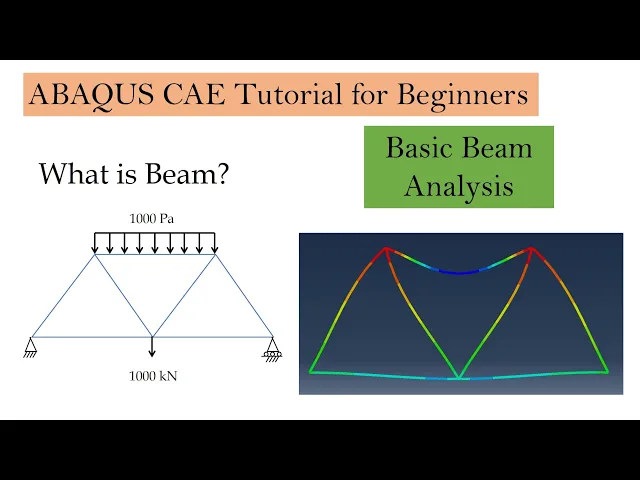
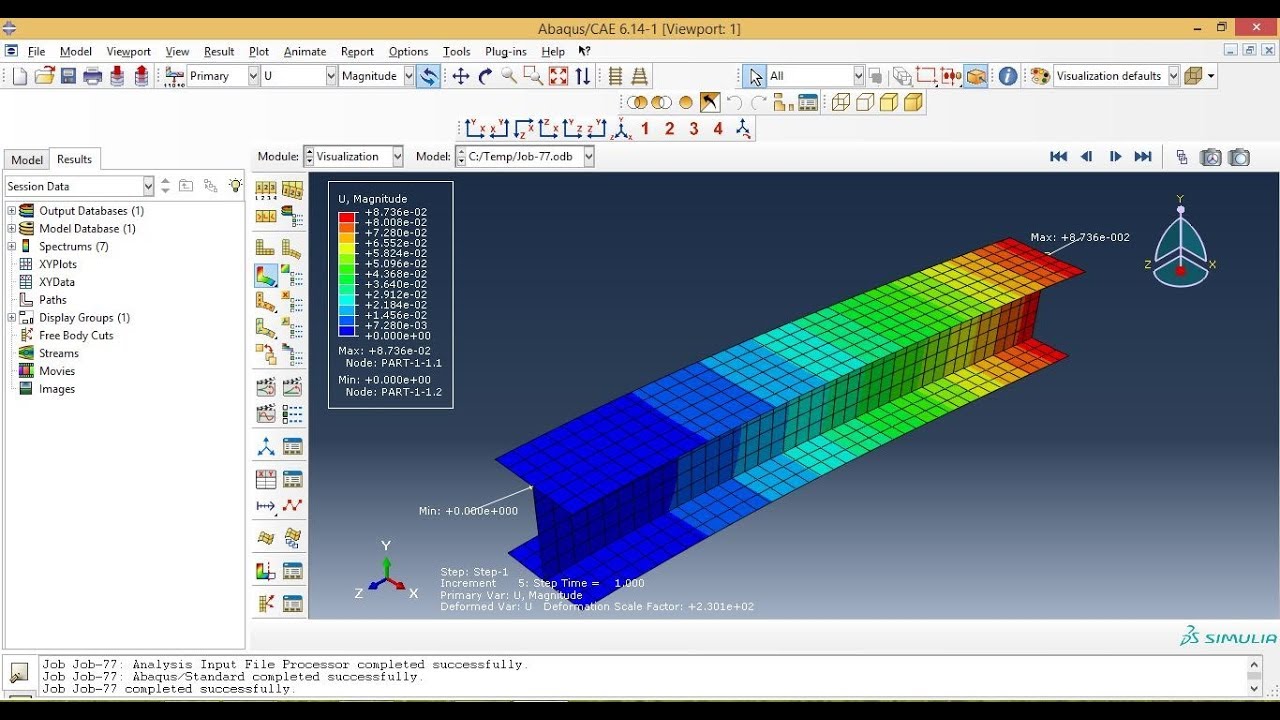
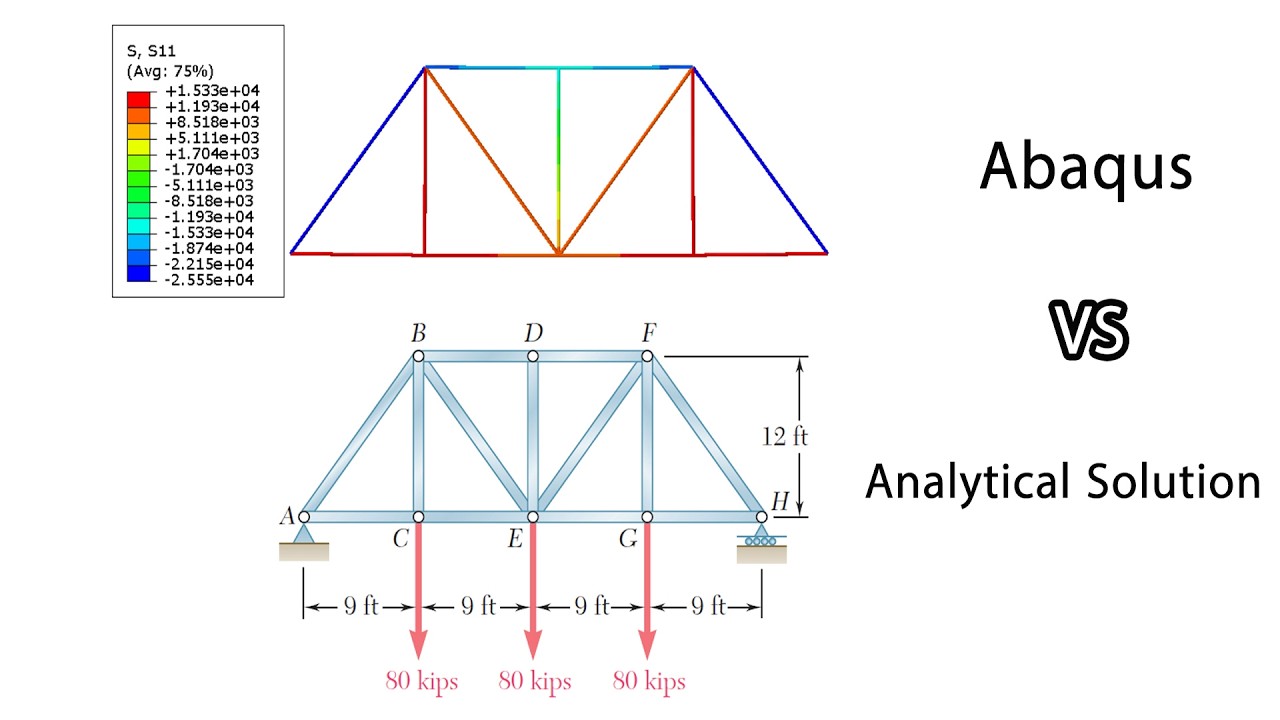
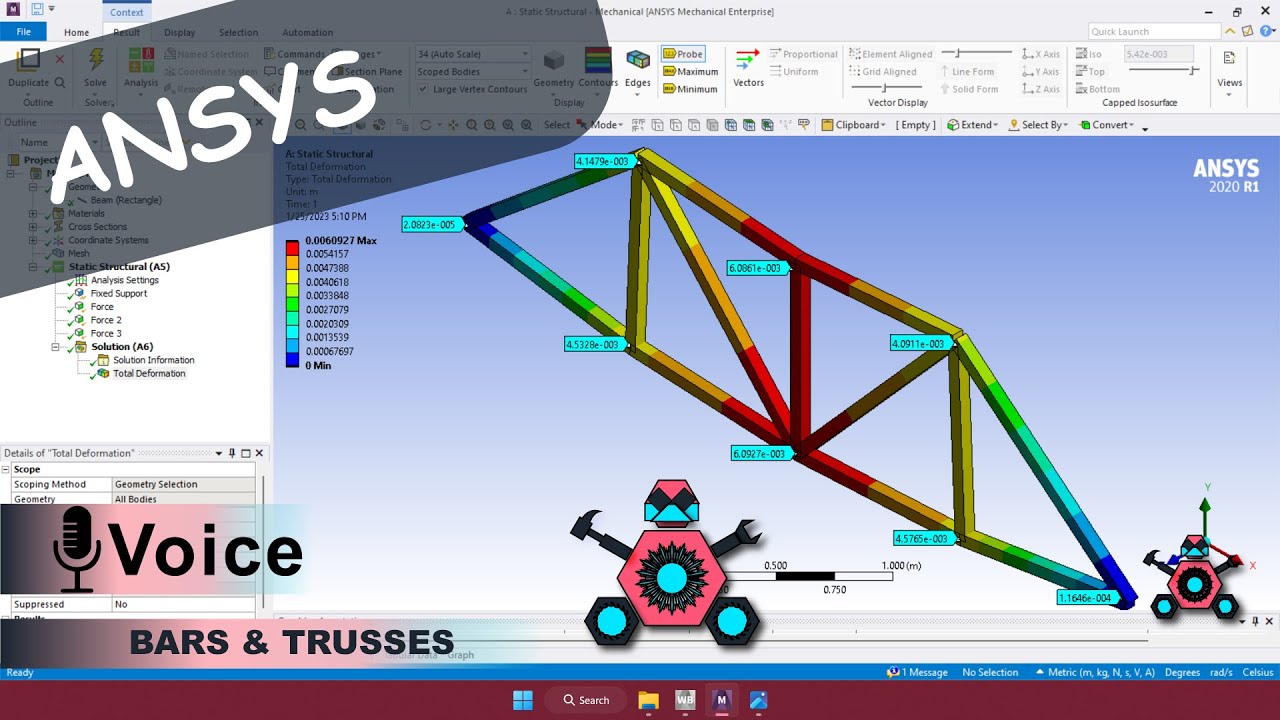
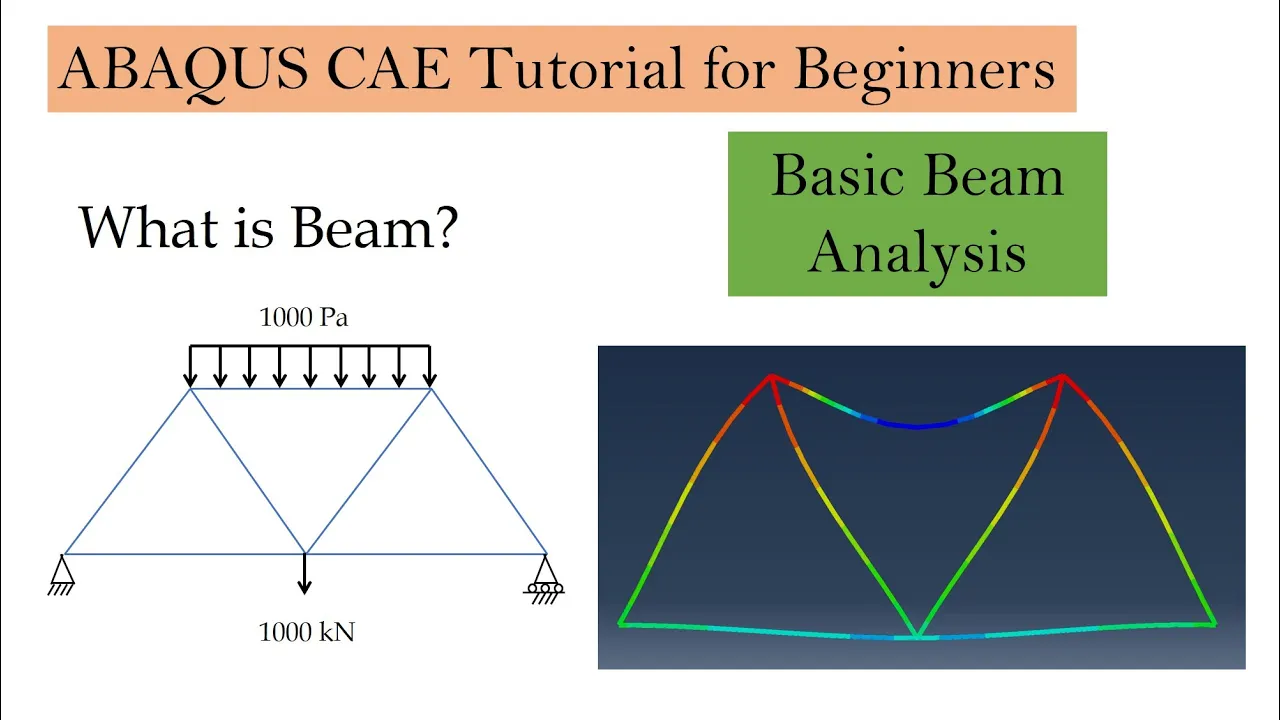
foreign engineering in this video we will solve a basic static beam problem as shown over here in this figure so the main difference between beam and trusses beam can support loads perpendicular to its direction therefore in beam we can apply a pressure load like this this will not be valid when you use truss elements so geometry is pretty simple length of each segment is 50 meters and the cross section of beam is shown over here so it is I cross section and all the dimensions required for the cross sections are given over here material we are assuming Steel and we will stick with the SI units let's start always Force set your working directory let's start with part 2D wire and length of each segment is 50 meters done foreign let's go to property create material Steel we are assuming only elastic Behavior Young's modulus is 200 gigapascal poisons ratio 0. 3 create section now here I will name it as beam section and you have to choose beam over here and again type B now in beam section it will ask you for a profile so for this you have to create a profile I will name it as beam profile or our problem the profile shape is I so I'll select I over here and then it will ask you about all these Dimensions so just carefully see which dimension it is asking and then you can input those Dimensions so thickness is 0. 1.
1. 1 height is 0. 8 width is 0.
4 and this L our shape with symmetric so this L will be half of height so 0. 4 over here height is 0. 8 and width again 0.
4 0. 4 so now we have B profile for beam and also material for beam section then we can create this section then assign section the whole structure and one more thing for beam what we have to do is we have to assign beam orientation for example means this section it can be vertical or it can be horizontal as well so we have to assign that and how to do that is by clicking over here assign beam orientation then again select the whole structure say done and then it will ask you to set the direction so by default it will be 0 0 minus 1 you can just keep it as default and say okay now if you render the beam profile you can see over here the beam orientation is assigned like this this is what we want our beam is vertical okay moving on assembly create a static General step you don't have to change anything over here now we want to fix this end just fix all degrees of freedom and roller support at this point so U2 equal to 0. next is apply load so first is concentrated Force at this point and its value is 1000 kilo Newton but we are following SI units so we have to enter it in Newtons so 1000 kilo newtons converted into Newton and minus sign because it is in downward Direction and then apply pressure on top then again it will ask you which direction you want to apply pressure so select magenta for the top and again value is 1000 Pascal next meshing first move to part first set element type by default it is beam so we want beam so just keep it as it is then speed the part I will go with global sites 5.