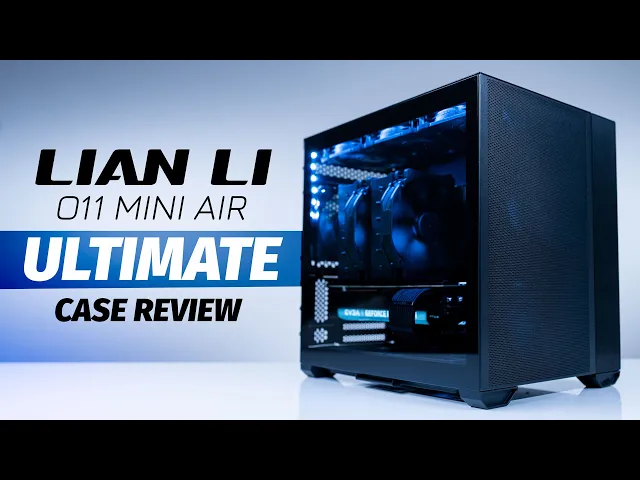
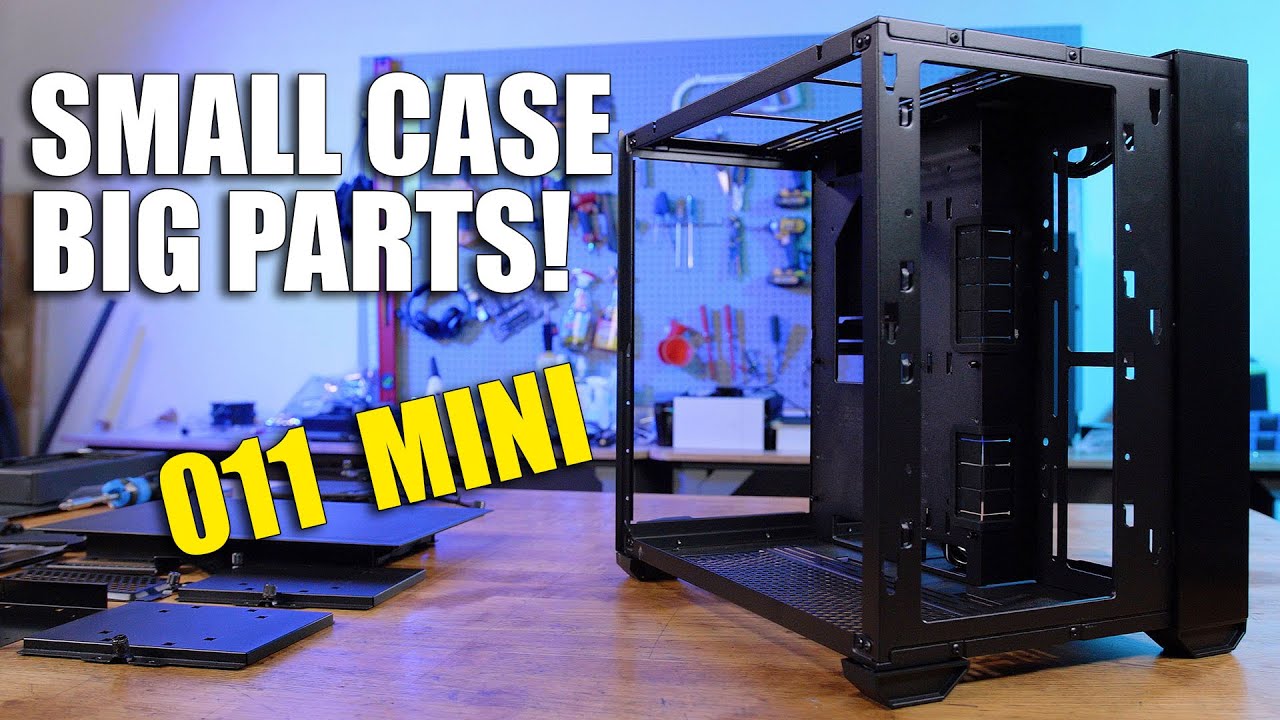
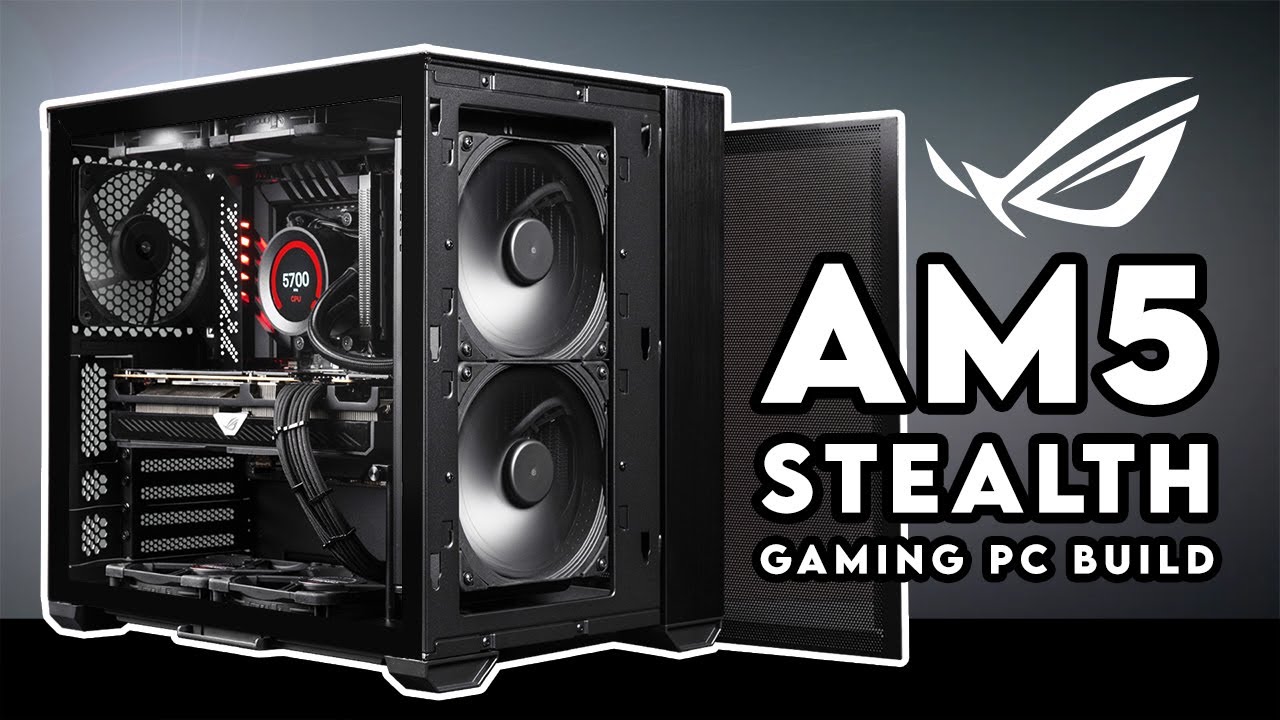
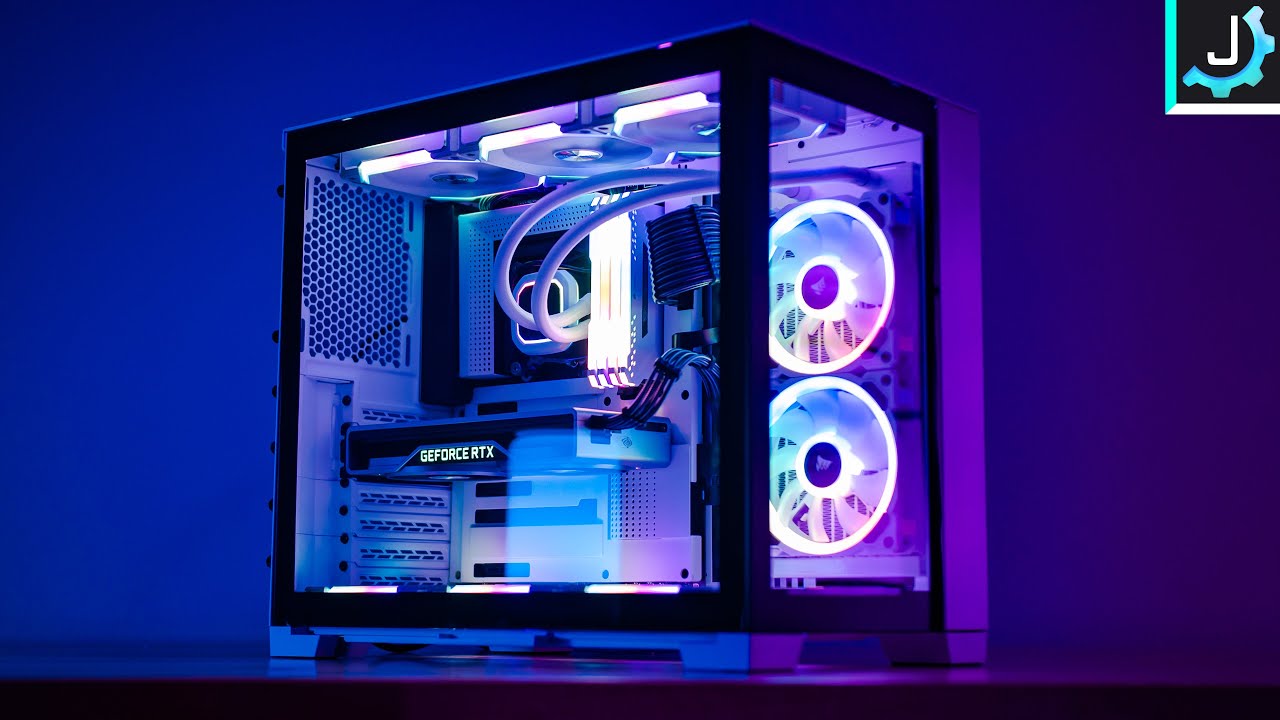
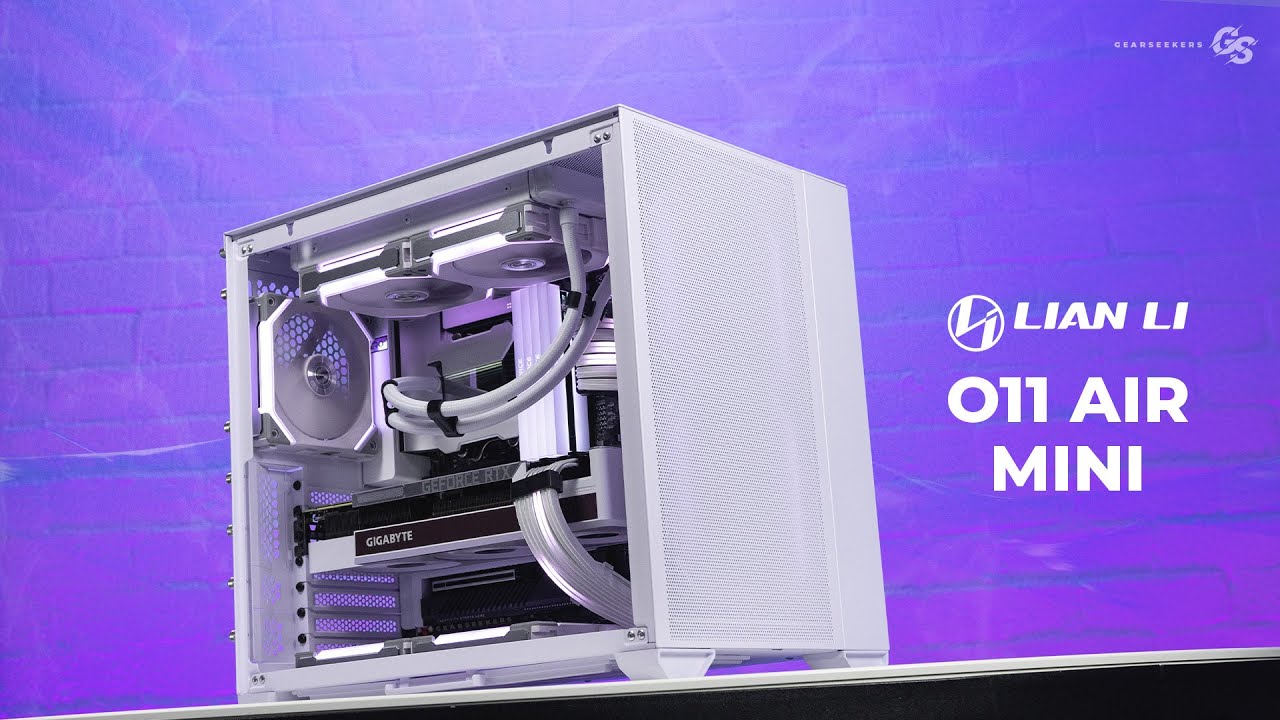
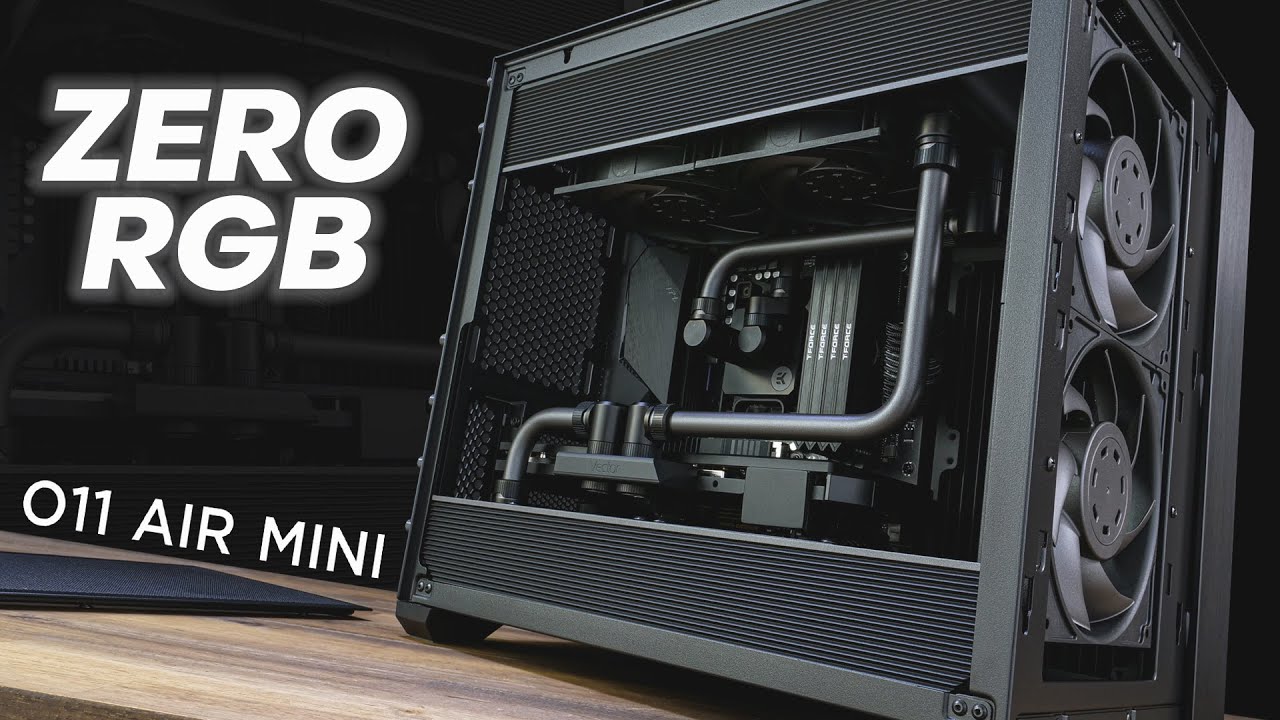
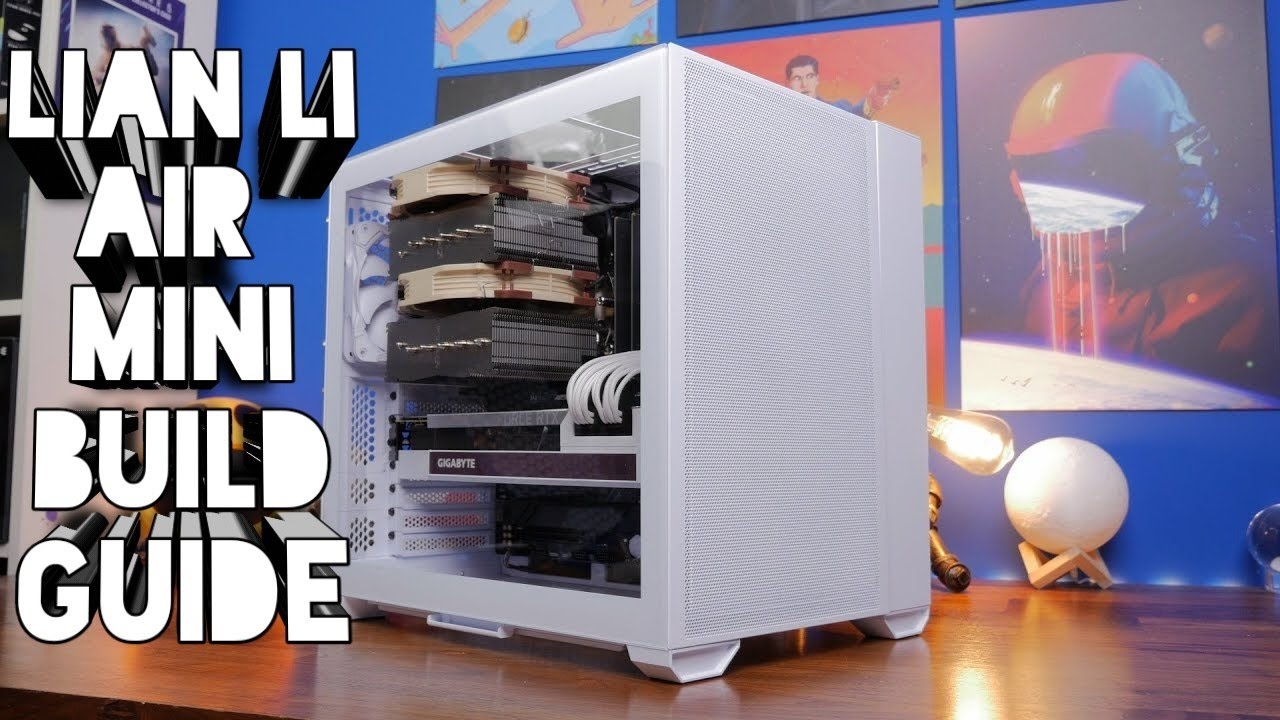
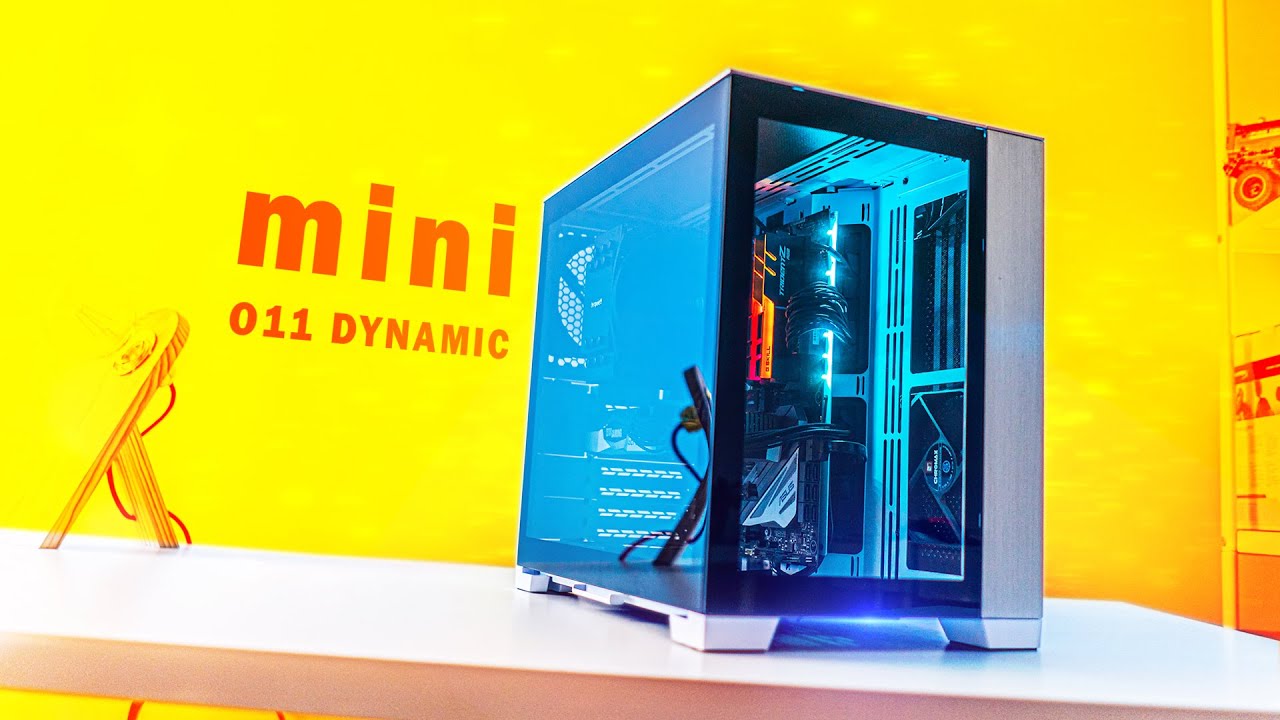
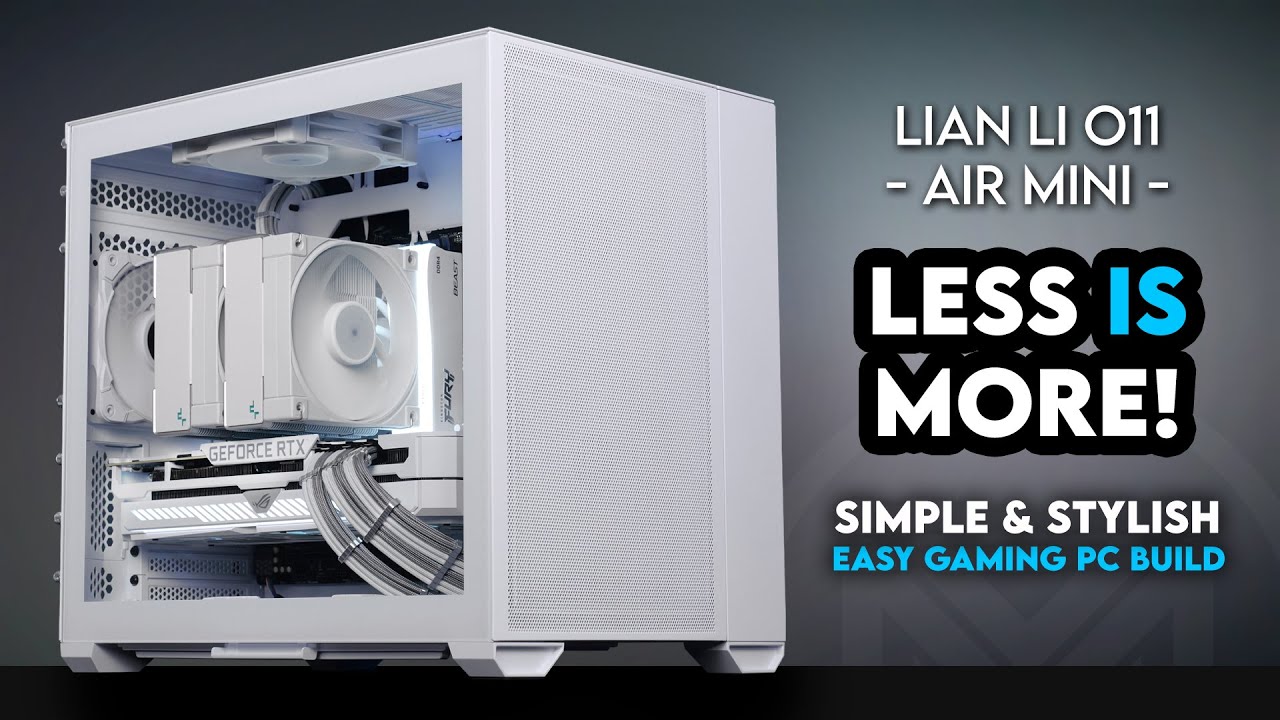
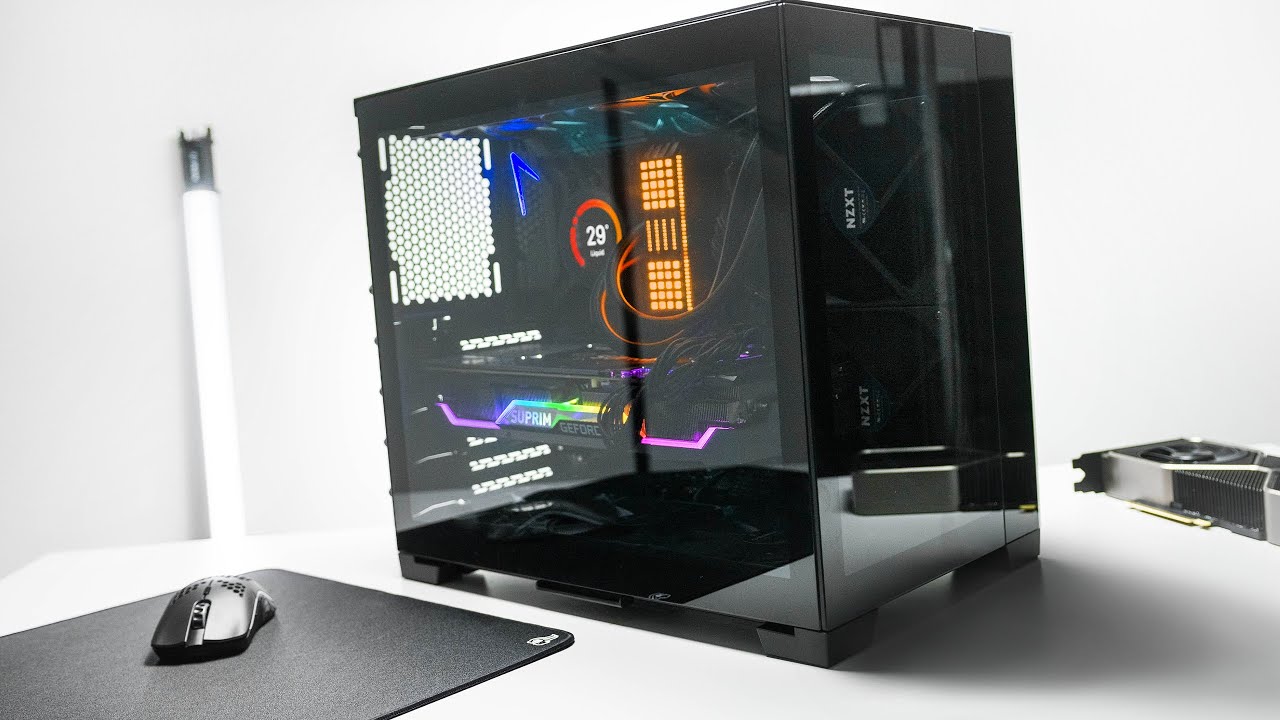
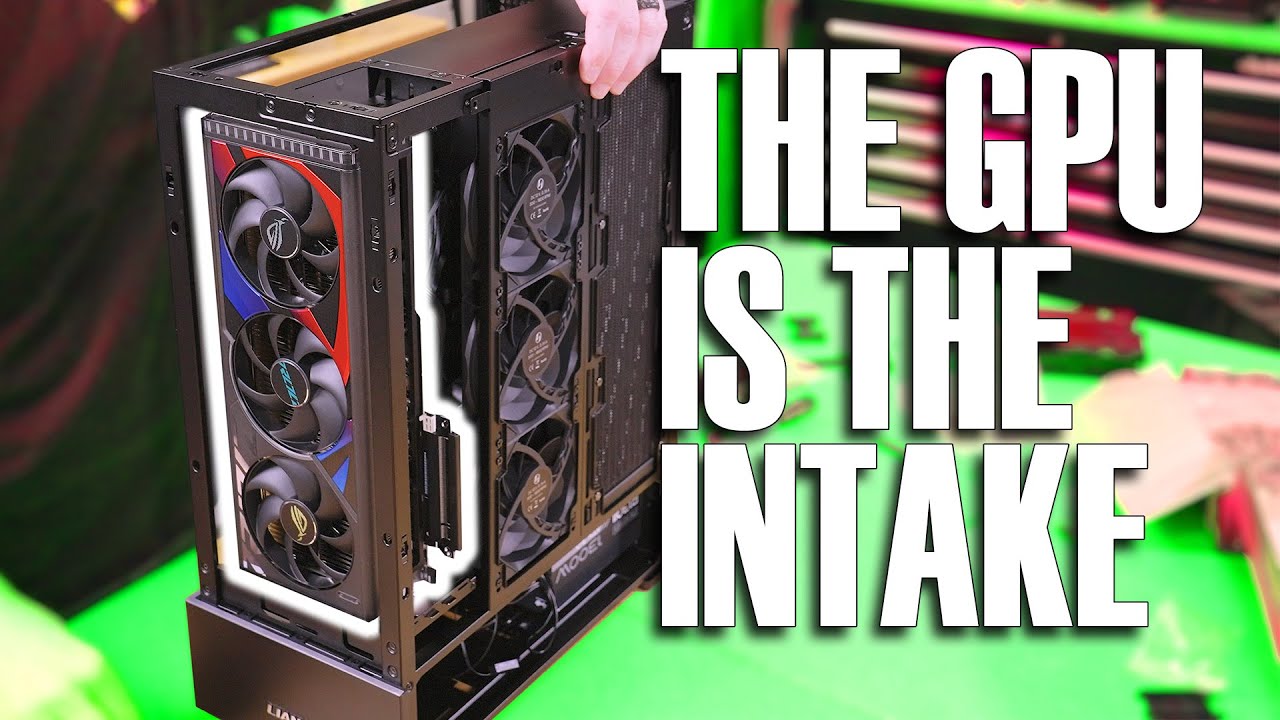
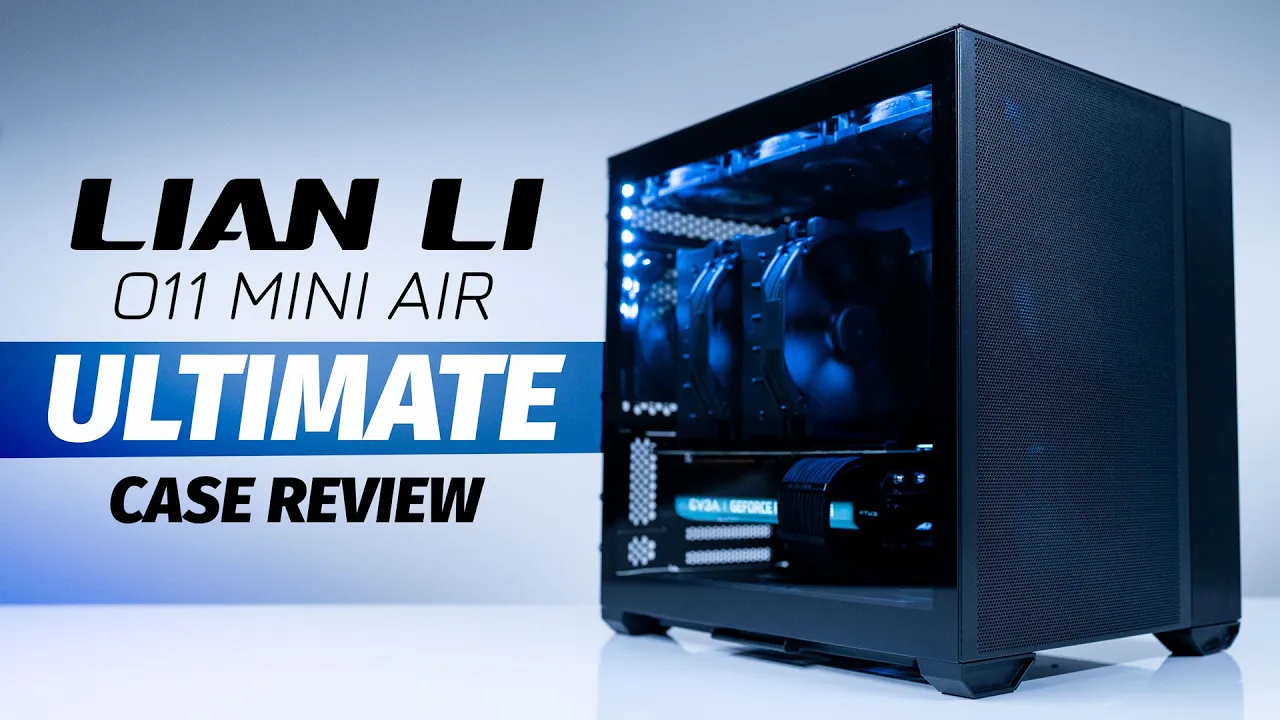
hot on the heels of the hottest pc case over the last going on four years now liam lee has done it yet again and we tested it with the biggest and best cooling equipment we could to see how this thing would stand up how did it fare well let's find out shall we [Music] when liam lee released the 01 dynamic and the dynamic xl the game changed with stylish looks enough room to fit two rtx 3090s in it xl only by the way don't believe me you could check out our build ten thousand dollars worth right here the 011 dynamic was truly innovative and as i said before it's a true game changer we've built it in a hundred different variants for the 0. 1 dynamic between the regular case the xl and the mini variants and it looks great every single time always some of our most watched streams even if it's like the 150th one the only missing thing on the on one line was airflow wait wait wait leonley 011 dynamic is not an airflow case but it has like a bajillion fans no ladies and gentlemen it isn't it was meant to be a water cooler's dream and that's why they partnered with the awesome devourer to design it however liam lee released an 0-1 airflow version in 2018 but they were missing a smaller form factor case as the 0-1 line of cases are rather on the larger side of the mid-tower they released the 01 mini in november of 2021 and that has brought us to this the liam lee 0-1-1 air mini yeah yeah we know roby this is old news i know you know and i am so sorry it took so long to cover it but we are here now and are way more entertaining than those other guys so let's jump into the case now shall we also don't forget you can help us and potentially win some cold hard cash in the process just make sure you stay tuned until the end of the video on how now liam lee was gracious enough to send us an 0-1-1 error mini for ryu yes it was a while ago they actually do like us so let's get started on the overview case so let's get started on the overview the case and let's see what it supports coming in at 16 inches in diameter 11. 5 inches wide and 15 inches high it's classified as a small tower it's a little bigger than another small form factor case of mine the nr200p from cooler master but with full atx support still i wouldn't consider this a true sff or small form-factor build but it's smaller than the 0-1-1 dynamic for sure made with a four-millimeter aluminum panel a 0.
8 millimeter mesh front panel a four millimeter tempered glass panel this german engineer case is quality all the way around i cannot emphasize this enough this case feels premium and looks that way as well i mean just wait till you see the finished build by the way if you are liking this content make sure you like and subscribe it for more on the latest cases hardware from all the big manufacturers and some super premium sweet builds in those cases as well now back to our regularly scheduled program the motherboard support in this case is quite a feat as it supports eatx up to 280 millimeters wide but still eatx sorry that's crazy in a small form factor case ish also atx micro atx and mini itx motherboards so motherboards like your asus rog strix x570 crosshair 8 extreme will fit in this case and it has a modular back panel that adjusts for whatever motherboard you want to fit inside of it just make sure like we always tell you that you make sure that you have enough room for your components do your research and things will work out or sometimes not but maybe that's just me seems to be happening a lot in the last couple weeks now for your psu you can still fit full atx size psus up to 200 millimeters in length like the corsair rm1000x just be mindful of your cables in fact we would recommend going with something like the evga supernova 1000 g6 as it packs the same punch and is a whole lot smaller now onto fans and radiators because there's quite a bit here so we'll try our best to make it as easy as possible and entertaining there are four modes in total here so let's talk about them quickly like a transformer or who remembers mask let's say like mask there's a five slot mode fitting itx and micro atx motherboards and a seven slot mode fitting all motherboards the gpu vertical top mode mounts the gpu up off the bottom of the case allowing more route on the bottom of the case the gpu vertical bottom mode which mounts the gpu closer to the bottom leaving more room on the top of the case alright let's see what fits in one in five slot mode or gpu vertical bottom mode at the top you can fit 240 millimeter by 280 millimeter radiators or three 120 millimeter two 140 millimeter fans with a max total thickness clearance of 65 millimeters with either micro atx or itx motherboards okay on the bottom in five slot mode only with a micro atx motherboard you can fit a 240 millimeter radiator or two 120 millimeter fans or two 140 millimeter fans note that 280 millimeter radiators are not supported on the bottom with the micro atx motherboards for itx motherboards on the bottom you can fit 240 millimeter or 280 millimeter radiators or two 120s or two 140 millimeter fans for the bottom of gpu vertical bottom mode you have a max thickness of 20 millimeters so slim fans if you want any fans to fit down there at all on the side in either five slot or gpu vertical bottom mode you can fit a 240 millimeter radiator or two by 120 millimeter fans with a max thickness of 59 millimeters finally in the front using five slot or gpu vertical bottom mode you can fit 240 millimeter or 280 millimeter radiator or two 120 millimeter or two 140 millimeter fans directly from the spec page they also state the following when you have two 240 millimeter radiators installed on the top and the bottom the max thickness of the front radiator is 40 millimeters with two 280 millimeter radiators are installed on the top and the bottom there is no room for installing a front radiator whatsoever does it make any sense again honestly don't worry we have a link down the lee lee's specs page below if you really want to dig into it now when it masks to seven slaughter gpu vertical top mode things are pretty similar as well at the top you can fit three 120 millimeter fans or two 140 millimeter fans with a max total thickness clearance of 25 millimeters in both modes on the bottom in both seven slot or gpu vertical top mode with an atx motherboard you can fit a 240 millimeter radiator two 120 millimeter fans or two 140 millimeter fans with a max total thickness of 20 millimeters in 11 slot mode or 60 millimeters in gpu vertical top mode i know all these modes and stuff can be a little confusing but i know that we're showing you a lot of imagery that is hopefully making this make a little bit more sense note that 280 millimeter radiators are not supported here with an atx motherboard for itx and micro atx motherboards at the bottom you can fit a 240 millimeter or a 280 millimeter radiator or two 120s or two 140 millimeter fans a max total thickness for gpu vertical top mode here is 60 millimeters now both modes for the side you can fit a 240 millimeter radiator two 120 millimeter fans with a max total thickness of 59 millimeters and finally in both notes you can fit 240 millimeter 280 millimeter or 220 millimeter or two 140 millimeter fans up front same note applies here in seven slot mode as it does in five slot mode when the two 240 millimeter radiators installed in the top and the bottom the max thickness of the front radiator can be 40 millimeters when two 280 millimeter radiators are installed on the top and the bottom there is absolutely no room for installing the front radiator another note here from liam lee in seven slot mode that says when mounting a front 240 or 280 millimeter radiator please install the inner side of the fan bracket [Music] now hopefully that all made sense i'm sorry if it didn't we tried to make it easy but that's the thing that's super awesome about this case is how many options you have when doing your build one thing to note about this case is that you do need to do some planning to make sure you set up this case exactly for what your build need now some additional good news you can buy the vertical gpu mounts on amazon for both the pcie gen 4 and pcie gen 3 you can check for those links down in the description below but after all that i definitely need a drink going through all those fans and radiator configurations like a nice stiff yoohoo while i'm watching mask does anybody even remember masked but wait robie it's an airflow case you forgot to talk about cpu cooling for air coolers can i just put an air cooler on there well of course you can it's an airflow case and it will house cpu air coolers up to 170 millimeters in height so air coolers like the cooler master master air ma620m or the noctua nhd15 dual tower cooler both check in at 165 millimeters and therefore both fit now let's move on to everybody's favorite thing what kind of gpu can you fit inside of this case well the liam lee 0-1 air mini allows gpus up to 362 millimeters in length so cards like your asus rg strix 3080 ti will fit in here with no problem just be mindful of the radiator and fan placement and always measure it out before you install everything and find out if something doesn't fit you can even do this again all of the specifications and stuff are in spec pages lord knows i've done this a time or two but don't be me be you and be the best you you can be now you won't have to worry about your storage and drive support as this case has room for six that's right six two and a half inch ssds or two two and a half inch ssds or four three and a half inch hdds just remember the more ssds and hdds you start putting in this the more cables you have to manage and in small cases like this it might just be better to buy bigger nvme drives as most micro atx's and other motherboards have two or more slots on them some itx boards even have two slots like the b550 phantom gaming from asrock or the asus rg strix line it has one on the front and one on the back and some of them even have it stacked which is actually pretty cool and there you have it all of the features and then some modularity is cool and all and we are glad that liam lee has done it but the number of options in this case can be overwhelming for the first time builder but that's also what makes liam lee and specifically this case great if you are ever in doubt and you need some help with your build pop on over to our discord server over desk or dot gg slash roby tech and ask about it we would love to help you between our techs and our phenomenal community we are sure to help you with what you need without someone trying to tear you down and make you feel about we promote a family-friendly environment and everyone is welcome but if something ever happens just blame it on tom like i do now that we've got that out of the way let's get a bill done in this and test it out and go over the thermals in the case and see how it actually performs [Music] starting at the heart of this thing we're going to use the core i7 12700k one of the biggest air coolers you can buy and that is the noctua in hd15 we got all the noctua fans that we could to fill this thing all the way up the rog strix z490 g so we're gonna be using a standard psu and this is the 850 g6 this is the 12 gig version of the asus rg strix rtx 3080 is the brand new card that just released for our ram we're using vengeance ddr5 this is 32 gigs at 5600 megahertz and then we've got two wd blocks we've got an sn 750 500 gig for our os drive and we've got a one terabyte sn 850 for our game drive this is an led strip that we will make white so we can just highlight it'll be at the top part of the build just to make sure that we can show the inside of the case a little bit better this is a z490g not a z690g [Music] are you kidding me there it is guys z690g let's start putting our uh motherboard together we got all our parts right here this is the right motherboard it would have really sucked trying to put a 12 gen inside of the other motherboard there it is right there unlock this there we are whoa that was a good pop now let's go and put a ram in ddr5 clicks coming up guys oh my gosh [Music] okay so we're going to do our sn750 at the top [Music] get that clicked in and then we're gonna take our sn850 put that at the bottom there we go we're gonna put the biggest flipping thing and then another box okay here we go here's our tower it's like glasses it's like glasses it's like glasses [Music] look at that lots of cooling [Music] there's our motherboard ready to go into our case oh that's nice pops right off just slides right off there we go there's our rear no dust filters it's all like it's there's no dust filters it's actually kind of cool [Music] there is all the fans out [Music] oh you know what i might have to move the fan this i don't know if the fan's gonna fit oh it does fit [Music] we've got our 30 80 12 gig this is the new one from asus let's just see if this this fits [Music] okay we are going to switch gpus if that didn't have that little lip it would fit just fine it's just a little thick okay so we're gonna switch this to a 3080 ti okay so we got that done let's go and start putting our fans back in now [Music] there is your build all of those fans that's crazy okay let's get our cake let's start getting all our front panel connectors hooked up all that sort of stuff [Music] tools are out of the way let's grab our gpu see that fills it out like nicely we're gonna switch psu's so we're gonna go to a thousand g6 and from it up from an 850 g6 [Music] that is a very nice looking build now this rgb is just going to be a white light when it's all done just to bring some white light down from the bottom and turning it off okay here we go it's on [Music] [Music] [Music] [Music] dude [Music] [Music] so here's the deal the lien lee 011 mini air is actually very easy to build in if and this is a big if you plan your build accordingly with great power comes great responsibility what does that have anything to do with this build well nothing at all but it is really good life advice but seriously this case allows for so many options that just making sure it is set up correctly for the build you put into it is the key to ultimate success i mean even this week when we were doing an 0-1-1 mini air in our haste we forgot to add the extension plate for the micro atx motherboard which slowed things down considerably and had us removing half of our build i know people say documentation is for wussies but in the case of the 0-1-1 mini planning and ensuring your case is set up for you is going to save you a ton of time one key thing is that for instance the build comes in seven slot mode by default and if you're using a micro atx that would work fine but if you keep it in that mode you will not be able to fit an aio or radiator on the top because you just won't be able to clear the vrm for that you would need to transform over to five slot mode and then you would be able to have the ideal setup for an aio cooled micro atx build barring this little bit of overhead which i would gladly pay given the sheer amount of options this hybrid system provides the rest is straightforward there is a lot of room for cable management having done literally hundreds of builds in this case it's so easy to make this pc look good and with everything removable you'll be surprised how many options you have so build experience is good as long as you plan but what about thermals roby does the case deserve the name air so we went about as hardcore as you can with air cooling without being too crazy so we took a 12th gen intel 12700k and we cooled it with the super beefy noctua nhd15 oh and finally we used eight that's four by 140 and four by 120 millimeter noctua af fans to ensure that the case had no excuse okay well for cpu on the 12th gen intel 12700k cooled by the noctua nh d15 at idle in the open case we were chilling at a nice and very cool 28 degrees in the open case and only a slightly warmer if you call 29 degrees warm in the close case scenario however when we cranked it up and really pushed this puppy we saw things pop up to a wait for it 74 in the open case and only a slightly warmer 77 in the close case scenario as far as audio which we do it's worth mentioning right because you know we're using noctua fans we got a ton of fans in here we found out that honestly even with the standard curve which we use for our runs and our tests which is 100 i will say that we did not even notice much louder an experience than we did on any other cases we have tested which is also pretty dang awesome plus 77 degrees and load on a 12700k air cooled what okay so for gpu it was actually a similar story at idle we saw temps at 30 degrees in the open case on idle and a slightly warmer 31 in the closed case which honestly is pretty crazy that our cpu is lower than our gpu which usually it's the reverse in many cases especially when we start getting things crazy because we saw things pop up to 80 on our rtx 3080 ti in the open case scenario and an only slightly warmer 82 in the closed case which even not something that's available even possible with an air cooler in a standard 0. 1 let's just be honest so the build experience is great if you plan and the air actually does belong in the 0-1-1 mini air final question how did the 12-700 k and the 3080 ti perform in games roby well i am so glad you asked first up single-player nvidia tuned experiences with intel 12th gen core i7 12700k and an evga rtx 3080 ti for the win3 for tomb raider running at 1440p with dlss on at the highest preset we saw an average frame rate of 231 frames per second across the runs we did on the game yeah i mean dang that's high and only one frame higher than our 30 80 12 gig by the way now for metro exodus also running at 1440p running with ray tracing on high and dlss set to ultra performance we saw an average frame rate across our runs of 106. 42 now that is a significant jump from the 30 80 12 gig not that you were asking but worth noting well what about amd single player experiences we can't be all in video we got to be fair okay well first up let's talk about dirt 5 running at 1440p with ultra high graphic settings we saw an average frame rate of 154.
that's like 120 fps plus plus more than double what you need for racing games lastly in rounding out our single player experiences was borderlands 3 running at the highest graphical preset we saw an fps average of 123. 22 now an interesting thing here is our q58 which is a 5600x paired with an rtx 3080 we saw 130 frames per second and we can definitely see that amd optimization here does help even when we're bumping it all the way up to a 3080 ti okay so definitely some magic here between the 5000 series and pairing that uh with even an nvidia gpu okay so what about mp games roby well for apex legends running on low visual settings at 1440p again we're optimizing for competitive gameplay and the highest possible frames per second we saw an average frame rate of 278. 2 fps across our multiple game sessions zero issues here and pretty much good for any high refresh rate monitor that isn't 360 hertz for call of duty warzone again on low visual settings at 1440p optimizing for competitive fps and maximizing for frame rate we saw an average frame per second of 216.
7 seeing a trend here that is indeed this is a beast of a card and a paired with an awesome cpu finally for fortnite again at 1440p on low visual settings set for competitive you are sitting at a still very fluid and very high 468. 9 frames per second which well is almost 500 so yeah that seems fine okay so there you go roby wrap it all up lee lee has taken special care with this case and we continue to see just that with each new iteration of the 0-1-1 that continues to release it's cool to see how much refinement can be done to a case and how much liam lee continues to listen to the feedback of the people building in the case to make each iteration better the 01 mini air is no exception as this case was designed with airflow in mind and when i built an airflow focus build in this case it did extremely well to be clear there are other airflow cases and even better airflow cases but the lee lee 011s have a visual aesthetic that people really enjoy and very few cases have the performance and aesthetics dialed in like the leon lee 0-1 does and it's nice to now have a more functional airflow version with the 0-1 mini air with some solid pre-planning you can have a great build experience paired with a great looking build and what's best a great performing build both aesthetically and thermally we really pushed this case by trying to air cool one of the warmest cpus out there and the case allowed the air cooler to manage its job effectively so yeah i can completely recommend this case for both air cooling or water cooling and it's nice to have an option in the stable of ever-growing 0-1-1 dynamic cases coming from lee lee but what do you think about this case after this video tell us and maybe even win a little cash in the process first and foremost you need to leave a quality comment down below along with liking and subscribing to the channel when i say quality comment it doesn't need to be positive it just needs to be something you liked or didn't like about the video what surprised you etc about the build or the video specifically just not a i deserve to win can i has a free pc or something similarly lame you also need to ensure that you have a way for us to reach you via your youtube profile so an email address we will be giving away 25 to one lucky comment below that is worldwide as long as you can accept paypal or venmo and it's usually announced within two weeks of the release of the video date questions we'd love to get answers to did you like the case did you like the video and was this review helpful were you surprised about what we were able to do with an aircool 12700k and what were your thoughts on the liam lee 011 mini error we'd love to know all of that down in the comments below now while you're down there make sure you slap that subscribe button with that like button and ring that notification bell so you get a notification each and every time we post a new video right here on robytech did you know that we have a live stream channel for special builds and events check out robitech live down in the description below so you can like and subscribe there to know when we go live over on that channel have questions about this case or any other tech related questions then check out our amazing discord server filled with other tech and pc enthusiasts that love to share their thoughts and ideas on these very subjects are you looking for cheap tech then check out robytechdeals.