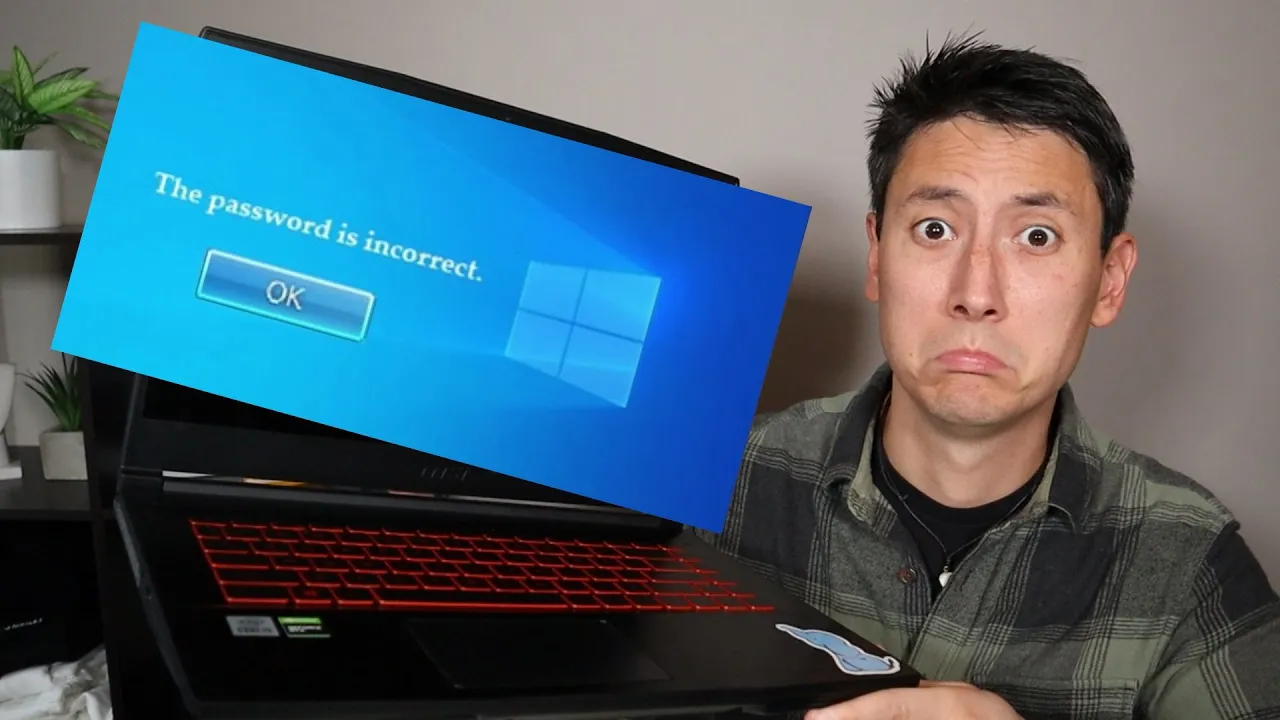
guys my name is Jamin this is my channel PC monkey where I bring you a wide variety of computer do-it-yourself repair and upgrade videos in this video I'm going to show you what to do if you forget your Windows password and you can't get by it when trying to start your computer before we begin guys two quick things first please remember to like share subscribe if this video was helpful if I do help you solve your problem and you want to support the channel a little bit more feel free to drop me a super thanks
guys even a couple bucks goes a long way to me making these videos and also being on hand as often as possible for your questions and comments if you do have a question and it's not Below in the FAQs leave it I try to get back to those at least a couple times a day second and lastly a quick shout out to my sponsor nice hash nice hash is the world's largest hash power Marketplace what that means for you is you can now rent out your computer's unused power online to people who mine cryptocurrency and
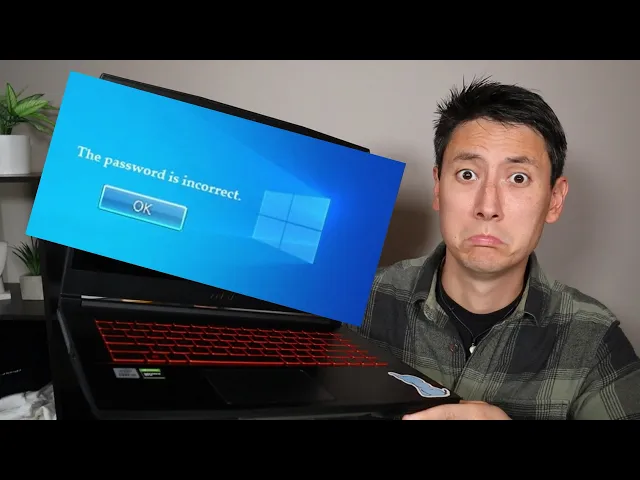
they pay you for that power in Bitcoin great way to earn some money on the side great way to start investigating the world of crypto you can check them out here or I'll figure out a little bit more about them at the end of the video so now let's get into the project well I just started up this Asus Rog laptop I'm going to hit Escape as you can see here it's not accepting any passwords just try to skip it password's Incorrect and no matter what you type in passwords incorrect so if you forgot your
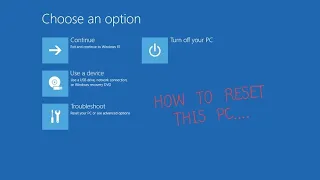
password here's what you do you're going to hold down your shift key and you're going to go over here and you're going to restart the computer so I'm going to hold down shift tap on this power button and hit restart all while holding down your shift key I'm still holding down on it okay now I just let the shift key up once that restarted so now you're in your recovery options here so I'm going to go down to this third option troubleshoot reset this PC but for me this computer is a purchased used laptop I
want to remove everything I don't care about losing the data um if it's you and you want to keep your data you would choose this hopefully you have a backup as well but I'm going to hit remove everything and now the computer starts the restart process so I'll stay here with you I'll fast forward some parts that take a long time but I'll show you what happens when this restart process is done so this is asking a cloud or a local I'm going to hit local I'm going to select all drives because in this computer
there's more than one drives a lot of you will only have one hard drive and then I'm going to select fully clean the drive it's just warning you that this can't be undone erasing all these files I'm good with that I'm going to click on reset and we're off now another thing to keep in mind guys make sure your computer is plugged in through this process this reset can take a long time sometimes and you definitely don't want your computer running out of power during a reset so definitely please make sure your computer is plugged
in so just as a warning it's at 95 percent now but this is over an hour and a half maybe even two hours since the reset started so just be aware that this could take some time so now it's reinstalling Windows for us as you can see down here your PC will restart several times so just so you know if it does do that that's why all right so now we're kind of at the same screen you'd see with a new windows install so I'm just going to go through these options with you select your
region I'm going to hit next or yes rather is this the right keyboard layout yes do you want to add another keyboard layout no I'm going to hit skip if you guys choose to connect to a network on a new install or a factory reset like this you're going to be forced to either sign into a Microsoft account or create a new Microsoft account because I don't want to be forced into that choice I'm going to click on this button here I don't have internet I'm going to have Windows set up without internet um and
I'm going to click that button again confirming that choice I'm going to hit accept to the tnc's that way this computer will finish setting up and then I can log into a Wi-Fi network then I can update and then I can choose what I want to do about a Microsoft account who's going to use this PC I'm just going to call it Asus for now hit next I'll password I'm just going to hit next and skip okay privacy settings I usually like having all these things off um I don't like giving people data without them
paying for it so I'm just going to shut all these things off make it easier hit accept and then I'm not going to allow this for now either um Cortana having access to more data I'm not going to allow that now all right so it's finishing up all right and there we go we're at your desktop okay so now you're at your desktop Windows is installed you after this process what I would do to make sure the computer is running well I would go into updates after signing on to a Wi-Fi network and I would
run all your updates this is basically a new version of Windows and you're going to have a lot of updates so to take you as an example through that to go into it a little more in depth there'll be a video link up here showing you how to process all those updates before ending this video please remember to like share subscribe if this was helpful if I did help you out from a hard spot feel free to leave a super thanks and as I mentioned before the video I'll fill you in a little bit now
more on my sponsor nice hash nice hash as mentioned is the world's largest hash power Marketplace again what that means for you is you can now rent out your computer's unused power online to cryptocurrency miners who will then pay you in Bitcoin it is a great way to put your computer to work without you having to work yourself it's a great way to invest in Bitcoin without any actual investment you've already bought the computer it's already using electricity this just puts it to work for you and then this way you can start learning the world
of crypto without risking your investment uh you can store your money on their wallets you can use their research tools to research other cryptocurrencies and you can use their exchange feature to trade for other cryptocurrencies it's a fascinating world it's really kind of fun feel free to click this link for more info if you have any questions or comments leave them below I do try to get back to you guys a couple times a day at least thank you so much for watching and I hope to see you on my next video