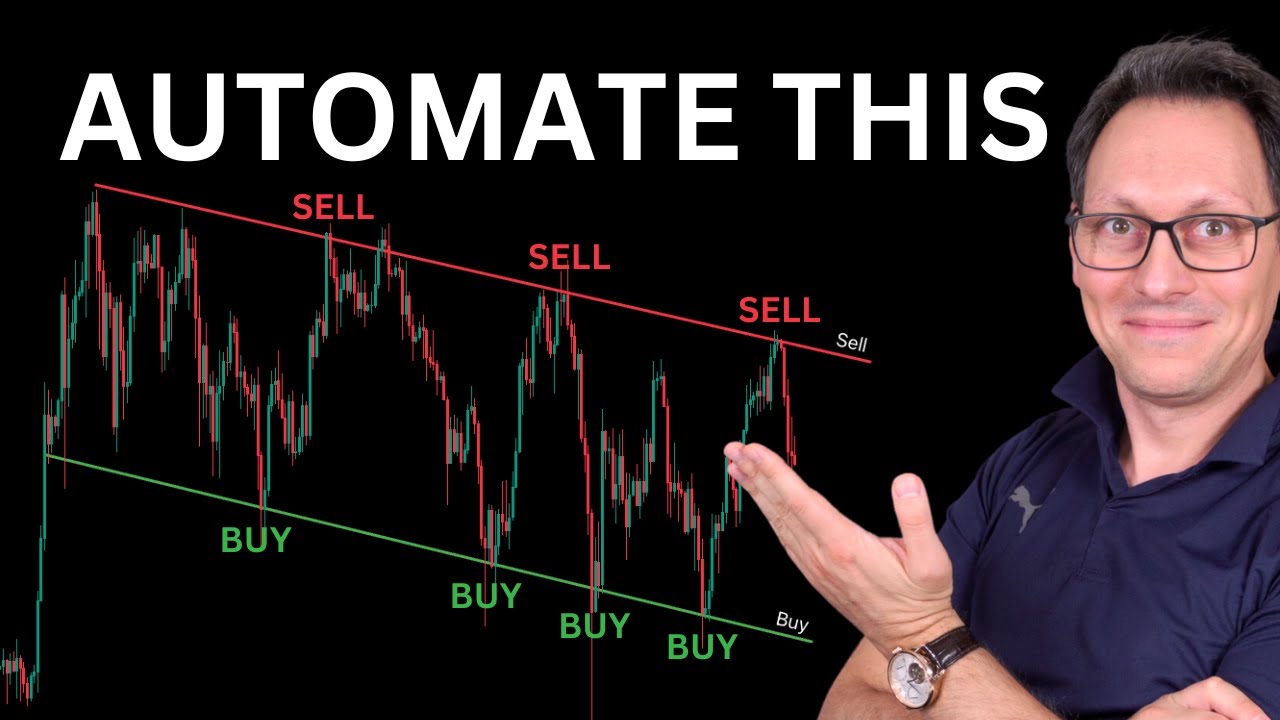
that's right guys in this video I'm going to show you how to automate any trading view strategy even if you don't have access to the code even if you have zero coding knowledge you can automate any trading view strategy that you find in the indicators with just a couple of clicks and we're going to use Signum for that it's a new tool that makes life much much easier when automating and if you remember I already have one of the most popular videos on automation which is this one with 41,000 views and that video is already
Mega popular and people love it now in this video I'm going to show you an even simpler method to automate it's going to take just a couple of minutes let's go and for this tutorial to work you need three things you need a trading view account which you can get the essential subscription is good enough you need access to Signum which you can get by just putting your name and email and you need one of these exchanges that Signum supports and we're going to add more exchange support very soon and first of all I want
to go through the steps of automation very quickly so you see if this video is what you're searching for and then after that I'm going to go through the Steps step by step so you can actually follow along now first of all I'm going to log in to Signum and once I'm logged in I have to create a bot choose my exchange go through the tutorial on how to do that put in the API Keys connect basically Signum with the exchange and once I have done that then I will arrive in this view here where
I can choose my trading pair in this case it is Bitcoin usdt and then I simply have to copy the name the message and the web hook URL into Trading let me show you that right now so in trading view I'm going to use this strategy here which is actually Ultra good on bitcoin it has this performance numbers but that doesn't matter because this is about automating any strategy that you want so what I will do is I will click on the alert button here and then I will switch between Signum and trading view to
copy the name go back here put the name go back to Signum copy the message put the message here and then go to Notifications and then turn on the web hook URL go back to Signum copy the web hook URL put it here click create and that's it you now have fully automated this trading strategy to trade on bit taada that was easy right but now let's go into the details because Details Matter so now the setup is complete but still you need to know a couple of things so you know better what is actually
happening behind the scenes and as well how you can keep your setup working for the long term so make sure to watch the whole video every detail matters the first question you might have is Where is my alert that I have just created well for that simply click on this alert panel icon here and you will find your alert over here when you hover over that alert you will actually see quite important information so keep your mouse hovered over that and you can see here the message that you're sending to Signum which is super important
you can check the bot ID double check if that is the one in Signum that you wanted to connect with by simply going here and checking the bot ID if it's the same one that you wanted to have so that is quite cool you can also see which strategy you have actually automated to double check if that is correct and that's what you wanted to do and also you can see the chart in this case is the index Bitcoin USD chart and also on which time frame is it in this case it is the one
day chart and the most important information is it active because if this alert is not active then of course you will not get the alert sent to Signum and then nothing will happen right how can you keep this alert running for the long term well let me show you go to your alert and click on the edit icon and you can see here there is is a field called expiration for me it is an open-ended alert because I have this feature it's quite expensive you do not need to have this so if you don't have
an open-ended alert simply make sure to set it as far into the future as trading view allows you to do that so take the last day that it allows you to take click set click save and make sure to do that every 1 month even if you can set it two months into the future do it every month to extend your alert just to be safe okay but how does this alert actually send the message to Signum exactly well hover over this again and take a look at the message this is a Json and it
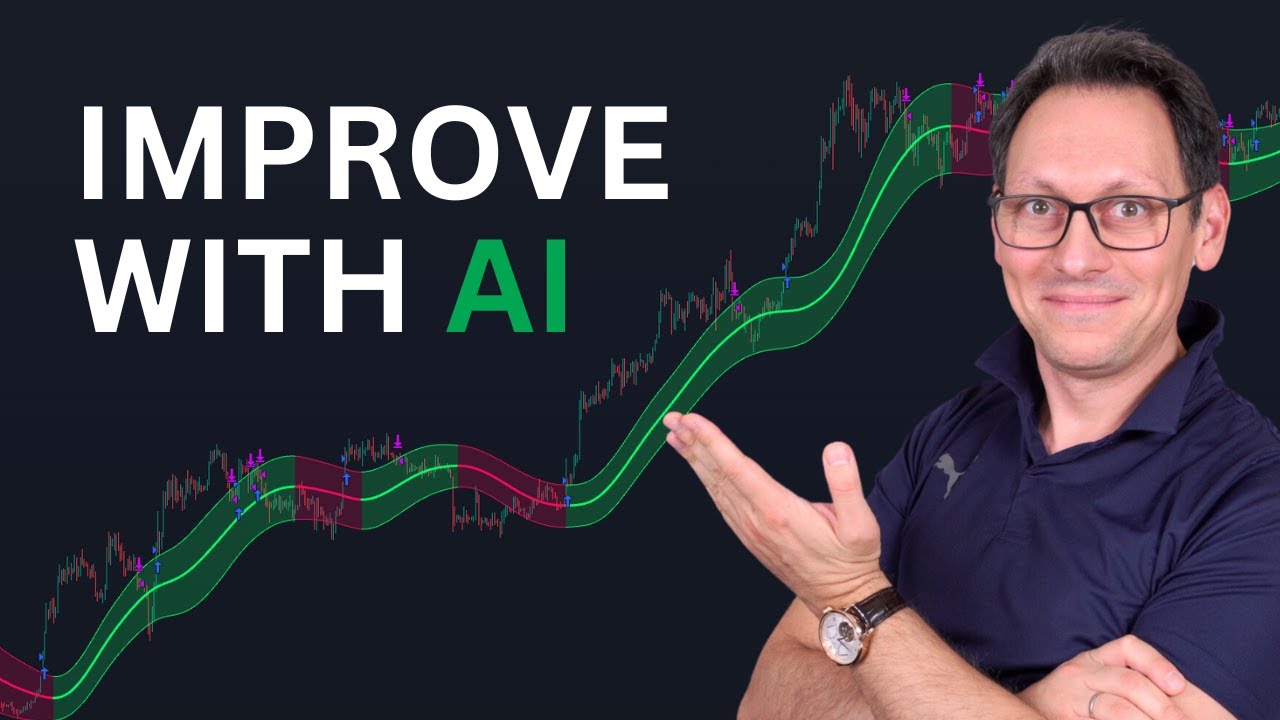
contains placeholders it contains a placeholder for the action and the action is strategy. order doaction and that will be simply a buy or a sell SO trading view will simply take whatever the strategy is doing here on the chart and it will give that signal to Signum so Signum can actually then trigger a proper Market order for you you on your exchange so here when you go to the Chart you can see there are these arrows inside of the chart those are the buy and sell signals from the strategy so this is the blue arrow
for buying and this is the pink one for selling right and those are exactly the trades that are executed here and whenever they actually happen in real time almost real time let's say it has 5 to 10 seconds delay to actually send the web hook and then arrive to your exchange so keep that in mind this is not for real-time trading of course so I'm using this for Trend following strategies this is what I do this is one of my strategies so as you can see here there is a Buy Signal and when it happens
in the exact moment 10 seconds later it will have triggered a trade on my exchange so what happens it will take this message it will replace all these placeholders right especially it will say which ticker is it which bot ID of course so Signum knows which bot to trigger which action is it a buy or a sell and then it will send it to the web hook that you have put here right which is Signum and then Signum will take it and send it to The Exchange easy as that I have a small diagram to
actually explain that even better so here basically the strategy does whatever it does and it sends the signal to Signum and then you can connect as many exchanges as you want and by the way we do require to have sub accounts for each bot because that makes the setup much much simpler in the long term because all the budgets are fully separated from each other and you will see all of that in Signum it's fully explained over there why that's the case so you can connect as many Bots as you want as many exchanges as
you want and whenever the strategy sends from Trading view a signal to Signum then Signum will take care to actually trigger the order and then to show you in Signum exactly what happened we have a log and we show exactly what happened when so if the order went through you will see that if there was an issue you will see that you will see exactly why the issue happened and you can fix it so it's quite simple this is the overall setup it is very easy to do and that allows you to take any strategy
from the indicators here from Trading view any okay even if you never have seen it before you don't have access to the code you can simply do exactly what I showed you in this video to automate that strategy there is a limitation that you need to know about and it is on purpose because Signum is made for retail investors for Trend following strategies and swing trading strategies so it supports only long positions right so if your strategy does long cool if the strategy that you have chosen does shorting then those shorts will not be executed
okay so keep that in mind another question that you might have is what if I change the settings of the strategy or what if I actually remove the strategy from here or I hide it or whatever will my alert still work will my automation still work and yes okay you can change the strategy however much you want you can even delete it fully it doesn't matter because the alert is completely independent from the strategy on the chart okay so whenever you create the alert it takes all of the information that I've shown you before right
you have here the information about the the strategy the time frame the chart and everything and it saves it and that is what it will use forever okay no matter how much you mess around with the chart or with the settings of the strategy and that is a very good thing you might ask yourself for how much money will this bot actually buy and sell well it says here the bot will convert 100% of one asset into the other asset now why is that a good thing well let me explain so here you have your
trading pair it's Bitcoin usdt and whenever is a Buy Signal it will take all of this usdt and buy Bitcoin for that cool and then and the most important part actually is this when there is a sell signal then it will take all of the Bitcoin that are on that sub account this is the sub account and sell it for usdt right and that is important because you want to protect your money from losing it again in the bare market so whatever Bitcoin is on that account in this moment when the sell signal comes will
be sold and converted to usdt which is stable right so your portfolio will do like this and by the way there was a losing trade here but that's it right it will not do anything until the next Buy Signal so that is good because instead of doing this your portfolio is doing this right and that is why it is like that now how is that beneficial well if you look at this you will see that you have a sub account here on bybit and that contains however much usdt you want to invest in the strategy
that you have connected right okay cool so when there is a buy ey signal it's quite simple it will take all of those usdt which is the budget that you have given this strategy basically and convert it to bitcoin but what if you find some more Bitcoin somewhere else on your wallet or on another exchange and you say listen you know what I don't want to look at the chart every day I want to just send it here to this sub account and when there is a sell signal right then take whatever is on that
account and just sell it okay sell it make sure that I don't lose it when the bare Market comes okay and why that is so cool is because you do not need to change anything in trading view or in Signum in order to have this exact behavior that I was just telling you about because it's already there by having this 100% conversion back and forth right so to summarize you have a budget for each bot on each sub account that you connect right you can move money in and out at any point in time and
the strategy will buy and sell whenever the signals are coming for 100% of what is there now there is one other benefit which is actually that because they are separate at the budgets are separated so the Bots cannot take the money from the other thing right so they are fully separate and you can actually see their performance cuz they are separated right so when one bot makes more money then it has more money next time to reinvest and so on right and when another strategy is another bot makes less money then it has less money
later on right and then you can do the calculations which bot was better and how much money did I actually pay in fees for this strategy for that strategy right it's fully separated it's very easy to do that and that is why Signum is like that so now you know why it's better to separate trading Bots into their own sub accounts and Signum will guide you into doing exactly that you click on create bot you click on the exchange that you want to use and then when you scroll down you will see either a video
or the explanation in form of text and images on how to create your sub account how to create the API key that you then put here and then also how to put money on that sub account it's very simple and for each exchange you have all the explanations right there at your fingertips it is very easy to do so now you know how to automate any trading view strategy but now let me show you trading view strategies that you can actually go and use right now because the one I showed you here is one of
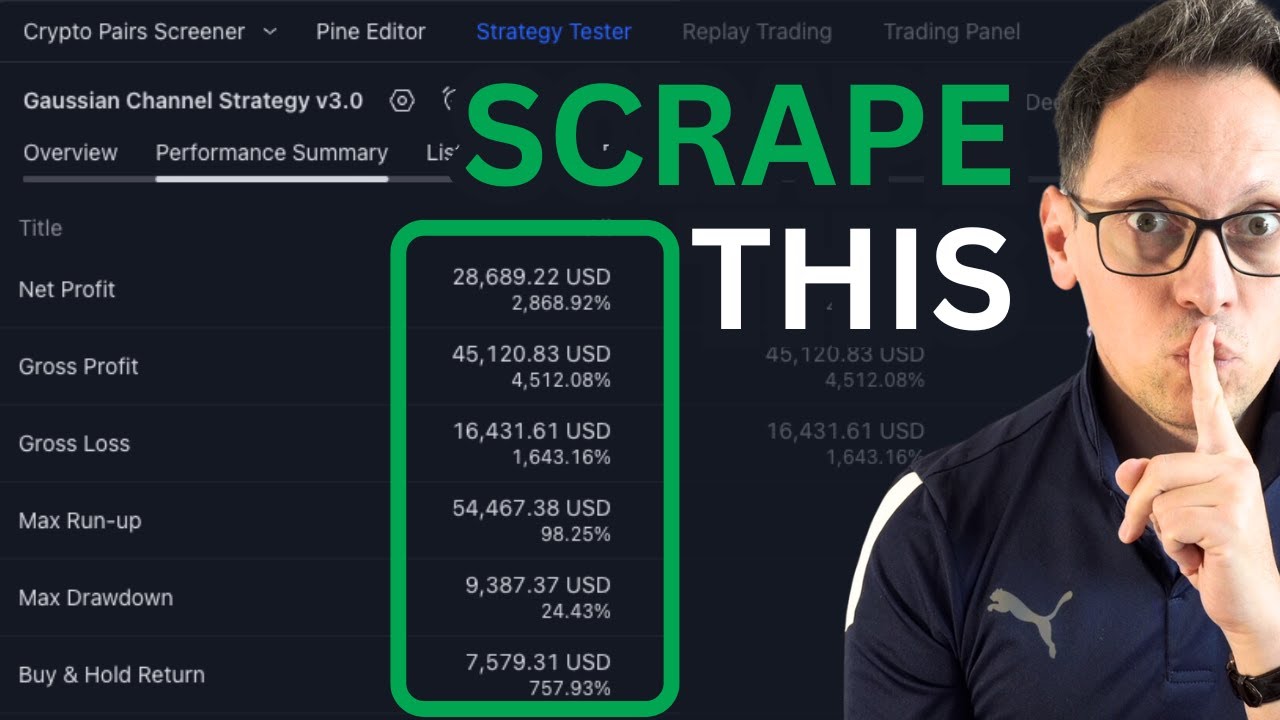
my own and in order to get access to that you need to apply for my autotrading masterclass but not everyone will want to do that and you do not need to do that unless you want the best strategies and the best education on the planet for automation but before that you can use other strategies now let me show you the Gan channel strategy which is actually one of my strategies but it's fully free and it's actually very good on bitcoin and Solana and some other coins and now you know how to automate it right so
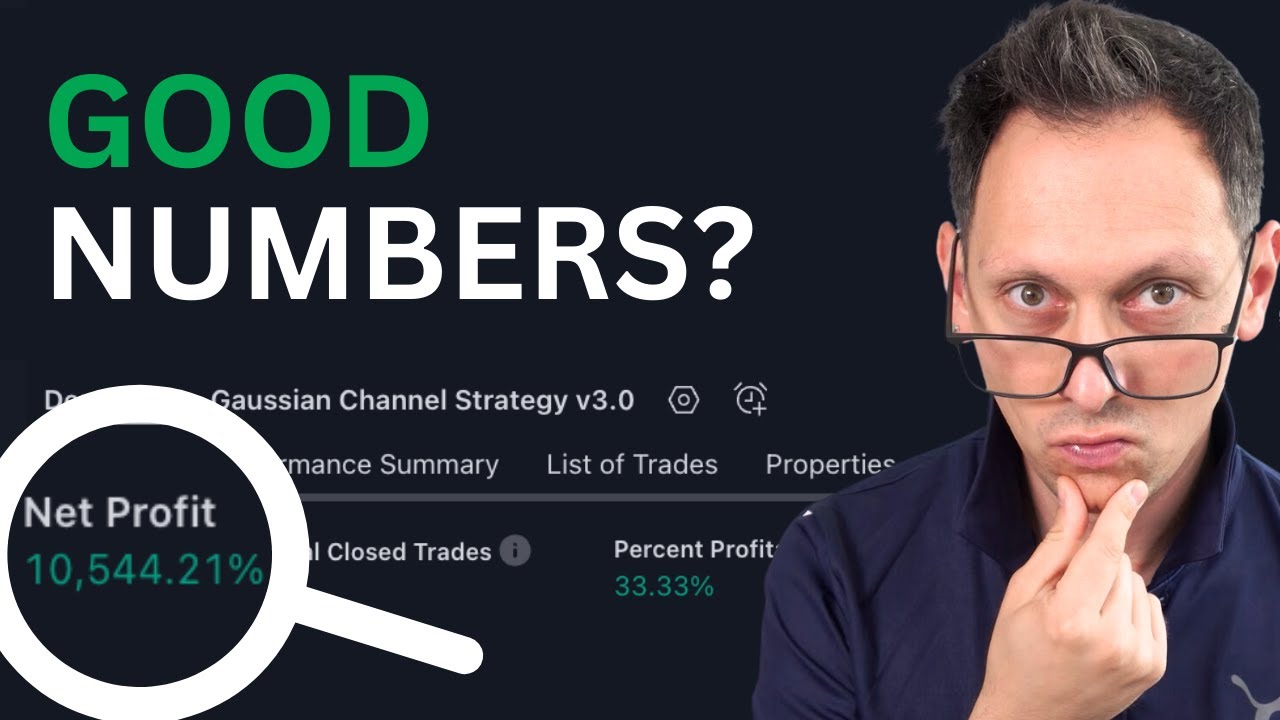
these are the numbers for the Gan channel strategy if you want access to this strategy it's very simple you just click down on my telegram group you join that telegram group and then you simply ask for Access give us your trading view username which you can find up here right this is mine but we need yours and then we can give you access very quickly another strategy that you want to look at is the breakout Trend follower strategy this one is quite interesting on many assets maybe not the best on bitcoin but try it on
other coins you can find it here by clicking on indicators and then simply searching for breakout Trend follower in general it's very hard to find good strategies I've been clicking through all of the indicator strategies from Trading view well not all but a lot of them and the trick is to search for strategy okay because not all of these things are strategies they don't come with buy and sell signals often they're just indicators so indicators don't have buy and sell signals strategies do have that right so trading view offers both so when you go here
to the indicators then type in the word strategy and then go through them and try them out maybe it helps to also say Trend strategy because you want to have a trend following strategy in my opinion are the ones that perform best and you can click yourself through them most of them are horrible and they don't produce any profits whatsoever they have huge Max draw down so that is why I'm showing you those strategies those two free ones and one of my own because it's very hard to find good strategies especially a strategy that works
on any crypto asset and will make money most of the time right CU you find strategies that work on one asset or two assets but that's it and those are not good strategies because it doesn't mean that they will also make money on that asset where it worked well because it's basically overfitted just for the time frame of the past but not really of the future so the best strategy is work on many assets okay that is the Golden Rule which most people don't understand yes my strategies do exactly that and that's why I have
my education I have access to exactly the strategies that I'm using and if you want to have access to this and by the way this is limited to thousand people not everyone will get access we have to understand each other and like each other I do not have to sell this okay I just want to help people who need help so this is not for everybody but if you think that this is for you make sure to read the whole page do not apply before reading this okay because it's a waste of time for both
of us and the members of this master class they are Mega happy with this right so yeah we both happy right if it's a match so if you apply then make sure to say schnitzel okay shitel the food because I will give you 20% off once we understand each other and we want both to get into this relationship right of being in the master class and also you being my student and I'm being your teacher so put schnitzel and you will get 20% off when you booked the call with me I hope this video changed
your perspective and your life forever now you know how to automate very easily you know which strategies you can use but what you don't know yet is why it is so important to have a strategy in the first place so make sure to watch this video next where I explain exactly that actually make sure to watch more of my educational videos because they will open your eyes even more and make sure to join our telegram group where we are discussing the marketing strategies every day I see you over there bye-bye
![Business Analyst Full Course [2024] | Business Analyst Tutorial For Beginners | Edureka](https://img.youtube.com/vi/1QKIvt05LmA/maxresdefault.jpg)

![React Tutorial For Beginners [ReactJS] | ReactJS Course | ReactJS For Beginners | Intellipaat](https://img.youtube.com/vi/9vZ8ELqerPo/maxresdefault.jpg)

![[Live Demo] How to Do Intraday Trading? How to Set Target and SL? Long and Short Sell Trades | E9](https://img.youtube.com/vi/TU0LBoPRZ28/maxresdefault.jpg)