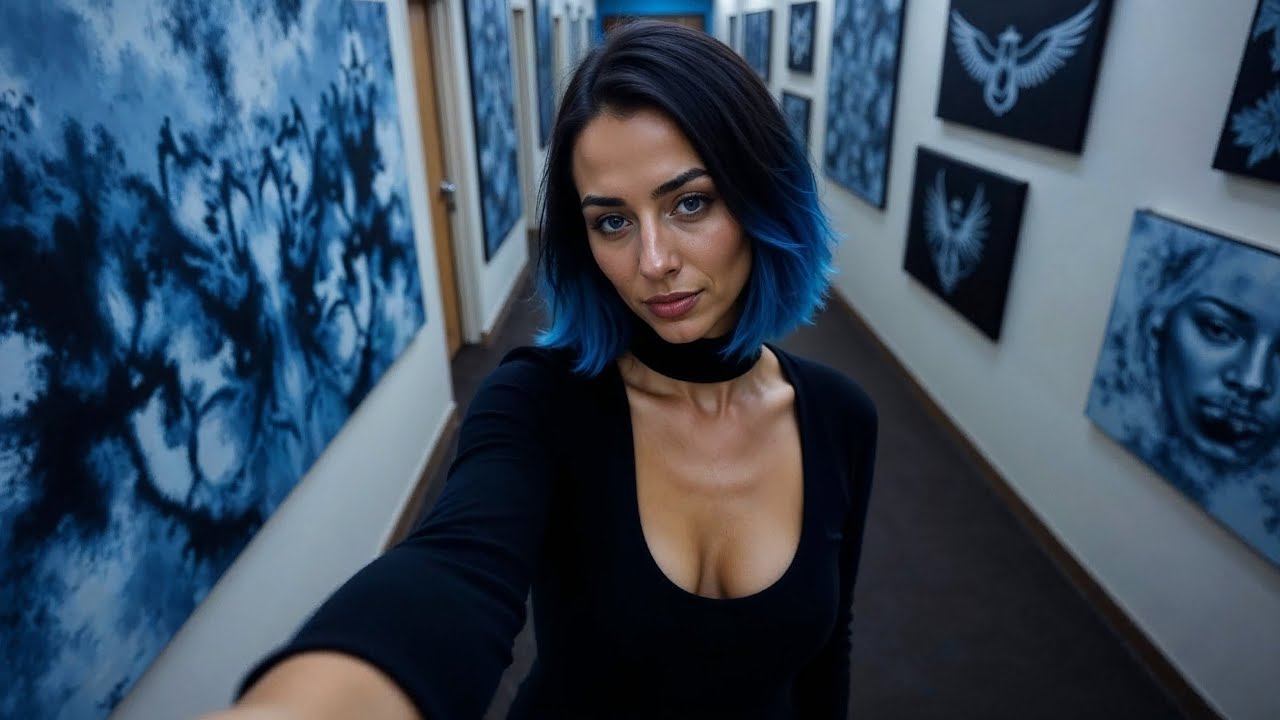
I just found a tool to create realistic videos of your AI influencer like this brain project is literally the best AI Channel on YouTube don't you think so not only that this tool presents an all-in-one AI toolkit capable of things like AI social media ads removing watermarks and lots more and I've started a new YouTube channel meant for free AI tools Ai influencers and AI for Content be sure to subscribe Link in description let's get started don't forget to like the video okay so since some of you wanted a much cheaper and better all-in-one AI
toolkit for things like talking avatars and more I decided to find one perfect for you guys so just go on Google and search for Vi Ai and it should take you to this place all you have to do is click on it now as you can see it's actually a hub to create AI videos specifically for ads but you'll soon see that they have a whole lot of AI tools not just for these things you can generate videos for products for those interested in advertising which maybe some of you aren't but you get the idea
they are trusted by a lot of Brands and you can make AI video ads as we've established and they have a lot of templates most importantly what we'll use is their AI avatars and I'm going to show you how realistic they are there's also a completely free text to speech feature an art library and once again you can see the avatars and how realistic they are these are some of the other toolkits you can translate live videos remove video subtitles which is like removing watermarks and most importantly remove the background so let's get started for
that just scroll up and sign in as always I use my Google account once you log in you should be presented with this interface as usual as you can see if you want to use ads or create social media content this can be perfect for you they've got a whole lot of viral intro hooks but for us we want something perfect for our AI influencers so we'll go over and click on video avatars and you'll see how ultra realistic they are just pick any as you can see they've got a huge library of ultra realistic
pre-made AI influencers which is awesome you'll see how realistic they are just pick one like this click on create video choose whether you want 169 or 1 just pick any aspect ratio you want and type in your script once you've typed it in you can select the video language as usual they've got a whole lot of languages but we'll leave it at English then click on generate Avatar video Once you click it you should now be here as you can see it's without a background if you want the background you can just turn this option
on in voila there's the background you can also select whatever mask you want whether rectangle format or Circle format but we'll leave it at none here you can still change the Avatar if you want but we don't need to you can go over to voice and select any of the voices we should all be thankful for those people who rekindle the inner Spirit if you spend your whole life waiting for the storm you'll never enjoy the sunshine we should all be thankful for those people who rekindle the inner Spirit once you select the one you
like I think I like this one just choose it then for the script you can make changes here if needed click on render audio when it's done you can preview the audio brain project is literally the best AI Channel on YouTube don't you think so the mouth will lip sync after we export for subtitles you can adjust them here if you want subtitles but I don't think we'll need that once everything is how you like it click on render when it's done if you can't find it go to my projects and you should see it
there this is the final result brain project is literally the best AI Channel on YouTube don't you think so as you can see it did a wonderful job now let's use our own AI influencer for that go back to the creative Center click on create my avatar now there's actually a way to do this realistically for that you already need a video of your model it's pretty tedious so it's best to use it for yourself if you can shoot a video of yourself the easiest way is to choose the picture Avatar option upload an image
of your influencer once you've uploaded it you'll see it here type in the name once it meets the requirements click upload my avatar when you're done click complete and it should take you here I've got this one that I created let's test it out just click on it type in the script then as usual click generate Avatar video pleas repeat the steps we did earlier when it's done test the audio would you subscribe to my fan view this Christmas as it says this is not the final result click render and let's see how it does
and this is it would you subscribe to my fan view this Christmas it's awesome you could also download it now let's try out the other AI tools head over to the AI toolkit they've got a wide array of tools and most of them are self-explanatory we can test out their text to speech feature select the language choose the voice type in your script and when done click generate speech you can listen to it hey guys would you consider giving this video a like it really really helps as you can see it's decent you can try
another voice hey guys would you consider giving this video a like it really really helps and yeah that's it you can always download the audio don't forget to like And subscribe for more AI content like this