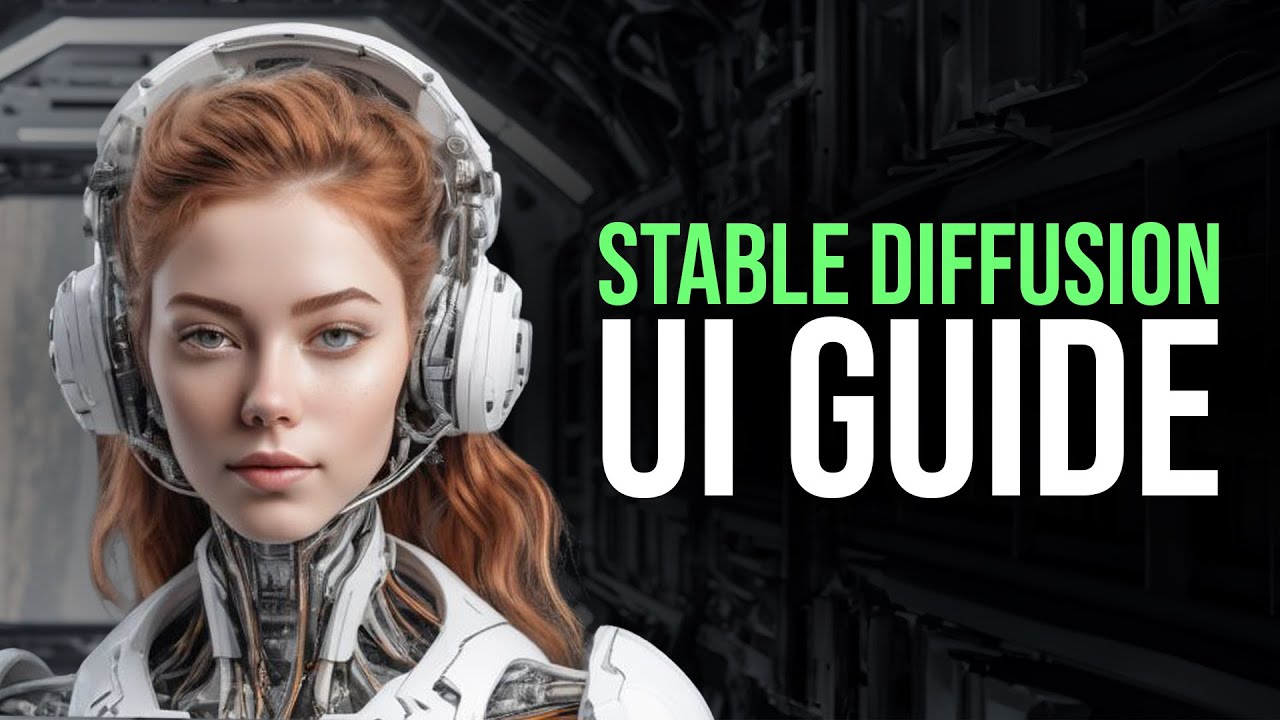
hey what is up guys welcome back to another YouTube video at the world of AI in today's video we're going to be taking a look at stability ai's new stable diffusion model in which they have released the XD XL base 1. 0 model as well as its refiner model now they have been operating under the permission of creative ml open URL license and it showcases the Project's commitment to the openness and accessibility now these models have been designed to empower developers and researchers with The Cutting Edge to natural language processing capabilities by offering improved performance and functionalities over their predecessaries and you're able to get such amazing generated images from this and this is something that has been growing and has substantial enhancements over its base 0. 09 model and this is something that I'll showcase throughout today's video as I'll show how you can actually install it but before we actually get into the gist of the video guys I actually just created a patreon page and this is where I'm gonna to be posting the latest AI news as well as where you can get access to our new world of AI Discord community so if you really want to join this community definitely sign up and become a patron if you really want to and this way we can engage in conversations talk about the latest AI news as I'm gonna have different bot setups that so you can stay up to date with the latest AI news as well as setting up different GitHub and uh OSS Insight like repos which gives you the latest like basic performing GPT like repos that are out there and you will get basic like news on the latest content as well as the content that has been growing very fast so that you know what's ever like know everything that is happening in the AI world so if you really want to stay up to date with this I'll leave this link in the description below now if you guys haven't followed world of AI definitely do so turn on notification Bell and I'm going to be posting the latest AI news here so definitely give this a follow so that you can stay up to date with that now apis haven't subscribed please do so turn on notification Bell like this video and if you guys haven't seen my previous videos I highly recommend that you do so because there's a lot of content and a lot of value that you'll definitely benefit from so with that thought guys let's get right into the video so first things first I'm gonna have all the links in the description below so that you can easily access it now you might need git which is an application to help clone repository as well as help like unpack different dependencies for different projects so make sure you have that application installed before you start working with this tutorial secondly you will need Python and this is common sense as you'll be using this as your code Editor to help install this code as well as this application so once you have that installed go on to the model card for the stable diffusion XL based model and there's also a refiner model so what you want to do is open up these two links that are in the description below I'll leave the other links as well in the description so what you want to do first is go into files and versions for both of these tabs and once you're over here scroll down a little bit and download this model over here that's 6.
94 GB so you just click the installation button it'll then install it on your Google Chrome or whatever uh web browser that you're using sorry for there now secondly you want to do the exact same thing with the refiner model and you can just go on the model card website and download the refiner model and once that is finished you can let it download it might take a little bit longer depending on your download speed but in this case it took me around five minutes now what you want to do next is go on to the stable diffusion web UI now this is by automatic 1111 and this is going to be used to have the operation of this model on your web UI and what you want to do is scroll down a little bit and click on the installation and running tab which is the install and run on Nvidia gpus so you want to click on this to get more information and it'll take you to this page which will showcase the links that you'll be using to install this web UI so what you want to do is install this zip folder and once that is done it will then be appearing over here on the bottom on your Google Chrome or whatever web browser that you have so once this is clean complete I'll get to the next step so guys there's actually one thing I want to talk about this is one of the ways that stable diffusion or stability AI had not recommended as there's another version that they've actually recommended as to how you should install and use the other web UI as this one they said that you were able to get really good results but it's not compared to the other one so if you want to get make a tutorial if you want me to make a tutorial on that I can definitely do so and that's something that has been recommended by stability AI so you can get the best like stable diffusion generation with this new release so if you want me to make a video on that please comment in the description below and I can definitely do so but once you have all the files installed you can basically move the zip folder onto your desktop and you can extract all of them if you have the extraction downloading application to do so that is vendor if you guys don't have that it's free to install but I extracted it all over here on my desktop now what you want to do is click on the web UI app folder over here click on models and then click on stable diffusion and what you want to do now is copy and paste the two model cars that you just recently installed and you want to paste them both over here now this is going to take a little bit longer as both of these model cards are around 7 GB so this might take a couple seconds and once that is done I'll be right back now that that has been finished copying over into the stable diffusion model card folder uh what you can now do is go on to the files that you just extracted and what you want to do first is click on the update. bat file now this is going to take a couple seconds for you to start installizing so once it is done you can just click enter and click any key and then it will be operational and now secondly you want to do the same thing with run. bat and it's going to start installing a couple things so once that is done I'll be right back just to give you guys a little bit of knowledge and context of what we're doing the update file is used to update any of the different types of requirements that are needed to install it so in this case it was just a couple seconds for me because I already had everything installed such as Pi torch for example so I had everything installed now I'm running the run to actually install the dependencies for this application as well as installing the different models that are required for this application so it's going to take a little bit longer so it could even take approximately like 10 minutes to 5 to 10 minutes so once that is done I'll be right back now guys this is actually taking a little bit longer than expected because I do not have the right requirements to run this but basically uh you can see it's installing it's just taking way too long but that's because I don't have the right Karma install it and what will basically happen is that it will then prompt you to your local host which is this link right here and you can basically access it from your command prompt it will state it over here at the bottom and once it's finished loading it will then be able to open it up on your Google Chrome or your web browser and you can basically open it up on your local host and you can start playing with the web UI and it will basically look like exactly like how it looks with automatic 1111 it will look like this you have a user interface like this uh on the top left corner you will see that there's a stable diffusion checkpoint and this is where you'll be able to select the different model cards that we installed and inputted it into the web UI now guys this is a fairly easy installation process but if you have any sort of questions please list it down in the description below and I'll try my best to answer every single question I know guys I have a Discord but you can only access it with a patreon and if you really want a more detailed like assistance for the installation process definitely follow through and I can help you out if you join the patreon now basically let me just give you a more additional information as to this model's training as it's something that has been expanded and enriched upon basically comparing to its previous actual model which is the base 0.
9 model it has been able to like get a grasp of a more extensive range I would say of like the different nonsense as well as the context that is associated with the model and it makes it more adaptable understanding like different types of generation that a human would input and this Improvement basically helps the model open up to New possibilities for you as a user as well as looking at different ways to like integrate the different types of like NLP systems or capabilities into this whole base model and this is what this sdxl base 1. 0 model is about now the sdxl refiner model follows the same type of pattern of its advancement of its predecessor but it builds upon the foundation of the sdxl refiner 0.