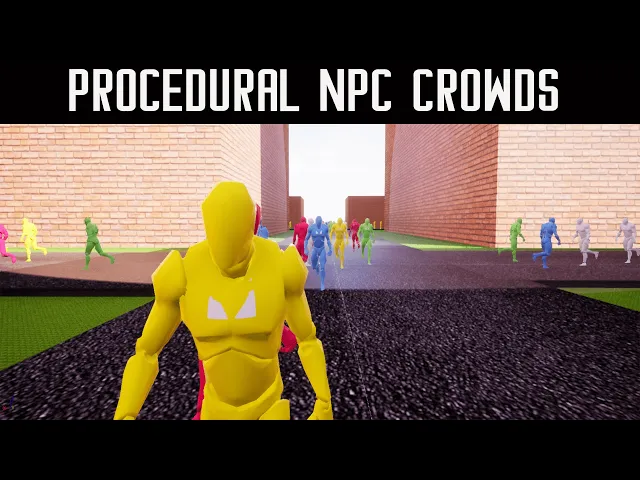
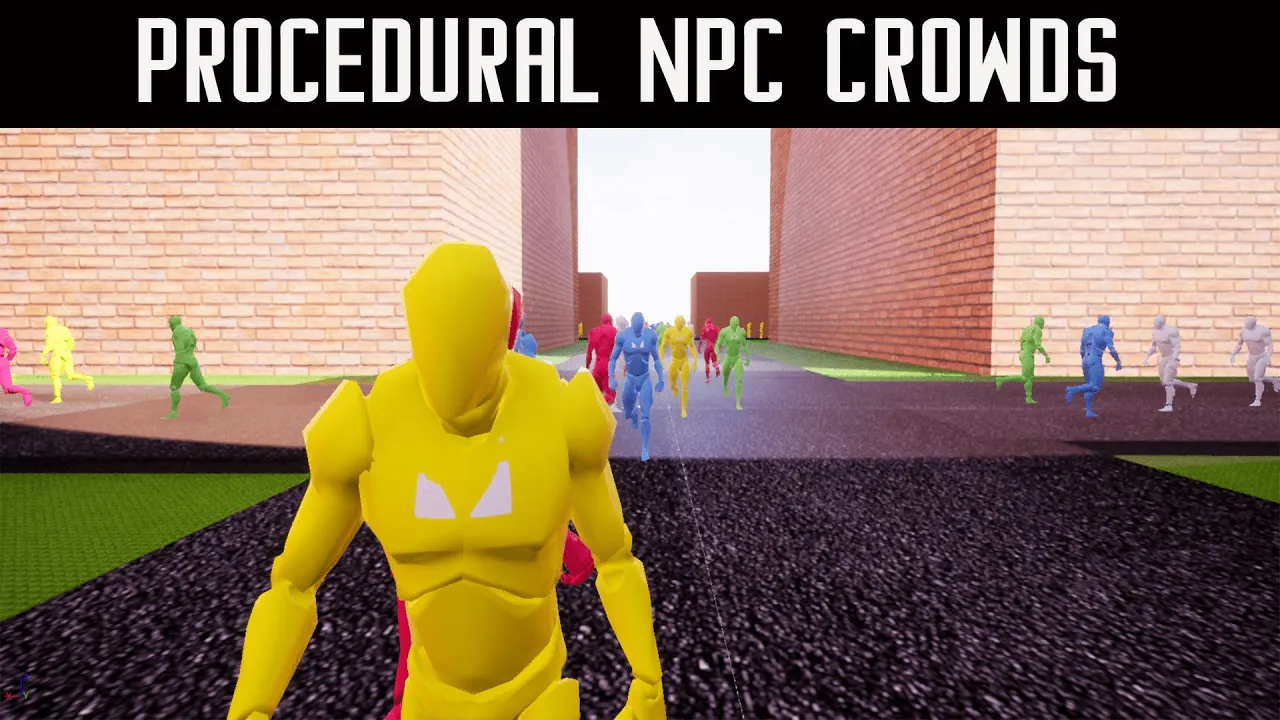
hi this is the documentation or video documentation for procedural NPC crowds V2 update so with this update we have a couple new features um one of them is the ability to send events to pawns so right here this would be like a conversation this is just an animation from the jump that I used but whenever they're done they will procedurally walk away and continue the path but others can join in so that's one example I'm just playing an animation but you can do whatever event you want and then he'll walk away some new ones will
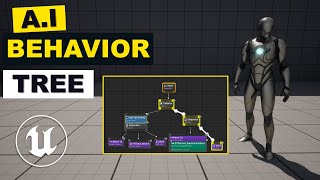
come up and so that can add Dynamics to your world a lot of times in big games the open world so have people talking or converging and doing things so that's what that could be used for and then there has been improved pathfinding for the AI uh they don't get stuck anymore sometimes in the past if they would like look directly at this and there's no other path point they would get stuck that does not happen anymore they will refine themselves okay and then um that is the the noticeable improvements in the gameplay but there's
a couple other nodes that got changed so one of the um so before you had this node and this node and those were used on this Behavior tree so this one would uh find A New Path point however it would look behind them so sometimes the AI would turn around so a new node has been made called find pathpoint forward and what you can do is you can uh set it to be set set where or how far in front of the player the um path binding will start looking so if you set this like
a negative number they'll look behind them and they'll always turn around but I found that 250 is a good 200 to 250 is a good um amount and that way they don't get stuck they don't um turn around they're always going forward but they never get stuck the next thing that came into both find path point forward and find the next Waypoint is this pathfinding separation I'm going to use this path finding uh full board so um whenever the Whenever you set these values what they do is they will offset the location so instead of
going directly forward you could have them whenever they go to a path point they can go a little bit to the left or a little bit to the right and this is procedural so it'll be different every time it's not directly set but you can change this like 500 they're going to go further to the left or further to the right from the path point for this I found 150 works well the next thing that was added and this is on find path point forward and find next Waypoint is refine pathpoint radius this replaces the
old wander backup Behavior where they would just run around in different directions what this does is it um checks within a radius of the AI character it checks within a radius of it or Fawn and if it um if it detects a path Point inside that radius it'll move to one of them so it's like a it's like a radius version of the forward and that's used whenever the forward can't find anything okay and basically that is the new stuff for these nodes the other one is fine random path point this is pretty similar to
this refine but it's its own thing so in an example of when you would use this is in my game I have characters that could fly around and move around the map really fast so I would use this and I would set this to like um 8200 and they could move to any path point in the map within 8200 radius and that's in a vector so that is those two nodes or those three nodes and then we have a new one which adds a lot to the game and that was where they were like using
that falling animation that's this perform action node so what this does is it sends an event to your uh Pawn that's the AI is okay and you have up to you should have up to 32 events I'm gonna fix that but there will be up to 32 events here okay I probably just need to rebuild the code right now it says 10 but there will be 32 in your uh example okay and then um so in this case I'm using action one and action two and what action one does if we go to our pedestrian
the pawn that we're using for the character uh we can see that event NPC action one so if we just type in event NPC we can see all the actions now there should be 32 here in the final product um I need to fix that not showing up but there will be 32 in the final product but for this example there's just 10. um so we have event action one and then action two and what this is doing I'm gonna take this print string out but it's disabling the movement and playing a montage and now
ideally in a commercial game I would be using like a instead of a jump Montage I would be using a uh like a conversation animation so the AI would like be having a conversation with each other and I'd probably play a sound on here too place out 2D or play sound location um and so that's what you would do but this allows you to send data or send events between the behavior tree to the pond directly and like I said right now it says 10 but there's going to be 32 in the actual uh product
that you have and then we also have the Wander from which hasn't really changed what this will do is it will make them move in a random Direction uh uh so yeah but that is basically what is new with V2 lots of expendability and ways to do things especially with the perform action and the highly requested uh forward-only pathfinding uh you still have the you look behind you if you want but uh this is the one that a lot of people requested thank you for watching um oh there's one more thing I wanted to show
you for the um for the uh what do you call it um for oh yeah for the fine next Waypoint where the the object that we want to perform the actions on those are that was just a if we go to pedestrian systems folder and we go to triggers I made this it's just BP Atkin trigger it's an actor with just a boxed lighter in it that's all that's in there and on the box collider I set a collision Channel to be destructible so whenever the behavior Tree on this Waypoint here finds a destructible it'll
move to it and then it'll perform the action once it's gotten to its location so I hope that helps thank you for all these suggestions that uh the community made on V1 hopefully this helps with B2 thank you