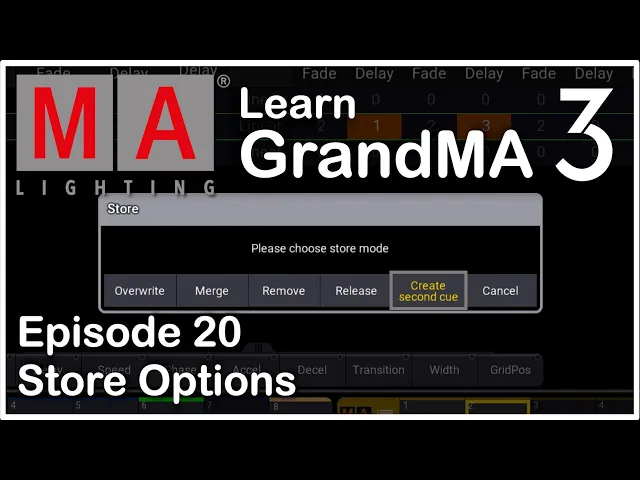
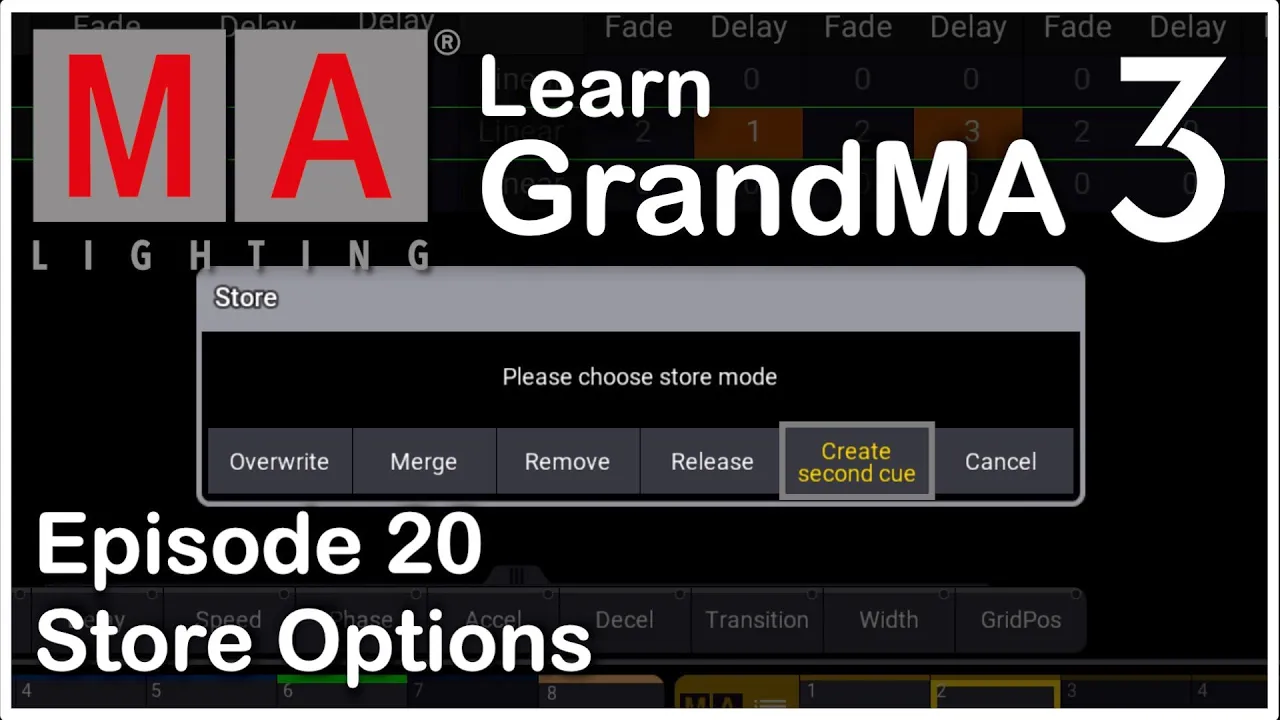
in this episode we're going to take a step back back to one of the most important tasks when you work as a GrandMA3 programmer this granuma3 tutorial is all about the merge override and remove function you use when you start to make some actual programming understanding those functions is something you must master if you want to work as a GrandMA3 programmer storing something into a sequence is easy and something everybody can do but removing values from your GrandMA3 sequences and cues is equally important and it's something you have to know to be a fast and
good GrandMA3 programmer so without further ado let's just get into it first let's look at the GrandMA3 merge function the merge function will prompt you if you are trying to store something into an already existing queue as you can see i prepared a little scene for us here with a lot of this time mega points let's just select all of them like this and turn them on at full and maybe put them into a position so this is basically just a normal you put in some lights in a position and you turn them on you
want to store it somewhere so let's just store this into our sequence right here and as you can see it created cue number one if we uh clear this scene and we go this cue list you can see we now have all our mega points let's do the same for our two lights and put some two lights on at full like this you can see there up right now once again we can simply store this into the same sequence and it's going to ask us what do you want to do in this case i want
to merge it into the same cue as i'm in already so if i just press merge and i clear my console you can see everything is now into our master sequence and this is basically the most simple function ever this is merge you can put something on top of other things into your sequence and that is very very easy to do you will find yourself merging into cues all the time as a GrandMA3 programmer now we master the merge function and in a minute we'll take a look at the GrandMA3 override function but just before
we do that if you like this content and get any value out of this video be sure to give it a like liking the videos is a free and good way to support any youtube channel with that out of the way let's just continue let's take a look at option number two when you store into an existing cue on a GrandMA3 console this time we're going to talk about the override function so the override function takes something and replaces it with something else that's basically what's happening here so let's just take all our two lights
here and just turn them off and store that into our sequence right here and let's just merge it in for now we clear it out and you as you can see all the two lights are gone again now we have all our mega points on and all our two lights off let's say we turn all our two lights on again and we say store into cue number one and we say override as you can see all the mega points disappeared and all the two lights are left we clear out here and you you can simply
see everything we put into our programmer we stored that into the cue and we removed everything else that was already in the cue that is basically how the override function works the override function works if you take something into your programmer and you say okay this is my new cue this is i know my my cue was like this before but now this is the way i want it you can simply store it into your cue and say override it replaces everything with the new look you just made next up is the remove function but
before that i'll urge you to leave a comment below if you have any questions or comments to this video i love to help you if you get stuck with something in these GrandMA3 tutorial videos and check out the links below if you want to look at some real GrandMA3 hardware it'll tell you what you need to know in terms of what the different models have to offer but last but not least let's look at the remove option removing values from your cues is just as important as merging them into your cues in the first place
knowing how the GrandMA3 console removes values from your cues will help you later down the line when you must change something in your existing programming and it will help you when you start learning about tracking on the GrandMA3 console we'll not get into tracking in this tutorial but we definitely will in one of the next episodes just remember that tracking is really important removing values is really important and as you can see here we just simply just continue with all our two lights they are all turned on if we want to remove some of them
out of our programming we could simply just start by taking them like this and we could turn them off but if we turn them off we still have a heart value recorded into our cue and this is not what we need we want to remove the value completely so right now they are turned off and that means the dimmer is active and we can now remove the active parameter and since the demo is active right now we can simply say store into the cue we just made and we can say remove and when we clear
this you can see they're gone and they're completely gone from this one all out all the values are completely gone in the in the sequence sheet or sorry the fixture sheet up here so this is basically how you remove values and as i said tracking is really important and in one of the next episodes we're going to look at tracking because this is something you really have to know how to remove values and add values and make sure that it tracks uh in the right order but that's for a another video i hope this video
gives you a better understanding of what you need to do when you are working with creating your GrandMA3 show you have to know to get values into your sequences but it's equally important to be able to remove values as well if you want to know more about working with the the GrandMA3 console check out this next video linked on the screen right now where i will show you even more tips and tricks you need as a GrandMA3 programmer but until i see you the next time happy GrandMA3 programming