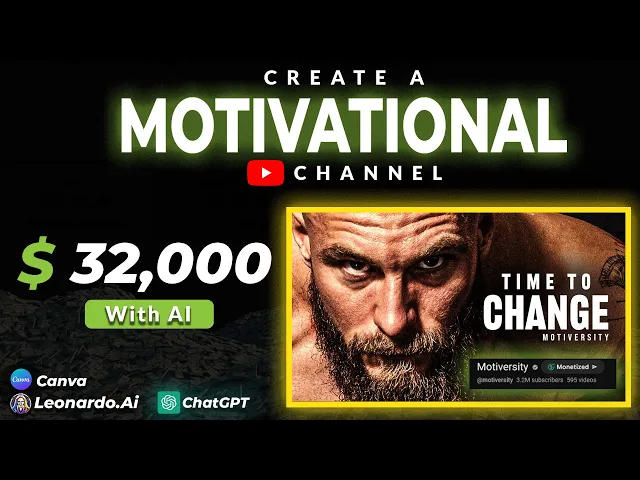
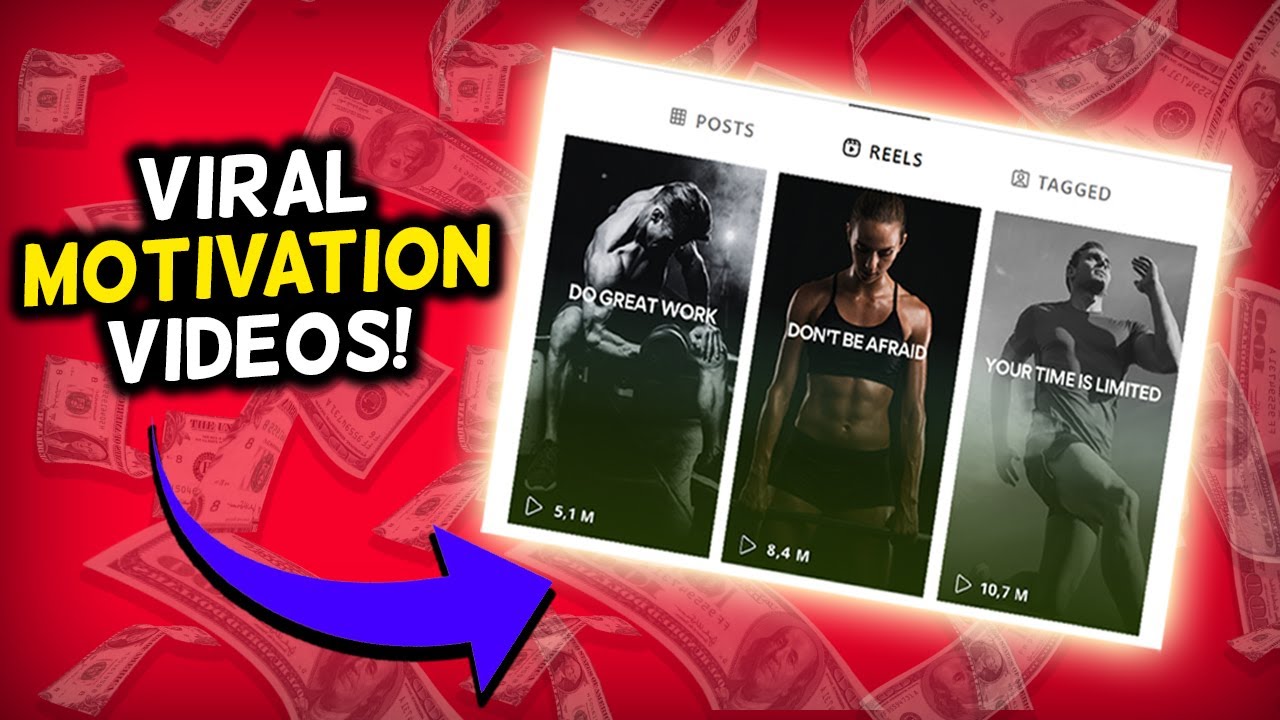
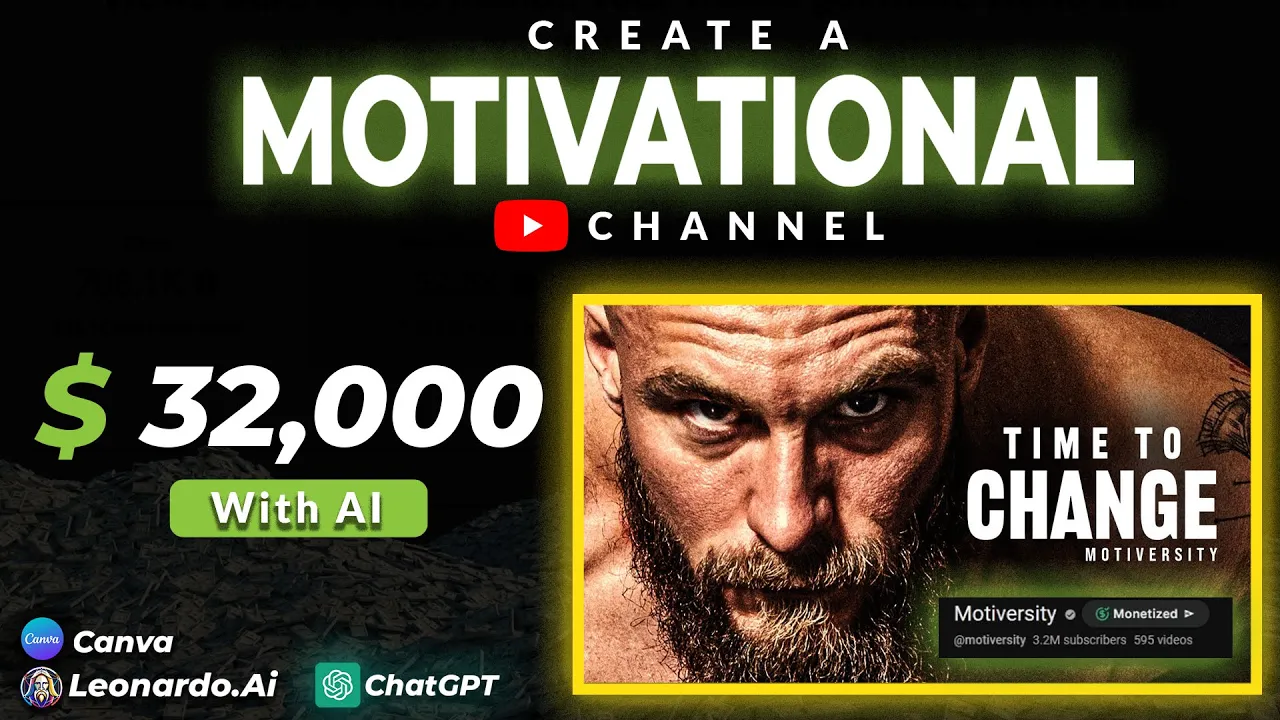
you won't believe how much this motivational video channel makes a month I'm sure that you have seen this type of video at least once in your life according to Social blade this channel makes around $33,000 a month after watching this video you will understand how easy it is to make videos like this channel not only that I'm sure that you will start your own channel before that let's see why this channel is very successful reason number one consistency they upload at least three or four times per week reason number two thumbnails I mean look at
these they have used images of the most iconic and inspiring people on Earth think like this if you see a video with a thumbnail like this on your homepage what would you do obviously you will watch it reason number three voiceovers the enemy nature time there's all kinds of things if you pay close attention every voice that they have used for this channel is very inspiring none of the voices are boring it will make sure that the viewer will stick with the video Until the End if you follow these three factors I'm sure that you
will be the owner of a successful YouTube channel within the next few months in today's video I will show you how to start a channel like this from scratch you don't need to know about script writing or video editing at all we will do all of these within a few minutes with the power of AI first let's head over to chat GPT and ask for 10 YouTube channel name ideas for the motivational niche as you can see we got some amazing name ideas I really like this one which is drive force I'm going to select
this now we need a channel description logo and a banner let's ask chat GPT to create a description as well I will ask chat GPT to create a simple motivational YouTube channel description the Channel's name is drive force as you can see here we got a nice description for our Channel now we have to create a logo I'm going to use an AI called Leonardo doai this is similar to Mid Journey but free and easy easy to use go ahead and sign up once you sign up you will see these images these are AI models
you can use any of these models to generate an art I will use this one click on the model and select generate with this model now in this box you can type the characteristics of the logo you need just like this you can edit the resolution from the side menu and you can change the number of generations as well I have selected four Images at a time after you type the prompt click generate within a few seconds this AI will generate a logo for your channel if you are not satisfied with the result generate again
as you can see here I really like this logo I'm going to use this one now let's move on to creating a banner I'm going to use canva for that go to canva and sign up for free in the search bar search for the YouTube Banner there are a lot of banner templates here I think this one is suitable for our Channel let's cut customize this one first let's add a new road image you can go to elements from the side menu and search for any image you need I will search for aod images let's
delete this one and replace it with a new image now let's add our channel name here you can change the font as well I will replace this slogan with a new slogan like this this is very simple it will only take about 5 minutes of your time now we have our Banner image as well now let me show you how to create a motivational video for your channel follow these exact steps you will be able to make at least three videos per day with this method first we need a script you already know the answer
the best way to generate a script is chat GPT let's head over to chat GPT and ask generate a motivational YouTube video script about how disciplines and good habits will change your life this only took a few seconds we now have an amazing script for for our video the next step is generating voiceovers 11 Labs is the best text to speech AI tool that exists you can sign up for free they will give you free 10,000 words let's head over to 11 labs and create the voiceovers from here you can select a suitable AI voice
for your videos I would recommend selecting a voice with a deep voice remember the voice of the video is one of the main factors that will determine the success of your channel therefore make sure to select the best AI voice after that copy the script that we generated paste it part by part and generate the voice it will look like this welcome back to driveforce where we believe that small changes can lead to Big transformations in your life today we're diving deep into the incredible power of discipline and good habits and how they can completely
revolutionize your world then download all the voice files and put them in a separate folder now we need to find copyright free stock video footage one of the best websites for that is pexels if you go go to pixels you will be able to find tons of motivational related videos you can download a few clips from this website for free the next step is to find some best motivational copyright free music pixabay is my favorite website it has tons of copyright free music for any Niche you can download suitable inspiring music from this website now
we have all the data we need to create our video I'm going to use cap cut desktop version to make the final output you can download capcut video editor for free open the app and start a new project you can import all your voiceovers video footage and background music here then you can grab each media to the timeline let's start with voiceovers and drag all voiceovers to the timeline like this then drag videos on top of the voiceovers and drag background music below the voiceovers if you go to the top menu you will see an
option called transitions there are a lot of amazing transitions you can use these transitions in between Clips it will make your video more interesting and not boring add all videos and voiceovers like this after you complete the video we need to add captions for this video don't worry you don't have to type all the captions go to the text option from the top menu and select auto captions here you can select the language you need and generate the captions within a few seconds cap cut will generate the captions for your video you can edit the
text here add suitable colors and effects to stand out in the captions you can also change the font you can add animation to your text as well there are a lot of animations here so use suitable animations and make your video more interesting after you edit your captions you can export the video now we have completed the video let me show you how to create thumbnails I am going to use canva for this as well go to canva and type YouTube thumbnail there are a lot of templates I think this template will be suitable for
our video Let's customize it I will remove this image from here and we can edit the text as well I will add the word discipline because our video is about discipline you can change or edit this text in a suitable way now we need to find an image of a famous person I will use a picture of David gogins you can download a picture from Google and upload it to canva Let's edit this image like this now our thumbnail is also completed I hope you learned something from this video if you have any questions regarding
this drop a comment I will see in the next video