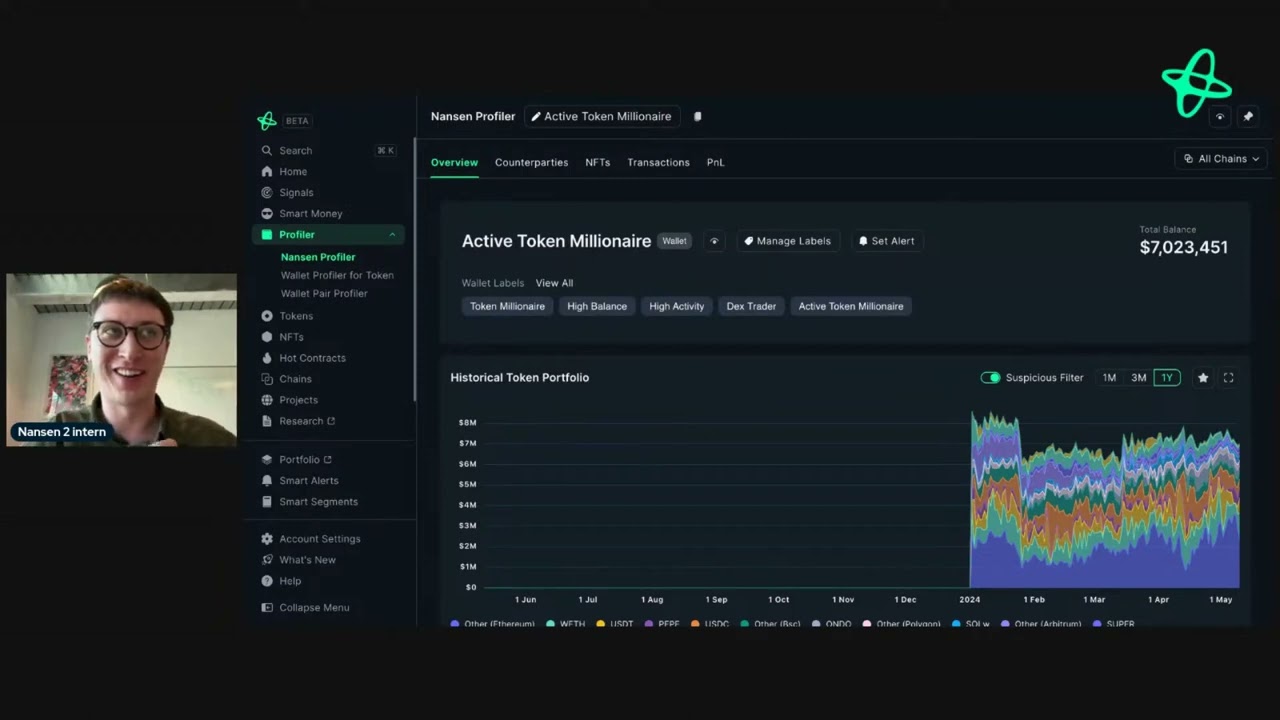
hey everyone today I'm going to show you how you can research a token salana using nanson in a couple of minutes the first thing you need to do when you open up app. nanson doai is search for a token you're interested in I'm going to use the popular mem coin dog with hat when you open up nanson and you search your token we'll go to the overall page to see all the key information that you need to know just get understanding of what's going on this includes the price movement price history who bought Who Sold
over the last 24 hours 7 Days any a custom time period this is great for identifying interesting addresses that may have bought early or sold highs the Dex trades live so we can see right now the trades happening as I'm recording this and then we can also see the top transfers over a specific time frame so this information gives you a good overview of whiff but let's say you want to dive a bit deeper here's how you can do it of nonon first we have the balances tab as the name implies this gives you an
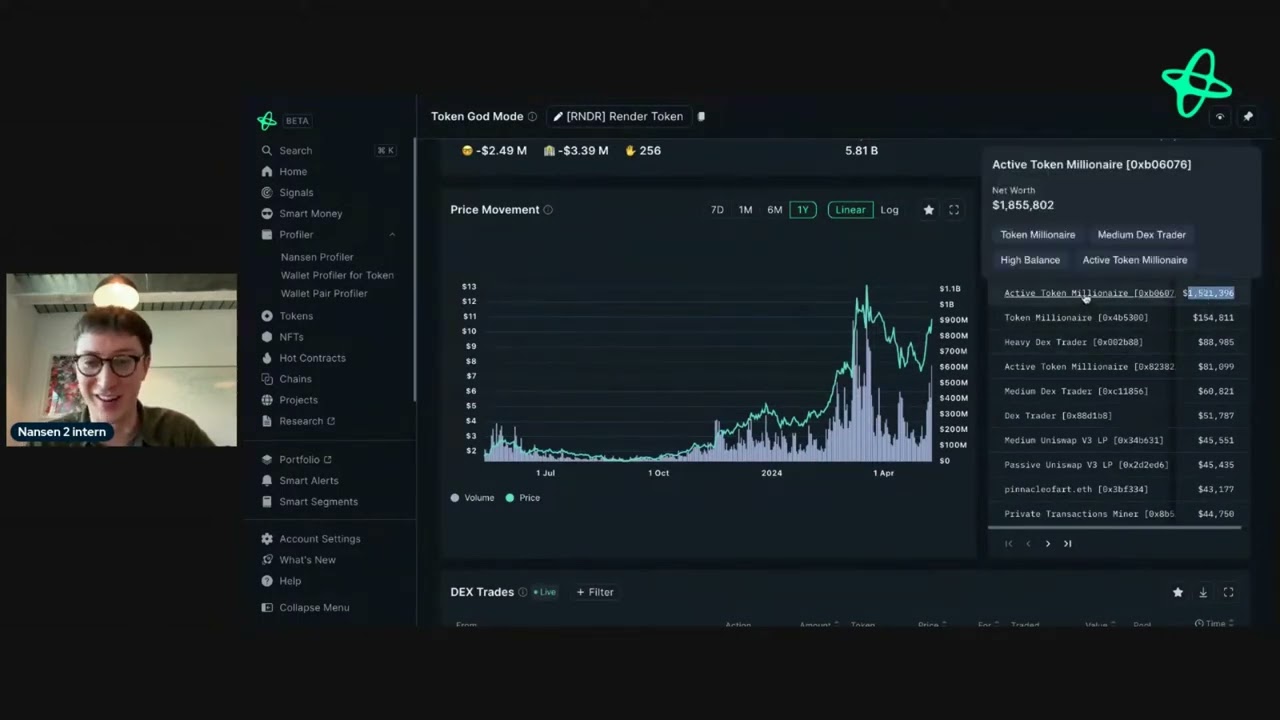
understanding of the balance holder of Whi in real time and if you're ever unsure about what a tab or dashboard shows you just go to this I here and it tells you exactly what you need to know here we can see the top holders by address or by entity and we can also filter this by smart money or additional filters here if you want to dive a bit deeper into address you're not too sure if they're interesting enough right away just hover over the address and you can see their labels and interesting information such as
WI rate the net worth and p&l some addresses will have emojis next to them so in this case this will indicate this is an exchange you might see the smart money label across nanson that implies smart money and then we also have a contract uh label as well we have the exchanges tab this gives you understanding of the activity of the token relating to exchanges so if we see an increase on exchanges that implies more tokens are being sent to exchanges and if we're seeing tokens uh reduce from changes that implies that maybe people withdrawing
it having recently bought we then have the smart money tab so these are the top addresses across various different sectors within crypto and it tells you what they're doing with this token so this first chart tells you the amount of tokens held by smart money and the amount of tokens that they hold then if we scroll down just a little bit more we can see the token Holdings of these addresses and then also the token transfers and the final Fe feat that I want to show you is the p&l leaderboard the p&l leaderboard is a
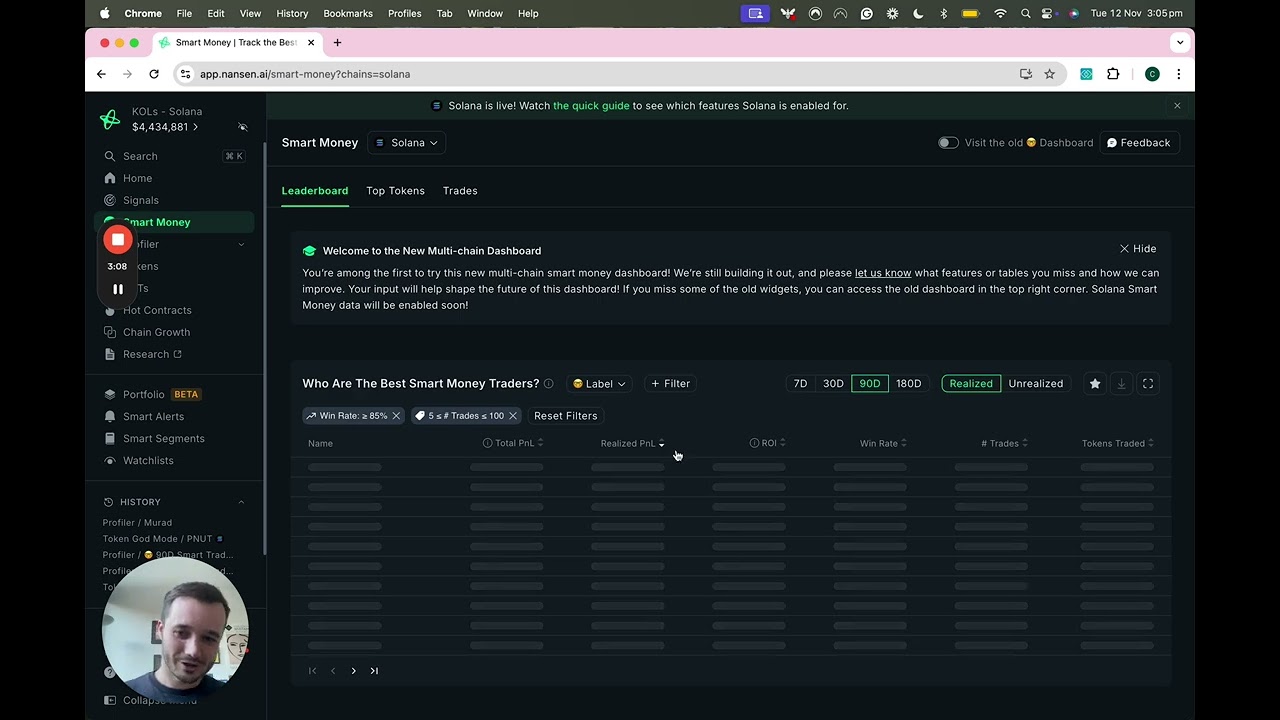
new feature that we have in nanson and is incredibly powerful IT services the top addresses in pnl either in realized or unrealized gains and gives you so much information to find interesting addresses for example here on by default we can see total p&l by default and this one address here has taken 53 million dollars in realized gains from whiff but let's have a look at the top address in unrealized gains in the last 990 days we can see here this address here Pepe with hat has a total pnl of 12.3 million has realized just under
600,000 and has an unrealized p&l of just under 12 million and we can see they're holding 89% left we can click on the address right here to see what else they're holding and we can see their portfolio has grown significantly well they've only taken profit from one token but hold other popular me coins such as popcat and Bon so that's how you can research a token on nanson in just a couple of minutes if you have any questions about how to use nanson on salana or any other network that we support send us a email
at support nanson doai tweet us at nansai or reply to this video enjoy