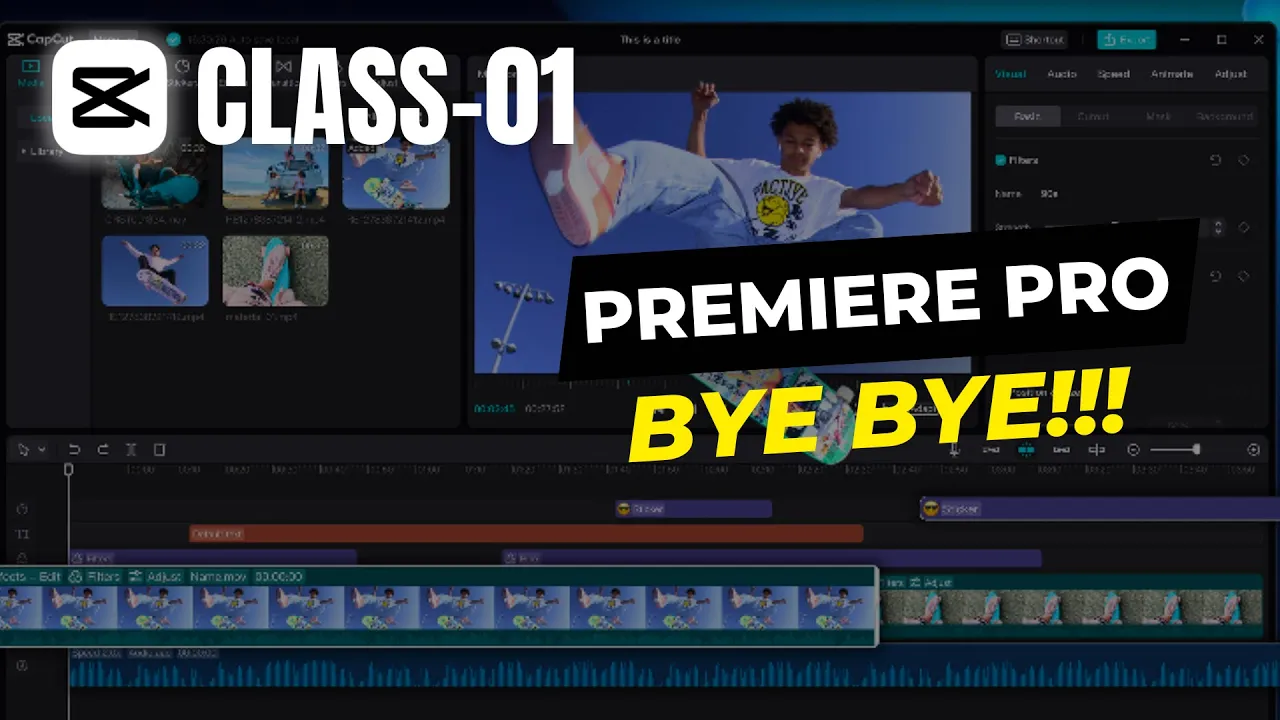
looking for a powerful yet easyto use video editor meet capcut for PC a free video editing software that's gaining popularity among creators in this video we'll walk you through the interface of cap cut PC showing how to effectively use its features and make the most of your editing process whether you're new to editing or experienced by the end of this guide you'll be ready to create impressive videos with ease let's get started [Music] first on this side we have the upgrade option and to manage the account which is signed in below that we have some
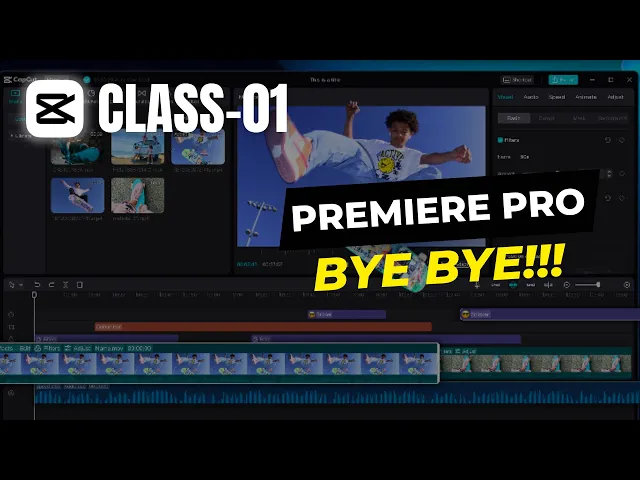
options such as share history and an option to create and join spaces here we can see some Pro features which are offered in cap cut PC here we will see all the previous projects on which we are working now create your first project from here now this is the welcome interface and the first thing we should do is to rename this project now on this side we have media import and editing tools options this is the preview window and on here we will see the project details on the lower side we have the timeline from
where we perform the editing now let's explore all the features that cap cut PC offers another thing to do when you create the project is to change the setting from the menu keep your settings as shown on the screen this will allow your cap cut PC to run run [Music] smoothly first let's look at the media Tab and tools in it the first one is the import window from here you can import your assets in cap cut PC or look for assets in the library the library contains many assets such as backgrounds green screen videos
and many more you can also add your brand ACC [Music] assets the next tab is for audio from where you can import royalty-free songs and sound effects the text tab allows you to explore text templates add text and modify them click on text templates this section contains a variety of pre-designed text styles that you can use Asis or customize further by using the text templates you can quickly add creative and Polished text elements to your videos without spending much time on design now let's explore the sticker tab in cap cut for PC a feature that
allows you to add fun and dynamic elements to your videos stickers are organized into categories such as trending emojis arrows social and more making it easy to find what you need to add a sticker simply browse through the categories once you find the sticker you like click on it and it will be added directly to your timeline and preview window you can also use cap cut AI to create stickers next let's take a look at the effects tab which allows you to enhance your videos with a variety of visual effects the effects are divided into
categories such as trending basic body effects Distortion and more you can browse through these categories or use the search bar to find specific effects that suit your project let's move on to the transitions tab in cap cut for PC which allows you to smoothly connect different clips in your video with various transition [Music] effects now let's take a look at the captions tab in cap cut for PC a powerful tool for adding subtitles or captions to your videos in the captions tab you have a few options for adding captions to your video you can create
captions manually or if you want to generate captions automatically cap cut offers an autoc captions feature to keep your captions consistent cap cut allows you to set a style template that can be applied to all your captions with a single click now let's explore the filters tab in cap cut for PC which allows you to enhance your videos with various color filters and visual effects in the filters tab you'll find a wide range of options organized into category each category offers different styles from cinematic looks to Vintage effects giving you plenty of choices to match
the style of your project now the adjustment tab in cap cut for PC a feature that gives you precise control over the color and visual properties of your video without altering the clips [Music] directly Luts or lookup tables are preset color grading profiles that can transform the appearance of your footage by adjusting its colors contrast and overall tone let's take a look at the AI character tab in cap cut for PC a feature that allows you to add animated AI characters to your videos enhancing your content with engaging lifelike avatars to add a character simply
select your preferred Avatar and drag it onto your timeline from this option we can set the preview quality and if this feature helps cap cut to run smoothly from the ratio tab we can change the ratio of our project for example if we want to edit a YouTube video we can keep it at 169 let's explore the basic adjustments in the video tab of cap cut for PC where you can make essential modifications to your video clips such as scaling positioning and rotation in the video tab's basic section you'll find several Advanced features available in
the pro version of cap cut in the audio tab of cap cut for PC the basic section provides essential audio controls to refine the sound of your video in the speed tab of cap cut for PC the standard section allows you to adjust the playback speed of your video clip the curve section provides Advanced speed control for your video clips allowing you to create custom speed ramps and variable speed effects in the animation tab of cap cut for PC the insection allows you to apply entrance animations to your video clips making them appear dynamically within
the timeline in the adjustment tab of cap cut for PC the basic section offers key tools for enhancing the visual quality of your video clips Additionally you can save your adjustments as a preset for future use or apply them to all Clips within your project streamlining the editing process AI stylize allows you to transform your video clips using Advanced AI driven artistic effects this feature uses artificial intelligence to apply various creative styles to your video giving it a completely new look and feel in the tool menu of cap cut for PC the select tool dropdown
provides quick access to essential editing commands such as select [Music] split this toolbar and cap cut for PC offers quick access access to essential editing functions like undo redo split crop rotate and speed adjustments streamlining your workflow with easy to use tools directly on the timeline from here you can adjust your timeline track Heights as shown from here you can change the level of zoom on the timeline and make all your timeline elements visible turning off the main track magnet disables the magnetic snapping feature on the main track allowing for more precise manual positioning of
Clips without automatic alignment to the timeline Grid or other Clips turning off auto snapping disables the snapping feature across the timeline allowing Clips to be moved freely without automatically aligning to the playhead other Clips or timeline markers turning off linkage disables the link between audio and video clips allowing you to move and edit audio and video tracks independently without affecting each other in the voiceover panel of cap cut for PC you can record audio directly into your project using an external or built-in microphone choose your input device and adjust the volume using the slider that
brings us to the end of this cap cut for PC tutorial I hope you found these demonstrations helpful and feel more confident using the interface and tools that cap cut offers remember practice makes perfect so don't hesitate to explore and experiment with all the features we've covered if you have any questions or need further assistance feel free to leave a comment and I'll be glad to help thank you for watching don't forget to hit the Subscribe button for more stay tuned for our next video and until then take care