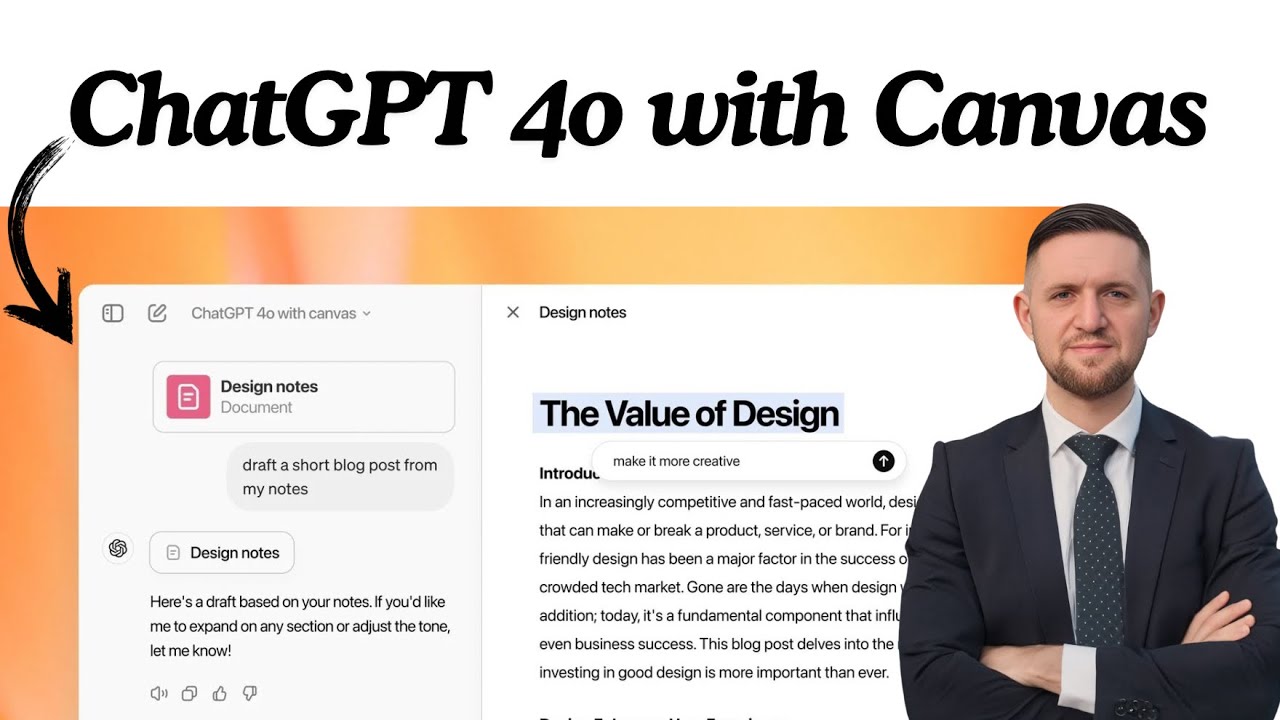
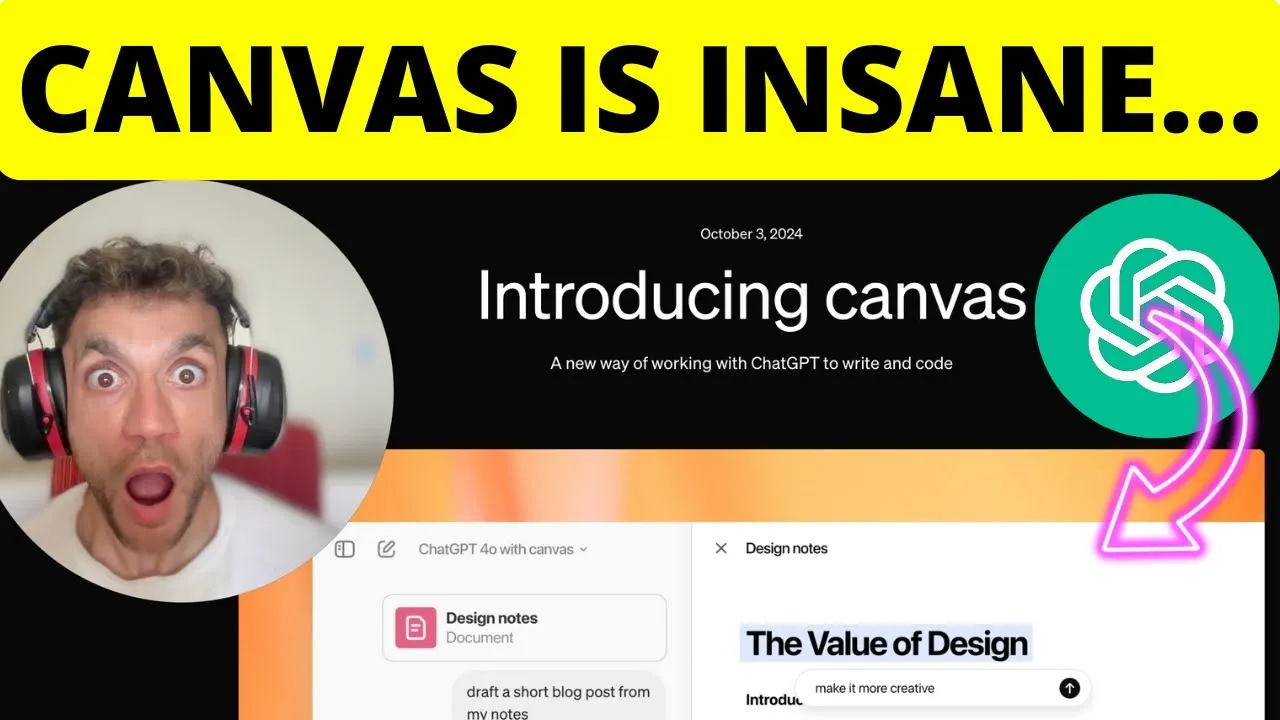
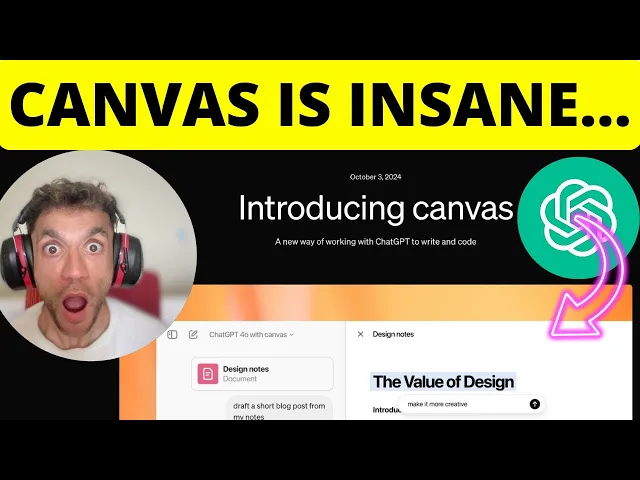
huge announcement to chat GPT they've introduced chat GPT canvas which is an absolute Game Changer from what I've seen when it comes to writing and editing content along with coding it so what you can see is kind of similar to Claude and artifacts is it you can actually preview content and you can edit it and there's some really really crazy stuff that I'm going to show you in a minute that I think is an absolute Game Changer when it comes to editing coming up with different styles and just editing stuff in a way more fun
way than what you previously could do with the previews inside chat GPT and you can see here they've just announced it so it just came out about 15 hours ago something like that bit of a game changer you can for example edit the content you can adjust the length you can change reading levels I'll come on to that in a minute add final polishes for grammar and consistency and even add emojis and you can see some of the examples for editing content right here so you can flick between different options added emojis and everything else
and you can see inside chat GPT the interface is totally different now now I'm I'm going to be doing some live examples in a minute but I really wanted to give you some demos of like this is what it looks like and it is totally different to what you previously had even for editing titles and that sort of thing and the way that we create content now I think is is just going to change everything is going to change because you can see it's specifically been the built for like editing content and that sort of
thing now additionally what you can see here is you can actually code inside the canvas and you can review code ad logs add comments fix bugs and Port language as you can see right here now I'm not a massive coder but you can see some of the examples looks pretty cool you can ask chat GPT about different lines of code or edit it and that sort of thing and it looks really really cool so without further Ado let's get straight into chat GPT 40 with canvas now if you want to access it I believe it's
inside chat GPT when you select different options I'm not sure if it's just on the plus plan but you can see here you can select between G with canvas which is what we're going to go for right now and if we just come up with something super basic using this prompt and by the way everything all the prompts I use today you'll get free access to at the end of this video if we come up with something super basic like this right an SE optimized article you can see that it comes up with this preview
window all the content is nicely formatted as you can see you've got the chat box right here but then you've got the blog preview on the right hand side you can see how much bigger the actual canvas from chat GPT actually is now when we scroll to the bottom right here inside as you can see there's kind of like a chat head at the bottom you can select between different options now I really see this as being specifically designed for creating content additionally what it's done inserted internal links inside the content automatically it's just all
nicely formatted now you might be saying that is a boring title Julian Goldie let's make it more interested I'm glad you said that because you can actually click on ask chat GPT over here and then you can edit or explain or ask with different prompts specifically just for that single line and it edit it so rather than having to go through the chat and going back and forth and like it being super annoying and slow and unproductive when you're going back and forth with chat GPT inside the chat down here you can just edit the
blog post Direct ly before you paste this content into your website so as an example of this we can ask chat GPT okay come up with an SE optimized title but make it clickbait and curiosity trip we'll hit enter like so and that'll specifically rewrite the title so it's not going to rewrite the whole article you don't have to go back and forth it's not going to create a whole new thing again it's just going to edit that one single line which I think is absolutely beautiful and a bit of a Time save I think
it would probably save over the course of a year hundreds of hours if we look at this intro we all know that quite often with chat GPT the introductions are usually pretty poor okay and so if we go inside chat cheap and we'll say give me SEO optimized introduction and again I'll give you all the prompts from today use the keyword and bold it and then give me an Alex hosi style cook to keep people reading down right and we're going to rewrite the original introduction which I will be 100% honestly pretty reads pretty poorly
compared to other stuff of generated with Claude and now it's going to rewrite the whole paragraph as you can see now honestly I would say this is a huge upgrade when it comes to writing SEO content and I can't see any other YouTubers talking about it just yet probably because it's a brand new feature but honestly this will change the game when it comes to the whole industry because you can see now how easy it is not just to write content with AI which we all knew previously but how much better this tool is versus
a lot of payday itol right so if you're using chat GPT canvas to create your own SEO content it's going to be way easier to write it inside a format like this and it is to be going back and forth with an AI tool right and I would say this has probably replaced a lot of AI SAS tools in the SEO industry overnight because it's so much better when it comes to writing content you've basically got like a WordPress editable post that you can then chisel down format it perfectly and then paste it into your
website and if you look at the introduction for example what is SEO it's a secret to get your website seen if you're not ranking you're missing out on traffic leader sales let's dive into why SEO matters and how it can change the game for you like that's just such a better introduction the most AI tools are going to generate and you can do it instantly and you can just chisel down the final bits of it and the way that I see this as well it's like this is far better for quality control when it comes
to around your content you know with chat CH and a lot of these SEO tools the content itself is pretty good but it's just these final little details you know it's the title it's the introduction it's it's quite often the boring sort of conclusions to you get inside your content that you have to rewrite and that's quite time consuming before this update was released whereas now you can just edit it instantly and it doesn't require a lot of messing around now there's so much more that you can do with this and I'll come on to
that in a minute but what I'm going to do is I'll keep all of these prompts I'm putting into an sap as you can see right here so if you want the content prompt you've got it right here if you want the title prompt here and if you want the introduction prompt is right here as well right and here's the other thing right right if we hover over a paragraph and we click on the plus sign over here you can edit or explain whole paragraphs in one single prompt or you can just select one word
and be like no I don't like that or I want to bold it Etc right and it just makes formatting content for WordPress and chisling down the final details far easier now additionally if we actually click on this plus sign and we say something like I need to add internal links I can say add an internal link with a CTA to book a call from my agency's page here right now what that should do is rewrite the sentence but also insert as you can see right here a nice little internal link right you can click
on open link just to check it actually works and boom there you go right you've got your internal links basically automated in one single click using this process absolutely amazing basically effortless to do and internal links have just become like a oneclick process that's better than 99% of the tools I've tested out there right now if we actually look at this for example or this paragraph right here I'm like do you know what I need some internal links inside this paragraph so I'm going to ask chat GPT and I'm going to say insert an external
link to a relevant resource on this topic we'll hit enter like so and boom shakalaka we have the link ready to go as you can see right here now here's something else is pretty cool right so you can actually select old paragraph like this you can go to ask chat GPT and what I've actually done is inserted an external link automatically inside the content right so you can basically automate your external links in one single click as well just by highlighting the whole paragraph and saying rewrite this paragraph and insert a link to a useful
guide on the topic make sure you don't hallucinate right and if you want to check the link actually works you can click on the blue text over here and then click on open link and it goes straight through to M boom so easy and basically all these prps that I'm giving you today you can just copy and paste right so if you're like ah I need more external links inside my content all right let's go through and we'll just click on this we'll click on as chat GPT and and then ask chat GPT and insert
an internal link right and hit enter boom and you've got a whole Playbook of different prompts you can basically steal from me and you know add the finishing touches to your content throughout really nice now once you like I don't really like the whole tone of the article what you can do over here if we click on edit we can adjust the length or we can adjust the reading level so if we click on reading level it's pretty amazing we can take it up a notch so let's say you're trying to appeal to graduates or
that sort of thing or you can take it write down a notch right and just simplify the language massively so if we click on kindergarten over here that's actually failed to edit which is not great so what I'm going to do is just change the reading level to Middle School we'll see if we can simplify it a little bit and there you can see now it's editing the content and it's really really quick when it does it right it still kept the links in which is great but it's just simplified the language a lot more
and you can see it's just running through the whole article right here super simple super easy additionally if you click on adjust length you can increase or decrease so we can go for the longest over here and if we look at the content now certainly a lot longer you can see where it was up to on the conclusion before now it's still writing content it's not even comment fq right down here and this is really really user friendly right if you giv this to your team I think they could crack the code on it pretty
quickly this is like the first time that I'm using it and it's pretty amazing 1,300 words in one single prompt not bad at all if you ask me you can always insert your own content so you can edit it like so so it's kind of like a feels like a WordPress format that sort of thing and by the way you can just like copy all this content and then plug it into WordPress later quality controller Etc if we go to add final polish I believe what that would do is just iron out any sort of
finishing touches to the content format it nicely Etc you can see it's editing down there so it's kind of like got an AI editor inside the content which is really really cool and honestly like this is Far and Beyond what most paid AI SEO tools can do right and then you can see inside the chat it said I've added final polish to the text including additional section types ensuring consistency and correcting any grammar or stylistic issues let me know if there's something you'd like to adjust right so easy and simple to do you can even
go on suggest edits over here and this is wild right so it basically comments on your blog like an external editor and then explains what you need to do in a very simplistic way right very actionable so for example consider simplifying the phrase It's what helps people find your website to make it more direct such as it helps people find your website and then you can actually click apply and just accept the changes if you want to and it just edits that one single bit of the content so easy and simple to do now the
other cool thing I would say about this is like if you've got a quality control checklist like this one you can see right here you can actually take this would be so much faster to run through like for example the graml or Heming Way section you could actually just do that with chat gbt honestly I don't think you need to do that specifically through a different external tool now and you know what you can also do is you can select like certain paragraph like for example this one you say ask chat GPT and then just
insert the instructions from the quality control checklist as you can see right here so if we want to add like Information Gain inside the content if we want to add more eat and expertise Etc we can add that in right there same with the introduction prompt so you could just copy that in and paste it in same with the eat signals so it's absolutely amazing what you can do with this if you want to see me create more videos about chat gbt canvas I'm happy to appreciate you watching so thanks so much for watching what
about done is I've turned everything from today into an SPS you can see right so we've got the prompt for Content creation prompt for edits and titles introductions adding ctas adding external links rewriting paragraphs with external links the content quality control guidelines along with this beautiful sap as you can see right here for just quickly editing content with canvas now this only came out a few hours ago we've already got full sap breaking down exactly how to format content edit it accessing chat GPT canvas and and exactly what you can do and how you can
use it for SEO so if you want to get access to all of this I will plug it directly inside my free SEO course links in the comments in description and if you go to the SEO quality control section over here you want to learn exactly how to leverage chat gbt to save hes vows using the canvas mode for proof reading editing quality controlling content before you publish it then feel free to check that out links in the comments description once you've logged into the free SEO course just go to the Quality Control section and
then finally go to chat GPT canvas and Bob's your uncle everything is directly inside there and if you want to get a one to1 SEO strategy session that shows you how to get more lease traffic and sales with SEO feel free to put that in that's based on what what's working for us and our clients and on that call we'll give you a free SEO domination plan you'll discover the secrets of Link building we answer any questions you have you'll learn the best link building strategies for your website plus how to quickly out ranking competitors
with link building and finally how to 10x your SEO traffic based on what's working for us feel free to book it in appreciate you watching bye
![🚨ChatGPT Canvas: INSANE for SEO & Copywriting [Full Tutorial]](https://img.youtube.com/vi/vej8D0wZ60g/maxresdefault.jpg)