Hey, everyone. OpenAI just released its operator product, which browses the web for you as AI and I have found the most killer marketing use case for operator. Today I'm going to have it browse a page and give me feedback so that I can make more money on that page.
I'm going to unlock for you how to do this, and you can scale it across any page that you use to generate revenue. So if you're a marketer, you're a business owner, you are not going to want to miss today's show. Let's get right into it.
Hey, everyone on today's show, I'm going to break down how you use llms that can do browsing, like open AI's, operator, product or Quinn 2. 5 to actually be your user experience conversion rate testing arm of your marketing team. And today, for the show, today, I'm going to do everything in open AI operator.
And so everything I'm be doing is in open AI today. And so what I want to do is I want to use operator to actually give me feedback on a website page so that I can get more customers, more leads, more conversions from that page. And this is something that if you're a marketer or if you're a business owner, you're always doing, you're always wanting better conversion rate, better yields from your website and from your marketing.
And so what we are trying to do is, can we have an agent like Operator do this for us, and do it for us in the background, and save us the hours of combing through data, doing maybe user research, holding a focus group and getting all the things right away, so that we can get those changes in place sooner, and the sooner you can make changes, the faster you see results in your conversion rate go up. So that's what we're trying to do today. And so here's where we're gonna start.
We're gonna start in chat GPT, before you even get to operator. And the reason for this is operator is in the pro tier of chat GPT, which is $200 a month. And I'm going to show you that this one use case is well more than worth $200 a month for if you're a marketer, if you're a business owner, what also comes in this $200 a month product are open AIS advanced models.
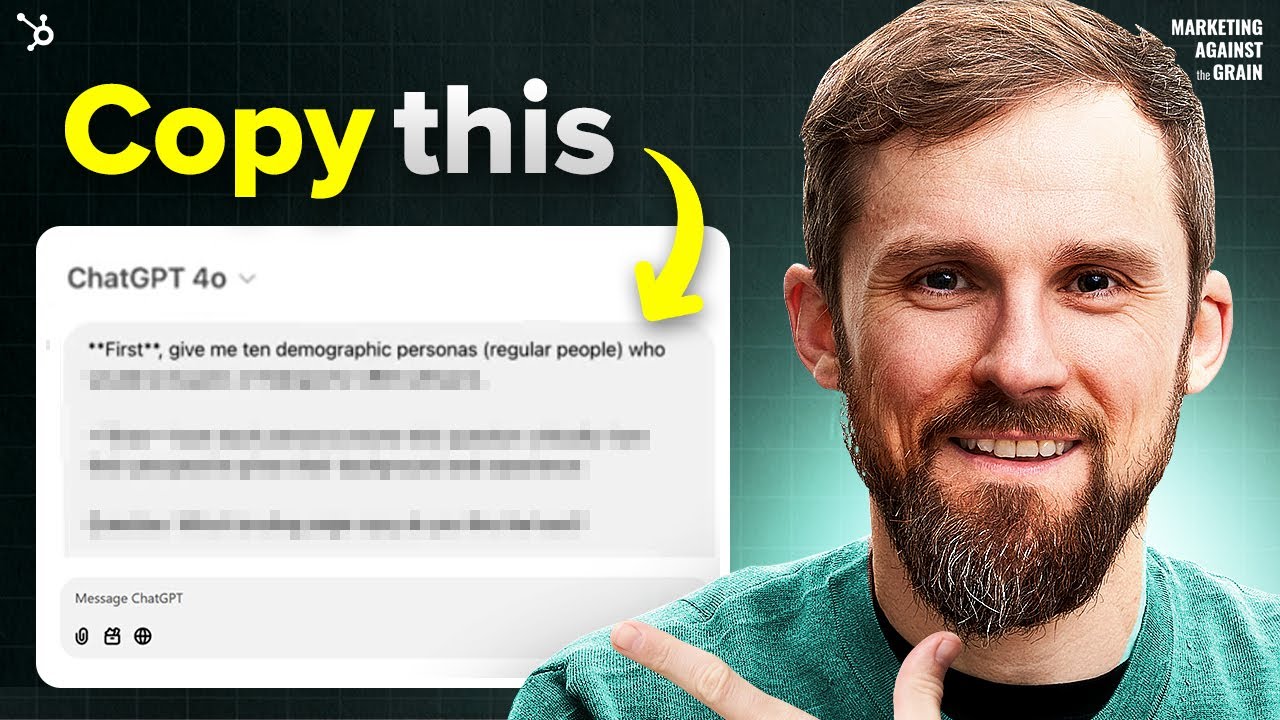
And with the advanced models you get some really cool stuff. One of the things that you get is the Oh One Pro reasoning model, and what it's really good at is advanced reasoning or even writing prompt. So what I want to do first is use 01 Pro to write a prompt for operator.
And I want to say, Can you write a prompt to browse this page? And I'm going to going to pick a very specific page here, but if you were doing this, you would likely do multiple pages. But for example, I want to pick the HubSpot CRM page.
CRM is a huge part of our business. It's one of the core reasons people buy HubSpot. So I want to you know, if we could make the CRM page better, that would be a huge thing for us.
So I'm going to get our URL for our CRM page. Then I'm going to go back over to chat GPT. I'm going to paste that URL in.
I would like operator to browse this page deeply and provide feedback and opportunities to improve the conversion rate of this page, I need it to work with all data and provide that feedback as that pro fessional. So we're gonna have, oh, one Pro. And what Pro is not a fast model, what it's doing is it does some really deep thinking.
And what I have noticed in my usage of o1 pro is that it gives you some really, really detailed thinking, and the quality of thinking is better than most of the other kind of more transactional faster models that you might use for zero Claude, 3. 5 sonnet, Google, Gemini 1. 5 you've got deep seek model, you've got a one Pro, you've got the Gemini 2.
5 as some of your more advanced reasoning models. Since I'm using operator today, I'm using a One Pro as my advanced reasoning model. And so one of the things to keep in mind is that it's not fast.
And so what you wanted to do is you want to use a one Pro on work that's very important and that you can reuse. So if it can help me generate a really good prompt for operator, then I can simply just tweak the same prompt for, you know, 100 different website pages, and I can go through it really fast. That's why one of the things that you're looking for is to get a really good foundation base level prompt here.
Hey, everyone remember that episode we had with Dharmesh? Well, Dharmesh has exclusively gifted us access to agent dot AI's company, research agent, just for all of you. So if you're looking to spy on your competitors, so you can get a deeper, deeper dive into their strategy.
This is the agent for you. You'll get access to their key demographics, their web traffic trends, and you'll stay ahead of them with all of the competitor analysis tools. So if you want it, you can grab it at the link in the description below.
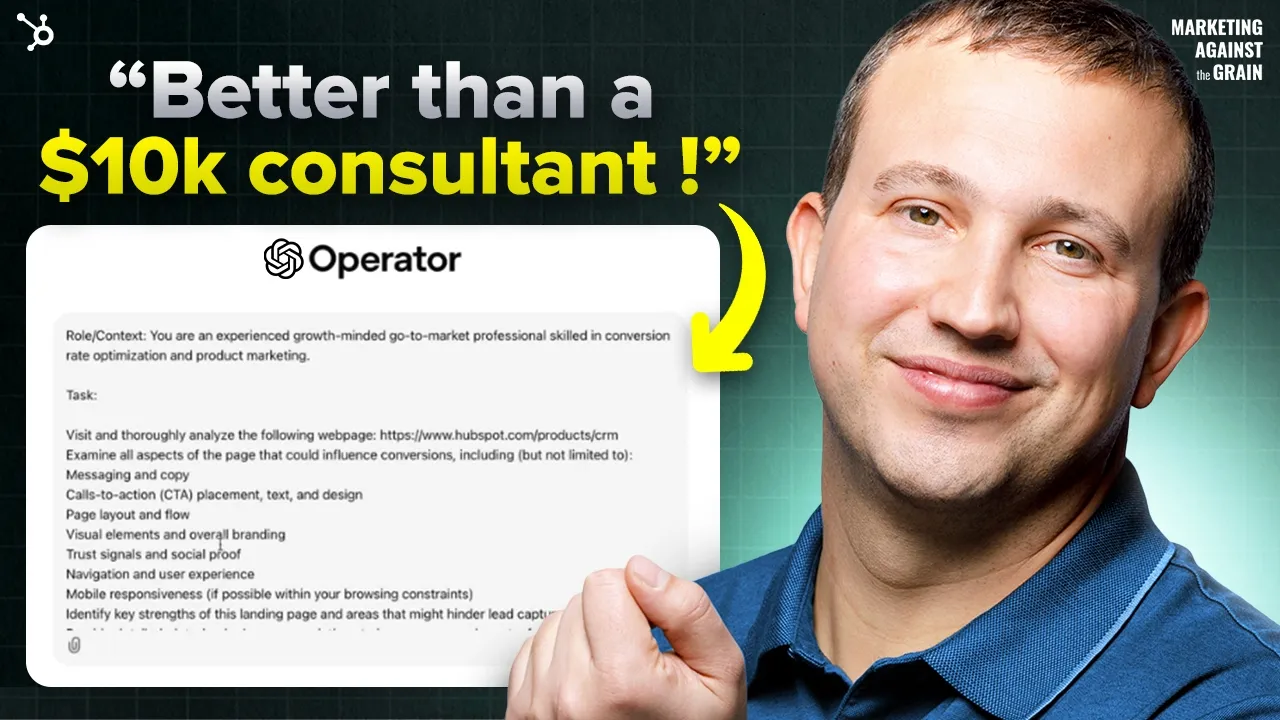
Now let's get back to today's show. Okay, so o1 Pro has done its thinking, and it says, Hey, here's a sample prompt you can adapt for open AI or chat, GPT, browser plug to deeply analyze page and provide conversion focus feedback for a growth oriented go to market perspective. Feel free to customize any part for your exact needs.
And one of the things, one of the reasons I like using these advanced models to write my prompts, is because you learn from how they're writing it, how they're configuring it, and so they've got they've like, this is your role in context. This is the task we want you to do. We want you to visit this page.
We want to examine all of these, identify key strengths, provide detail feedback, offer at least three actionable strategies and tactics output. Write a structure professional report highlighting these things. This is way better than any prompt I would have written.
I'll be honest with you right now. So I'm going to copy this, and I'm going to go over to operator, and I'm going to put it in. So I'm going to put this in open AI operator, and then execute away.
Okay, one of the things about operator is that you can allow notifications. So if it needs you to log into something, or if it needs to give you an update, it'll do that. And if you haven't seen operator yet, what it does is it has its own browser, and you can see what it's doing, and you can take over and do work in this browser alongside operator.
If you want, in this case, I don't need to log in. I'm not having it do anything where I need to intervene. It should be able to do everything itself without me needing to take control.
One of the things while it's browsing that I think is really cool, if you hit the share button, what it will actually do is it will give you the video recording of the entire navigation that it did. And so operator did 38 seconds of browsing. That's pretty fast.
That's That's pretty crazy, that it was that quick, and it gives me a detailed analysis here, HubSpot, CRM, landing page analysis. The key strengths, clear messaging, prominent CTA, visual elements, social proof, comprehensive information and a really good user experience. Areas for improvement, CTA, clarity, while git free, CRM, button is prominent, adding more context or benefits to the CRM.
Text could further encourage clicks. Get free CRM, no credit card required as an example, messaging hierarchy, the page could benefit from clear messaging highlight hierarchy, highlighting some key benefits and features more promptly as the user guides through content, streamline the user journey, reduce the amount of scrolling required to access important information and features trust signals include more customer testimonials, more case studies. This is really good feedback, like if I were doing a review of this page myself, these are the things that I would have gotten to actionable strategies, enhance CTA text, optimize messaging hierarchy, reduce friction in the user journey.
These are the things that it's saying we can go and do. Overall, the HubSpot CRM landing page effectively communicates its value proposition and provides valuable information users. By refining the CTA, optimizing messaging hierarchy and streamlining the New Jersey journey, the page can further enhance its conversion potential in the competitive B to B SaaS market.
Okay, now that's pretty interesting, and I like that. What if I then take all of this feedback and I go back over to Oh One Pro, because that's really good, and that feedback right now, you could just go into your page editor, your CMS. We use HubSpot for our CMS.
I could go into HubSpot and I could start making these changes now. But what if I wanted to make them better. So I'm going to go over and I'm going to go back to chat GPT again.
We've got this really smart, advanced reasoning model, and what I like is that it even told me how to use the prompts pretty wild. I'm going to say I got the following from operator. Can you please give me detailed options for its suggestions.
Then I'm going to paste everything in from operator. I'm going to go back to one Pro, and it's going to think for a minute. Remember, we're using a thinking model.
What's great, though, is that one prompt that I came up with, that, that I came up with, oh, one Pro, this prompt back up here, I'm going to talk about this. Why it's thinking is I can literally just swap that URL out for a different URL, use that same prompt and have them all run concurrently. I can just drop them through to operator.
I can have 10 different tabs open, have 10 different pages going all at one time. So you get massive scale. Because remember, it took operator, like, little over a minute to browse the page and give me that feedback.
That's work. That would have probably taken a human doing that, I don't know, 1520, 3060, minutes. And so you got that done much, much faster.
Or you traditionally, what you would have done is had had somebody walk through the page for the first time and try to provide feedback around what was and wasn't. Clear, and instead we have operator acting as that person. And so now we're trying to basically say, hey, operator gave us some really great feedback.
Is there a way that we can take that really good feedback, put it to a really smart LLM and take that feedback to the next level to make it much more actionable? Because if we can make it much more actionable, we can get it updated sooner, and we can see better results. And that's what we're trying to do.
All right? So it is, it is back and well, AI is awesome. So a one pro thought for four minutes, and below is a more in depth breakdown of actionable suggestions, including different approaches you can take in sample HTML, CSS snippets and optional copywriting to help you implement these optimizations.
So this is pretty wild, right? Like I had operator go and do the human behavior as my target customer do all the browsing. And then I was like, Hey, take these insights and like, let's, let's really put them to work.
And so enhance the text CTA, which is one of operators recommendations, right? Modify the text CTA to include a benefit such as free CRM, no credit card required to drive more clicks. So chat GPT is giving you context.
So what I like is you could be, you could know nothing about marketing, right? Like, you could know nothing, and it's going to tell you why it's making these recommendations. That's one of the values of these really smart models, is those recommendations.
And so it's clarity and confidence, value, value, emphasis, implementation options. So it's going to tell you how you could do this, that you could do an inline button copy, or you could do a button with a sub label, which is like, really helpful, and it then is selling you. Here's the example, HTML, CSS to do each of these things, and you can just copy it and put it in your editor if you want.
And then it also gives me some potential copy variations. Get started for free, no credit card needed, or start using HubSpot, CRM free, right? All of these very interesting things, things that if you were doing a B testing or multi variant testing on a page, you would consider doing optimize messaging hierarchy.
So it's taking up operator suggestions, and then it's taking them. And here's, here's what it's it's having a suit, which is, these are, these are smart things, rearrange headings, use subheadings and bullets emphasize social proof, and then it's giving you the content structure in HTML form. So if you wanted to restructure that page, and this is the kind of the base html that you could go then and customize, save you a bunch of time.
You know which is, which is pretty wild, by the way. Remember all this in four minutes, pretty wild giving you some different copy variations supercharge your sales and marketing. Effortless to set up, powerful to scale.
These are, these are different headers, as you're trying to get more structure on that page and then reduce friction in the user journey. Which is the next one, and it basically said, sticker, sticky head, header navigation. Keep the site's top nav or CTA pinned at the top of the page.
Anchor links, internal links in a fixed header or table of contents that jumps to major actions in a fixed sticky CTA panel. These are all really good CRO tests that we have run, and we will continue to run, and so these are pretty awesome, and it's giving us the code to go and do this. Additional Tips for trust signals.
Create a carousel with testimonials, include measurable results, case study certification and security badges. It's giving us the HTML there. And below is a simple, simplified structure combining all of the recommendations.
So if you're just like, hey, I want to do what it tells me to do, it's giving me a roundup of all the HTML to go and do that. That's pretty, pretty awesome. And you can then go and do that.
And so what I really like about Oh One Pro and the advanced reasoning models is they also do a really good job summarizing, what is it, what is it here that we covered, and what are we talking about? And it's like, hey, we want to change and improve the text of a core CTA, our message hierarchy, reducing friction and our trust signals, and this should all help to drive better conversions. And this is just based on browsing with no web web page performance data.
If I had data from HubSpot, Google Analytics, other sources, and I put it along with the operator data, it would give me an even better output than it is giving me right now, because this is based on qualitative browsing experience, you could then match that with data. It's gonna be awesome. For the sake of today, I didn't want to share a bunch of confidential information, so instead, we're doing just the qualitative thing.
But if you were doing this and kind of replicating what I'm doing here, I would strongly encourage you to, when you give it the operator feedback, to also include any raw data, and you can just pay, you know, copy it from whatever web analytics you're using and put it in here to combine that. And so let's talk about how you would use this. I obviously showed you today how you could use this on a product page.
You could use it on any website page. Quite frankly, you can use it on any page. Page.
If you find something, a page that you think is really good, have operator look at it and tell you why it's really good, even if it's not your own page, it can do if you, let's say, you have a YouTube channel, it can look through how everything about your YouTube channel or your description of a video. It can do everything but watch the video. For example, it can't watch the video.
It can read, it can read transcripts, but it can't go through and watch the video and the browsing experience, but really any public web asset, or if you have a product, like if you have a software product, you can then log in, take control, log in, and operator can provide feedback about the actual setup experience, how easy or hard it is to take a particular action, all of those things can happen is really impressive. And I think a really underused technology. And you can go and do this in operator today.
You can also do this in Quinn 2. 5 which is a brand new model from Alibaba, that's open source, and so if you wanted to maybe build a custom agent do this at like real scale, you could use Quinn 2. 5 to do that.
So there's a couple paths to get here, but as we're gonna see more and more of these browsing agents, and as we do the implications to really scale the amount of testing and feedback loops any business has to try to get more value out of their website and their web assets is going to go through the roof. And the difference between you who are watching this and going to try things like this, and your competitors who aren't, is only going to widen. You are going to sore past them in growth.
And it is pretty remarkable. So that is a quick rundown of how you use chat, GPT Pro to be the ultimate website feedback and testing partner that you've never had, and you get all of this for 200 bucks a month. It's pretty well.
I hope you enjoyed today's show. If you have, please leave a comment. Hit like hit, subscribe.
We're gonna keep creating really great content on this channel. So you're gonna wanna subscribe. You don't wanna miss anything.
Don't want to miss anything.