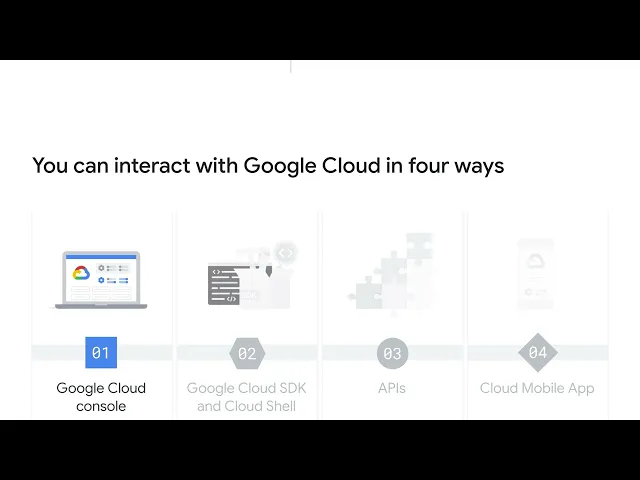
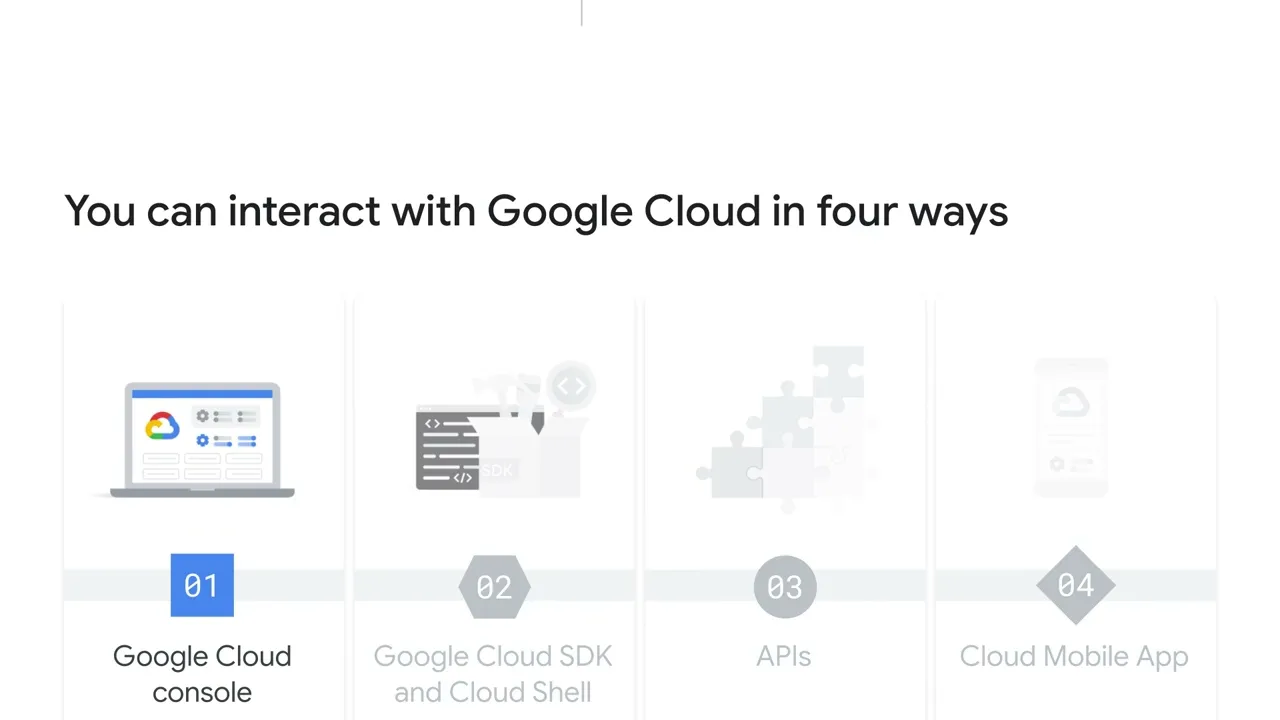
Let’s begin with the Google Cloud console. There are actually four ways to access and interact with Google Cloud. The list includes the Google Cloud console, the Google Cloud SDK and Cloud Shell, the APIs, and the Cloud Mobile App.
We’ll explore all four of these options in this module, but focus on the console to start. The Google Cloud console, which is Google Cloud’s Graphical User Interface (GUI), helps you deploy, scale, and diagnose production issues in a simple web-based interface. With the console, you can easily find your resources, check their health, have full management control over them, and set budgets to control how much you spend on them.
The console also provides a search facility to quickly find resources and connect to instances through SSH, which is the Secure Shell Protocol, in the browser. To access the console, navigate to console. cloud.
google. com.