a lot of people are sleeping on Pinterest but did you know it's one of the easiest way to start making money with affiliate marketing and with AI it's now even faster I'm going to show you how Pinterest can drive thousands of clicks to your affiliate links on autopilot even if you have zero followers okay I'll reveal how you can use AI to create scroll stopping a catching pins that get insane engagement and Skyrocket your earnings this strategy works even if you are a complete beginner so stick with me because by the end of the video
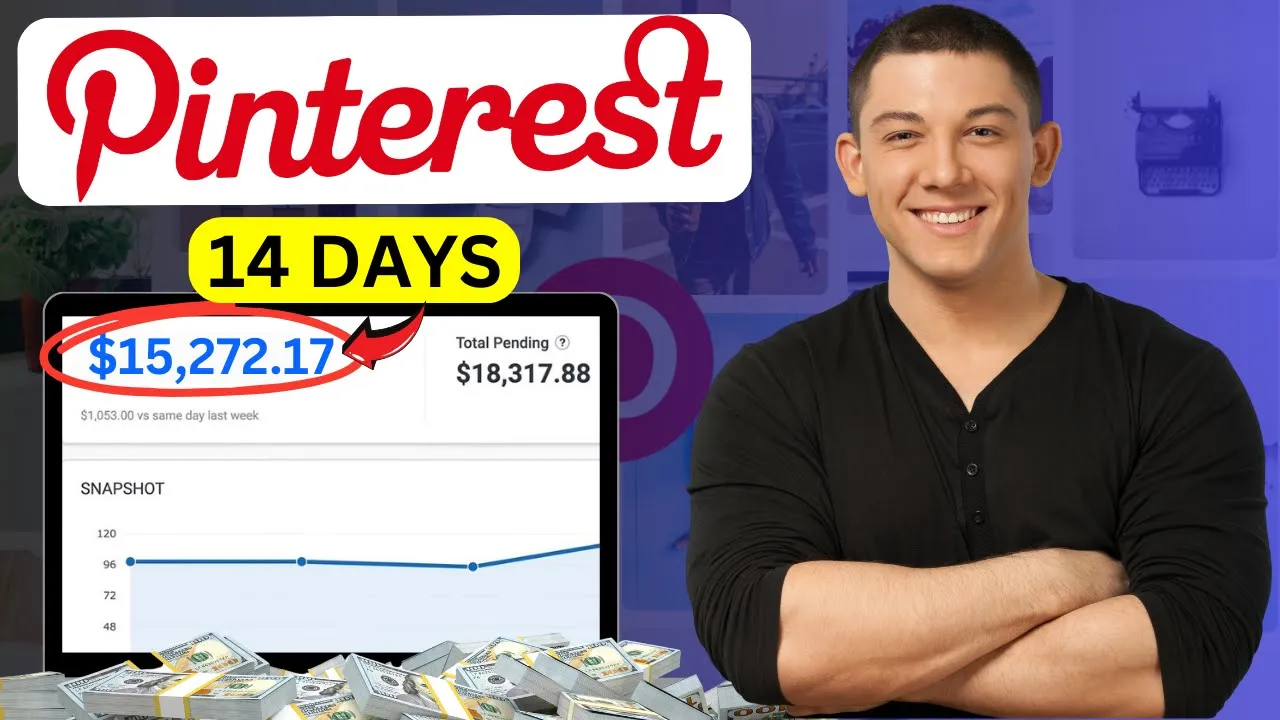
you will have a profit ready system to start making money online with Pinterest affiliate marketing I have been doing this business guys for over 5 years and I'm making over $15,000 every single month with affiliate marketing using free traffic from different social media Platforms in this video I'll share with you my method with Pinterest and as you can see over here this is my affiliate account dashboard and just in 14 days of this month from the first day of this month until the day 14 I made $ 15,27 to with affiliate marketing okay I'll share
with you everything you need to start making some good commissions with affiliate marketing using Pinterest and just last month also I made 2,274 and it's paid this is my invoice this is the payment proof so anyway I'm not here to show you I made this commission or I made this to show you my earnings I want to show you guys the step-by-step system and step-by-step guide that you can follow to start making some commissions with pent affiliate marketing as a beginner okay so let's get started make sure to watch the video Until the End because
if you Skip One Step this business will be really difficult for you and you can start making commissions so for people who are new to my YouTube channel and you guys want to start affiliate marketing using Pinterest step number number one you guys need to create an affiliate account like this one so what you will do super easy go to Google and search for Fiverr click on the first link over here you just need to sign up using your email address and after you finish this will be your homepage and you should have an account
like this one with p with Fiverr okay so you just need to come to this page and just scroll down like this go to company and click over here on affiliate okay you will be directly in this Fiverr affiliate website you guys can check this website you can scroll down you can get idea about how much you can earn for each service you will start promoting with Fiverr they are really paying good commissions the best part is that you will keep making commissions for for 12 month for the next 12 months so for example if
a person buy a service from you from your affet link you earn a commission if this person will keep buying more services for the next 12 month you will keep getting 10 10% of future orders 10% Revenue share for each purchase this buyers will make in the next 12 month okay which makes it really a profitable affiliate marketing business so you just need to create your affiliate account you just need to click here on join now so we will get back to this later and I will explain to you guys more about the commissions plans
okay so you will be directly in this sign up process page to Fiverr affiliate program and as you can see guys the signup process is super easy and simple like it's and it's for free you just need to put your first name here your last name email address username your password account tape make it previde do you have a main source of traffic if you have website you can say yes if you don't have you can say no that's fine scroll down click on your country here and choose your country your location it doesn't matter
you guys can start this business from anywhere from United States United Kingdom Canada Australia Germany and any country search for your country from here and if you and uh choose your language from here okay if you have Skype account you can put your Skype account here if you don't have that's fine just click on next and that's it the sign up process is super easy and simple and after you finish this will be your homepage and you should have an account like this one with Fiverr affiliate so this will be your Fiverr Affiliates account dashboard
what you will do next you need to create a business account with Pinterest you will go to Google and you will search for Pinterest like this you will click on the first link you need to sign up using your email address the sign up process is super easy also with Pinterest all you need to do you just need to use your email address after you finish this will be your homepage and you should have an account like this one you can also use personal accounts but it's better to use business account okay so you should
know that Pinterest has between like up to 1 billion monthly visitors and it's also a search engine platforms and usually uh Pinterest users are searching for services products ideas on Pinterest okay so after you finish your signup process with Pinterest like this you will use to find a good services that you will start promoting with Fiverr you will use pinous search bar okay so we will click here on this search bar and we will tape keyword and we will see which topics or which which service which topics people are searching for so for example I'm
going to type Here YouTube so you guys can see you just need to type keyword for example I type Here YouTube and Pinterest give me those topics that people are searching for on Pinterest okay so people search for YouTube Banner YouTube logo YouTube Banner Background YouTube thumbnail YouTube channel ideas and and so on okay YouTube Banner design so for example let's click on this keyword YouTube Banner design okay you guys can see and here you go do you see this people already They are promoting those YouTube Banner Services okay which is really good you guys
can see here that's really it's already working already people searching for the services and already people are promoting this service on Pinterest so for you what you will do next you will start promoting the service YouTube Banner design you will go back go back to your Fiverr homepage okay to this homepage click on the search search for YouTube Banner okay YouTube Banner this one search for this service on Fiverr okay and I want you to pay close attention in this step scroll down and here you go you will find a lot of people here who
provide this service on Fiverr what you need to do next next is you need to choose a good sellers how you can choose good sellers always choose like level one seller and level two Sellers and operated Sellers and pro sellers those those sellers will be a good sellers for you that you can use their services as an affiliate marketer and promote them on P to earn commissions so for example let's choose one of those uh sellers here so for example let me see here we have like this one guys you can see this one here
this one is top rated seller I will design an outstanding YouTube Banner this one is good he has five star over 1,000 reviews over 1,000 people paid for this service which is really good so what you will do next you will click on this seller click on his service like this and here you go you will be directly in his Fiverr profile page what you will do next you guys can see this seller has four orders in queue people are buying this service so what you will do next you will copy the link of this
seller copy the profile link of this seller copy the profile link of this seller and go back to your fivr affiliate account like this to your dashboard and click over here you have dashboard you have marketing tools report payments click on marketing tools and click on default and dip links okay and you will be directly in this page click over here on dip link put this seller profile link here and click on Save and here you go you just created your first Fiverr affiliate link what you will do next you need to promote this affiliate
link on Pinterest okay so what we will do next we will go back to Pinterest go back to your Pinterest account okay and first let me show you guys you can see those those people who promoting those Services here so let me for example let's check this one here let's click on his service okay you guys can see this is his service he is promoting YouTube banners Perfect YouTube Banner design service and he is ranking in the first page okay I'll show you how we can rank so just we will talk about the the Pinterest
seu later let's check this this Pinterest account do you see this I that's what I that's what I told you in the beginning you don't need followers look at this account just with six followers he is getting 10,000 monthly views 10 10,000 monthly views guys which just six followers because he is doing a good SEO for his Pinterest account because he is ranking that's how that's how you can get so much traffic because if you do good SEO for your account you can rank good on Pinterest and you can get unlimited traffic you can get
so much traffic for free okay and we have a lot let me check another one okay to show you so you can see this is this it's working this service is working you can see this one this account also is promoting YouTube banners okay I will click let's check this account look at this that's crazy guys look at this just for just with 14 followers do you see this here this account is getting 827,000 monthly views do you see this number here this do you did you do you do understand do you know how much
traffic this account is getting per month like this is crazy it's close it's close to 1 million monthly views which make which will get this account so much traffic for his services or his product that he is promoting completely for free no ads needed no you don't need to spend any money on ads okay that's the power of consistency and doing a good SEO do it right that's how we can make money okay you cannot just keep just copy paste you need to to learn Pinterest SEO to use AI to create a catching PS and
so much more okay if you want to start making some serious money followers guys are not important don't care about followers just do a good seu and you will get a lot of traffic anyway I will go back so what let me show you guys so we can so what we need to do next is we need to create a catching pin picture so what we will do we will click here on pentest and we will click on create pin okay so now we need to create a good a caching pin that will get clicks
so we can earn commissions so what we will do we will use uh canva okay you guys can go to Google and search for canva sign up using your email address the sign up process is super easy and simple after you finish click here on the in the search of canva search for pinest pin picture okay or Pinterest pin search for pinous pin like this and what you will do next you need to choose one of those templates over here that are provided by uh Cana okay they are for free to use you can use
those Pinterest pin pictures for free of course so let me just find a good picture that I can use I'm going to use for example this one okay let's use this one I will click on this one here and what you need to do next I will use this I will click here let's scroll down you can find even more pictures here but anyway we're going to use this one okay I'm going to use this one I will click here on customize this template so we will edit this so what we will do next we
will so let me see I'm going to edit the title first I will delete this title here this one the big one I'm going to delete this one and I need to put here a good title so what I will do to use a good title here that will get attention I will use AI okay we will use chat GPT okay so what we will do next we will go back to the seller profile page about this service I will copy his title like this and I will go back to AI I will go back
to chat GPT it's for free and I will ask him turn this title into Pinterest Pinterest pin title okay and use good SEO to rank okay and they will put this title here like this and they will click over here and they will get a good title that I can use for this picture I will Design standing YouTube Banner that stand out okay I will copy just from this I will copy this part design standing YouTube b stand out I will copy this one I will go back to canva and they will delete this title
and they will put my title here okay like this and I'm going to make it I will increase the font size of this text like this okay design a standing YouTube Banner that stand out I will delete this pictures here guys delete image and I will delete also this one delete image and they will delete this so what you need to do next guys is you need to put here a pictures about YouTube banners pictures related to YouTube banners okay so what you will do next you will go to Google and you will search for
YouTube banner and you will find a lot of pictures here that you can use for free okay I will scroll down here just go to Google search for you YouTu banners and you should find a lot of pictures here that you can use okay so let me scroll down to see if we can find some good pictures here of course you will find a lot of pictures just okay like this one for example let's check this one here YouTube banners for example like this one this one is good I will double click on the picture
and I will click on save image I will save this picture to my laptop like this and I will scroll let me scroll scroll more to see here if we have more banners here and yes you guys can see we have a lot of banners that you can use let me go over here to to Google again let me see you should find a lot of banners just give it time and search for YouTube banners so for example also like this picture here will be will be a good one YouTube banners see this one okay
so I will also download this picture I'm going to use this one click on save image and save this picture go back to canva go back to this canva page and click on upload click on upload file and upload the picture that you download from Google okay about YouTube Banner I will click on upload and let me see here and we have this one also here open and here you go so what you will do next I will click on this picture and I will put this picture here like this okay double click on the
picture and I will okay I'm going to make it like this okay looking good I will uh put the second picture here and they will put this one here Double C click on the picture and I will use it like this guys it's super easy to edit those pictures here on canva like they are super easy to make super easy to use and that's it and there you go okay done you see we just designed a good a caching pin you guys if you give it time you have the idea you just give it time
to design a good a caching pin you can find the pictures on Google you can find pictures on Etsy you can find pictures on a lot of websites you can download those pictures and use those pictures to create an a caching pin after you finish click on share click on download and click on download again and this picture aachen pin picture will be downloaded into your laptop you will go back to Pinterest and you will click over here and upload your picture okay this is your picture about a catching pin click on open and here
you go do you see this design sing YouTube Banner that stand out it's super easy so what you will do next you will click here on title and you will go back to CH GPT and you will copy this title I will use just the same title that I used in my uh uh picture in my Pinterest picture I will put this Title Here design standing YouTube Banner that stand out so for description I will go back to CH gpg and I will ask him create a pin description from this title and CH GPT will
create a good description for your PIN you guys can see and here you go you see this this is really amazing AI is really amazing and will help you to do a good SEO for your Pinterest account to rank okay for because for you guys as a beginners the first step that you need to focus on is learning you need to learn how the Pinterest Al algorithm Works how to uh rank those pins high in the search result of Pinterest how to create how to design good a catching pins that's what you need to focus
on after that then you can you will the money will come if you if you are focusing on learning you are focusing on creating good content the money will will will come okay the the problem you are focusing you just started and you are just keep focusing on the commission you just started one week you started publishing some pins and you are going and checking commissions and you if you didn't find the you didn't made any commission yet you will get disappo disappointed or you are you think this business is not working and you are
wrong it's not are it's not it's working okay you just need to give it time to stay consistent to learn learn how you can create good content that will get clicks then you you will you will make so much commissions okay so what you will do next you will description put this description here scroll down you guys need to put your affili link here okay of course you will need put your AFF link directly here for so what I do suggest guys it's better to use a landing page or an affiliate website or a Blog
okay because if you put AFF links directly on Pinterest Pinterest will push your pins down will not show your pins to a lot of people and they will not get impression and your account will not grow but if you use a ling page or an affiliate website or a Blog you can get a lot of clicks and you can grow your account fast so what you will do to get your affiliate link just go back to your Fiverr affiliate account over here and if you for you guys if you just started and you have new
account you can't this option Fiverr sayp a old plan because for me I have old Fiverr affiliate account I have been doing this business for over 5 years and I'm um I still have this option fivr CPA old plan but for you you should have this one FIV Fiverr Marketplace new plan so just copy your affiliate link from here and go back to your affiliate website or a blog or landing page that you will use and put this affiliate link inside your website or blog or landing page so for me I will put my affet
link here and scroll down click on choose a board if you have new account click on create a board and you just need to give it a name and that's it and you can create as many as you want I'm going to choose for example this one for Fiverr affiliate and here you need to put tags okay so how you can find those tags you guys can use like I said use Pinterest search bar okay and copy those keywords tape YouTube if you type YouTube for example like this you see this those the keywords that
you guys can use you can use YouTube YouTube Banner for example I'm going to search for YouTube banner and here you go you can use those keywords YouTube Banner YouTube Banner Background YouTube Banner design YouTube Banner templates and so on copy all those keywords and put those keywords here okay okay YouTube Banner okay YouTube Banner here and put YouTube Banner flash Banner design and put those keywords here and after you finish that's it you just created your uh pin on Pinterest you just need to click on publish and your your Pinterest pin will be published
on Pinterest and here you go it's going to be published like this okay that's it that's how we can promote guys that's how we can make money online with pent affiliate marketing so for people who want to take this business seriously I want to personally invite you guys to join my exclusive course I have created a step-by-step guide that shows you how I'm making over $15,000 every single month with affiliate marketing using so using all social media platforms using free traffic from different social media platforms because I'm not using just Pinterest the commission that I
made it didn't come from just Pinterest I'm getting a lot of traffic from Pinter also I'm getting traffic from YouTube YouTube Shorts YouTube long videos uh I'm getting traffic from Tik Tok uh Instagram and more if you are interested feel free to reach out to me in my email address and I will get back to you see you in my next videos