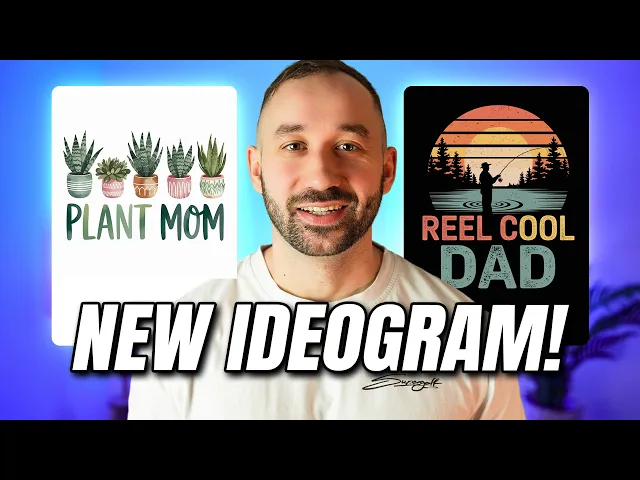
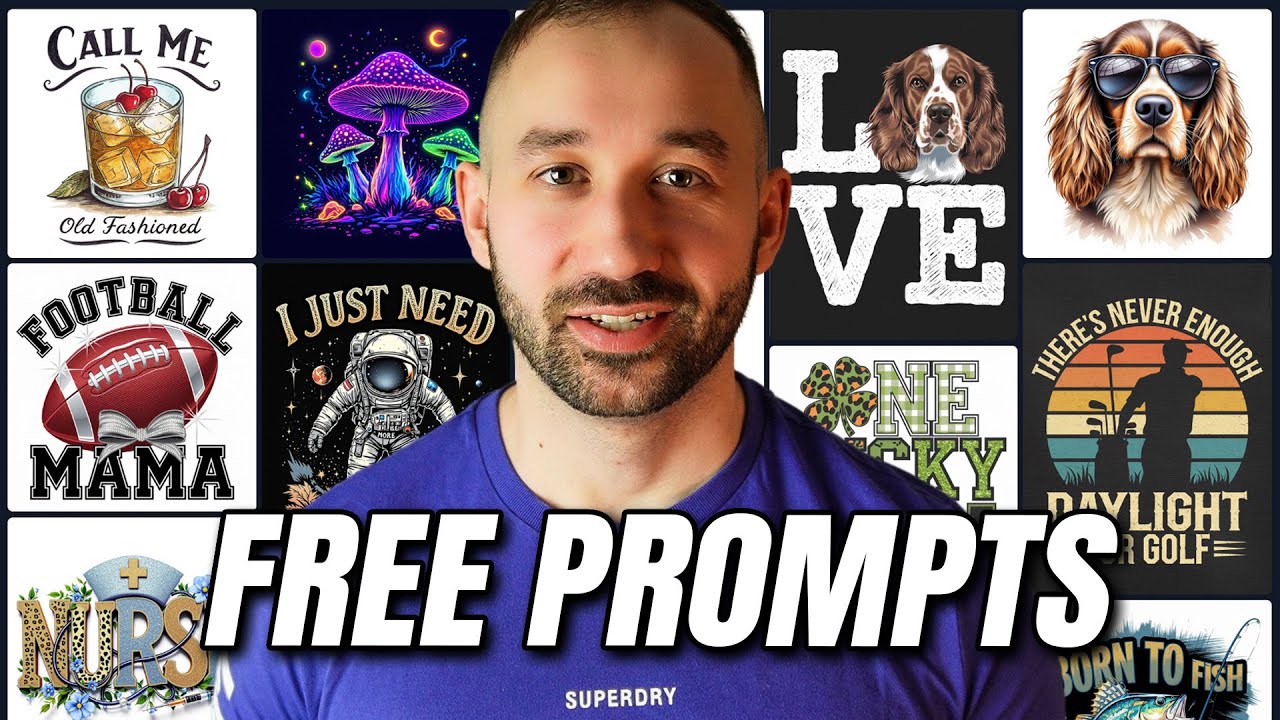
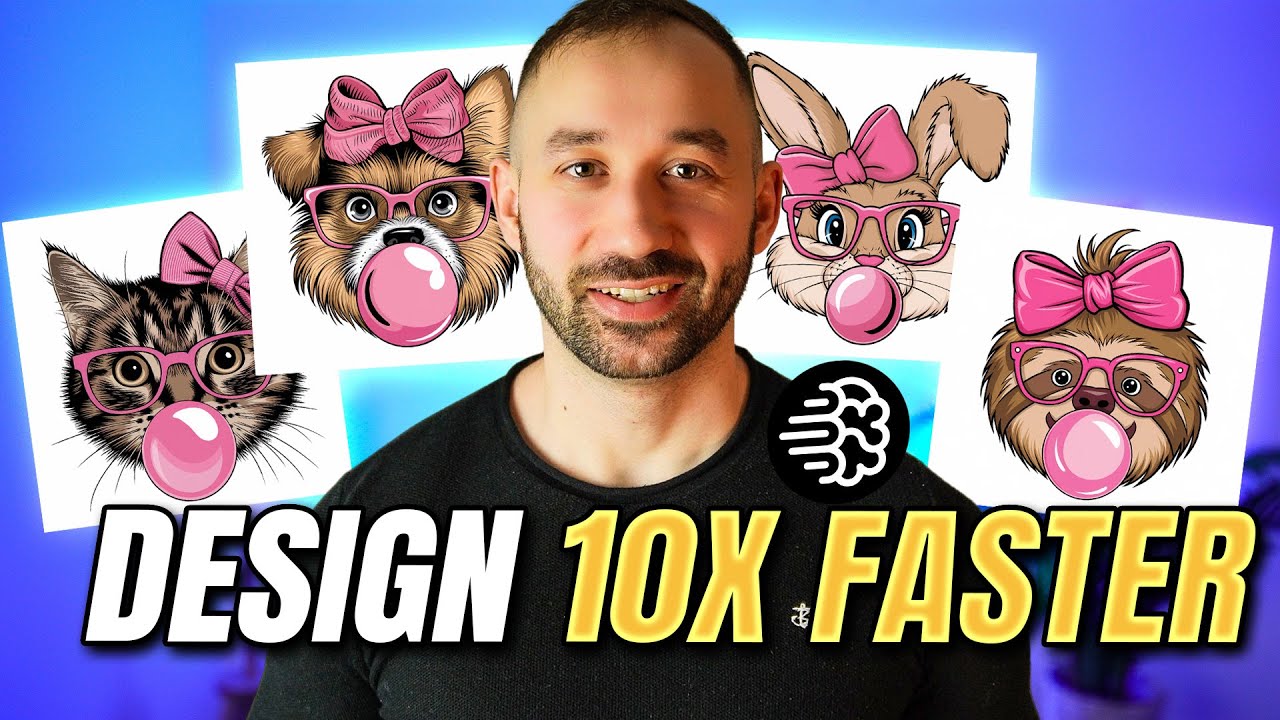
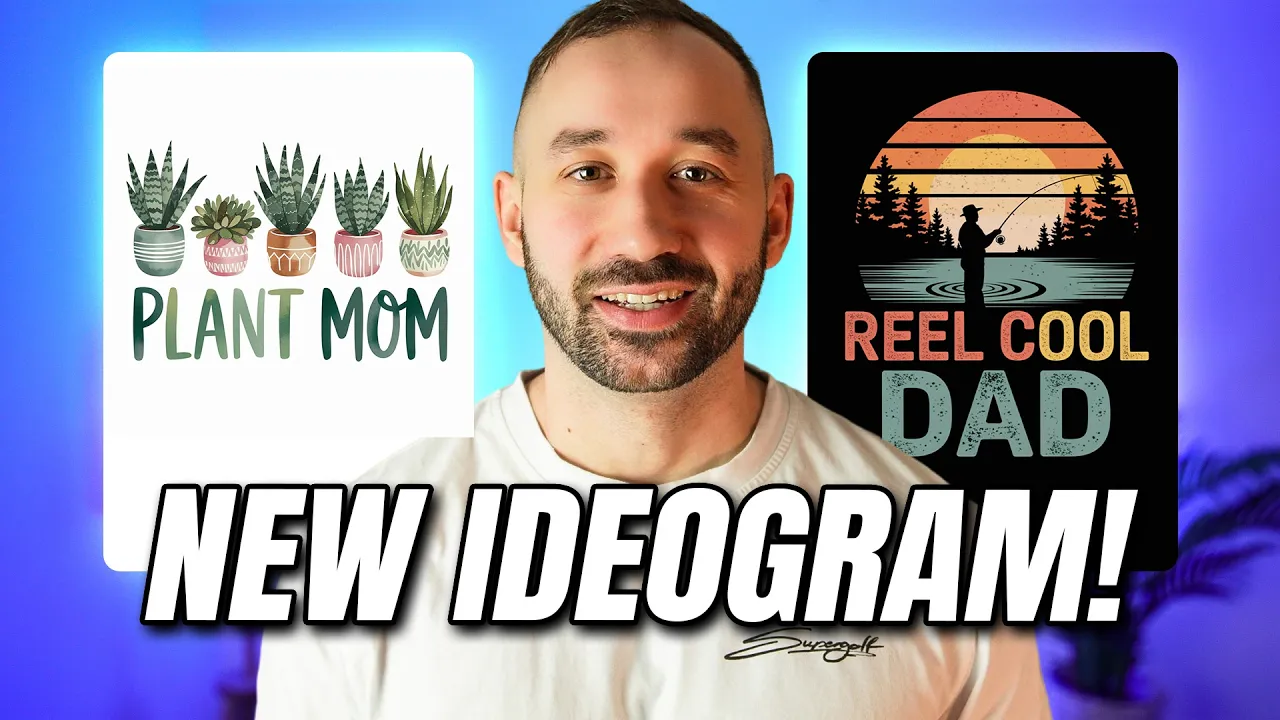
idiogram has launched a brand new model called 2A the graphics look even better fatia design than they did before the text is more accurate and it also costs you less credits and in this video I'll show you how to use this new model and I'll share 12 free prompts with you so I'm on the homepage of idiogram right here and in order to use the new model you need to click into the prompt bar then if it's still set to 2. over here then change this to 2 a and now you can see this uses one credit compared to 2. 0 uses two credits which is really cool we've also got some extra settings still this hasn't changed much it just doesn't have the color schemes built in but you could still set this to Turbo as well for example and then it goes down to 0.
5 credits that means it might not be as accurate because it's a lot faster generating your image but it is going to be cheaper so that's a literally a quarter of the cost of the 2. 0 model if it's set to default and it will still get really good results I've still been running most of mine at default but turbo is definitely worth trying if you want to save on credits now another thing that's changed is if we click out of this maybe this has already been here for a while but I haven't been on the idiogram homepage for a while so I haven't noticed this but anyway we now have these categories right here when you're on the explore Tab and you can just click on t-shirt and it will give you a lot of designs that look like t-shirts in here a lot of these are older with the 2. 0 model but you could click into them and then you can double check what model it is you can use the prompt right here and change it to 2.
8 and then kind of compare very quickly as well some of the kind of old 2. 0 t-shirt designs that are kind of filtered out right here compare them and see what they look like with the new model instead or some different settings of the new model now besides that not a whole lot has changed after all it is kind of just a revamped version of the 2. 0 model I'm guessing there will be a lot more changes when version 3.
0 drops and there might be some more differences with the entire interface right here and the graphics will look extremely different 2 2. 0 or 2A which is the new one now and there hasn't really been a brand new model kind of like 2. 0 for a long time so I'm guessing or I'm hoping that version 3.
0 isn't too far off anyway let's jump into some prompts so you can instantly start creating some t-shirt designs with this new cheaper model starting off with this one that kind of has that retro one color illustration style and it's with the frog in this case and the phrase up here can obviously change quite easily can also change the animal itself but I think this style is extremely popular right now so it's a good prompt to use as a basis you can see down here the model is 2A 1X one resolution and the style that was chosen was General typically I've just been leaving this at Auto I think both General and design still give you really good results for t-shirts with a new model so either one can work and the rendering settings have been a default for me as well in all of these cases so let me just flick through these so you see some of the other examples I think this one looks really cool with that kind of box uh right here around the graphic very very very tidy design for sure and yeah I've not seen many spelling mistakes so far at all from any of the proms that I've been running saying that now I probably miss one in this video but nevertheless um you can download the prompts for free as well I'll leave a free download link to them in the description so you can easily copy and paste them now this next prompt is a very simple yet effective one because it kind of warps your text into a heart shape very effectively now this design is probably going to be a good idea for Mother's Day for example but you can just put any other text into this and apply it to you know Hobbies or animals that people love or you could do it with other family members as well of course so yeah this is definitely a nice simple prompt that can easily be amended and Chang for plenty of different niches now since Easter is around the corner I thought I'd find an Easter prompt for you as well this one creates a really nice sort of rabit graphic with a ribbon as well which is really popular at the moment and it's filled in by sort of a floral pattern looks really great I mean the text is fairly generic right here just literally just says happy Easter which I don't think is the greatest idea to try and get sales all stand out but I also always encourage you to change the prompts and apply your own phrases or your own layouts whatever you want to kind of amend a little bit right there so definitely explore other phrases that work for each there with this kind of style it's obviously more targeted towards girls or or women but nevertheless the prompt is definitely really good to help you create some nice looking Easter designs next up we've got a style that creates a very minimalistic of one color illustration and this one was pretty interesting because it has the text inside of the body and looks really really nice and unique you can easily change out this prompt it's not too complex change the text up from good ey to something else ideally less words because if you have a lot of text within this graphic it will get difficult to read and of course you can also change the animalist only two instances of cat in this prompt that you can easily swap out right here and then also apply this to other animal niches but yeah the graphic style definitely looks really cool and I can see this working across many different topics I'm going to show you the next a few prompts inside of my designs because this is where I did a lot of my initial prompting and I've got a lot of really good prompts saved in here at the moment so basically what they've done in the dream AI tab is they've added the new model of ID grammar here 2A and 2A turbo I've been running 2A most of the time but the cool thing is if You' got turbo enabled and the new public setting right here which gives you a discount on the credits it literally it costs less than one credit for one image which is you know absolutely crazy even for the for the one by one setting that works as well and that's compared to model 2 or version two where yeah it cost 2. 8 credits so there's a big big difference but yeah I was running mostly 2A right here for these results now the first prompt I've got for you is this one of a handdrawn illustration this sloth really nice results in my opinion the font right here The Groovy fonts look really good the layout is great I like this color scheme a lot as well that it came up with in that result and this is the first time I ran that prompt with a new model this kind of looks cool as well with a slight shading on the text right there not too over the top but adds little bit of depth and yeah overall just looks great really simple prompt as well where you can change out the text right here very easily and obviously the animal at the start if you want to or the entire scenery of the graphic if needed prompt number six is a style that idiogram has been extremely good with since version 2. 0 and 2A is no different so we've got really cool dad right here and a fishing Sunset the graphics look amazing and I also quite like that it's emphasized the word dad in these designs right here it's actually missed out really in this one on the right that's probably the first spelling mistakes or text text mistake that I've seen from this new model so far not all of these Graphics are perfect like this guy kind of looks like he's fishing the trees and here there's like two fishing rods which looks kind of odd but the the general style idiogram definitely Nails it and you can easily use this prompt and apply it to other niches other phrases as well next up we've got a boho style illustration of a dream catcher and this actually creates some very nice looking Graphics uh like the color scheme on this one especially over here sometimes we've got the text in a circle in a very nice looking script font and then other times it's just come out above the feathers right here by the way I've only run all of these prompts that I'm showing you once inside of my designs with the new model and these are the initial results the first results which look amazing not to say that you'll always get perfect results it's still AI after all but I'm sharing kind of the best prompts that I've had instantly good results with right here with the new model and yeah this one I could see working quite well for Mother's Day for for example which is coming up in May depending on the phrase of course like you might want to change that to something else but the style itself I think is going to be quite suitable for that event and here we've got a bit of a sticker style design almost with this perfectly brewed design got a sort of cartoon Kawaii cat right here and yeah it's very simplistic I like that it's got a few highlights right here it's easy to process um I'm not sure if I like it when the text has such a bold outline right here that is more of a sticker graphic not as much for t-shirts but this one for example I could see working quite well on a t-shirt with that layout yeah for some reason yeah I prefer this a lot to this one up here probably because the cat is slightly smaller and there's a bit more focus on the actual text but yeah generally the results for this prompt here were pretty good and it creates a very nice simplistic Vector out style that could work both for stickers and for t-shirts as well sticking to the Kawaii style here for a second this I think is a good example of a result that looks better with the new version than the old one I wasn't really happy with the Kawaii Style igram up to now but it's gotten better now for sure with this model which makes me hopeful for igram 3 as well but if we look at this result right here for the pancake this is the prompt on the left hand side we've got a happy Kawaii style pancake stack if I scroll down a bit right here then we get to this result which is the same prompt just with the old model this is 2.