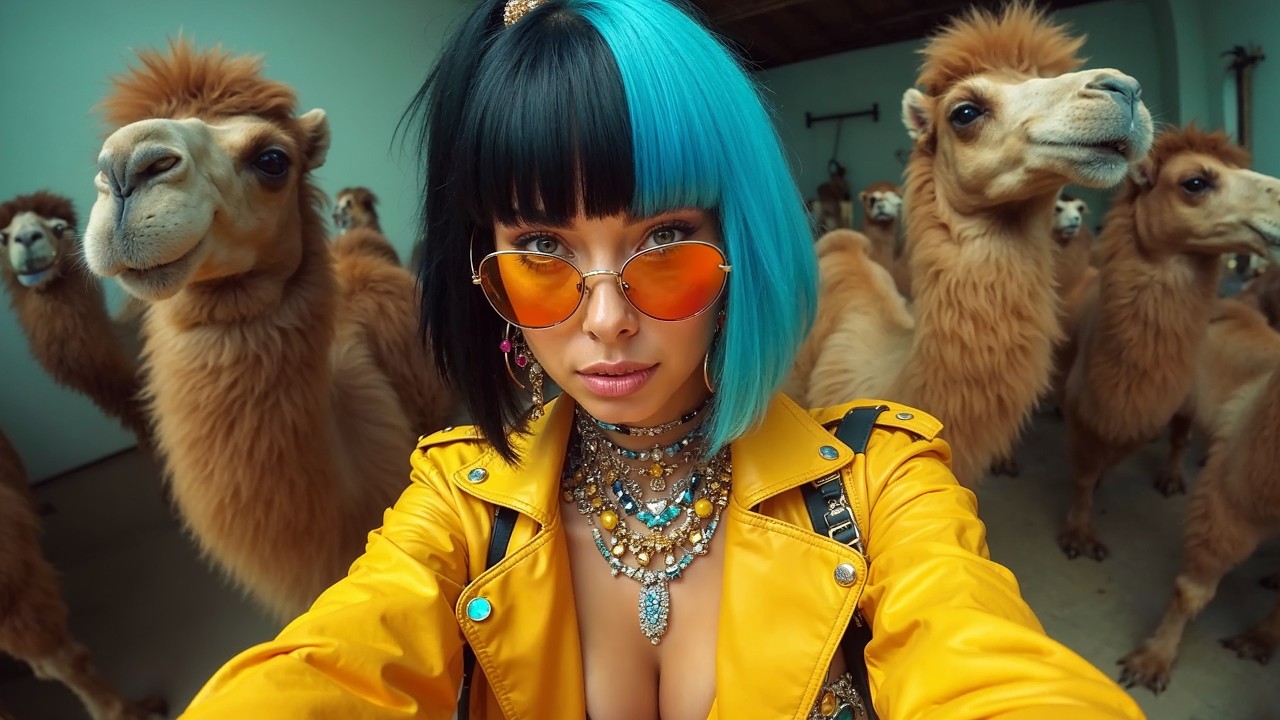
in this AI tutorial we take a look at the new released flux 1. 1 Pro AI image generator flux 1. 1 Pro is six times faster than the original flux 1 pro version and its performance has been improved I've introduced Services where you can use this incredible AI image generator model with free daily access and give you some guide on how to use camera shots in your image prompts for better results with flux 1.
1 pro version you can create detailed images with different styles to use flux 1. 1 Pro first service is glyph app you can go to other people's page and see their work to start using glyph press sign in button sign in with your Google or Discord account press build then click on the plus icon select image generator add your text prompt and describe in details what you want for image generation model select flux pro version 1. 1 you can change the image size based on your usage you also have some settings that I suggest you use default settings if you want to add a specific seed number uncheck randomize seed and write it down otherwise let the AI use random seed after that click run this glyph button and wait to see the result glyph app is currently limited to 20 runs per day for each account from this section you can see the number of remaining credits another service is rubber band I put the links in the description click on sign up for free enter with your Gmail or email and password check out the different features of this website to create image write your prompt you can change image numbers an aspect ratio you can also select flux Schnell or flux 1.
1 pro version and then save the settings after that click on the generate button and wait for the result click on the profile section you can create 10 images per day with flux 1. 1 pro version and here you can see how many images are left in the free plan you can create 100 images per day and if you want to use flux 1. 1 pro version you can create 10 images another service is Anakin AI click on login enter with your Gmail or email and password in the search bar type flux in the flux 1.
1 Pro section click on use this app to create an image write your prompt you can change the aspect ratio of the image if you select custom you can add width and height for your image add seed number or let it use random seed you can also change the output format for download press the generate button and wait for the result when you create a new account you get 100 free credits also you get 30 free credits per day and these credits reset every day last service is together AI Press Start building now sign in with your Gmail or LinkedIn or GitHub account complete profile to get $5 free credits you can see your remaining credits in the dashboard section here you can see cost of each generation with this model from the playground section select image part you can use flux Schnell for free select flux 1.




![I Replaced ALL my ADOBE APPS with these [free or cheaper] Alternatives!](https://img.youtube.com/vi/5EfqHg49kMk/maxresdefault.jpg)