hey everybody it's Carlos Perez here I just wanted to take some time to show you what goes on in the back end when you set up your own ipv network and you're really trying to make sure people get everything as far as the logos the TV Guide you know no one really understands what goes on so I'll give you guys a little insight into what's going on right now we're still uploading um our logos in order to have the icons there so the first thing we have to do is we have to go and actually
search for the logo this is what I've been doing continuously all day we go we look for it now we're trying to find something that we're not have to really resize all that much this one is super huge these are two [Music] together I think I'm going to try you know what I like this colorful one right here but I want stick with this one first I'm going to do is we're going to download this we're going to save this and image I want to call it comedy and then we're going to save it from
there we're going to open up Photoshop where we're already resizing our logos at and we're going to put it on here to make sure it's the right size so we're going to go in going to open want to look for The Comedy Central we have it it's indexed so we have to actually go in there and make it RGB and now that's going to allow us to drag it over there but first want to resize it so we're going to do quick little make it 90 pixels I mean the resolution 90 going drag it over
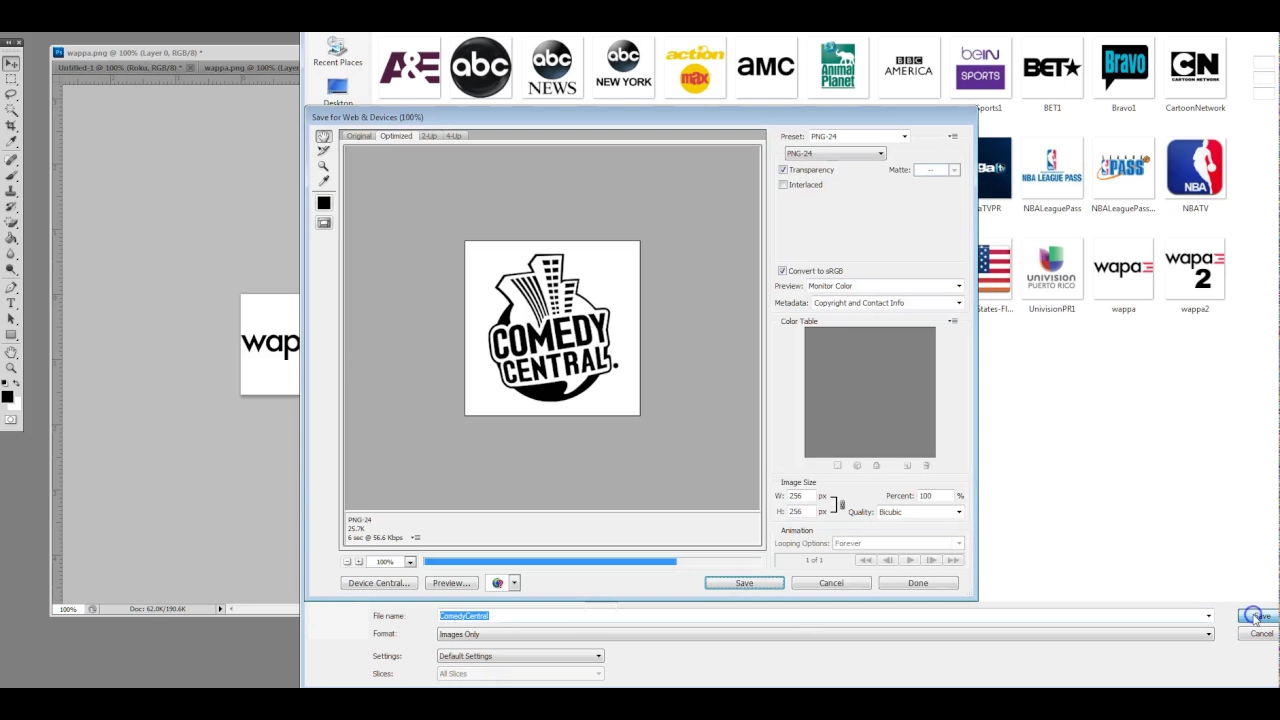
here now we're going to resize it on here so we're going go into our edit transform okay so now we got Comedy Central and we're going to save for the web as a ping file PNG file going to come here call it Comedy Central we're going to save it now we're going to go over to our server where we're uploading all the things we're going to upload it delete this one first upload this one go back now we're going to refresh our list looking for The Comedy Central one down a little bit so I can
refresh okay Comedy Central here we're going to grab the link address and now we're going to go back to our server find Comedy Central we're going to add the icon and then we're going to save it now that's going to have to be done for all the channels every last single channel that we have so everything as you can see just going and going and going and going and going and going and going and all the way down there so that's where my day has been today basically creating nice logo Channel artwork so that when
you log into the system you can have the channels that you recognize there it looks really nice for you so this is Carlos Perez thank you for spending the past 4 minutes and 30 seconds with me making a logo for your enjoyment