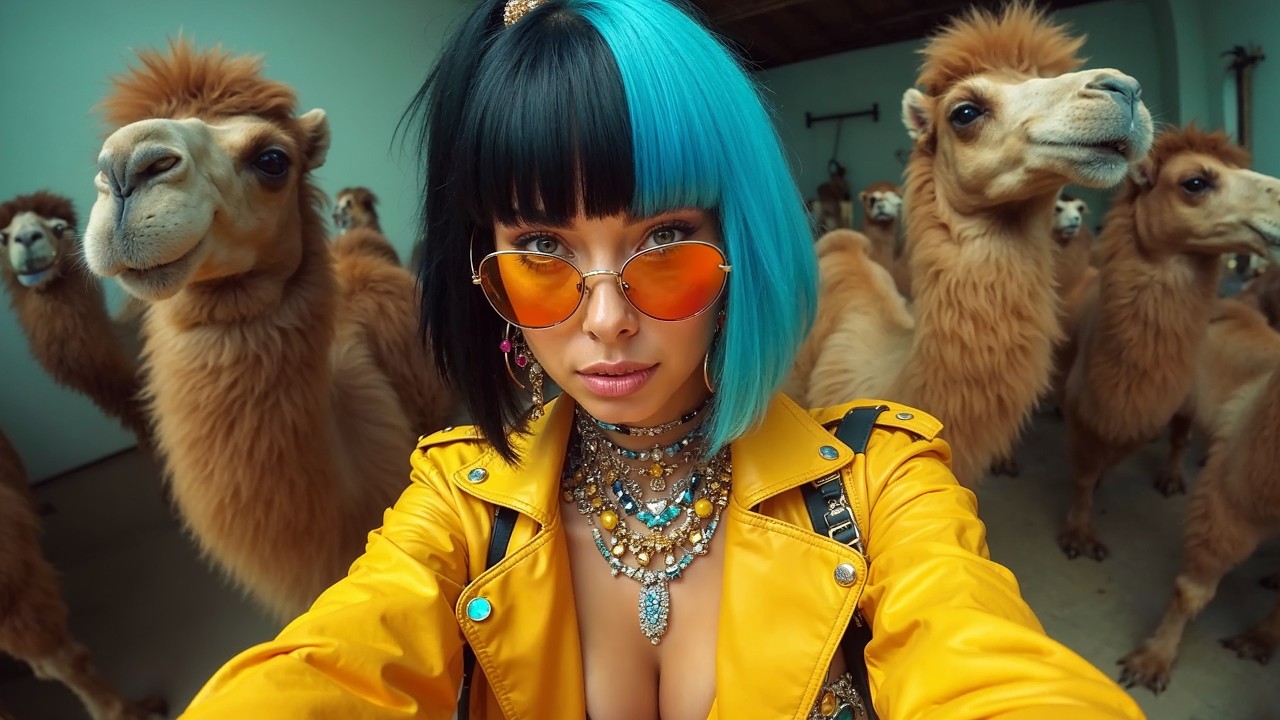
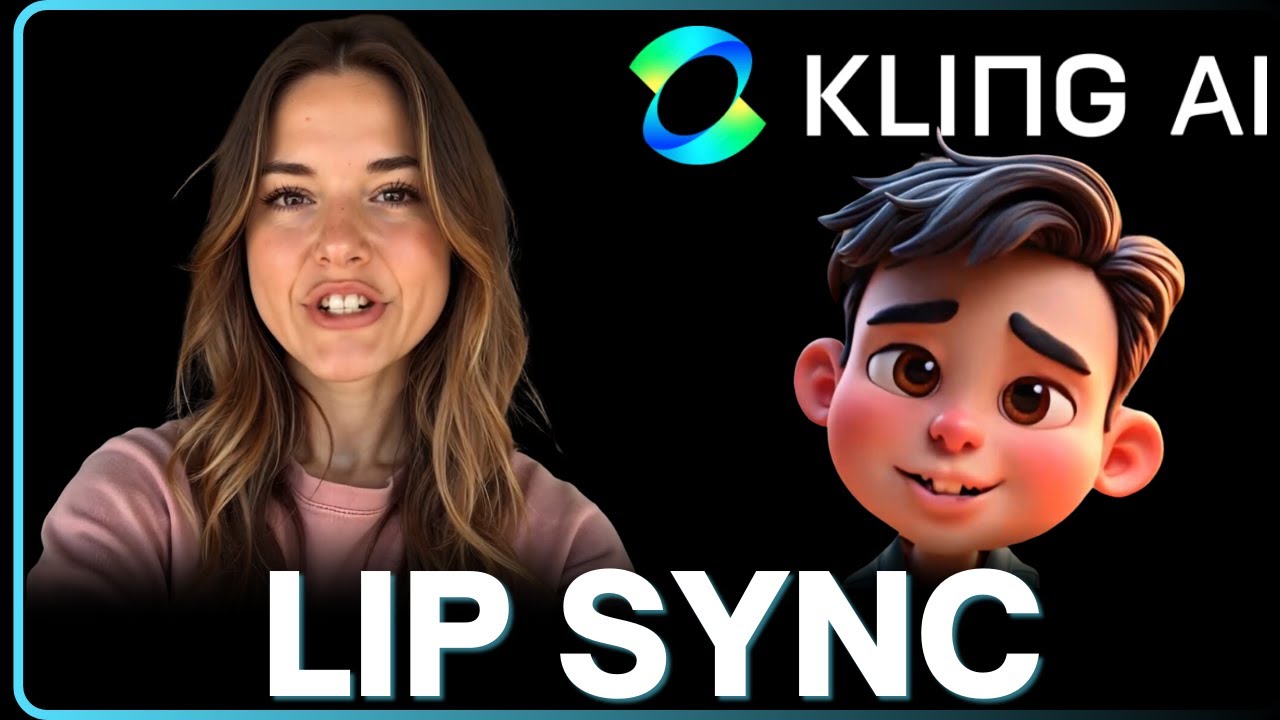
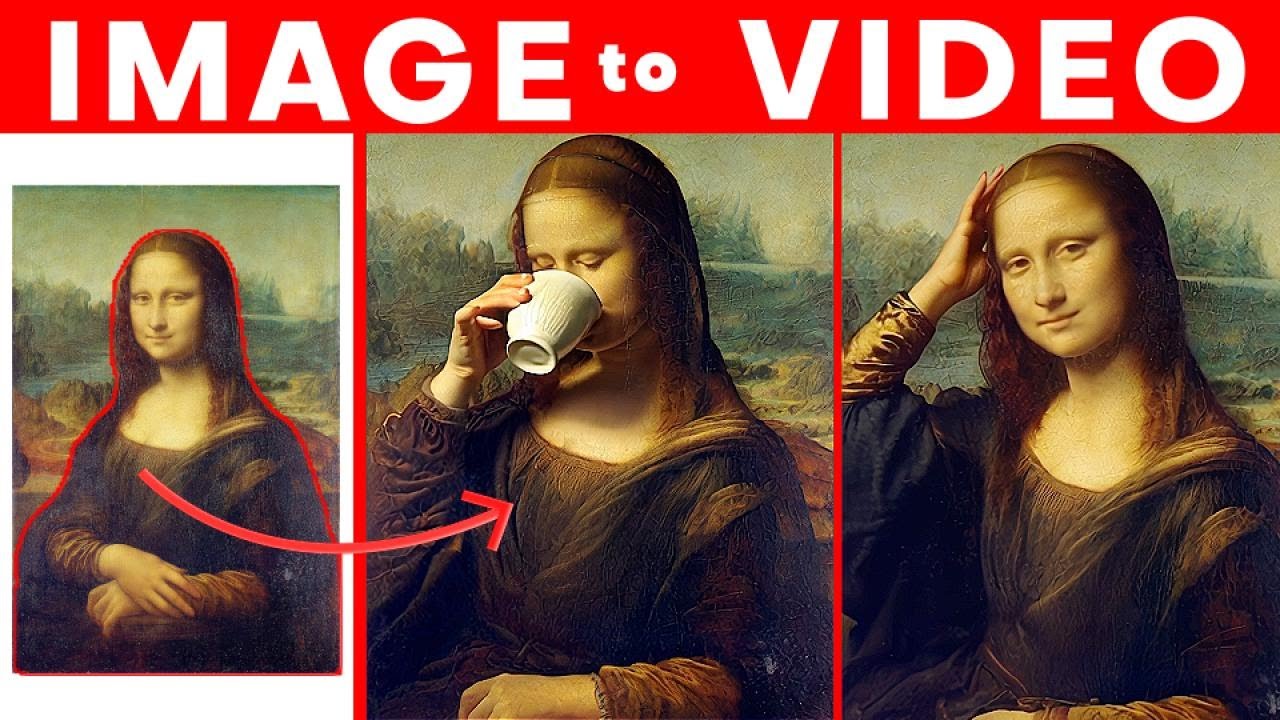
lip sync is now available in cling AI all you need to do is upload your audio file and hit this lip sync button and it works really really well we'll take a look at everything that you need to know about the lip sync feature and all the different ways that you can use it let's log into cing Ai and go to the AI video interface first thing we'll need is a base video for the AI to add the lip sync to I'm going to use image to video and upload this photo I generated in mid
Journey knee the easiest video to lips syn to is going to be a close-up shot of someone's face with their lips clearly visible in the prompt enter something like the woman is speaking let's hit that generate button the person is facing us with a clear view of their lips moving around to use lip sync click on this match mouth type button the AI spend some time analyzing the video to see the lip sync will actually work when that's done you'll be able to upload an audio file with the voice I've got got a couple ready
here if the audio file is longer than the video it does give you the option to crop the audio to fit inside the duration of the video I actually don't want to crop the audio so let's remove this file and upload a shorter one then just hit the lip sync button and the AI will start the process it's going to say you need to wait for up to 10 minutes for me I found that a lot of the times it doesn't actually take that long most of the time it'll finish in 5 minutes or so
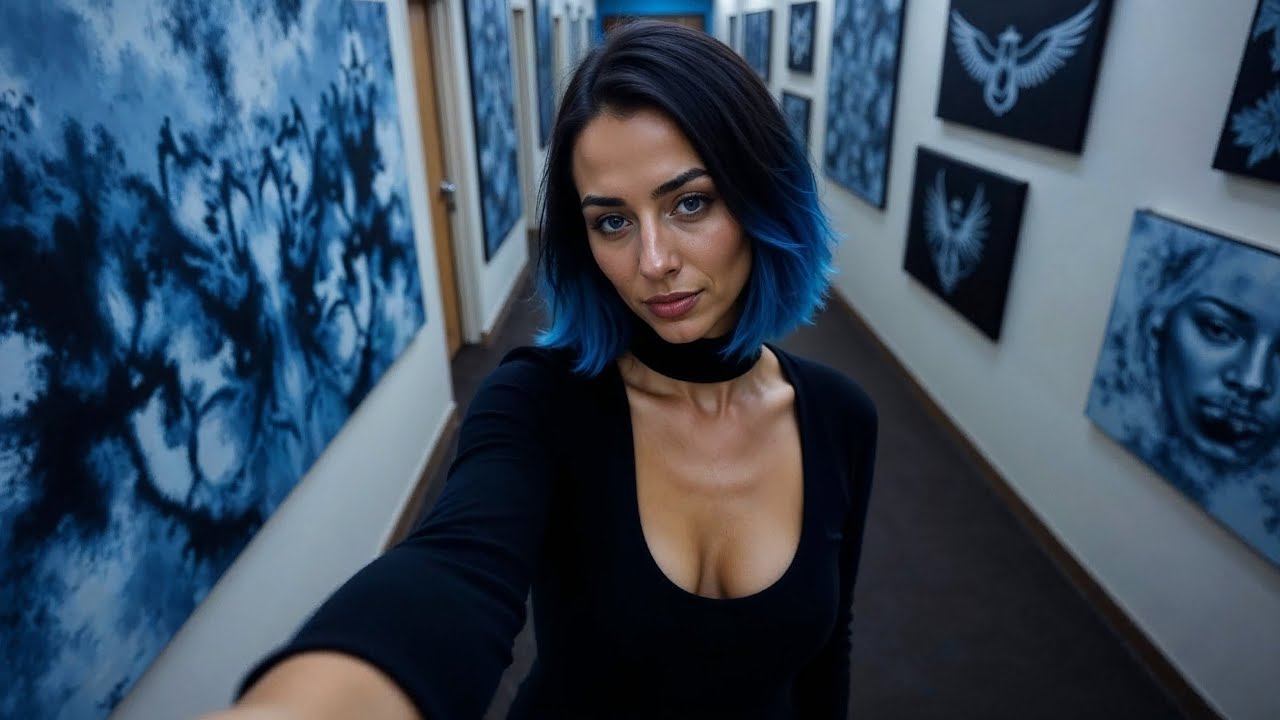
here's what the the final result gives us the lip syn is crisp and realistic and it looks very natural if you look carefully at the lips and teeth there is some very slight blurring someone might still be able to tell that it's AI generated but they would have to look closely if you're not happy with the results or want to try a different audio file you can use this redub button down here to re-upload your audio and try again the great thing about the lip sync is that it can work on action shots with a
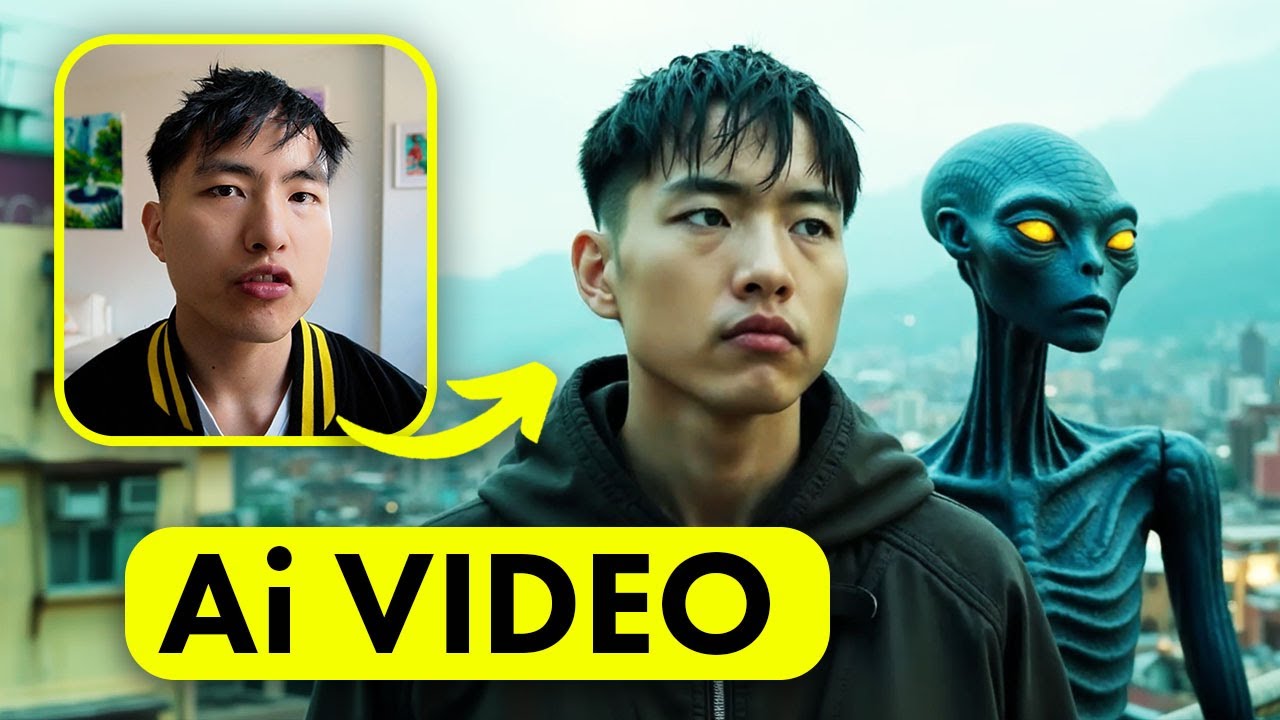
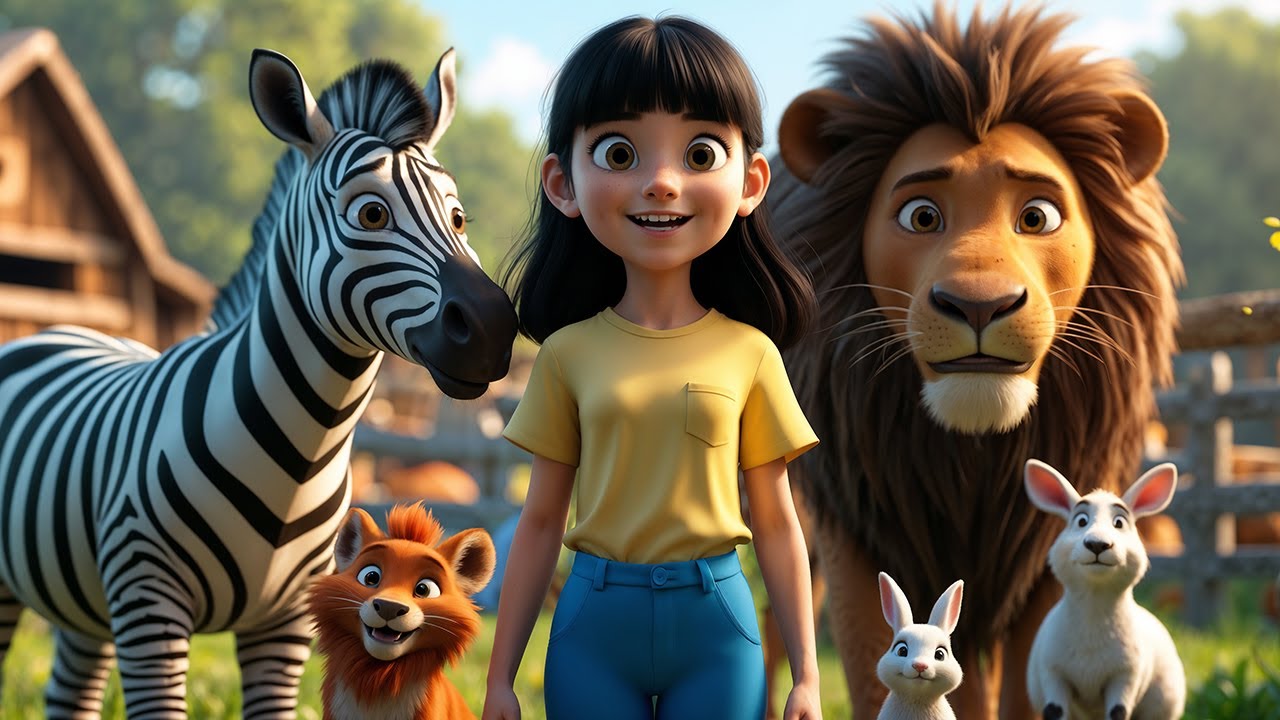
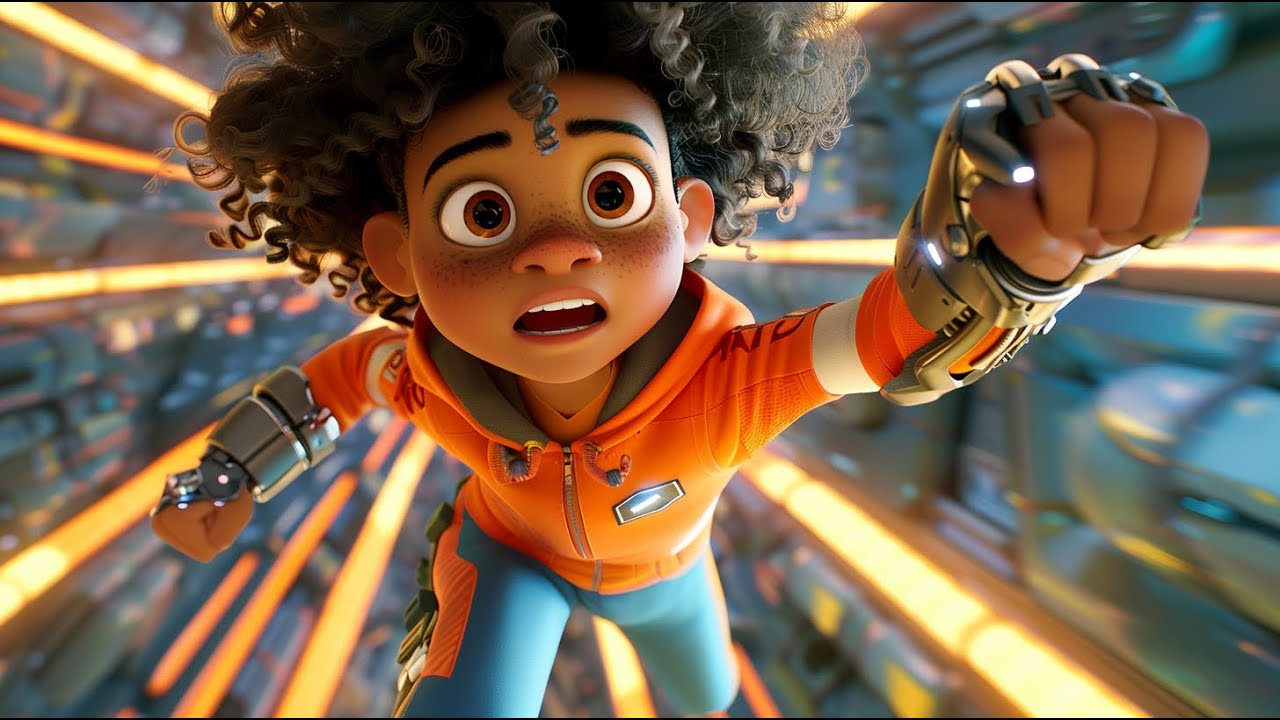
lot more going on in the background so you're probably wondering how I ended up here this is messed up by the way make sure to subscribe if you want more updates like this I know you're also wondering how does this work for different animation Styles 3D animations can work well with all kinds of different characters as long as the human head is visible the lipsin can be used even when the head is facing different directions and moving around a little bit as long as the lips are visible in the video this will work the ability
to lip sync even when the head is turning quickly side to side is really impressive now as far as anime style videos are concerned you can use a lips and condom but the results won't be as good as 3D or photo realistic videos you can use lip sync in a variety of different animation Styles like anime videos but the lips won't match the words as well and the animation can be choppy to get the best results you'll want to make sure that the characters don't move their head around too much in the videos to do
this try using prompts with words like subtle motion or static camera or just directly prompt for a person to be speaking as of recording this video the lip sync feature still has a lot of situations where it doesn't working I've got a 3d water Elemental animation here and the AI says it can't detect a consistent face inside the video so the lip sync is really meant for humanoid faces I also tried this hybrid dog human just to see what would happen and I get the same error with a face not being detected one cool thing
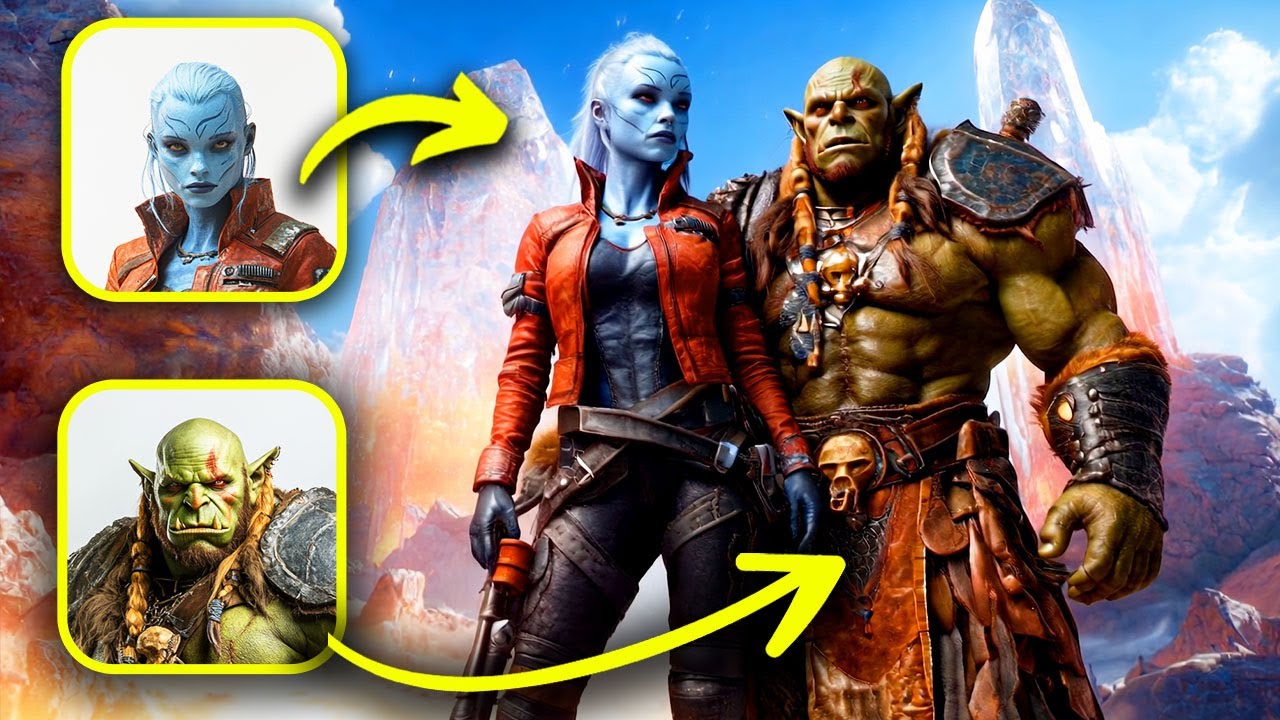
about the lip sync feature is that it can be used on videos with multiple people or characters in them if there are multiple faces the software will choose one of them to dub however there isn't a way to control which character actually does the lip sync I try to use a female voice for this video with both a man and a woman hoping that it would animate the woman speaking but the lip stin still happens to the man unfortunately there doesn't seem to be a way to choose which face gets dubbed if you're curious how
I got the AI voices I used 11 Labs it's a really easy way to get AI voice narration and it's free to try just pick a voice from the huge library and then adding your text and the AI will create a voice over for you it's really nice to have lip sync available inside the clean platform it's just much more convenient when all the different tools you want to use are in the same place if you want to learn about how to get the highest quality videos using cing ai go take a look at this
video I made over here oh [Music]