Now we will see what generative AI studio is. So before starting generative AI, just take an example: you want to create your own chatbot, like Google Bard or ChatGPT, where users will ask any questions or provide input prompts, and it will provide information in the form of text or generate images. Now, if you want to create such a generative app, do you need to invest in coding, like TensorFlow coding, or neural network coding and training your own model, or can you use a pre-existing model?
I would say we should use a pre-existing model. For example, we have the PaLM API for Google Cloud, a large language model, or you can also use OpenAI's API, which is already trained on a huge amount of data. So we will see this example: how we can build our generative application using these APIs.
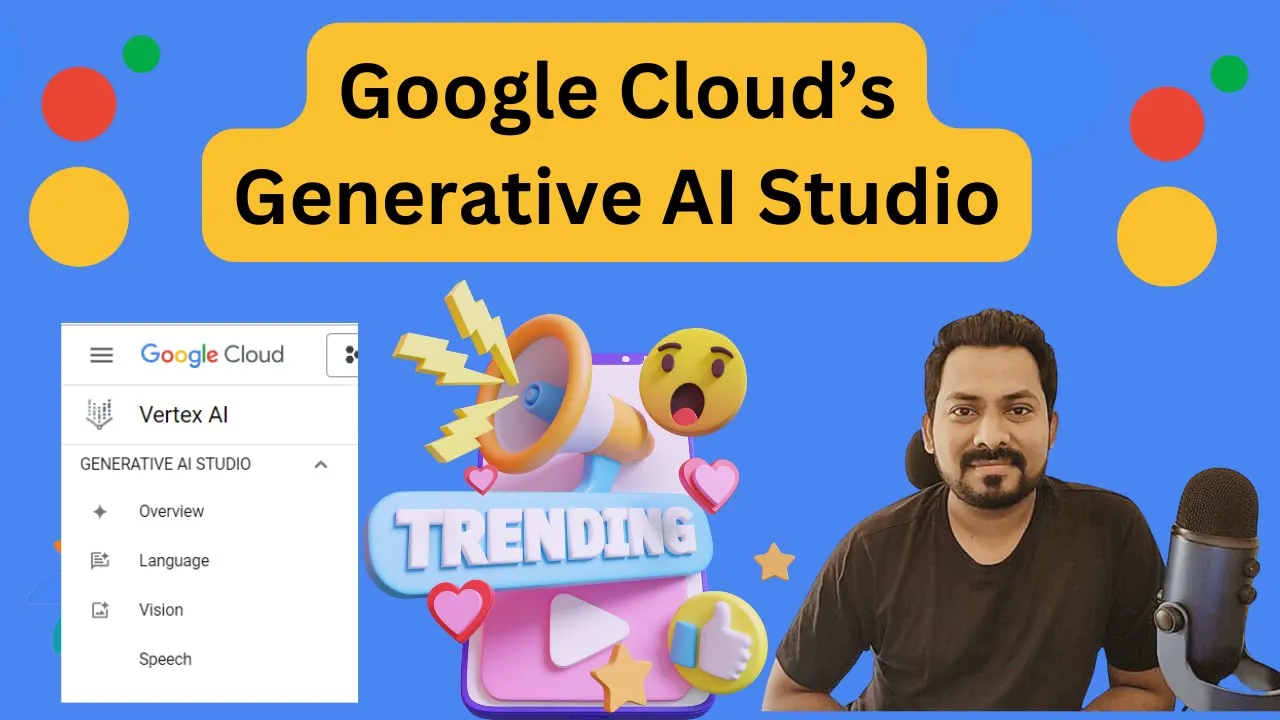
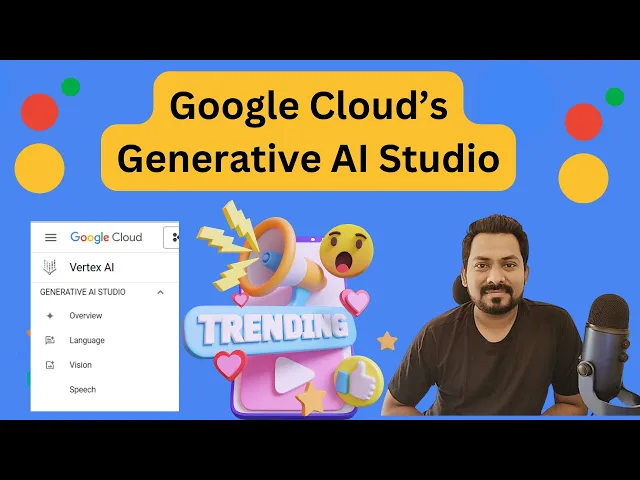
But now, we'll see what a generative AI studio is. This is a Google Cloud tool for rapidly prototyping and testing generative AI models. Before building and publishing our model, we can test our application or test our model in this generative AI studio.
So I will go to the Google Cloud console, and I will show you how this generative AI studio looks and how you can use it for testing or customizing our model. Now I am on my Google Cloud console. If you want to go to the generative AI studio, you have to go to the AI screen.
So in Vertex AI, this is the Google Cloud AI platform. Here, you can see the generative AI studio, and we'll see the overview of language, vision, and speech. I will just open the overview first, and you can see the language, speech, and vision; these are three different sections.
Vision is not yet in public preview and available for all the users, so we have to request access for that. But I can definitely show you the language and the speech. Okay, so this is the language section.
I just start with a prompt. Here, you can use a prompt and see the response—how the model is responding. You can see here that it is the text-based model, which is the latest model, and there are others as well in preview.
This 001 model is publicly available; you don't see any preview symbol here. So let’s use this text-based model, and I will provide a prompt. For example, "How to go from Pune to Mumbai?
" Okay, this is the simple prompt I'm providing, and let's see what response it gives. I’m giving a straightforward question here, but I want to see how this model provides a response. Okay, and it provided me with a response: "by air.
" So it is giving me options for flights, as well as by train, bus, and car, including time and approximate cost. I’m just asking a random question. Now, let’s ask something technical.
I would just ask, "What is generative AI? " and I will submit my prompt. Okay, it provided the output: "Generative AI, also known as artificial intelligence, generates content," and it included a definition as well.
Okay, so this is how it works, and we can use this text-based model to create our own generative application. But now, I want to customize it. I want this model to respond based on questions within my organization as well.
Let’s say my YouTube channel name is "Tech Capture. " So let me ask, "What is Tech Capture? " and we'll see how it provides a response.
I’m not expecting any correct response here because this information might not be available to this model. So, it responded: "Tech Capture is a technology-focused conference. " I would say it provided redundant information; there may be other things called Tech Capture.
But now I don’t want this information; I want something specific to my organization. So what I can do is customize my model. How can I customize it?
I can start here. I can provide context: "Tech Capture is a YouTube channel managed by Vishal Mo. " Okay, and again I will write, "You will find all the latest Google Cloud videos on this channel.
" So I’ve given this context, and then I will ask again for an example input. I will ask, "What is Tech Capture? " and indicate what output I want.
I can specify here: "Tech Capture is a channel managed by Vishal. " Now, let me test it. I will submit it.
Okay, now it is saying: "Tech Capture is a YouTube channel managed by Vishal, and you will find all the latest Google Cloud videos on this channel. " This means it has now provided me with the output I wanted, specific to my organization. So let's go back again because I have not deployed this model; I’m just canceling it.
Now I’ll ask again: "What is Tech Capture? " We’ll see what output it gives me. Okay, again it gives redundant information because earlier I was.
. . Just testing the structure, but here we can use this information to customize our model.
Now, this is how we can test and customize our model to create the Gen application. Now, let's go to the speech section. Just change here, okay?
Now, I want to, uh, test how I can build a speech-to-text or text-to-speech application. So, I will just write, "Hi, hello, I am Vish," and I will test how the audio will look for this application. So, let's test it: "Hi, hello, I am ball.
" So, I'm able to hear it. Not sure if you're able to hear it or not. Now, you might feel we are able to test it on a console, but how can we create a Gen app using this Generative Studio?
One amazing part here is that whatever you are testing here for the code, you will see it in the "view code. " You will see a Python code, which you can simply execute in Python. Whatever text prompt you are giving in Python will create an audio file for you.
Currently, I'm not testing this in video, so you can test it in your Python environment. You can just copy the code; you have to install the libraries mentioned in the UT statement, and you can test this code. Using this, you can build your own application to convert any kind of text into speech.
You also have the option here for speech-to-text, where you can upload your audio file, and it will create subtitles or English text from the audio file. This is the same for your chat application. Whatever you are writing, you can just export your code and build your own chatbot using this code.
Here, it is using this model: Whatx language model. So, I will be creating a Gen application using this language model. That's it for this video!
We'll see you in our next video.



![Building AI Agents: Chat Trigger, Memory, and System/User Messages Explained [Part 1]](https://img.youtube.com/vi/yzvLfHb0nqE/maxresdefault.jpg)
![Multimodal RAG: Chat with PDFs (Images & Tables) [2025]](https://img.youtube.com/vi/uLrReyH5cu0/maxresdefault.jpg)