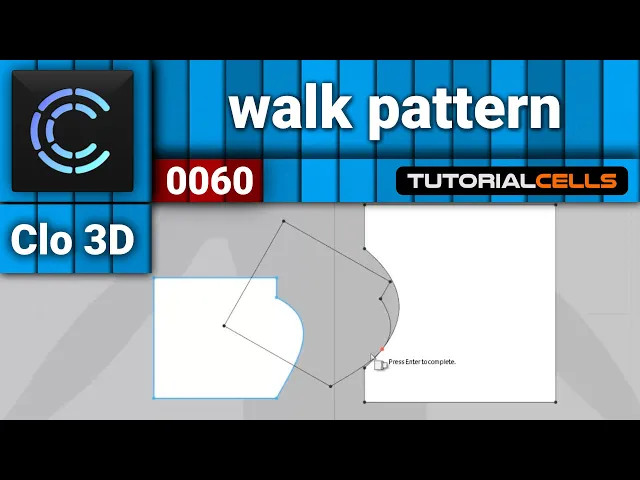
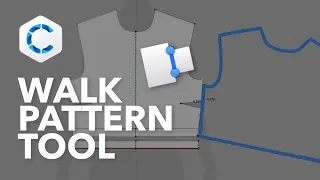
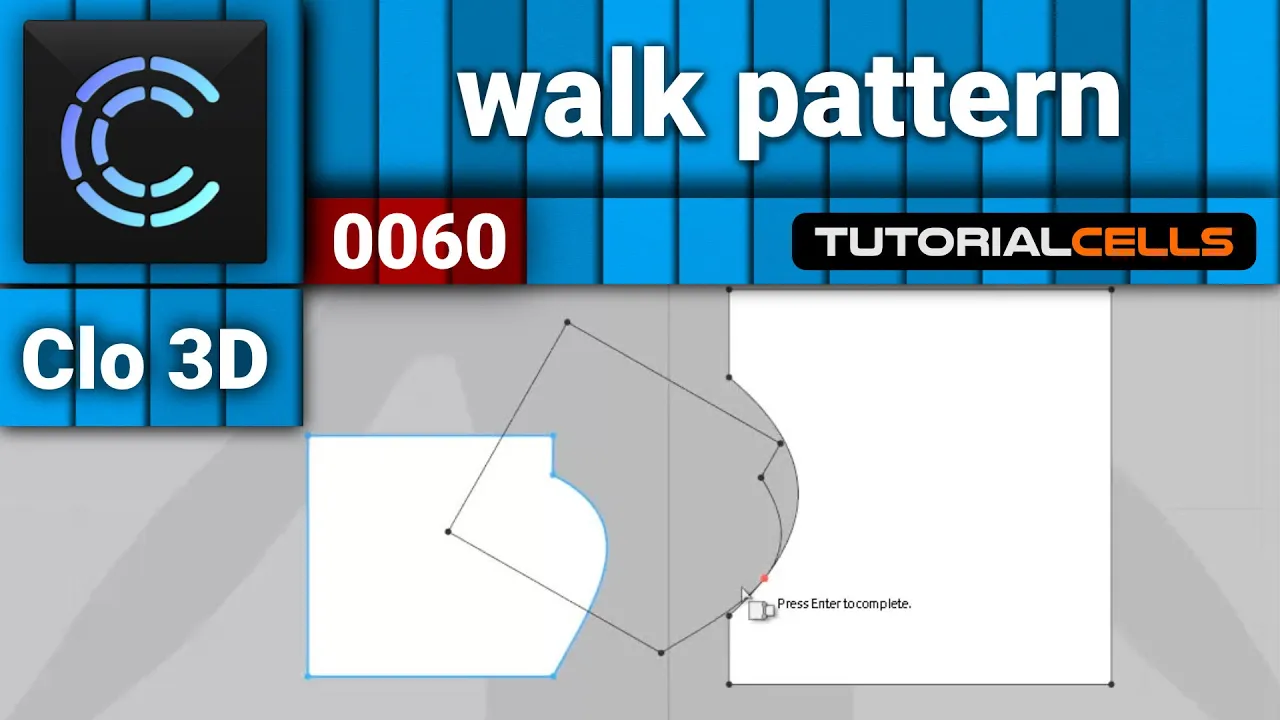
okay in this lesson I want to explain uh here walk pattern these two uh walk fighter when you want to for example brings a special point of one pattern this work pattern this is a stationary pattern the pattern is moving and the pattern is stable the software calls for example I want to walk or move this pattern in a specific point of exactly how to learn this better select the pattern that you want to move then select walk pattern select a point that you want to for example snap to the stationary select it and drag
and select it here and as you can see it's dropped here and you can walk your pattern here if you want to for example hit OK first you have to right click when you want to okay you have to say move work pattern to the intersection and done okay if you want to walk again you can select it and walk again if you want to add a notch as you can see add a notch to intersection if you want to add a notch to the walk as you can see it at the notch to work
here or if you want to add a notch to the stationary you can add a notch destination in your in your point that's you right click or you can add a notch to the booths of them that's it so much if you want to hit OK you can flip it if you want Philippe on horizontally and if you want to okay in that point walk okay this is walk pattern it's it's useful in some cases but the tool is here hello my friends to continue these tutorials on YouTube subscribers like us and hit the Bell
icon and now you will be alerted about all of the amazing videos that we release