ever wanted to edit so fast that flames fly out of your mouth no me neither but you probably struggle with time and find the editing no matter what you do just eats up tons so in this video i'm gonna give you six things over the last 20 years i've found have sped up my editing like crazy starting with this oh hang on sorry this i know you're probably not expecting me to hold up a mouse or a plant pot but this this is a game changer because it's got lots of buttons that are in the
perfect place of productivity and you can make these buttons do different tasks in the editing software so let me give you an example of what i mean this is how i've programmed my mouse one button simply zooms in one zooms out one of these side ones deletes everything after a playhead and then the other one deletes everything before and then the button on the side here just switches between different programs but you can make them do pretty much anything you like you can turn the playhead into a blade you can delete a section add markers
undo in fact you can program pretty much any of your shortcuts in premiere pro and final cut and tons of other software like photoshop too to do whatever you like unfortunately you can't hit a button and edit the whole thing yet on top of that i used to use a trackpad to edit because it was just so much faster i ended up getting carpal tunnel i had to wear this wristband and it just hurt and it ended up smelling and it was just this whole thing so this is a must now they're not cheap but
you will get your money back in time the second that you start using it the next thing is digital assets you know what the best way to edit 10 times slower is that is to keep using different templates and effects and text in every new youtube video you make now for your channel you do need a style because you want to create something that people begin to recognize but not just that you want something that saves you time so devote a session just to working out all the digital assets that you will ever use again
in your other videos and then try not to keep deviating of course there's room for creativity and experimentation if you're always trying to find new fonts and end screens and call to action graphics it's gonna eat in your time without providing much more of a benefit the next thing is a second screen you know you see all those youtubers and they've got loads of screens well it's not just because they look really cool they actually make a huge difference to productivity and editing speed now i edit on a 27-inch imac that's quite a big screen
but i still have a massive old television next to me that's far too big i'm just too tight and lazy to buy anything else what it means is when editing i can have my script on the other screen i can have my web browser open files and footage i can just scroll through without them to flick between stuff and combine with the mouse i honestly think i gain about 15 of a time saving here because when i try and edit on a laptop without these things it's a nightmare and again this is also a health
benefit actually turning and looking at another screen means your eyes are traveling further and you're not just sat curled up in exactly the same position for hours of course you can take a second screen really far and get an amazing 4k beast for things like color grading but for me i just simply use it for documents and going through files and it's unbelievably good the next thing is you've got to eliminate distractions when you're in the zone editing and then your phone goes off or you look at an email takes about 15 minutes for you
to get back into the same productivity zone so you need to turn your phone off set up something called boomerang on your email which you can basically set a time when all your emails that have been sent will turn up at once and then tell your significant other there will be a severe punishment if they disturb you i guarantee you that in one power hour like this with no distractions you will achieve more than you do in three hours with the disturbances now if you bit weird like me you might get carried away and make
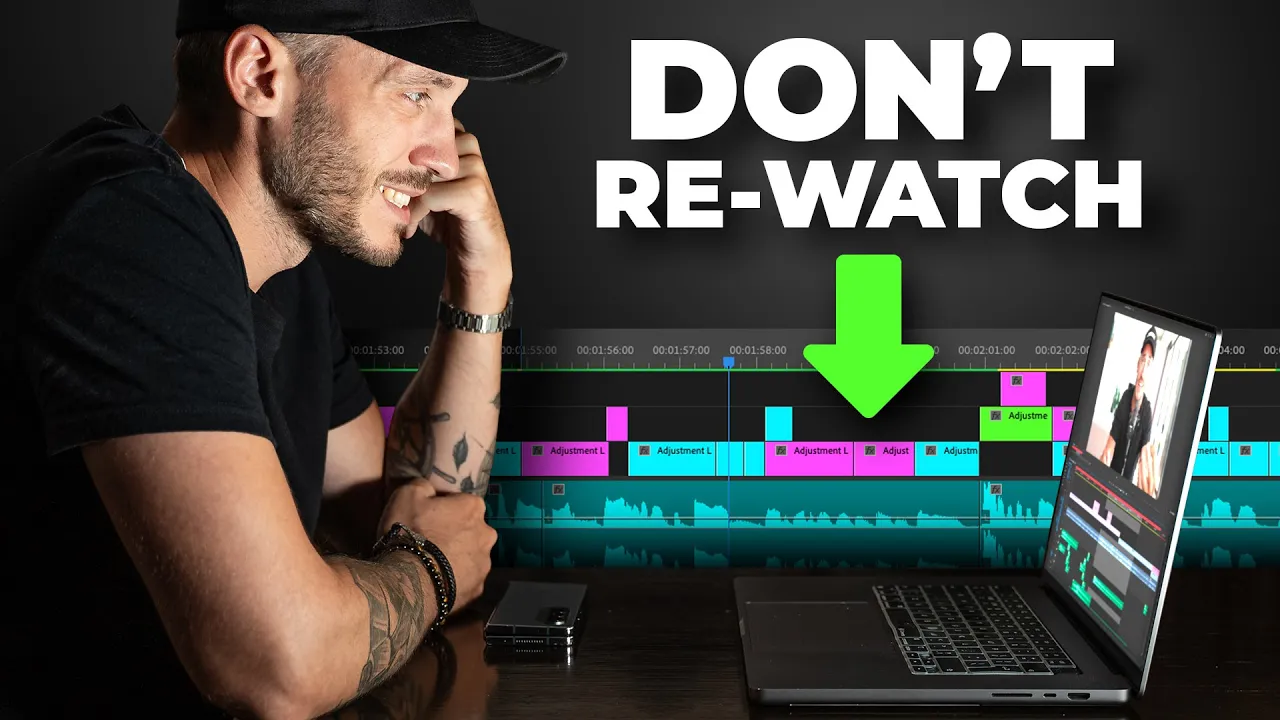
that a power six hours and you'll just forget the world exists and if you do that just make sure you blink i once didn't blink for six hours and it totally screwed up my eyes i'm not even kidding editing will do that to you now the next thing is and i'm pretty sure everyone does this without even realizing it but it's to stop watching your videos when you edit it so this is what happens you edit a video and you're like yeah man that was that was a great intro so you watch it again and
again and then you edit more and then you go back and think oh i wonder if the beginning now works with the other work that i've done so if your video is ten minutes long and you've watched it like six times you've pretty much wasted an entire hour just watching it so there's a time and a place to re-watch your content but you just need to ask yourself when you find it about to happen is this really needed and that one question is going to save you a stack of time the sixth thing is to
create a process now this is the big daddy of productivity whenever you need to find a workflow that is efficient for you and that's actually a really big part of editing you always want to do a great job and get better but you also need to continually question yourself and ask is there a faster way to do this because there nearly always is so let me give you an example let's say you've bat shot four youtube videos what do you do edit one video all the way through and complete it and then move on to
the next or you could try what i do and edit your videos in levels so i'll go and i'll line up the a-roll for all four videos first and then i'll go back and i'll cut out all the mistakes and any content i feel doesn't need to be in the video and then i'll go and do a round where i just add the j cuts for all four then i'll do a round where i just add the text now this might not be right for you but i find that the headspace you're in for cutting
out repetition adding j cuts and jump cuts is a totally different headspace to adding all of the really creative and sexy bits after so i try to batch things in an order and then finesse them all individually now the great thing about this is if you do all the boring bits first you then only got the fun bits left and it's just so much more enjoyable doing it that way now if you don't batch edit and it's just one video then it's still kind of like the same process whatever you do just don't edit the
video from start to finish so by that i mean don't try and make the first 10 seconds fully complete and then edit the next 20 seconds to make that fully complete what will happen is you'll end up watching it back and then cutting out loads of these things towards the end that you've already edited if you start by lining up the narrative if that's what you have and then cut it back so it works exactly how you want it before you add the next steps it means that you won't have to go back and make
any major changes to the story of your content which could end up undoing all of the work and time and effort you already put into the edit and then the seventh thing to do which is really important is to make sure you watch this video here to learn how to make any video edit way better