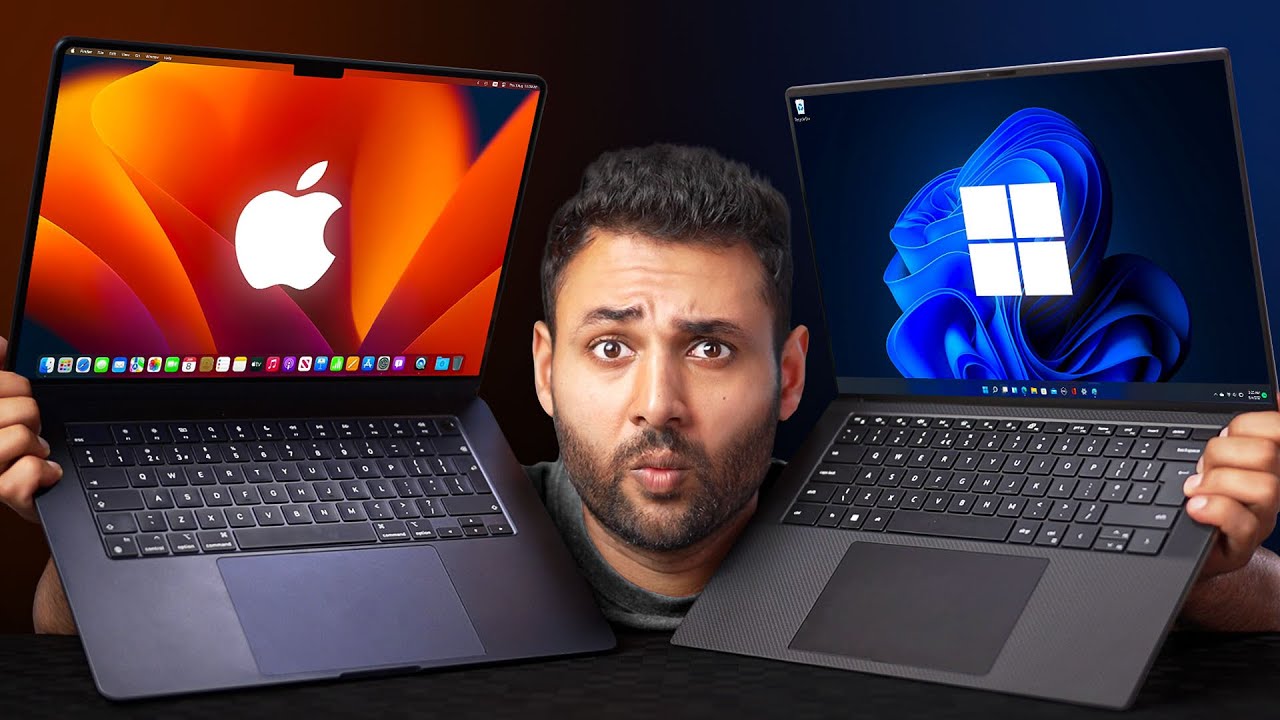
this video is brought to you by Squarespace an incredible platform to build a stunning web presence for your business but more on that later does your MacBook already look like this does your battery already have 80 Health after a couple months you may not realize but every day you're making a ton of small mistakes that damage your Mac so let's talk about the sneaky culprits and how to fix them the first mistake people make is picking a color I know I know this won't directly damage your laptop but it can have negative consequences while a
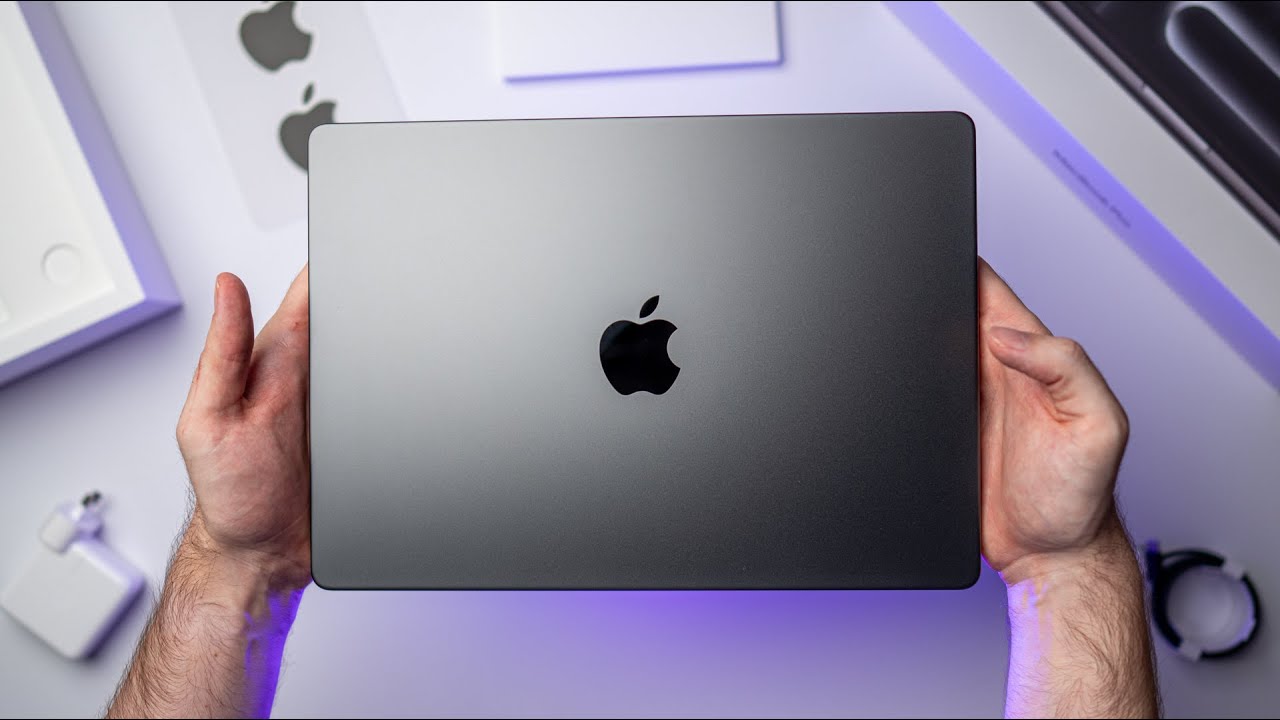
darker color like space gray or midnight may seem like a stylish Choice it can lead to regrets down the road the darker colors make scratches and marks more noticeable which can make it less Pleasant to use your device or harder to sell so if you want to avoid this mistake it's important to think about how you plan to use your MacBook and weather lighter color like silver or Starlight might be a better choice these colors are less likely to show scratches and marks as easily and they will help your MacBook maintain that like new look
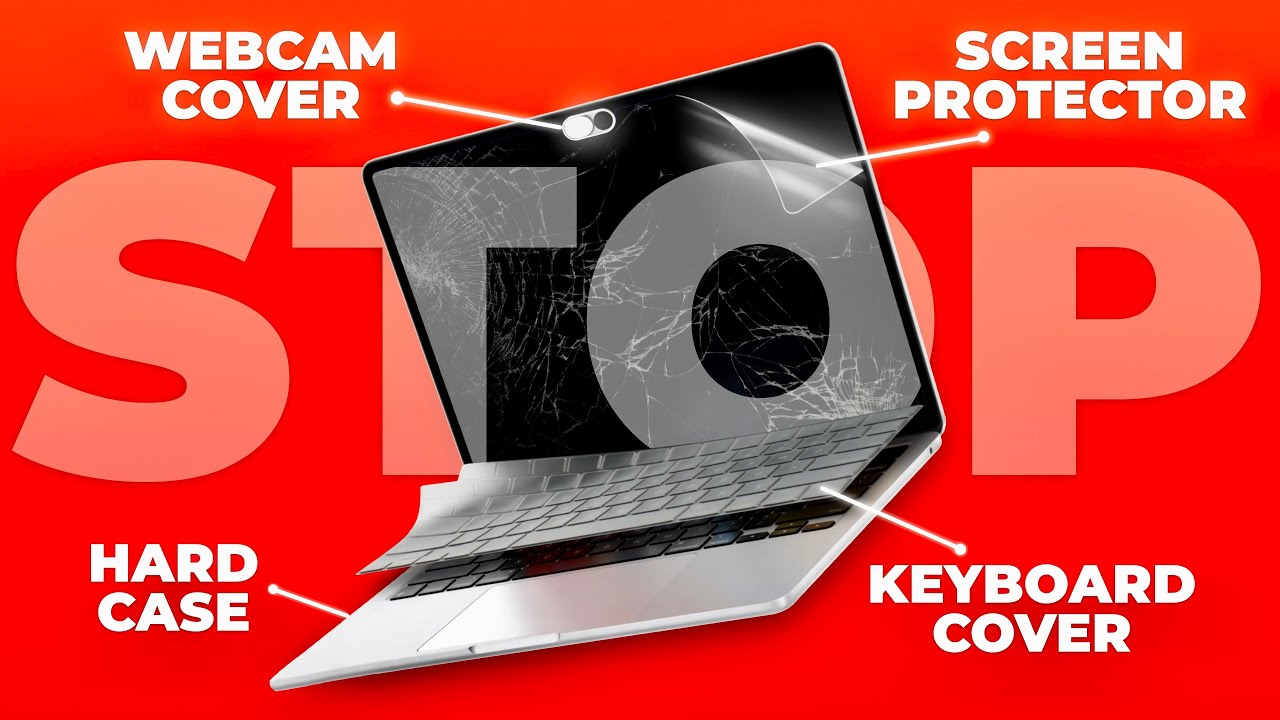
for long longer otherwise get a proper case but not plastic plastic will leave scratches as well I've Been There Done by plastic just don't now let me do a bit of guessing I know you're eating in front of your computer don't tell me that you don't it's a very popular habit and despite sounding quite harmless it can lead to a sticky and dirty keyboard not to mention the potential for liquid damage now you may say Arthur I would just install a cheap silicone keyboard protector and it will continue eating in front of my MacBook yes
you can do that but that piece of silicone can actually cause more damage than having no protection at all yes these silicone protectors will prevent dust and Crumbs from finding their way under the keyboard but they also can cause excessive moisture to accumulate as you run intensive tasks the air between the laptop and the silicone will start heating up and condensing the tiny water droplets can then slip under keys and corrode the Contacts Plus silicone is a very delicate material if the silicone mixture is wrong it can start degrade in over time living a nasty
goo on your keys and let's not forget that these protective pieces have some thickness to them and can rub against the display when the lid is closed this can lead to Marks scratches and Faded oleophobic coating and if you're thinking about using those small stickers for individual keys this is also not a very good idea those stickers are prone to accumulate in dust and Gunk on the edges this Gunk can later find its way inside the laptop damaging the keyboard and even if you clean the keyboard regularly what if this sticky residue won't be possible
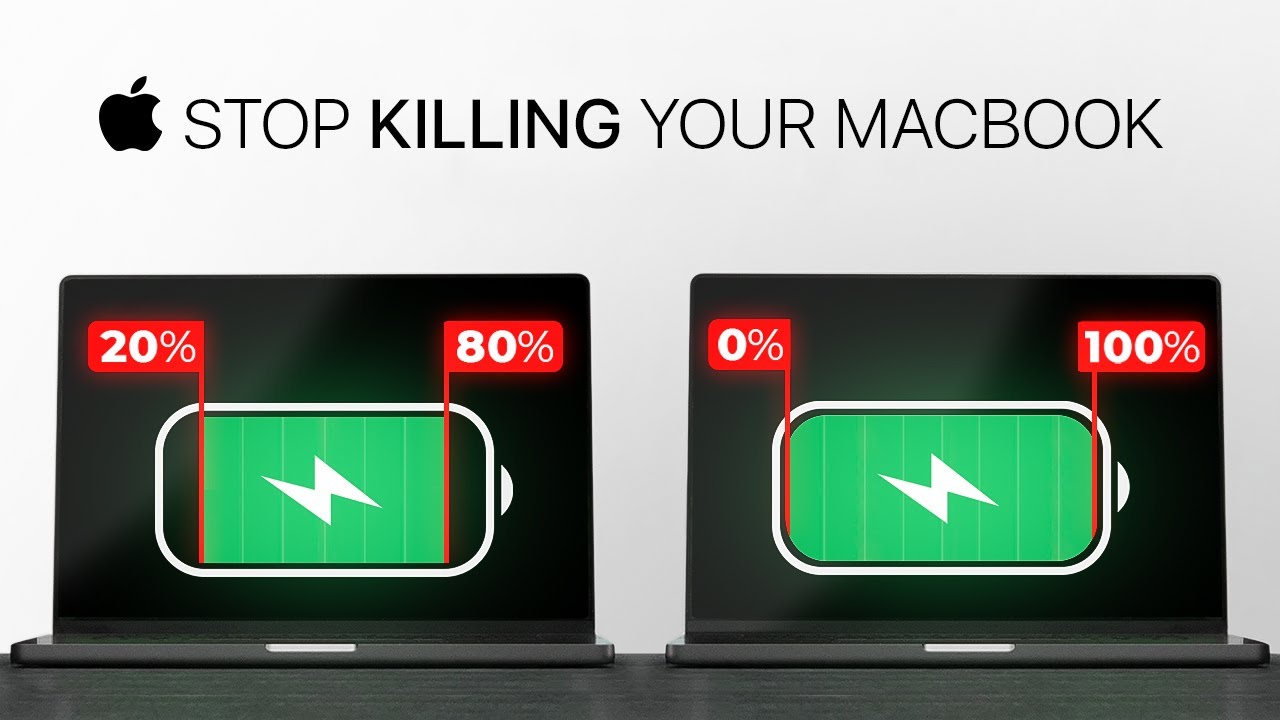
to clean some producers don't pay enough attention to the behavior of their glue over time so with all these keyboard protectors you can get gunk dust sticky residue damaged keyboard or scratch screen I'm not saying anything Sensational here but I had to say and now to more juicy stuff the battery that's where most people fail one common mistake is letting the battery drain completely before recharging it this can cause the battery's overall capacity to decrease over time and can lead to it not holding a charge as well but not only that it can also cause
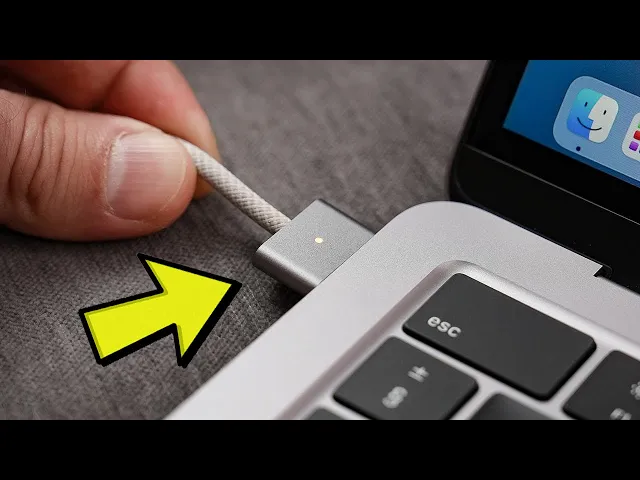
permanent damage to the chemical compounds inside the battery another mistake is leaving the MacBook plugged in and charging for extended periods of time overcharging the battery can cause it to degrade faster and can even lead to overheating which can cause serious damage to the internal components of the MacBook however it's not a bad thing to keep your MacBook connected to power for extra few hours after it being 100 charged because it stops hitting right after the battery is fully charged so there is no need to unplug the cable right after you've hit 100 but don't
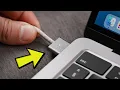
do it too often because the battery should live through its natural cycles going down and up again keeping the battery at one level for long periods of time is not a good idea and exposing the battery to extreme temperatures whether it's leaving the MacBook in a hot car or in direct sunlight or storing it in a cold place this can cause the battery's performance to Decline and can even lead to leakage or fire hazard it's rare to happen but still a possibility and let's not forget but using non-apple approved charging cables or adapters that can
also cause damage to the battery I know it can be overwhelming but don't worry by being aware of these potential hazards and taking steps to avoid them you can keep your macbook's battery in good working condition just try being cautious in your usage and don't push the battery to its limits each time care is the key we all know how crucial it can be to maintain the well-being of your MacBook at the same time it is also crucial to establish a solid web presence for your business one way to achieve this is through the use
of Squarespace a website building platform that offers a variety of features to enhance your online presence it's really straightforward to build your website here just select the category template and start from there you don't need to learn the basics of coding everything is intuitive and easy to understand you just drag boxes around change size is funds yeah it's so easy even my grandma can do it squarespace's e-commerce capabilities make it easy to set up an online store and start selling products or Services it also provides analytics tools to monitor your website's performance and make data-driven
decisions for your content and marketing strategies as I said the platform offers customizable templates to fit the needs of any personal blog Business website or online store Squarespace allows for personalization of colors fonts and layouts to give your website a unique and professional appearance so start building your dream website today by signing up for a free trial on squarespace.com arthurweiner and save 10 off your first purchase of a website or domain using Code Autumn Winer and now let's get back to it so yeah uncertified charging adapters these adapters may be cheaper or more convenient than
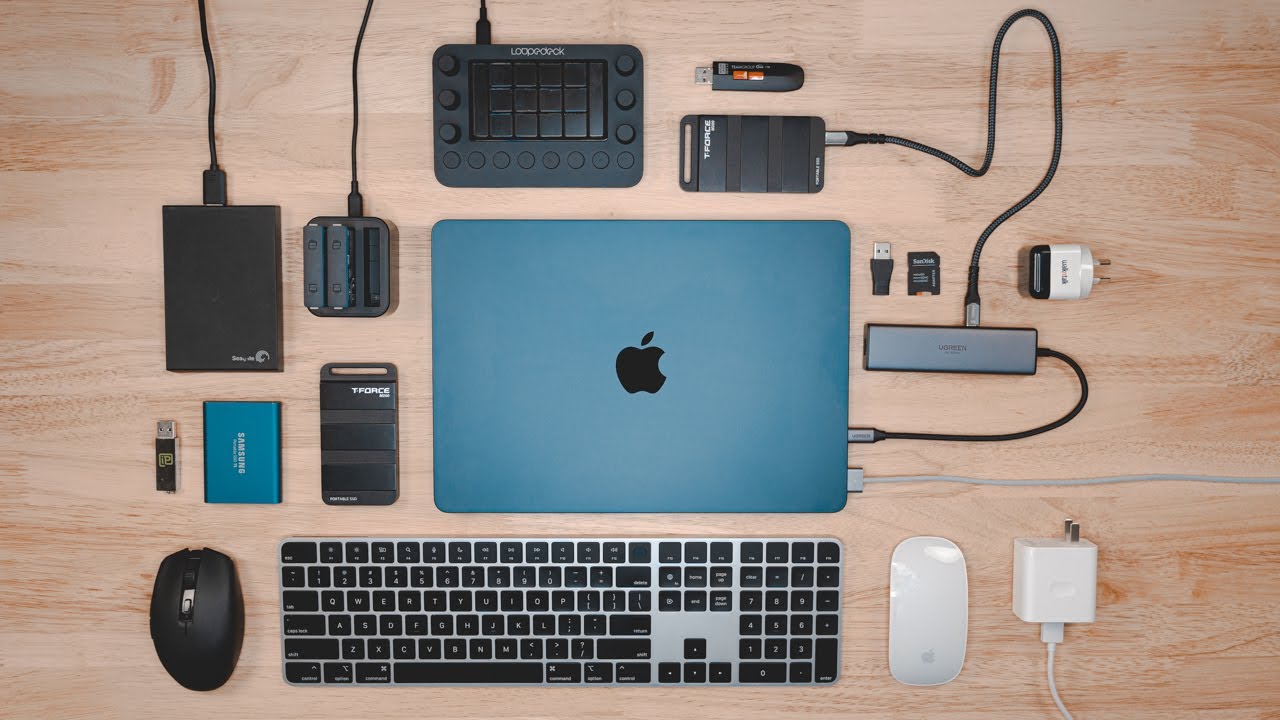
the official Apple adapters but they can have a serious impact on the performance of your macbook's battery uncertified adapters can provide too much or too little power which can cause the battery to degrade more quickly or even damage it it's always best to use a facial Apple adapters or adapters that have been certified by Apple to ensure that your MacBook is charging safely and efficiently here is one more connection related mistake using cheap USB hubs not all hubs are made equal and cheap hubs usually aren't designed with safety in mind such hubs can either put
a necessary strain on your battery and MacBook itself or even alternate the currents your power adapter sends if the Hub supports pass through charging it is always better to buy either a certified USB hub from Apple or from its Partners recently we've made a big video explaining everything there is to know about usb hubs so check it out one more subtle mistake picking a configuration that won't cut it for your needs MacBooks are expensive and it can be so tempting to pick a base version with less Ram hoping that everything will be okay and it
will but only for some time and only where you see it MacBooks use such thing as swap memory when the SSD is used as additional memory it is often seen in heavy applications like video editing exporting photos or 3D rendering this swap is a very helpful trick that MacBook uses to maximize its performance when needed while this can be useful for some tasks it can also cause damage to the SSD over time this is because ssds have a limited number of ride cycles and using the swap feature constantly can cause the drive to wear out
more quickly it is generally recommended to pick a Macbook configuration with some Headroom so that you won't be limited by the amount of unified memory later and won't have to damage your SSD typically 16 gigs of unified memory and 512 SSD is enough and you should not get lower than that unless all you do is web and type another costly mistake is actually two mistakes at once and both have to do with opening your MacBook the first mistake people make is opening the MacBook to clean off dust if you are working on a add or
in a Dusty environment there is a high chance that your Vans get clogged up fast which can potentially lead to overheating so with these mistakes in place it may seem like a good idea to disassemble the mag to clean it open in a Macbook requires a certain level of technical expertise and specialized tools and even a small mistake can cause serious damage to the internal components additionally dust and debris may cause damage to the internal components even when handled carefully even the smallest piece of debris can land on soldering and you risk damaging your laptop
if you want to keep your MacBook running smoothly it's best to leave the cleaning and maintenance to the professionals and I don't recommend an average person to make any modifications to the device such as adding additional thermal pads while these modifications may seem like a good idea to improve the cooling and performance of your MacBook they can actually cause more harm than good we have already made such a video in the past with the MacBook Air all these modifications in the plane with thermals can potentially help with thermals if your Mac runs hot and it's
quite fun to be honest if you're tech savvy but actually damaging your Mac is far easier so again leave all the modifications to Apple Engineers how to clean a screen how do you do it with alcohol and a kitchen towel you might think that using common household cleaners or paper towels is harmless but let me tell you it can cause serious damage to your device from scratches on the screen to damage on the coating it's important to know the right way to clean your macbook's display instead of using household cleaning products or paper towels use
a microfiber cloth or a specialized clean cleaner specifically designed for MacBooks or laptops never spray cleaner directly onto the screen instead spray it onto a cloth and then gently wipe the screen also avoid using excessive pressure when cleaning it could actually scratch the surface of the screen where damage the coating A Gentle Touch is all you need to get your display clean okay what should you do you should you stop using your MacBook altogether no of course not just be careful where you can respect your laptop it's a very complex piece of tag and it
must be used with care Engineers have designed these laptops for specific use cases stick to them keep yourself within Technical and reasonable limits and you'll be fine your Macbook will be fine don't worry thank you for watching guys and see you in the next one [Music] thank you