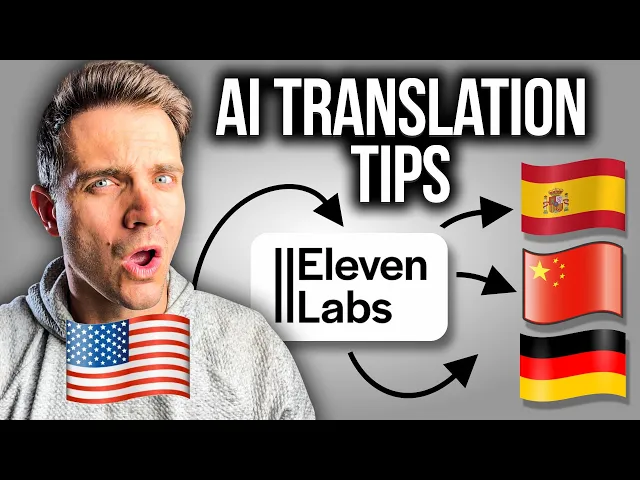
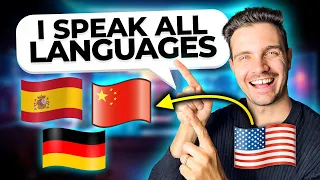
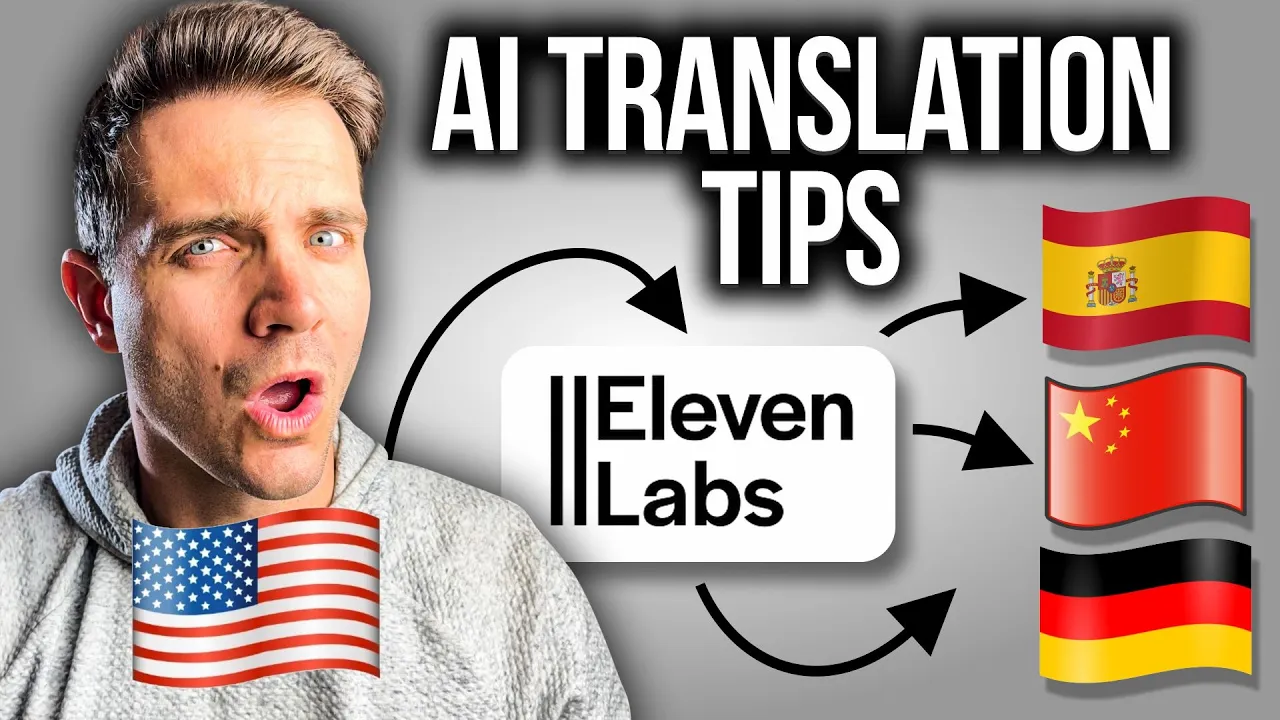
if you want to make passive income with online videos you can do that by translating content into different languages with 11 Labs you can now speak Spanish Portuguese German Mandarin any language you'd like and you can reach a much broader audience and you might think hey it sounds super fake why would I want to do this with my own content or with someone else's content let me do an example where I speak German natively versus how I speak German D this 11s video which of these two was AI in the next few minutes I'm going
to show you the exact steps that I do in order to translate content the right way you can get started for free with 11 Labs with the link in the description so let's get started the tool that we're going to use for this is called 11 labs and they have something called a dubbing Studio which allows you to use AI in order to translate your content into different languages automatically without any effort from you you can access this tool for free with the link in the description but I just wanted to mention this is not
a sponsored video I just wanted to cover this Tool uh but I am using an affiliate link so if you click that link you will support the channel but you get to use the tool for free once you logged in with your account you see the dubbing icon on the left hand side if you click on that you are being located to the dubbing projects I'm going to create a dub and I'm going to call this YouTube example one I'm going to select the source to detect it and then the target languages that we're going
to test today are going to be Spanish I speak German and and then Chinese just for the fun of it right let's click on upload I have an example video that I just created in order to see how the translation sounds like so I'm going to select that and I'm going to click open on this it will upload it and let's specify a few of the last things I'm not going to click this for now but I will cover what happens when you click that in just a second I'm not going to select reduce the
character usage by 33% this will bring down your character usage and you can see right here how many characters and credits it will use the number of speaker is one person that is just me and and the time range is the Whole 30 second video now I'm going to select create a dub and as you can see here it is now processing my three videos in German in Spanish and in Chinese while this is processing let's create a dubbing projects so let's call this example two dubbing project and the same source file is selected but
this time I'm going to select on create a dubbing project the number of speaker is one and then the time range for the dub is the entire video but now that we selected create a dubbing project we have to select which language we want to use so in this case I'm just going to click on German just because I speak German fluently and it will be easy for me to improve on the dubbing project now we click on create a dub and it is now creating a whole dubbing project that lets you edit the translated
version This is highly recommended for complex translations but if you want your video to be translated automatically without any intervention from you you should just use the regular Auto transation feature if we go back here we can now see that our YouTube example one is finished processing and and it has already dubbed the video in the meantime my uh dubbing project is being created and it's currently processing but let's go and listen to the translated videos all right let's download these three videos and see how they sound like here's the one in [Music] German so
I first noticed that the first few seconds were a little bit drawn out because I didn't fully commit to that sentence and the transl struggled noticing that my language was perfectly cloned and then the speed of the text was also decently matched so I'm pretty happy with that already let's check how it sounds like in Spanish so this is how it sounds like in Spanish 11as first thing I'm noticing is that the lip sync is completely off this probably has to do with how I phrased the example video and it would have probably worked better
if I just gave it a better take that has the right Cadence and intonations and I I also DT it in Hindi just to see how it sounds like let's download this version as well 11s all right I don't I don't speak any Hindi so I don't know if that sounded good or bad let me know in the descriptions if you do speak Hindi and what you thought of that translation so what we learned here is that it is super important on how you structure the input video because if you mess up then the dub
will probably mess that up as well but this is exactly where dubbing project comes in play if we click on this dubbing project and we open it we see here that we can manipulate where we say what things and this is super super powerful if we click on this video and we want to edit it to have the correct translations we have access to all the things that were said in this video on the leftand side and we can even edit them we can add dubbed speaker track we can add voice tracks we can add
sound effects and we can even upload separate audio if you have like background music or something you want to include in this so overall let's uh try to make this a little bit better and see if we can translate it into a better translation so the first thing that I would edit here is I would just completely take out the first uh few steps here this is unnecessary and I just had a bad take this is a I would take this out and I would probably take this out here and there we go let's listen
to it one more time showcases how 11 laps can translate my video into different languages I am curious to see if 11 Labs here it selects the right one does is correct how does this video sound like in German this video is also really cool in and I can't even test if my Chinese version is correct let's call this Hindi and I can't even test if my Chinese version is correct all right so now that we cleaned it up and we did some edits we can now go into the German version here and here it
gives you the on toone translations I do speak German so I can check if this is actually done correctly okay the first line is correct second line is also correct all of these lines are correct so I don't even need to edit anything here but let's see how it sounds like with the voiceover a all right first of all this is way too high I don't know why it's so high let's see if the other ones are high too 11s I'm going to recompute the the Clone because it probably smushed The Voice together because I
shortened that video clip this is already so much better I'm very impressed the lip syncing is a tiny little bit off but overall I'm very happy with how this turned out if we want to add another language we select the plus button and we just type in in this case Spanish and it will do the same thing that we saw here on the right side where it translated it line by line I'm going to recompute to make sure that it now translates it into Spanish and let's see how it sounds that is really cool I
mean hey this gives you full flexibility to translate each line each step but I think it's recommended that you speak the language that you're translating stuff into otherwise you have no idea if it sounds good or if it sounds bad I've created this complete guide on how to use 11 Labs effectively and make the most out of the credits that you get from 11 labs in order to use it in your own projects as you can see here I even outlined how to make the most out of translating content and using translated videos to make
money from them you can check out my videos on how to use 11 lab effectively or download this guide if you're serious about taking your 11 laps game to the next level this is a video that showcases how 11 laps can translate my video into different languages I am curious to see if 11lbs is doing a good job by translating my video into German Spanish and Mandarin 11 11 labs if you have any questions about this let me know in the comments if this video was helpful subscribe and I'll see you in the next one