imagine having editing so good the viewer is hooked to watch your videos all the way to the end or knowing how to edit so that your videos go viral every time you post I've edited videos so good I've gotten millions of views and thousands of comments from people wanting to know my secrets in this video I'll share all the editing Secrets I've used to grow my channel to 100K subscribers in less than a year I've taken my years of editing experience and broke it down into a three-step blueprint with everything you need to know this
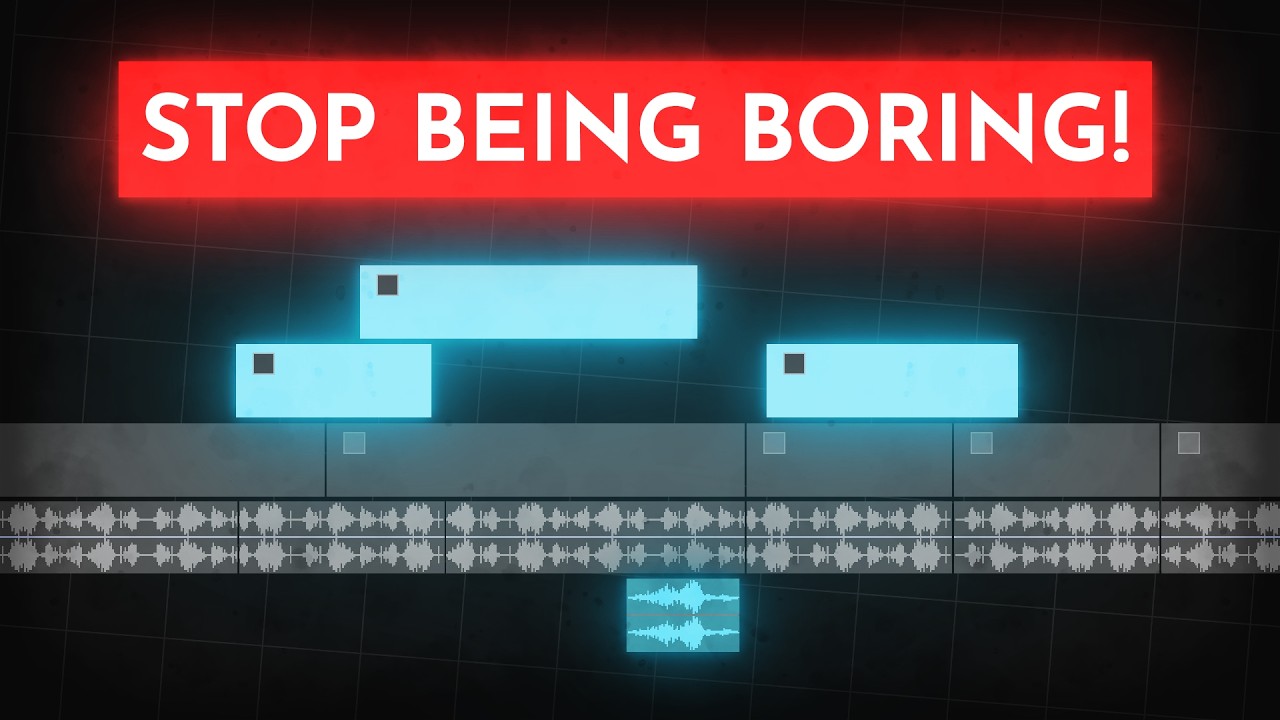
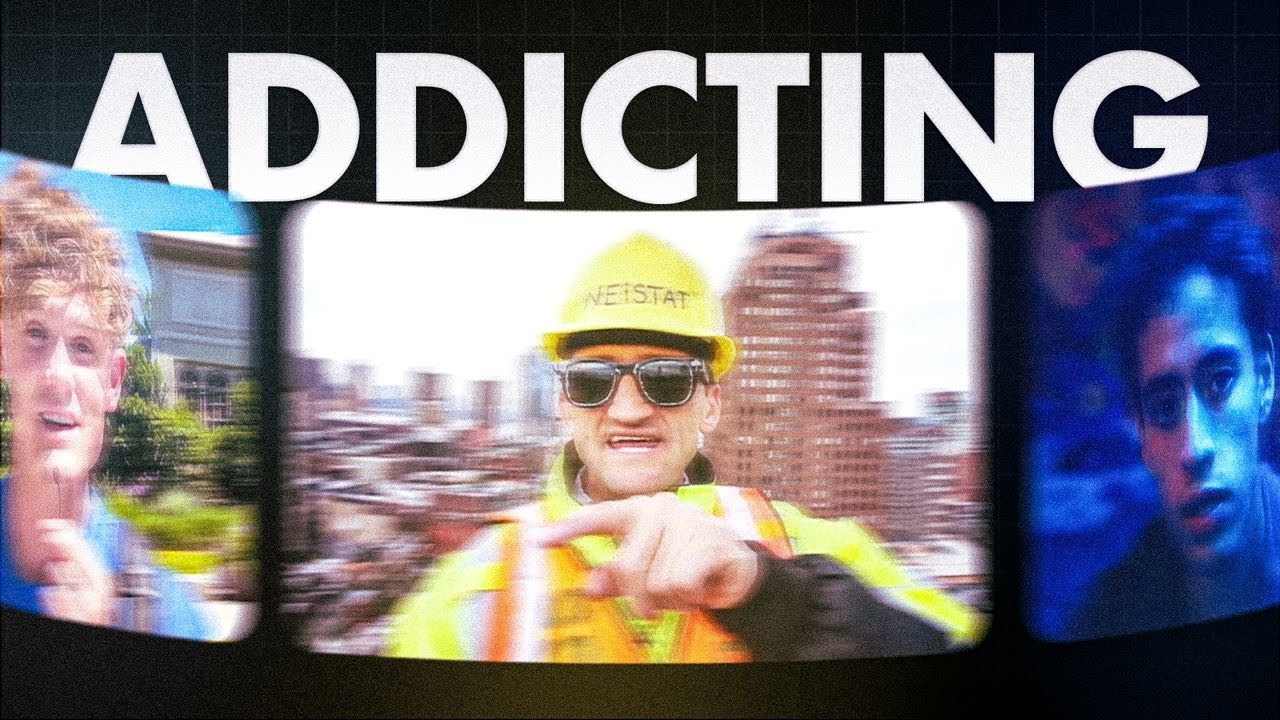
is not a video where I tell how to cut out Dead Space we are going to dive deeper than that you'll be learning the exact formula top creators are using to blow up all of their videos this is not an editing tutorial where I'll show you what buttons to press in your editing software it's a blueprint for Addictive editing and what elements you need to have in your videos see this as a guide that'll tell you what editing elements you should learn in the first place your editing Pace can either make or break your video's
performance it can get you a perfect retention and millions of views or no views at all depending on how you apply it here's why take a look at this guy his name is Sam and he posts 30 minute plus long videos with almost no editing at all just him talking to the camera like this when working out if you didn't know who he is you'd probably think he gets a couple of thousands of views at most wrong he has over 3.5 million subs and more than 100,000 views of video or this guy this is sander
stage and he posted a 15minute long video with him just talking to the camera zero Cuts throughout the entire video and it got 350,000 views but don't get this wrong both Sam and sander do edit their videos just in the way Their audience wants them to authentic slow and natural they don't want any Quick Cuts Motion Graphics and popups all over the screen that would simply just ruin the authentic experience the audience came for but only because this works for them it doesn't mean it'll work for you the average length between a cut and Sam's
videos is 1 and 1/2 minutes creators like Mr Beast are doing the exact opposite having an average length between of no more than a second or two where I'm getting at with this is different Paces work for different audiences and the pace of your video comes down to your editing choices cutting out pauses when you're speaking will give the video a higher pace and make it more engaging but at the same time it won't feel as genuine imagine if Sam cut out pauses added High pasted music and animated captions it wouldn't feel as authentic you
need to have these things in mind when editing if you want your videos to go viral but which style works for you try to figure out what experience your audience is looking for for when clicking into your videos are they looking for the authentic style of Sam sule and sander stage and just want to feel like they're talking to a friend or are they looking for a quick dopamine stimulating video like mine once you figure that out you're much better off but you still need to keep the viewers engaged by using the right visuals but
before we get into that I know some of you watching don't even have a YouTube account and without a YouTube account you don't have an audience I go over how to start a YouTube channel in my other tutorial videos and I'm going to keep it short this time to get monetized on YouTube you need 1,000 subscribers and 4,000 watch hours which if you think about it is pretty crazy for all the faceless channels I've started lately I've been experimenting with pre monetized channels and it's probably the biggest YouTube life hack I've seen in a while
if you get a pre monetized Channel and go viral with your first post you won't miss out on all the revenue like you would with a fresh Channel it can be pretty detrimental when you're starting out and need more money for your content so yeah I usually get my accounts from tick accounts as you've heard me say before if you want to support me use the code how to aai when ordering your account and they'll give me a bit of a Mission but yeah let's get back to the video guys next up is nothing less
than visuals there's mainly two types of visuals you can use a roll and b roll a roll is when you can both see and hear the subject if you've got a personal Channel this is the footage when you're speaking into the camera or if you've got a faceless Channel when your avatar is talking without any overlays you want to use a-roll for short periods to highlight when you're saying something important it'll make the video feel more genuine and make it easier for you to get your message across to the audience Boll is what will visualize
the things that are being said this is footage recorded separately from the audio letting the viewers see what you're talking about it's much more interesting to look at than a-roll and it'll make the video more engaging to watch so don't be afraid to use it a lot this can be stock footage for example but I generally don't recommend using too much since it looks really cheap a better alternative is memes and movie clips this channel is a good example of how to use these literally all his videos are just memes that match the voiceover another
type of b-roll is Motion Graphics these are customade animation you see creators like Iman gadzi use all the time it's often being used to visualize boring or complex parts of the video let me give you an example in this clip Iman gadzi is talking about tricks the ultra Rich are using to protect their wealth by showing this motion graphic of a chess board and a mask we visualize they're doing it in a game likee and unethical way imagine we instead just saw the a-roll footage without the animation it wouldn't nearly be as interesting putting that
in was a crucial editing choice that made everything so much more engaging to look at but don't get this wrong I'm not not saying you should pack in as much b-roll footage as possible just for the sake of it cutting between Clips too often can make things not only confusing but also annoying to look at not changing between Clips all the time is okay as long as something interesting is happening but here's the thing you can make a clip more engaging without switching to a new one by adding some of these editing tricks by adding
some visuals to the clip it'll make it much more interesting without risking it getting confusing to look at the most common one is captions text that writes out what's being said use captions when you want to highlight something I like to just have a blank background and captions covering up the entire screen when I say something important like this just make sure you show no more than three words at a time now let's say you want to show an image a screenshot for example just having a Ste image on the screen for 10 plus seconds
will literally kill the retention take this image for example it's boring tabs everywhere and the audience has no idea where they're supposed to look instead crop out the focus point you want your audience to look at it's better but we can still make it more appealing feeling to look at in that case we want the viewer to look at the revenue number and there are a couple of ways to make it clear that's where they're supposed to look at add a highlight animation or Mark the entire area you want the viewer to look at you
can also blur the entire image except the number like this by the way comment edit if you want me to create an entire in-depth tutorial on how to create these types of specific visuals I won't be able to fit it all into this video so just let me know if you'd like that if you want to add emotions to the image for example showing that something is good or bad add some color to the image red showing something is bad and green good another way to make still Clips or images more engaging is to add
movements like zooms and Wobbles if you've seen any of my previous videos you know that something is moving all the time to make sure it never gets boring change the scale or position of the clip when something important is happening for example a quick zoom in like this you can also add a third party effect and play around with the perspectives my favorite one is to add a wobble effect so that the clip or image is constantly moving around now this is how you make a video visual appealing but you also need to make it
feel good for the viewer have you ever seen a video where it's just so over edited you get a headache just by watching it I'm guilty of this myself take a look at some of my recent videos there's so much happening not even the 12-year-old with a ruined detention span will be able to watch it that's not what we want your videos are supposed to feel seamless and easygoing make each part of the video blend into the next without any rough Cuts your transitions should be invisible for the viewer here's what I mean by that
let's say I want to show this Tik Tok in my video it can't just appear from nowhere like this it'll be rough and not look good to the eye to make it look seamless any object needs to somehow move onto the screen this can be through something like a slide or a fade animation if you apply all these things your video will be visually addictive but that's only half of the viewer's experience think about it they won't just experience it through the visuals also through sound this is what allows the viewer to feel every cut
movement and animation it's literally a way to give the viewer twice the stimulation from watching your video it sound is design you can control your audience's emotions which is literally the key to make the viewer addicted to your videos sound design is built of two things the first one being sound effects use these to make the viewer feel what's happening on the screen go through your video and add sound effects whenever something is moving or happening for example if an object is sliding in add a whoosh effect if you're about to say something important add
a riser if you want to build mystery add a drone effect you can find pretty much all sound effects on YouTube but it is a real headache so to help you out I've put together a Google drive folder packed with all the most viral sound effects out there it's free I don't ask for anything in exchange for it it's literally there only to save you time I'll leave a link to it in the description if you want to check it out but sound effects are not the only thing that'll get the viewer emotionally invested in
your video there's a whole other spectrum of sound design that'll let you manipulate the viewer into feeling any emotion you want them to music or soundtrack as some call it your choice of music is what'll decide how the viewer feels when watching the video let me give you an example we've all seen this channel Isaac he's only uploaded four videos and has 3.1 million views and 100K subscribers if youve seen his videos you know his editing is great but the sound design is literally on point he's using music to get the viewer emotionally invested in
what's being said which is why his videos perform so well take a look at this clip and try to figure out what he did right there I made from it let's dive in what day is it see how the music switched when he moved on to the next part of the video this is exactly what you want to do split your video into different segments whenever you're switching subjects and try to figure out what emotions you want the viewer to feel during each segment then you want to match each segment with a song connected to
that emotion say you want to build excitement for something you're about to say add some anticipation music by switching the music the viewer will know something new is coming and they'll be more engaged just don't stress this part take time to find the right music because it's super important that it fits you could go on YouTube and find copyright free songs but it's annoying and takes a whole lot of time I like to use epidemic sound and yeah it cost a little bit but it'll save you hours of looking for music on YouTube per month
it also has a lot more highquality soundtracks than regular free songs from something like pixabay but hey if you like free stuff and are on a budget like I know many of you are definitely check out pixabay they have thousands of free soundtracks Etc now guys if you want to know more about how I edit my videos or have any questions you should check out my free Discord Community we're currently over 19,000 members chatting about this stuff all day long I'll leave a link in the description so make sure to check it out I mean
it's free information right also if you enjoy what I do please drop a comment like and share the video to help me beat the YouTube algo anyways that's it for this video

![How To Make Original AI Videos [FACELESS YOUTUBE CHANNELS]](https://img.youtube.com/vi/9q8A6clStwE/maxresdefault.jpg)




![How I Make $56,736 With AI Videos On TikTok [TikTok Shop Affiliate Program Tutorial]](https://img.youtube.com/vi/mFZrGTmPSQ0/maxresdefault.jpg)