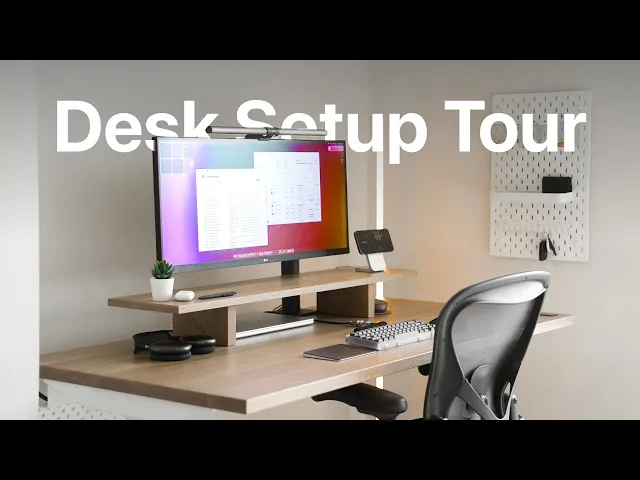
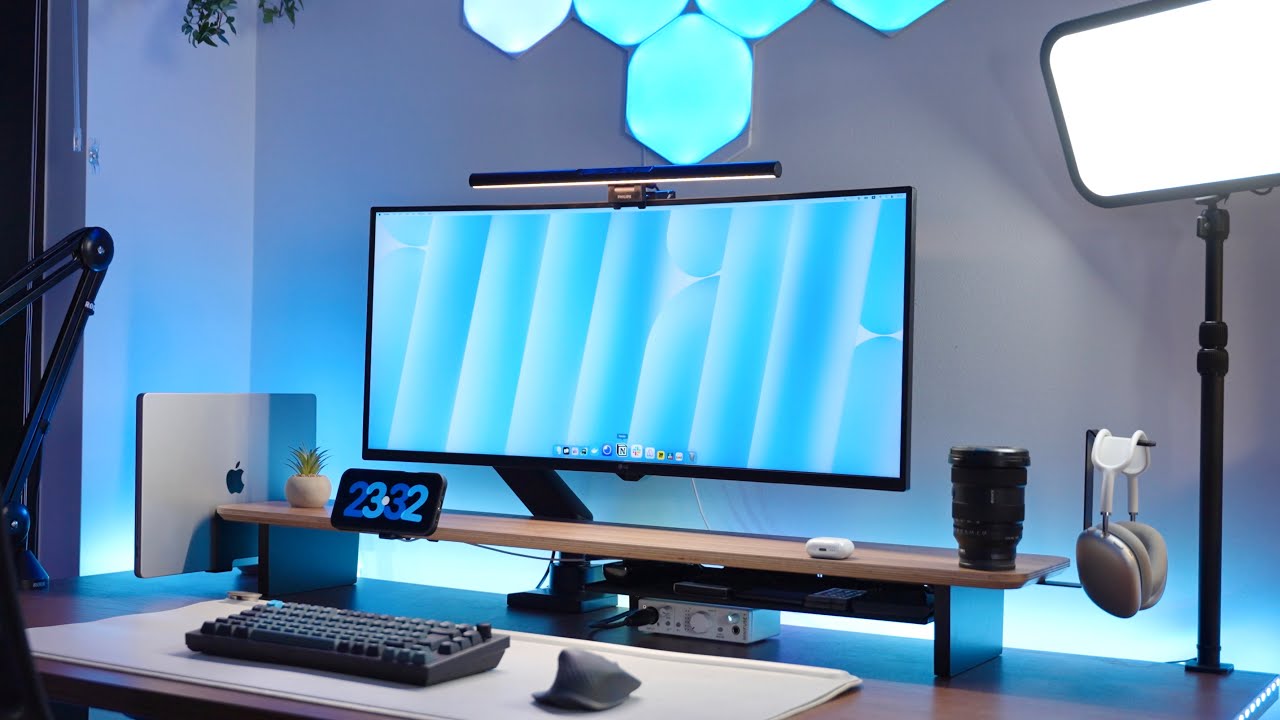
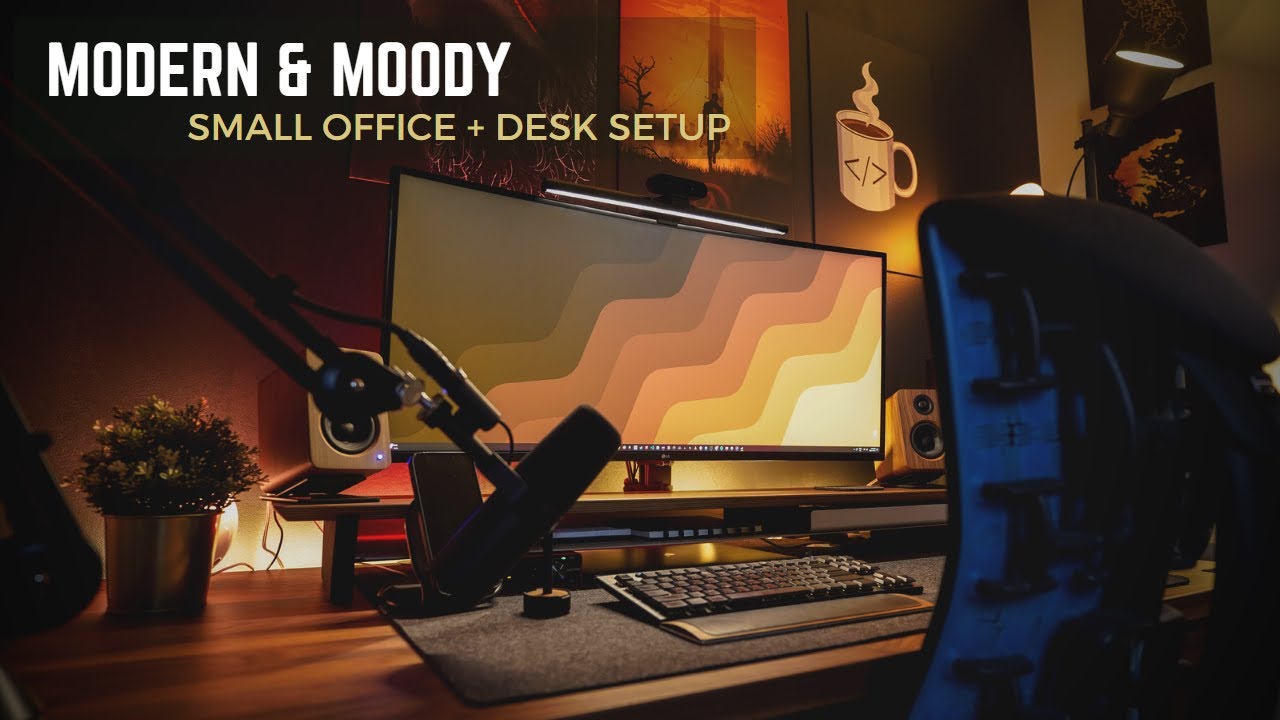
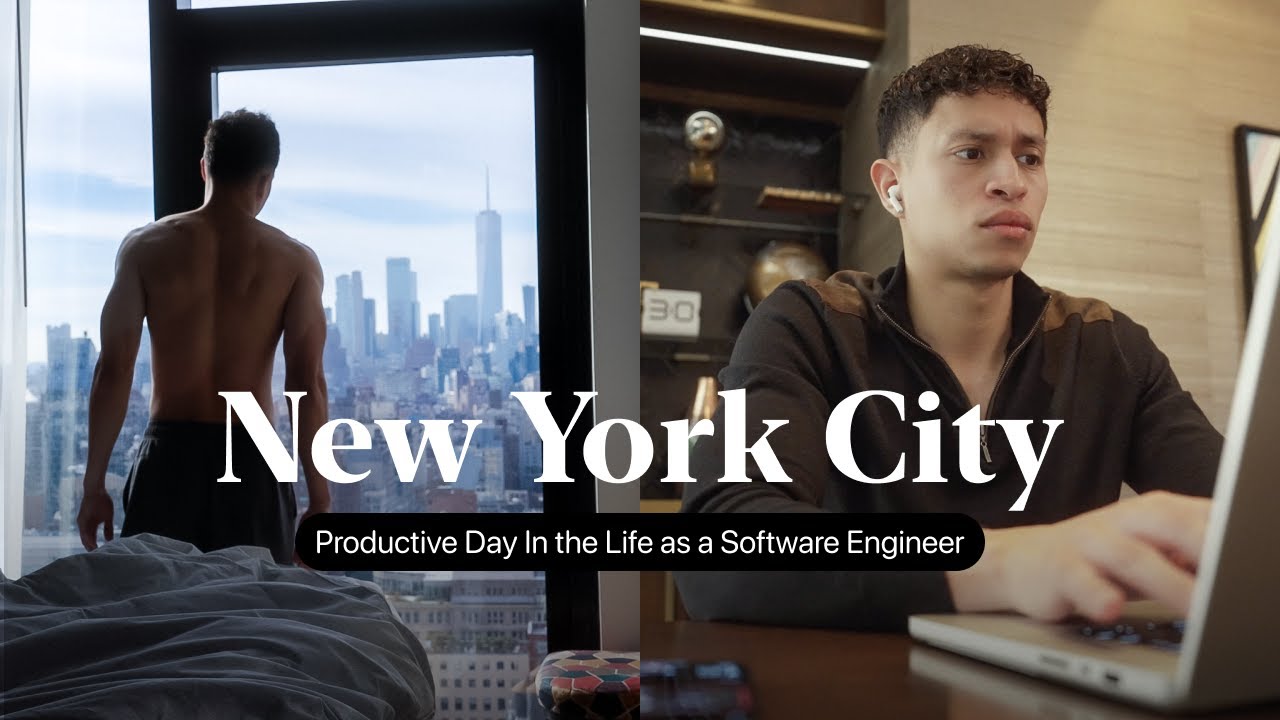
hello and welcome back to the channel today I will be sharing my workspace which I've optimized to get work done as a software engineer and part-time Creator and overall just excited to share some of the gear I use which surprisingly a lot of people have asked me about in the comments overall I try to keep my setup rather simple as with many things Simplicity and efficiency are key aspects for me and how I work I feel like keeping a minimal and clutter-free space is what works best for me helps me stay stress free and enable
with my productivity and creativity you can find all my gear and tools on my website at b-r dot IO slash cure or just check out the description by the way I'm testing my brand new dream camera this is the Sony fx3 still pretty much learning how to use it let me know if you think it looks good so let's jump into it and I'm going to start with one of the most important components and conveniently the sponsor of today's video you know as a software engineer you have to consider that you're going to be spending
long hours at your desk for me I spent about 12 hours and if there's one thing I've learned during these Marathon sessions it's the importance of good ergonomics that's why I've always used standing desk ergonomic mice and have this ergonomic monitor but besides that it was time for an upgrade for my old Ikea particle forecast which was well let's just say not holding up anymore that's when ergonoff is thankfully stepped in and sent me their incredible sit stand the sway desk along with a few other cool products that I'll be sharing so let's talk about
suede death it's packed with features that anyone who values good design and simplicity will appreciate it it has two safe positions per user so whether I'm sitting for a long Kodi session or standing to edit some videos is just an intuitive swipe away and let's not forget about the beautiful solid wood surface it's responsibly sourced and comes pre-drilled standout feature for me is the anti-collision system it's happened to me when I have people over and one time they accidentally lowered the desk with my chair under it and the entire desk just smushes anything that's under
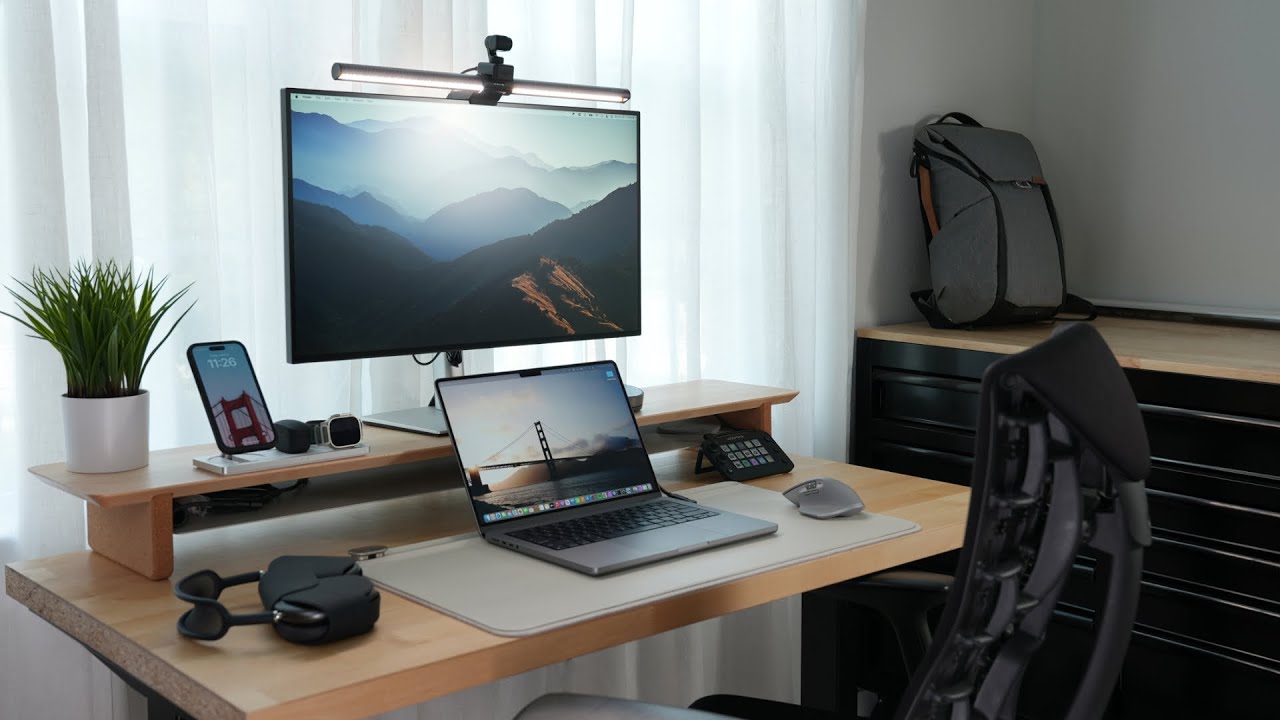
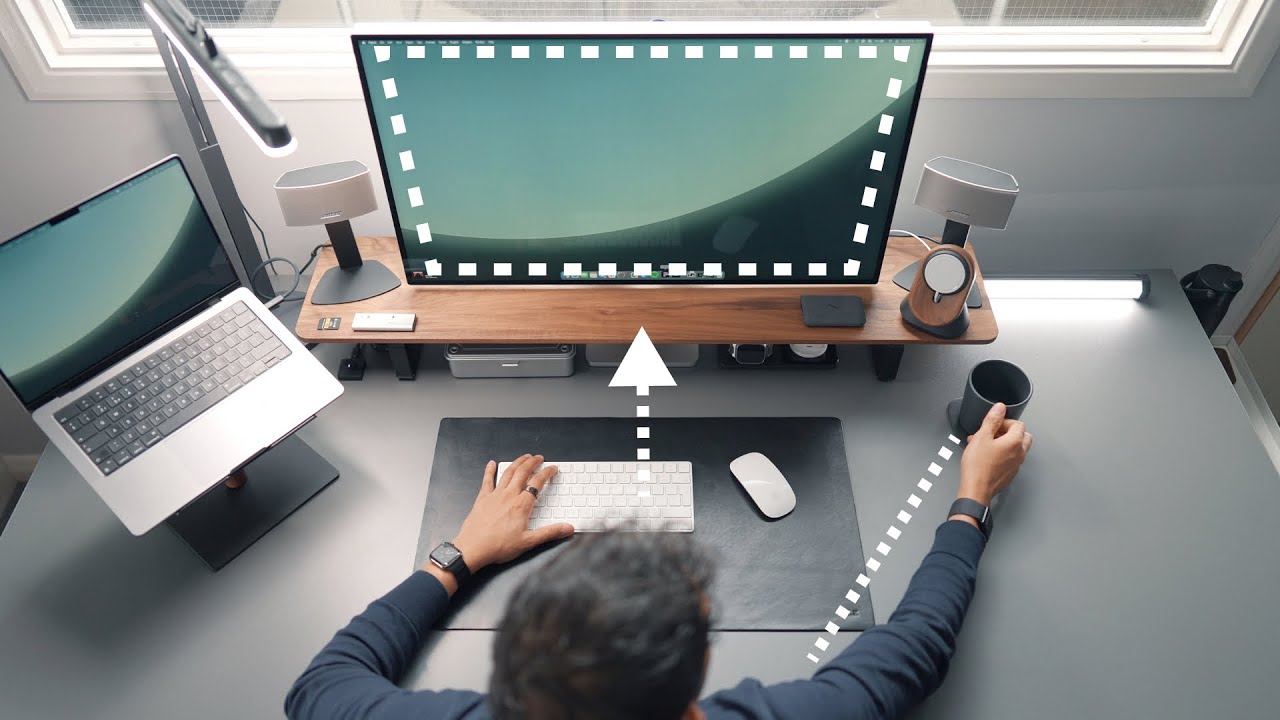
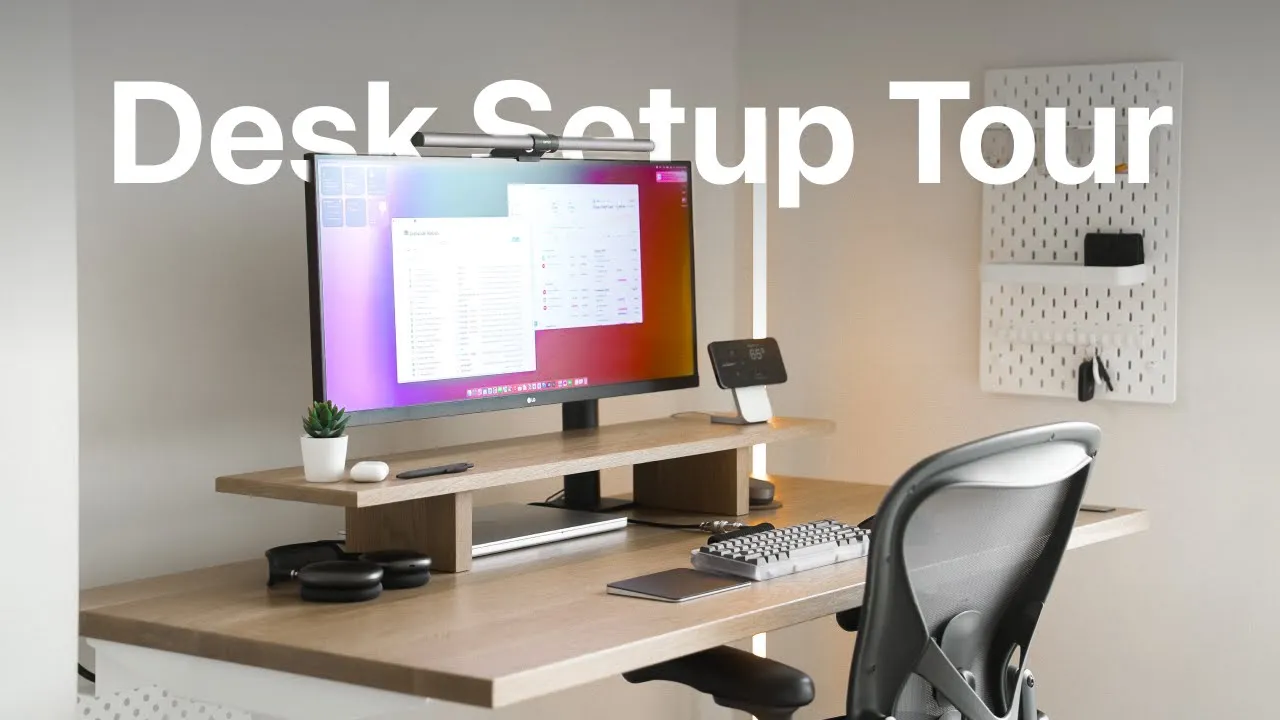
it so ergonoff has actually thought about this and programmed it also they sent over this super nice solid wood on a riser which is a known ergonomic thing it's recommended for the top of the monitor to be at eye level and you have to Cable manage this desk tanatic away from the super clean aesthetic you can do so with either the ergon office Cable Management solution which makes it super simple or just DIY let's talk about the monitor I use this is the LG 34wn780 yes I know LG has some weird namings but one of
the main selling points of this monitor is the Ergo stand gives complete control over your screen you can spin it almost 360 Degrees if you need to do that I've had many different monitors and configurations like a super ultra wide curved display full monitors and dual monitors with one vertical but I feel like sometimes it can be distracting for the most part the tasks I do require focus on just one or two things this monitor gets the job done for me then on top of the monitor I have the BenQ screen bar Halo which is
a very popular accessory for a good reason and it's nice because it's USB powered so I just plug it into the rear of my monitor it illuminates your whole desk with no glare and without having to take up extra space like a traditional lamp the screen bar is adjusted wirelessly with this Sleek dial controller you can adjust the temperature and brightness or just set it to automatic also this provides by sliding to the back of your monitor which is known to reduce eye strain when your environment is dark then to the right of my monitor
I have a Mac safe DOC The Stand one by Nomad in white and silver the stand one though kind of pricey is very high quality and heavy enough to hold against the strength of the Maxi magnet and perfect timing with iOS 17 you can rotate your phone while charging and get into standby mode which is a nice addition including a music player clocks calendars among many other handy widgets also sometimes when I'm coding on mobile responsive websites or mobile applications it's just nice to have a phone viewport there for you to test the interface underneath
the ergonospice monitorizer I keep my 16 inch MacBook Pro it's nice to have a single cable setup on my computer so I can get straight to work after just one connection for that I use an Anker 71 USBC Hub which I adhere to the desk and it provides just what I need overall developing on a MacBook has been a great experience pretty much prefer a laptop compared to a desktop because of course you still get the option of taking the computer with you to built-in speakers on the monitor are honestly not the best however but
I do have headphones on for a majority of the time when I'm on my main desk I have the airpods Max and space gray which provides an awesome Sound audio is essential for me to stay productive whether I'm listening to music listening to a podcast or even just enjoying some content other times since the airpod max are kind of heavy I just switch over to the airpods pro which is just as good for doing the aforementioned and with Apple's continuous play feature I don't have to manually switch between devices now let's look into some of
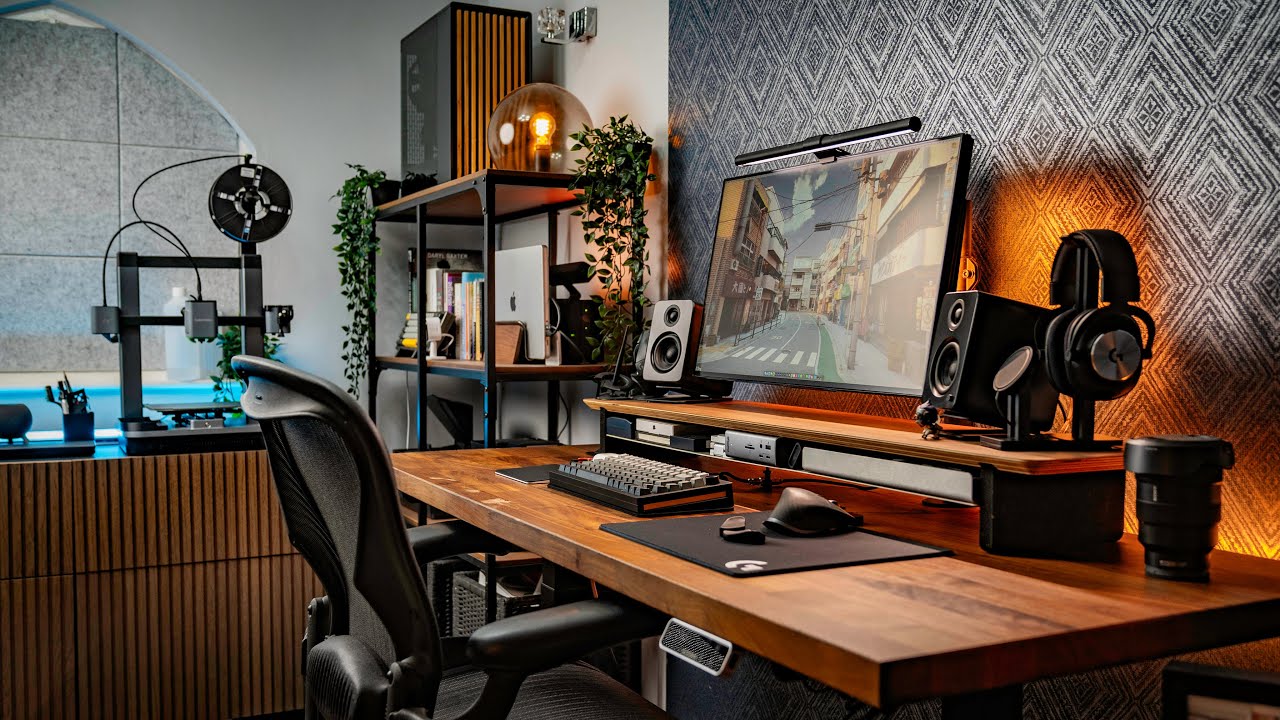
the peripherals that are hooked to my computer but starting with this vegan leather desk mat by orbit key it's nice and Sleek looking and provides a storage location and as you may see I don't really have stationary things on my desk just haven't found a need for that lately I keep all of my notes on either notion or the Apple notes app I just find it easier that way to have everything on the cloud for a while I've been a fan of mechanical keyboards I've been loving my current build which is the envoy by more
designs I ordered it with the polycarbonate chassis which gives it a cool retro look the aluminum plate and a silver mirror weight I'll be sure to list out the other details in the description as well mechanical keyboards are an interesting hobby because you're quite literally just making extra noise while typing but once you get your first mechanical keyboard you will appreciate the more mechanical and analog feel and I have two keycap sets that I switch around from time to time this gmk Dracula keycap set and I have this tomorrow themed keycap set by mode design
I've gone from Luke 50 switches in my first build to tactile switches Now using linear switches and for sure I'm going to be sticking with the linear from now on by the way what's your typing speed I've been trying to improve it a little as well to get faster at coding things then I have the Logitech MX Master III and this is such a solid amount there's probably a reason why you see this mouse and so many people's setups you have just the extra buttons that you need like back and forth controls adjuster controls and
a secondary scroll wheel I have tried the magic Trackpad to replace my mouse entirely but after a while it would give me some restraint I do see some people using the trackpad to their left or the keyboard to have quick access to swiping gestures so I'm going to be testing this out to see if it works for me let's talk a little bit about the chair I have the Herman Miller Aeron which is fully equipped and this is truly an essential piece since I do spend many hours sitting down mesh material is good to stay
nice and cool and it's a fully adjustable from height tilt and even has these lumbar support pads and I've always wondered why these are many Hermann villagers don't have headrests after a quick search I learned that the ideal sitting position you should be able to move your head freely and you shouldn't have to rely on the headrest so that's an interesting note on chair ergonomics lastly let's look into some of the miscellaneous items these are not necessarily at my desk but they do complete my daily workflow starting with this Ikea pegboard I really just keep
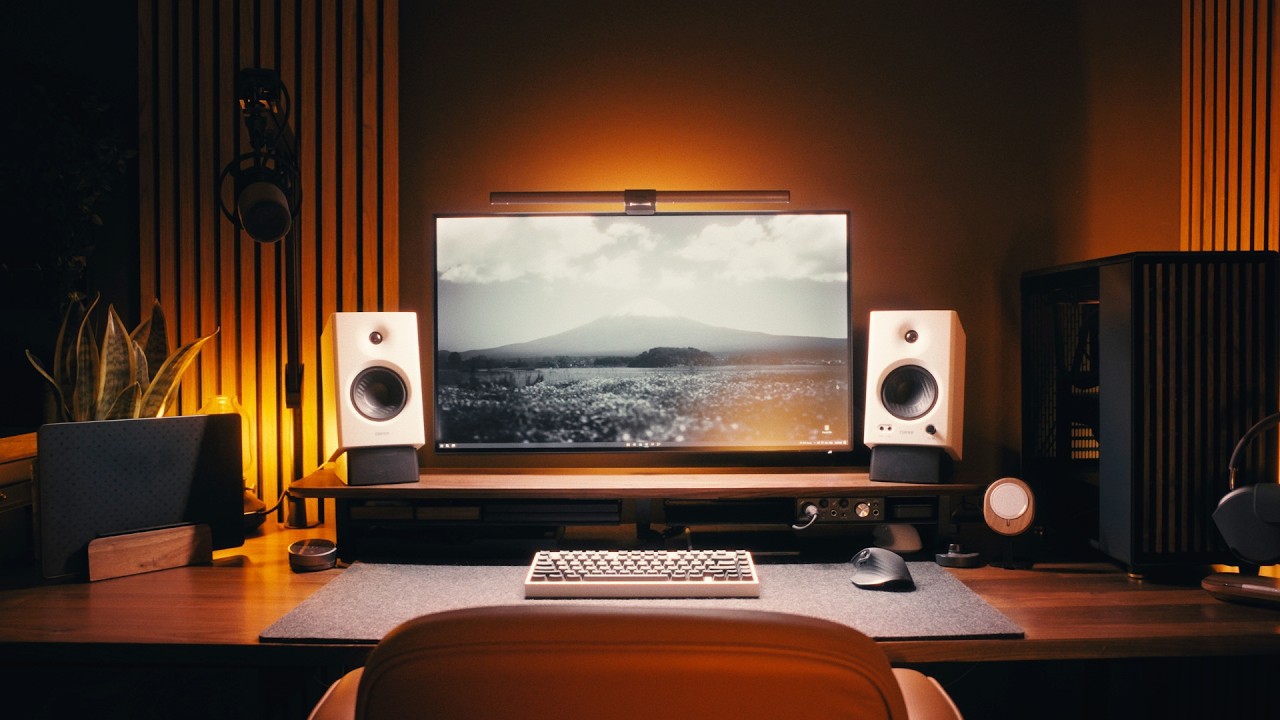
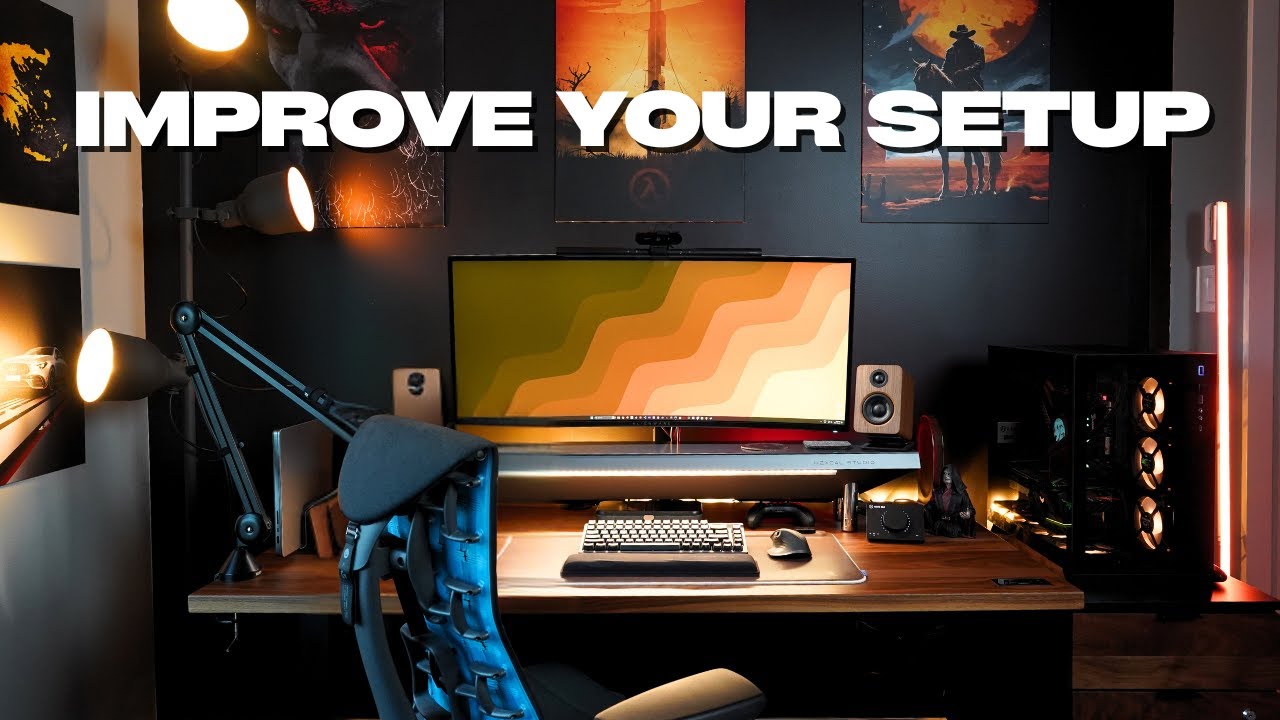
some things that I need quick access to like my keys and some remotes you can pretty much configure to suit your needs and beside that is the Govi RGB floor lamp which I can control from the remote or the gov app and most of the time I do keep it white during the day and at night sometimes I do like to add some color by the way this is how my setup looks in dark mode [Music] I did mention that with audio I use my headphones most of the time but other times where I just
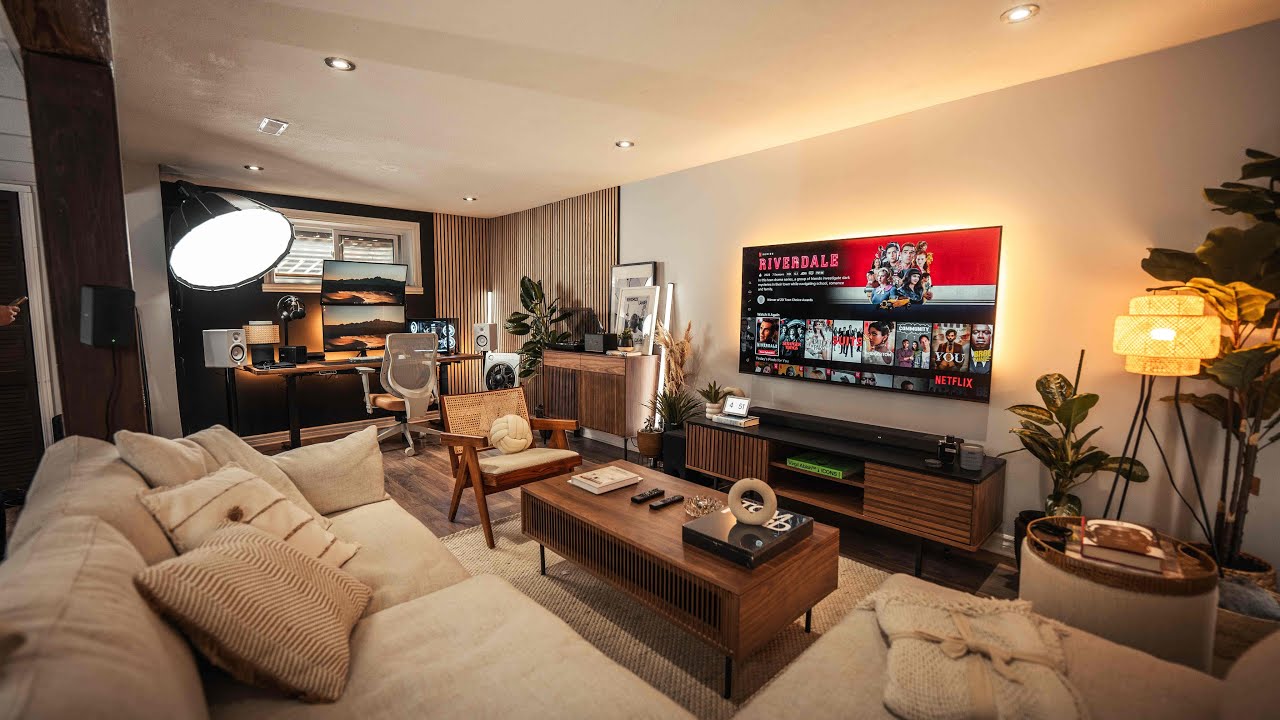
want to fill my entire space with sound I have this Sonos being 2 mounted to the wall which is more than enough for this pretty small apartment space but it packs awesome sound quality for music and watching movies and supports Dolby Atmos through the Sonos app for a nice mini theater like feel of course I had to stay both caffeinated and hydrated while I'm here from a coffee my current go-to method is pour over with this electric kettle and coffee grinder by fellow it gives you full control of the water temperature and coarseness of your
grinds even though the pour over does take a little bit more time to get done it can be satisfying and leaves you with a very good tasting cup of coffee and I keep this nice looking bottle by Lark and granite white to match the area so that pretty much wraps it up I do want to do a little bit more with the negative spaces around my desk but without making it too overwhelming or too crowded either let me know if you have any recommendations or if you have any favorite desk tools that I can check
out thanks for checking out my desk setup and I'll see you on the next video