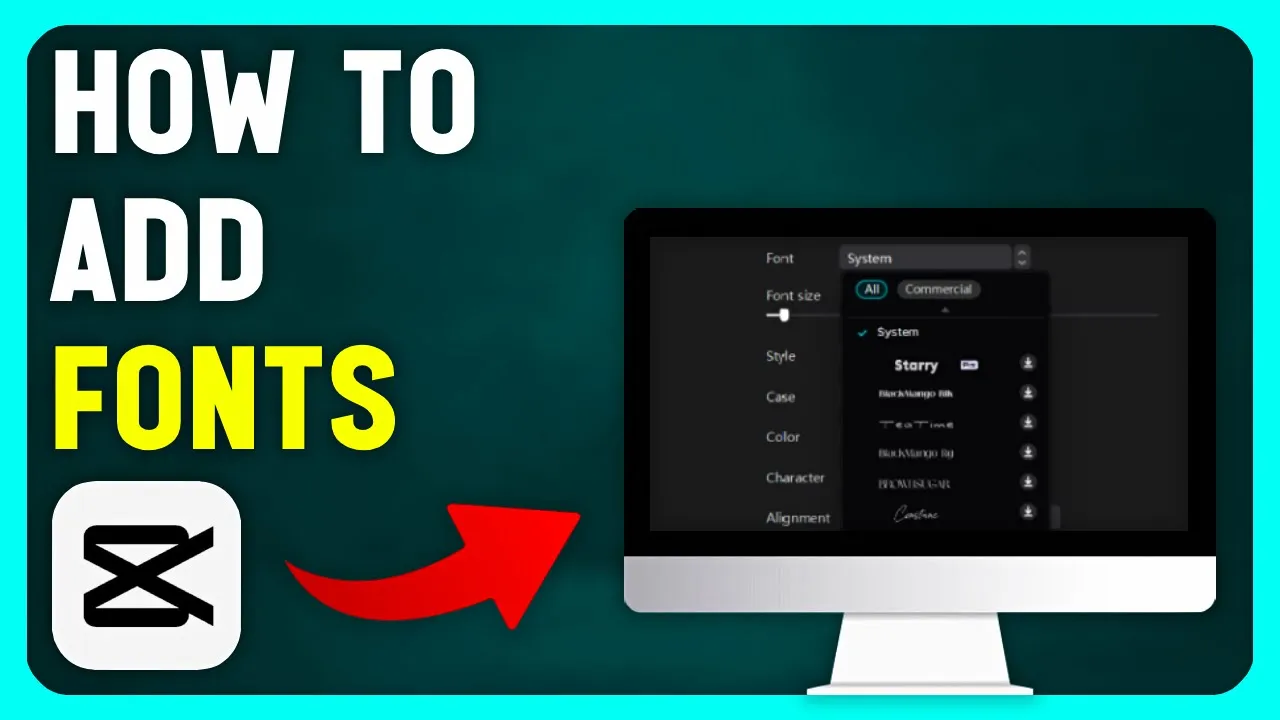
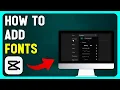
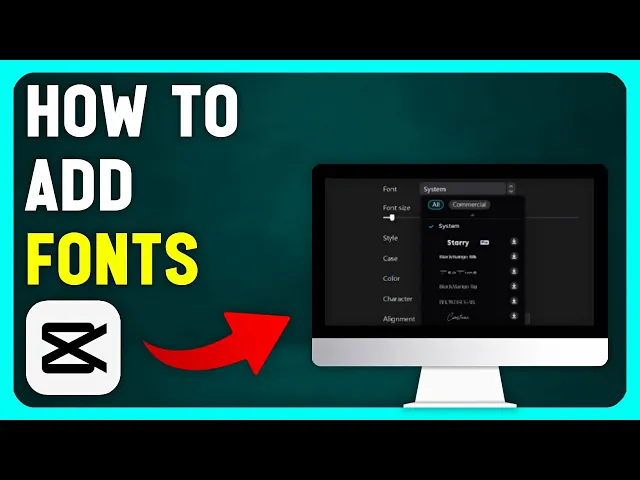
in today's video I will show you how to add fonts to cap cut PC the first thing you need to do is close your cap cut project so that the font we install can be loaded after that open your browser and type da font in the search bar this is a website where you can find hundreds and hundreds of different fonts in the top part you can choose the style of your font once you find the font you want to use simply click on the download button located on the right side next you need to
locate the downloaded file it may be on your desktop like mine but it could be somewhere else depending on your browser settings double click on the downloaded file then open the font file and click the install button in the top left corner once the font is installed you can open cap cut when you type the text you want you can find your font by clicking on the text tab then click on basic and then go to the font option it's important to know the name of your font to find it in this long list of
fonts if this video was helpful leave a like And subscribe to my YouTube channel for more useful videos thanks for watching







![I Replaced ALL my ADOBE APPS with these [free or cheaper] Alternatives!](https://i.ytimg.com/vi_webp/5EfqHg49kMk/mqdefault.webp)