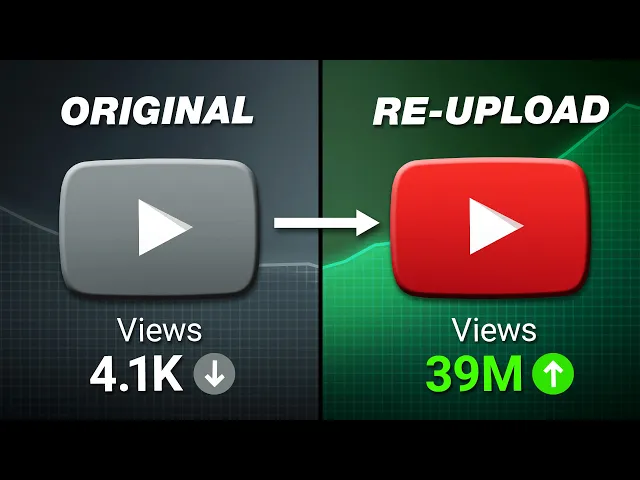
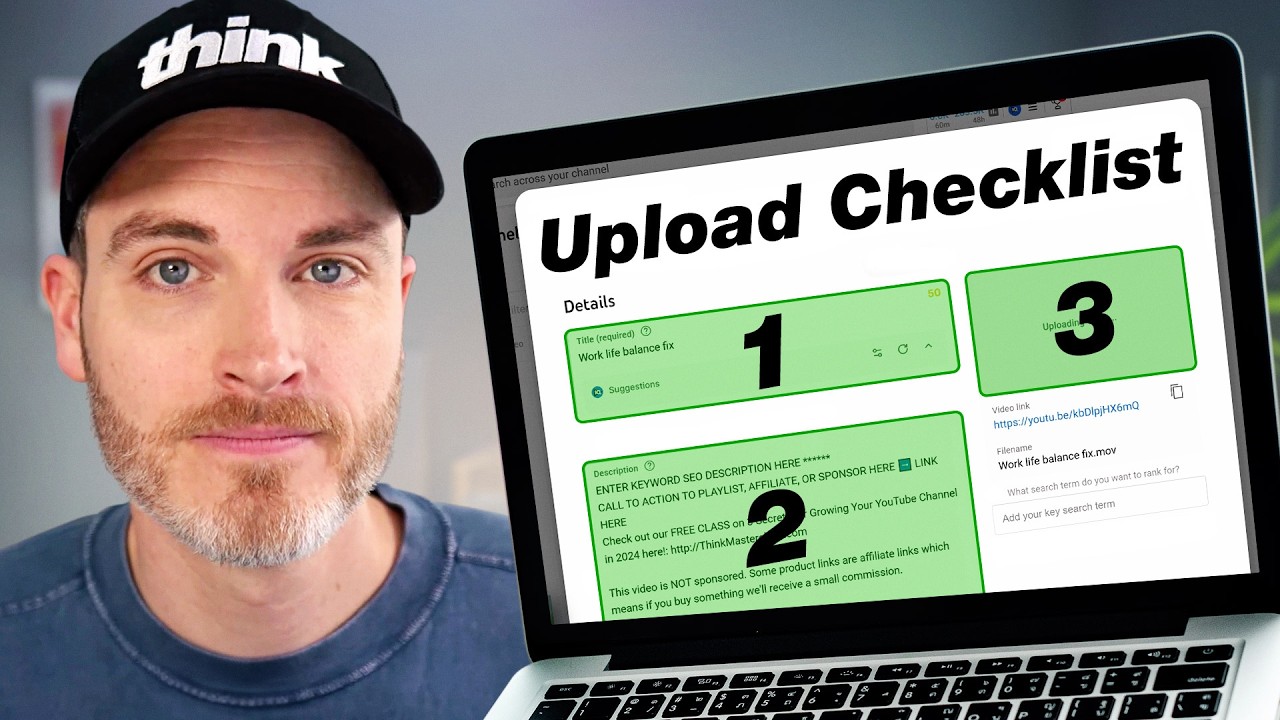
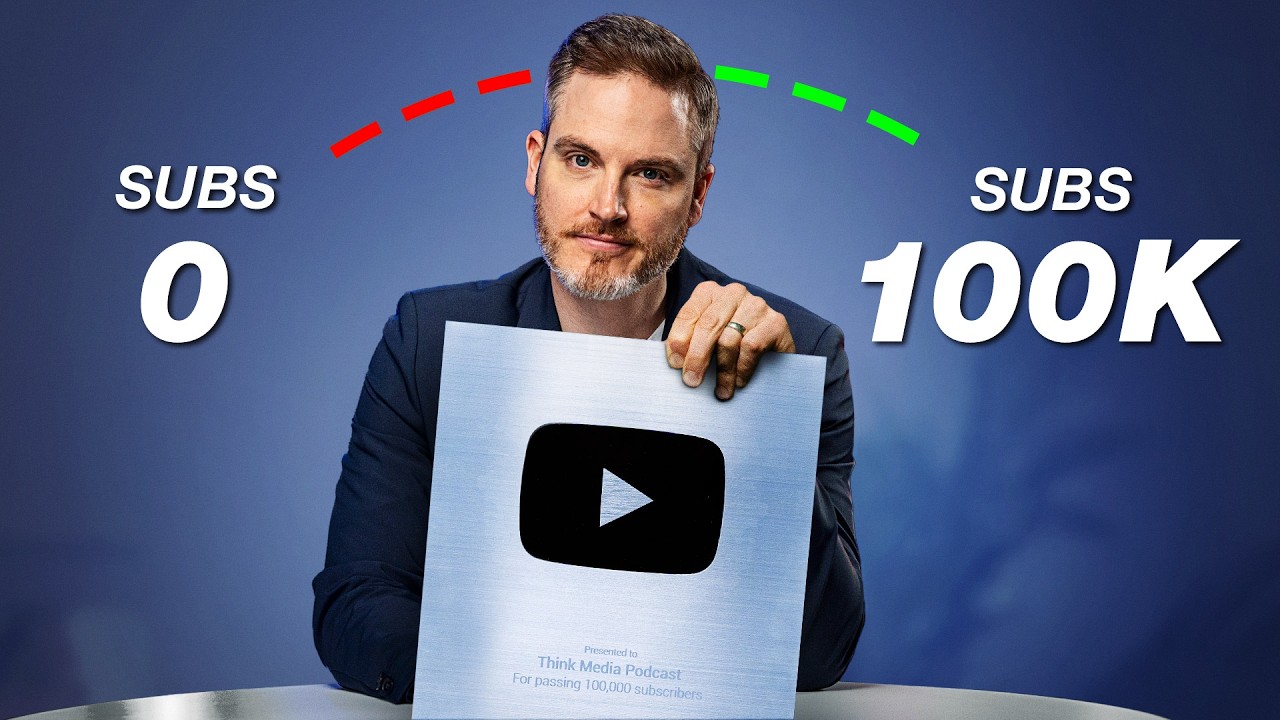
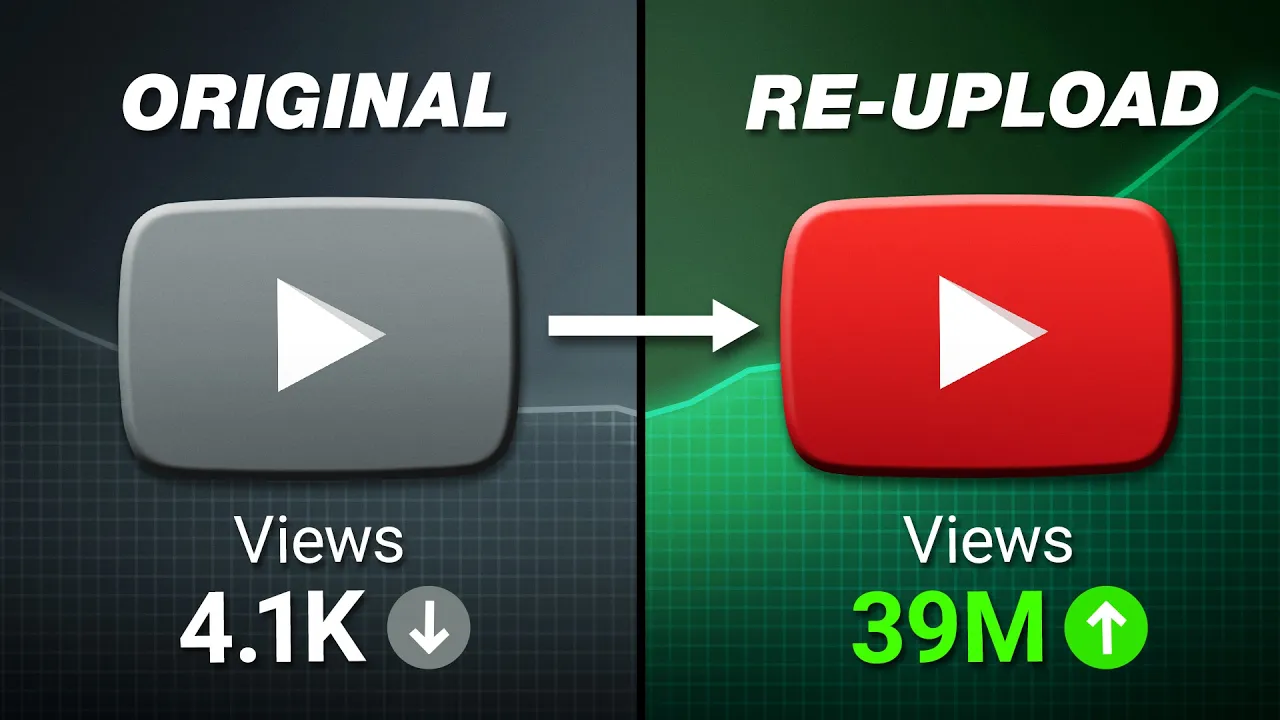
we just got 39 million views by re-uploading one of our past videos on YouTube and the good news is you can do this too so in this video I'm going to walk you through three proven strategies for finding and repurposing the best moments of your existing Content Library so you can 10x 20x or even 100x your views you got to just press record so whether you've just posted your first video on YouTube and if that is you congratulations way to go or you've already had 100 uploads or a thousand uploads or more you can start
implementing these three strategies today they're going to save you time generate more views for your channel and grow your subscriber base so strategy one is going to be to identify key moments in your past Content Library so you don't want to just start blindly repurposing content without having a plan you want your repurpose content to succeed as best as it can and and put it in a position to succeed so we need to be strategic about finding the best moments and a note here is we're not saying to identify even top performing videos necessarily although
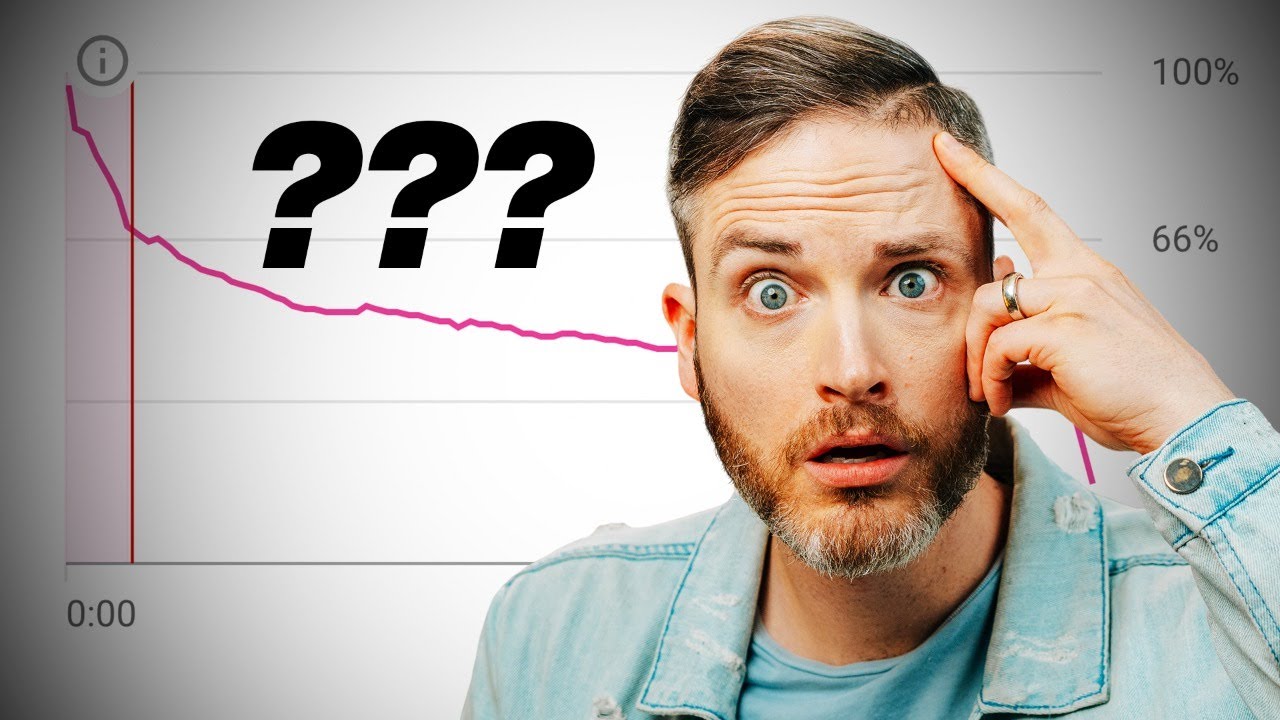
that could be a good strategy we are narrowing that down even further to these top performing moments so you could have a video that didn't even do that well in terms of views but it could have some really good moments of Engagement around a certain portion of the video and you can leverage those key moments to be a good repurpose opportunity so here are four tips to identify these key moments the first is going to be to use the YouTube Studio retention graph so where you're going to find this is in your analytics page just
click on any video and stay right there on that overview tab in analytics and then scroll down to this retention graph and what you're going to be able to see here is key moments for audience retention and so we can see these different like Peaks and valleys of the different uh portions of the video that are peaking the interest of our viewers so the goal here is to just work smarter not harder so use what's already working in your videos if people are watching a specific portion right here we can see a little Spike or
we can see a spike here if they're already watching a specific portion the successful part of that video we often say here success leaves Clues make part twos that's a successful portion where people are already engaged they're already watching that content more than other parts of the video so that's a great indicator to you that that portion of your video with a high peak that shows higher viewer retention is a good opportunity to repurpose that clip our second tip would be to Leverage The YouTube progress Bar's most replayed feature and even just like the graph
that's right here so what this is going to show you is a very similar graph to what the retention graph would be inside of you YouTube Studio but you don't have to dive into YouTube Studio to see this and a little hack here is okay we can see like this most replayed section right here there's these series of Peaks and valleys all along the the runtime of the video and we can see where the most replayed sections are with that little light gray chart that sits on top of the progress bar so what's cool about
this feature is this is not limited to just your videos you can see this on other people's content as well so this can be a really good research tool to identify top moments in other people's videos ESP especially in the same Niche that you might make content in so use this as a good research tool for your own content or other people's content to identify those key moments that could be good for a repurpose clip our third tip is to review the comment section of every video that you post even if you only are getting
a few comments on every video these comments are still leaving clues about what is resonating with your viewers so use those comment sections as a tool to find those key moments in your video that people are talking about or engaging with in the comment section it's a very helpful tool and our fourth tip for identifying some of these key moments or what we call Trend surfing so the best way that we can Define this is finding strategic content centered around certain people places or events so a very hot topic right now it's August of 2024
is the Paris Olympics so there's so many opportunities there to make content but this would be the idea of like a trending event that you can make content on if you make commentary about what's happening in the Olympics even the pop culture references Snoop Dogg there at the Olympics so lots of great content opportunities with events like the Olympics now you could also do this with places so physical locations cities destinations tour spots places like Disneyland these are great options as well as well as people so really famous people like celebrities actors athletes and we
actually have a really great case study where we leverage a combination of these methods to find a key moment in a fulllength podcast episode on the think media podcast so this episode was 50 minutes of strategic social media tactic ICS with Patrick Bet David this full length episode did 275,000 fulllength episode views so it absolutely crushed for our podcast channel it's not like it's a mega viral hit with millions of views but it's honestly one of our top performers on the thi media podcast and really by every available metric it was a huge win and
we could have just stopped right there but we did not we found a great section where Shawn and Patrick are chatting about Mr BEAST's Channel being worth 10 to 20 billion dollars actually let's just even play the clip really quickly Mr Beast recently turned down a$1 billion offer for his YouTube channel he said maybe if it was 10 or 20 billion I would even consider it do you think that he made a bad call let's do some basic math his most viewed videoos 293 million views that's the $456,000 squid game Super Bowl commercial you do
30 seconds what are you paying $5.2 million and Super Bowl gets roughly 100 million views it's got total 17 billion views 17 billion views divide by 100 million because that's what Super Bowl claims so that's 170 Time 5 million bucks his one channel alone has generated a minimum of $850 million and I'm calculating only one commercial and then add it to all the other channels that he has I think he's right 10 to20 billion the right number man it's such a good clip and I encourage you to watch the full like episode over at the
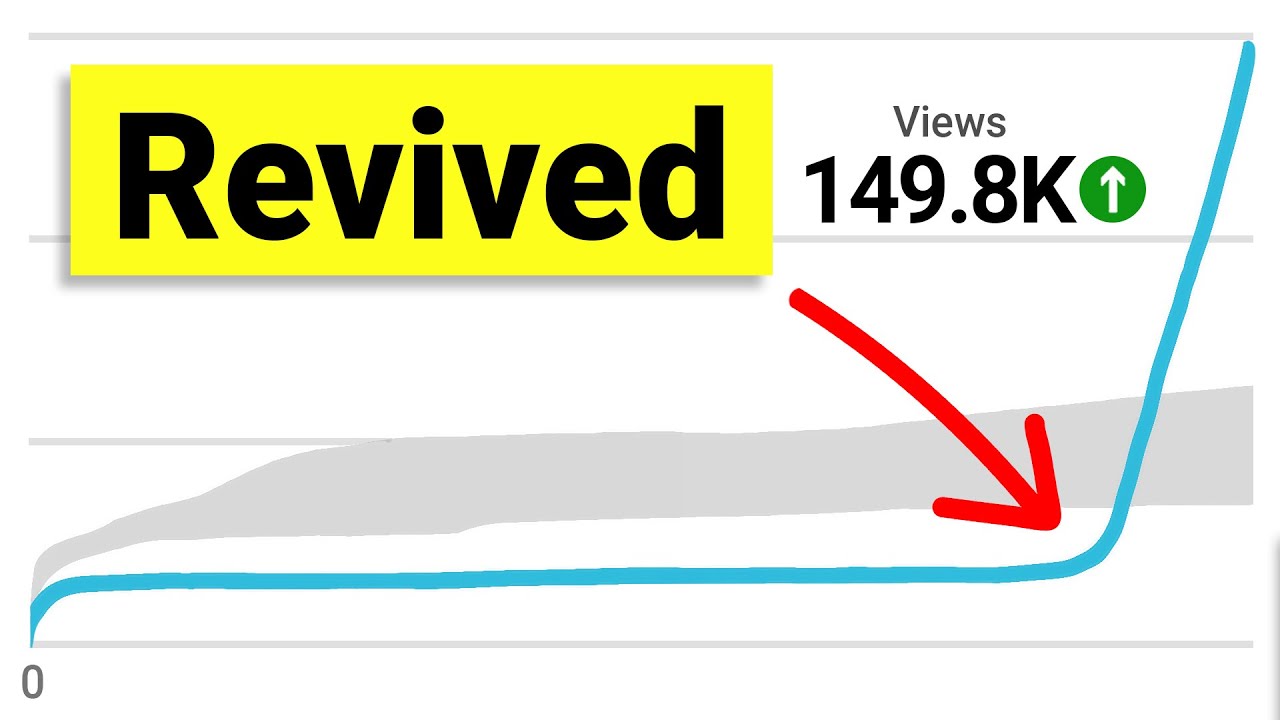
think media podcast Channel but what's so interesting about this clip specifically is that it took over a hundred days 10 like 40 days for this clip to actually start taking off we were under a million views it was like half a million views at 140 days and then this thing just absolutely exploded so a little sub tip under the tip here nestled way in here is just to be patient let some videos ride sometimes it takes a little bit of time for something to take off so don't get too discouraged if your video doesn't rock
it off right away sometimes you can do some things to reoptimize maybe pivot the title or the thumbnail a little bit if it's not taking off sometimes it just takes time so this in our case took 140 days for this to take off and now this thing is absolutely skyrocketing it's done 39.4 million views it gained us 36,000 subscribers and almost $3,000 in ad Revenue none of these metrics that you're seeing on screen would have ever happen if we didn't identify a key moment in a video in a long form video and then give that
video a chance to be reused in another way we would have missed out on 36,000 subscribers and almost 2 years later after this video is posted it's still getting 52 2,000 views every 48 hours that's over 20,000 views a day from a video that we posted two years ago that's just a repurpose clip from a longer form episode all right this brings us to strategy number two which is to leverage AI so a lot of people probably edit your videos in some sort of software like Adobe Premiere or Da Vinci resolve or iMovie Final Cut
Pro these different editing softwares okay and in order for you to go repurpose that content you're thinking I'm going to have to open my editing software locate my project file change asp spec ratios create a new sequence from going from horizontal to Vertical this is a ton of work and it all takes a really long time but the good news is it actually takes a lot less time than you think to find key moments to repurpose when you use AI so I'm going to show you how we do it here at thi media by leveraging
the brand new clip anything feature from our friends at Opus clip if you've been following us here at think media for any length of time you know we're a big fan of using Opus clip well Opus just released this new tech called clip anything which as the name implies allows you to pretty much clip anything out of your existing content and this got our brain storring about how we can more quickly repurpose pass content for social media and if you want to try this out our think media audience actually gets to cut the line and
have Early Access to this feature so just click the link down in the description below to sign up but I want to break this down for you a little bit and show you how it works and how we leverage AI to save us time so what I'm going to do is find a YouTube video and this one right here I found it's the best YouTube accessories on under $50 this is a video I did that did 62,000 views in the first month which is pretty decent for us but it's not the best and I still
think we could squeeze out a little bit more juice from this video if we leverage it for short form platform so what I'm going to do is copy the link and we're going to bring that into Opus clip we'll just paste that in there and hit get Clips in one click and really quickly we'll see this interface pop up so we'll scroll down here and change our model from clip basic to clip anything and that's going to allow us these additional tools that lets us prompt the AI more specifically so maybe I'll even choose informative
or educational as the type of genre because that's kind of the vibe of our video and I've already selected a prompt that I want to paste in here which is this find me clips that talk about the Joby gorilla pod because when I was doing my research for the uh the key moments that we talked about I was looking for key moments in this video I saw this big spike around the time that I was talking about the uh the Joby gorilla podt so we're going to use that as our prompt and I also want
to select these different presets down here if we actually scroll over since we're a partner with um Opus clip there is a think media preset boom so you can click that right there if you want our animation like text animation style and color choices so we're going to use that as our preset and that's it now all we got to do is hit get Clips in one click so I let the AI do its thing and I came back to Four Shorts that uh Opus clip created for me and I didn't have to do anything
other than copying a YouTube link that was already a finished video and prompt the AI to specifically look for whatever clip I wanted it to look for which was the Joby gorilla pod Clips um and it came up with four ideas and this first one is my favorite I'm just going to show you this 47 second video that uh the AI platform made for me I use these legs most often when vlogging they have a perfect amount of read for me when I extend my arm with like a 20 mm or a 16 mm lens
to just get a really nice field of view for vlogging I even use the legs in my studio when I don't want to set up a full tripod I can just throw the legs on a tabletop just like this I love how it's changing the aspect ratio IO from wider to tighter shots depending on the shot selection and this is all stuff that would take me a lot more time to do manually in post production or if I repurpose the video in Premiere I'd have to go in and do all this stuff but the AI
is doing it all for me set up a camera and get a stationary shot ready in seconds and I don't have to set up a full tripod you also can add other accessories to the legs like this $30 little ball head from Joby this is specifically designed for the 3K legs I use this ball head sometimes when I want to give my camera more flexibility when vlogging and I want to kind of tilt it down and up sometimes I'll even leave this quick release plate just permanently on my Sony a74 for a couple weeks if
I know I'm doing a lot of running gun stuff out of the house you of course don't have to buy this head and I've used these legs without the head many many times but it's just nice that you have some additional flexibility dang that's impressive for not doing any work on that short I ran a bunch of tests with the clip anything feature on our past videos and even videos that weren't our own and the AI is really good at finding these key moments that you wanted to find and this is even now works for
clipping content that has no audio so no talking portions in the video just by describing the footage that you want the AI to go focus on maybe it's a certain b-roll sequence or something you can just prompt the AI and you don't even have to have audio in your clip which is pretty cool overall this is a really cool update from Opus clip here so instead of spending a bunch of time trying to re-edit your content for repurposing think about how you can leverage AI tools like Opus clip to save you time and still 10x
reviews and our third and final strategy is to produce what we call content marathons now a Content marathon is a collection of your best videos strung together in one longer cohesive video that can range from you know as short as like 30 minutes all the way up to an hour and a half or even more think of this as a super cut of your most valuable content organized around a specific theme or topic idea so for example maybe you're in the real estate Niche and you could combine your best home buying tips videos and then
real estate markeing Insight videos into a complete 2024 home buying guide Marathon this would absolutely kill for your long form content by leveraging these shorter videos that already exist in your Content Library you're not only saving yourself time by not having to recreate a new video every single time but also providing a binge worthy experience for your audience this provides them an opportunity to spend an hour or more with you rather than just 5 minutes at a time so this is just going to help build more trust and solidify you in their minds as a
Content expert I do want to show you one of our content marathons that we've made in the past we did this with our phone series we had a bunch of videos in a playlist that Shawn and Heather made about making content on your phone a lot of this was leveraging what method we call uh the asq method or answer specific questions things like how to make YouTube videos on your phone that did 3.3 million views or how to make YouTube thumbnails on your phone that did uh 963 th000 views so a lot of these videos
individually did really really well we got over 6 million views on this content Series right here but then what we decided to do is leverage all of these individual videos put them into a long form Marathon so this is no new content mind you this is just repurposing each individual video and putting the videos one after another into this 39 minutes how to make YouTube videos on your phone start to finish long form Marathon video and that video on its own did an additional 2.9 million views these are new views separate from what the individual
videos did but it's literally the exact same content just repurposed in a new form so this is just one case study we have done this in other ways we've done best desk setups Tech equipment and more so what you just need to do is start thinking about how you can group your videos together and create your own content marathons this even starts as early as the ideation phase when you're thinking about your video Concepts not only How Could You repurpose them for the short form platforms but how could you string them out together one after
another into a super long content Marathon such a great strategy and just lets you go really deep with your viewers we hope that you found these strategies helpful when it comes time to repurpose your content to grow your channel these strategies really are going to save you a lot of time and remember if you want to try out Opus clip the link is down in the description below and you'll be able to cut the line and get early access to clip anything just by signing up so it's completely free to use while it's still in
beta so you should definitely take advantage of this if you want to check out another video click or tap the screen right here and we'll see you in the next one