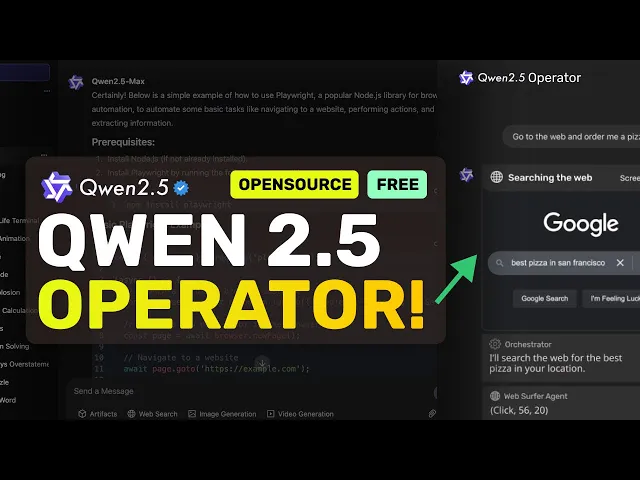
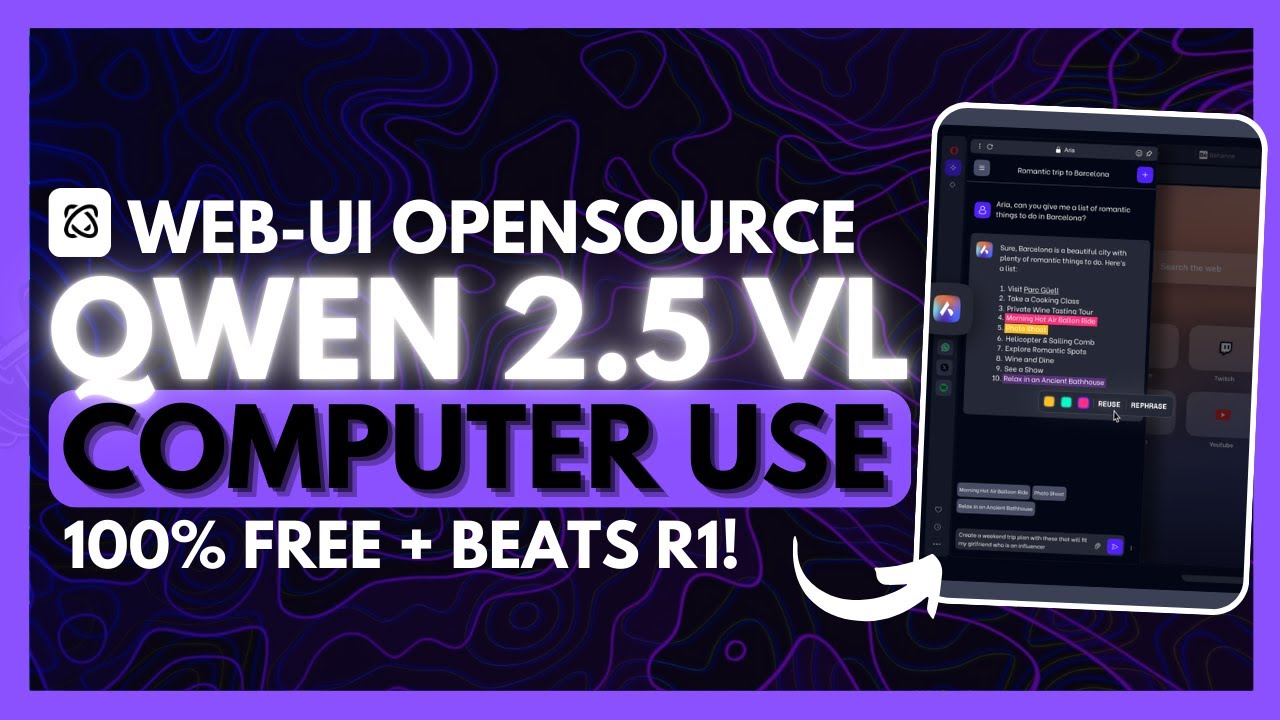
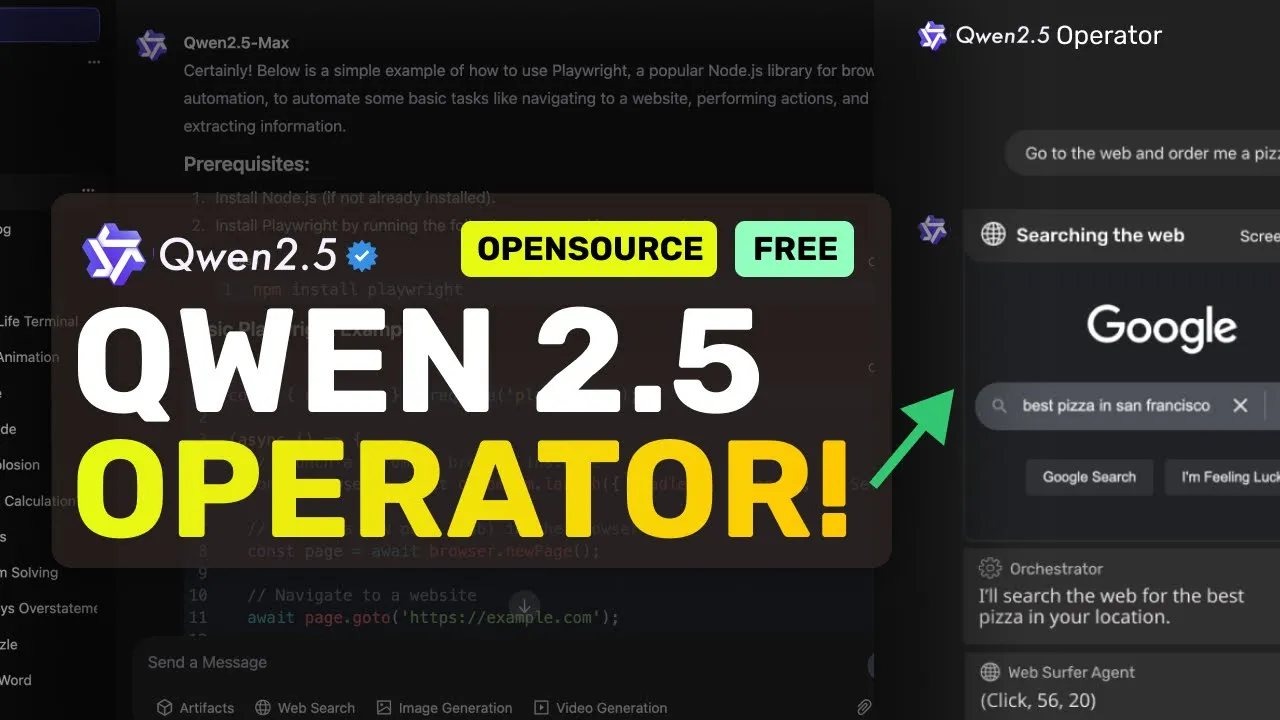
[Music] [Applause] hi welcome to another video so quen has launched their own operator well kind of quen has launched a new model called quen 2. 5 VL which is their new vision model there are three new models that excel in Vision tasks and the model weights are about 3 billion parameters 7 billion parameters and a 72 billion parameter model as well so you can easily run it locally if that's needed the model claims to have powerful document parsing capabilities precise object grounding across formats Ultra long video understanding and fine grained video grounding and enhanced agent functionality for computers and mobile devices so basically it can do pretty good document parsing if you upload a document for OCR or something and it can also do object grounding not just that it also now supports video understanding which means that you can now upload videos and it can understand them as well which is pretty great it is also trained for agentic capabilities which means that it can easily do agentic tasks like what open AI operator does which is to control a computer or or a browser or anything like that which needs pinpoint accuracy so it's great at that as well you can see that it performs significantly better than GPT 40 and Sonet at least in benchmarks they have also shown some examples of using it in different scenarios like document parsing and some other stuff but one of the great ones is the computer use operations here it performs significantly well in computer use tasks which means that it's going to be great at computer and agentic tasks which is pretty great so let me just tell you how you can use it as a computer use agent similar to open ai's operator and how it all works but before we do that let me tell you about today's sponsor ninja chat ninj chat is an all-in-one AI platform that gives you access to more than 10 models like Claude 3. 5 Sonet GPT 40 Gemini and even image generation models like flux and video generation models like cling and much more all in one place for a price that's even cheaper than one chat GPT membership starting at only $11 not just that they have a bunch of AI tools that can help you use these models in intricate ways they have also recently added an artifacts feature to their platform that now allows you to generate code preview it and share it with others using preview links which is great it can even run python code and create charts you can check them out through the link in the description and make sure to use my coupon code king2 to get an additional 25% off these already great deals now let's come back to the video you can use the model for free via their quen chat interface which is great and doesn't have any rate limits either or you can also run it locally via hugging face inference as a llama doesn't support it yet but it should be supported soon as well and you cannot run it via VM as well yet which is also a big bummer it's because the architecture is vastly different although you can use it as an open AI compatible API through their API but things being open source is a plus because a good open- source contributor has built this simple implementation for serving the model as an open AI compatible API you can either run it via Docker or locally as well you can just clone it and then you'll need to create a folder where it will download the model and then you can run the download model file and it will get that model downloaded it will by default download the 7 billion parameter model but you can also download others by changing the model name in this file once done you can just do pip install and then you can run it and the server will get started now we can use it so we have to use it with browser use we can just go to the browser use web UI thing and here we can just clone it and then just do pip install once that's done run the playwright install command and then just run it with this command once done we can just open it up and here you'll see these options now in the llm configuration you can just select the open AI option and then you'll need to enter the model name here as quen 2.
5 VL and then you'll also need to enter the API base URL as the server URL that you see and then you'll need to enter anything as the API key once done we can start using it but make sure that in the agent settings you turn on the vision option and once you have done that we can now start using it so let's ask it to go to Google and search for AI code King once we do that you'll see that it starts working on it it first opens up the browser and then it will go towards Google and then it will try to search by typing in everything once it does that we now have the final results and it did this pretty well you can see the recording of the whole operation here along with the final result as well as errors model actions and thoughts as well you can also get the trace file and agent history here as well which is all great apart from this in the other settings you can also do some browser settings here like if you wanted to use your own browser or if you want to keep the browser open or use headless mode or even disable security like https or disable recording you can also change the window width and height as well with this the lower you have the better it will generally work now let's try it again as well with something complex this time like let's ask it to search for flights between New York and Chicago on February 10th once we send it you'll see that it starts working on it again it first navigates to Google and then it will take a look then the model which in this case is quen 2. 5 VL will Mark the segments and give it coordinates which it will use to click on the stuff and then once it has the response it will type in the search query then it will search for the stuff once done it again repeats the same stuff again and then clicks the flight thing and now we have the final result so this worked pretty well I think that this is quite amazing quen 2.