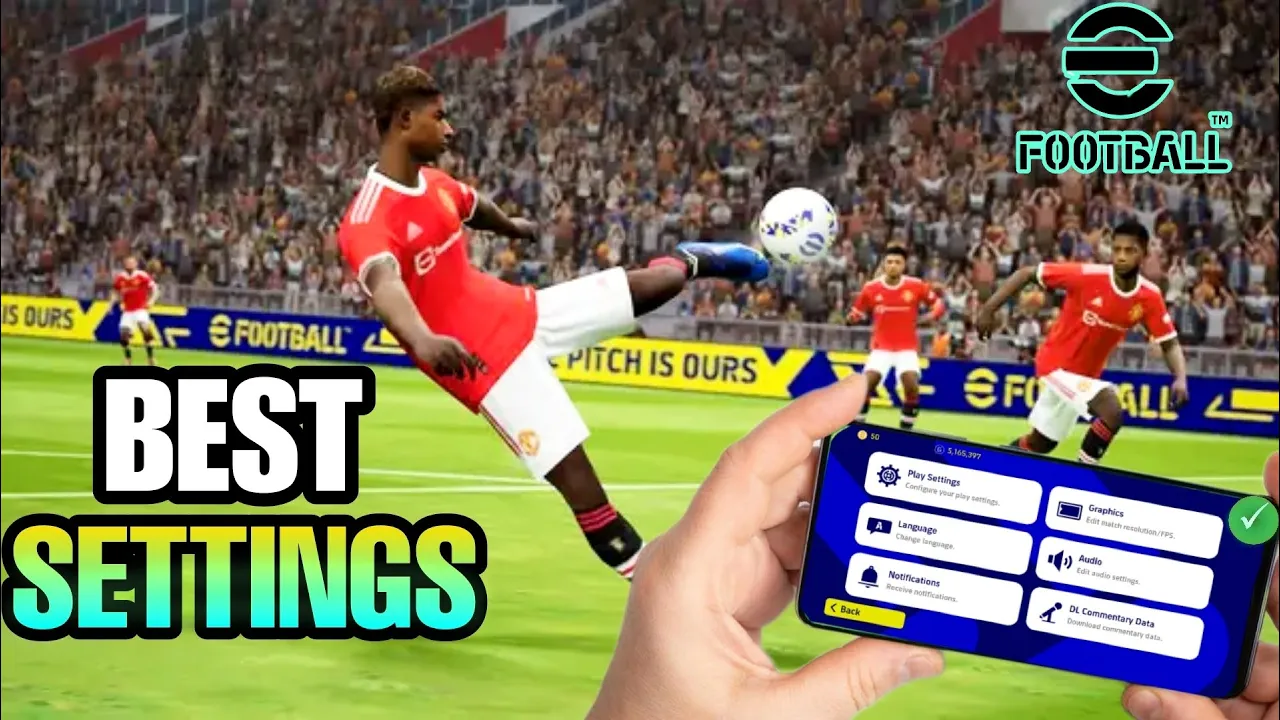
hey there Welcome to our video on the best settings for futball 23 mobile if you're looking to improve your gamma play experience then you've come to the right place today we'll be showing you the optimal settings for your game which can help you perform better and get those wins we dive in let's talk about why settings are important your game settings can have a big impact on your performance they can help you reduce lag improve graphics and optimize your gamma play experience so let's get started the first setting we'll be adjusting is the graphics quality
this is crucial as it can improve your game's performance and make it run smoother to do this head over to the settings menu and then select Graphics here you can adjust the graphics quality according to your device's capabilities if you have a high-end device then you can select high for the best graphics quality if you have a mid-range or low end device then we recommend selecting low or medium to avoid any lag or performance issues [Music] next up is the control settings this is where you can customize your gamma play experience and choose the best
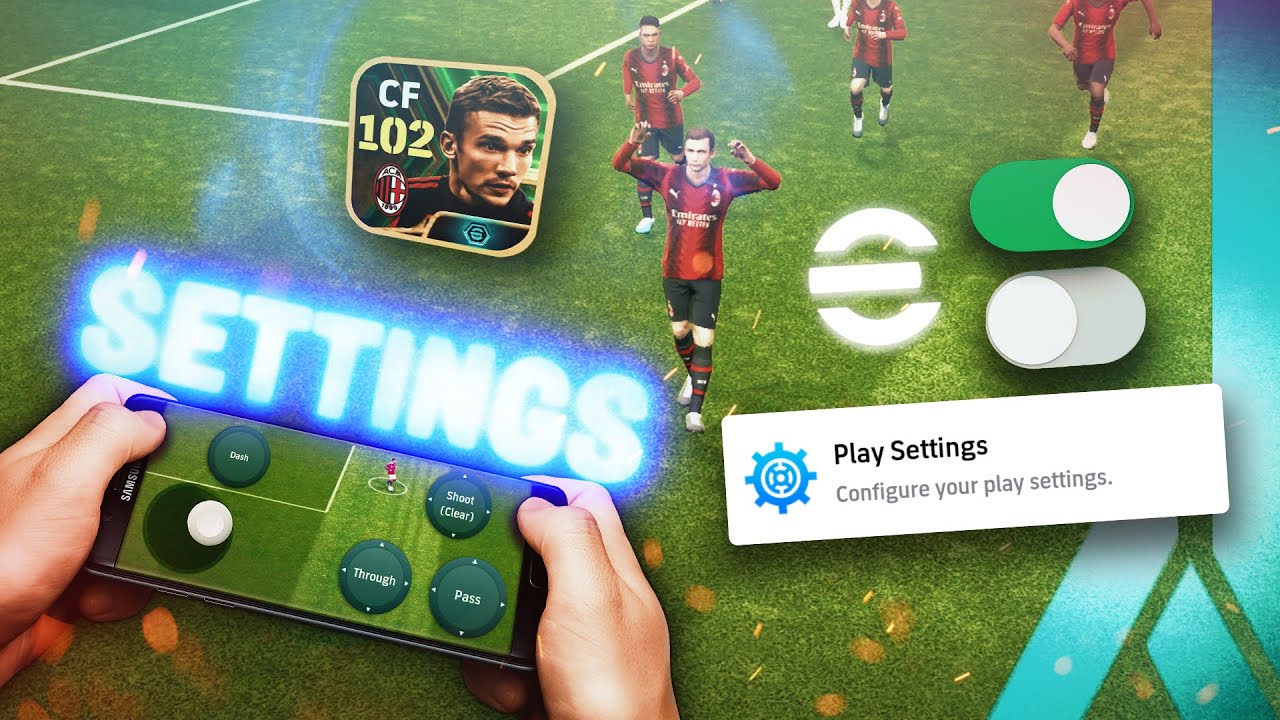
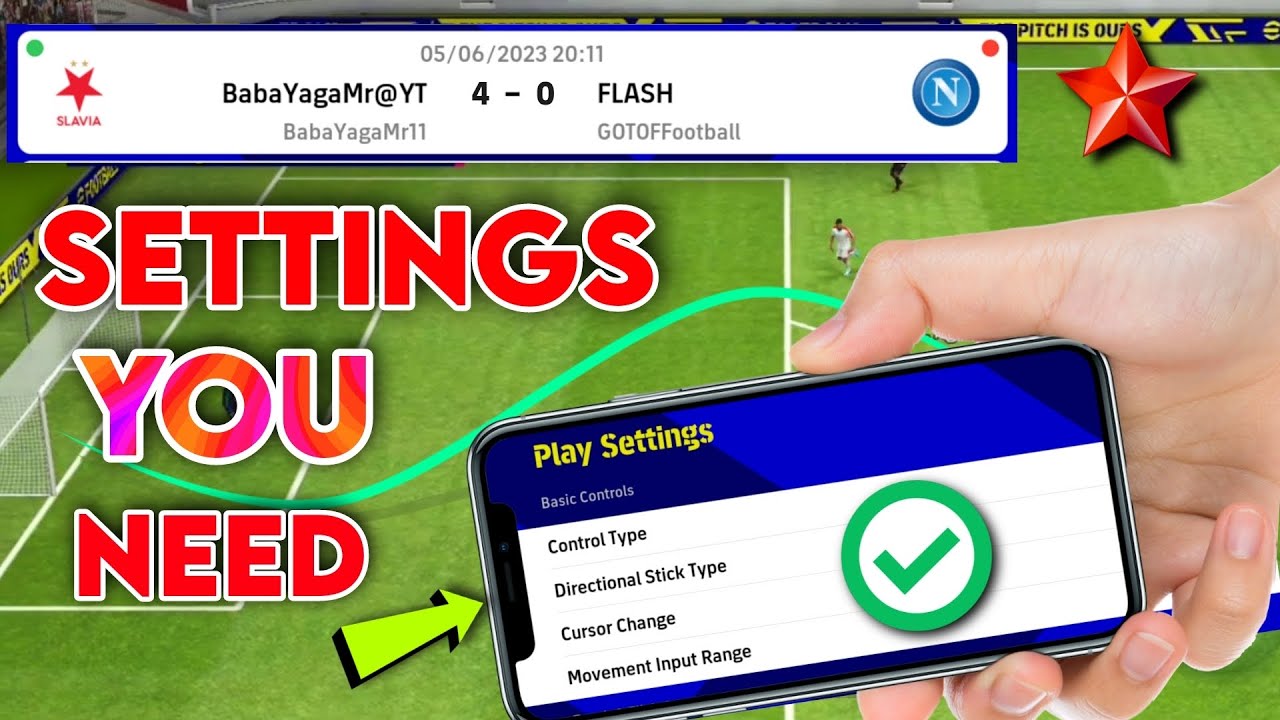
control scheme for your preferences head over to the settings menu and then select controls here you can choose between classic or touch and foot consoles touch flick control is a touch control method based on gestures but it can be difficult to master however classic control is a method of control using virtual buttons this method of control is more traditional and may be easier for players accustomed to console football games we recommend the classic control because it is simpler and at the same time the most effective for the directional stick type select move or fixed and
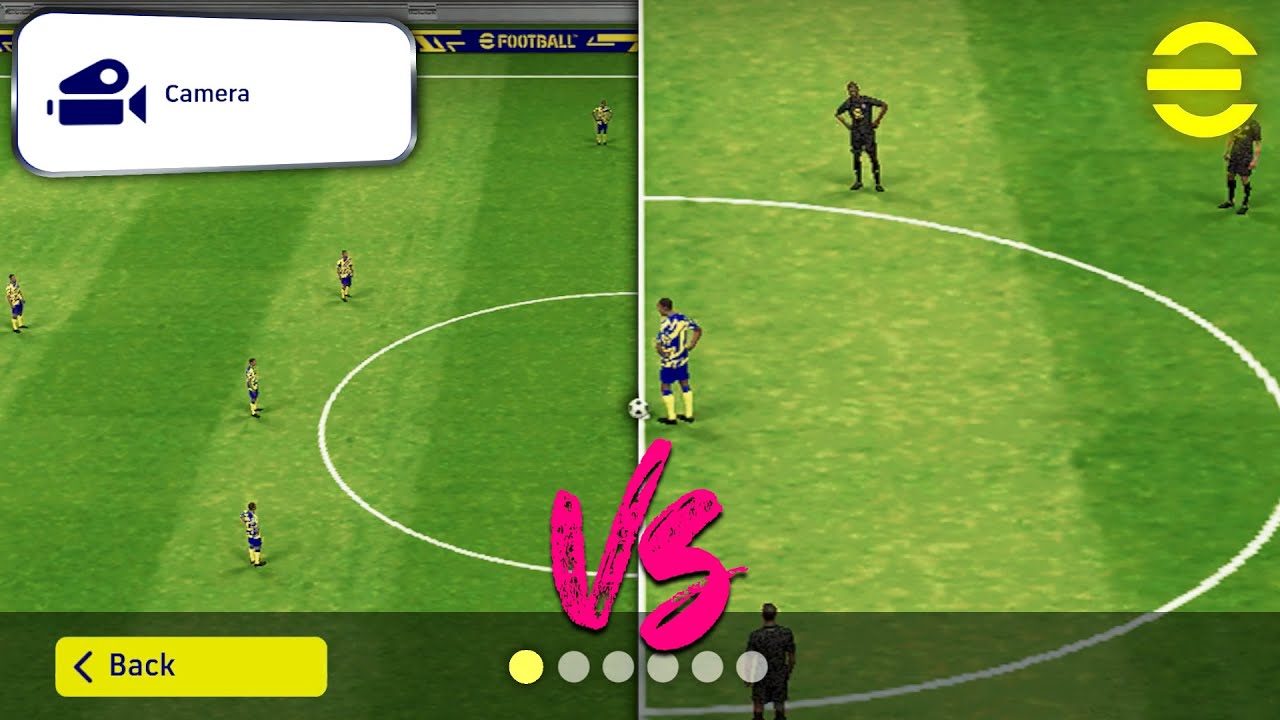
for the cursor change we recommend you select manual for full control over your players so as far as the movement input range is concerned I do not recommend the narrow one because the sensitivity is too high which will give you low Precision in your movement selected rather wide for better fluidity in your movements once all this is done copy exactly what I will do next [Music] the next setting we'll be adjusting is the camera angle this is important as it can affect your gamma play experience and give you a better view of the game head
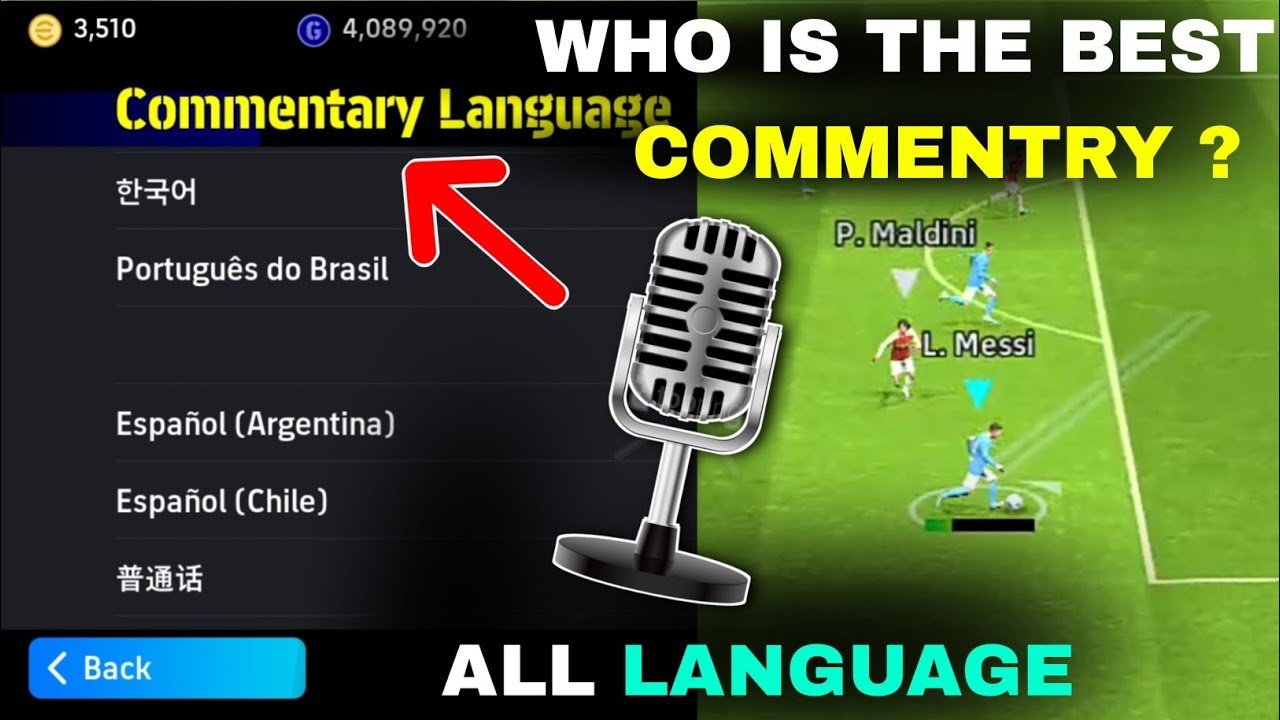
over to the settings menu and then select camera here you can choose between mid-range long Dynamic wide stagm dual Etc we recommend selecting Dynamic wide for the best view of the game but you can choose the one that suits you best last but not least let's talk about the sound settings this may not seem like a big deal but it can improve your immersion in the game and help you react faster to in-game audio cues head over to the settings menu and then select sound here you can adjust the volume levels for commentary crowd noise
and more we recommend keeping the commentary volume low and increasing the crowd noise volume for the best in-game experience and that's it these are the best settings for effort ball 23 mobile that can help you improve your gamma play experience we hope this video was helpful to you if you have any questions or suggestions feel free to leave them in the comments below thanks for watching [Music] [Music] foreign [Music]




![All Types of Free Kick in eFootball 2025 Mobile [ Tutorial ]](https://img.youtube.com/vi/YUITQ4z7rmU/maxresdefault.jpg)