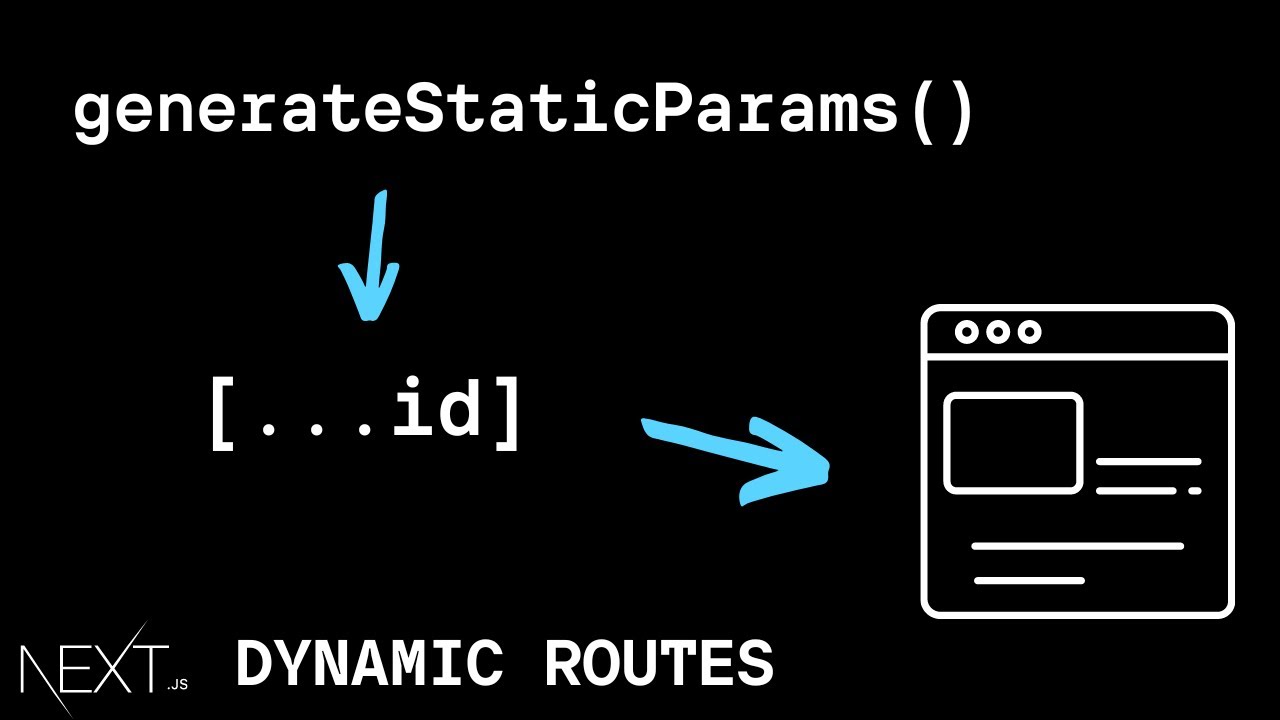
all right in this video let's learn about dynamic routes with react router let's assume we are building an admin dashboard and we need a user listing and details page if the user navigates to slash users we should display a list of three users however in addition to this if the user navigates to slash users followed by the id of that user we need to display details about that individual user for example if the user navigates to slash users 1 we should display details about the first user similarly if the user navigates to slash users slash 2 we need to display details about the second user in slash users 3 we need to display details about the third user let's understand how to achieve this with react router i'm going to begin by creating a new file in the components folder users. js within the file let's define a component that displays list of three users so component name is users i'm going to add three h2 tags for user one two and three now let's configure a route for this component in app. js add a new route where the path prop is going to be equal to users and element is going to be equal to the user's component that we have just defined make sure to import the component at the top if you now head back to the browser and type in localhost 3000 slash users we see the list of users as expected our listing page has been implemented next let's focus on the details page we know that we need a detailed view for the user so let's create a new component within the components folder a new file called user userdetails.
js within the file i'm going to create a component that renders the text details about user this same component has to be rendered for three different urls slash users slash one slash users slash two and slash users slash three let's add the routes in app. js route component path is equal to slash users slash one and element is equal to user details make sure to import the component at the top similarly we're going to have two more routes for slash users slash two and slash users slash three if we now head to the browser and navigate to slash users slash one we see the user details page same is the case with slash users slash two and slash users slash three now this works but you might have guessed already that this is not a feasible solution if we had 100 users we would need to configure a hundred different routes the correct solution is to use dynamic route segments for our scenario the user id which can be 1 2 3 and so on should be a dynamic value and for such a value we specify what is termed as a url param in react router so instead of users slash one we specify users slash colon user id and we can get rid of the other two routes this user id param will match any value as long as the pattern is the same that is the url in the browser is slash users slash any value if we head back to the browser and navigate to slash users slash one we see the user details page it works for slash two slash three and even slash 100. so when you have to work with list and detail routes dynamic routes are what you need now there is one point that i would like you to make note of the user id can be any string and not just a number so in the browser i could type slash users slash admin and it would render the same page but it might so happen that apart from this dynamic route we have configured we would also need a fixed path so in the components folder i'm going to create a new file called admin.