I bet you've heard that you can use a VPN to change location but what for in this video I'll cover how to change your location with a VPN and I'll also explain how that can benefit you all in this simple easy to follow tutorial you know what let's start with that last question first how can you benefit from a VPN maybe the best way to explain this one is for me to talk about why I'm using a VPN daily first of all it's a way to get to access geo-restricted content which in my case is
mostly streaming platforms with a VPN I can watch stuff from India Japan or Europe and all without lifting my butt out of the armchair second for security and privacy since a VPN doesn't just change my IP and location but also hides my activity from my service provider and other network users it provides anonymity online most VPN also contain protection against ads malicious links and popups on websites as well now that you know a few of the benefits let's get into the how to change location with a VPN to tutorial if you only need a mobile
guide go ahead and skip to the timestamp you see on the screen right now otherwise let's begin now for this tutorial I'll be using the nordvpn app this is my go-to VPN provider because it has a long track record of protecting users with robust security and you can get nordvpn through this QR code or via the links in the description if you're interested but don't worry if you plan to use a different VPN all the main steps will likely be almost identical to begin with we need to download and install our VPN for when Windows
users the provider website will have a download link for you while Mac OS users can use the app store for a single-click installation Windows installation is about as standard as it gets after I finish the steps and log in I'll be greeted with this screen here so let's talk about how to change IP address from here to change your location using the closest nordvpn server I can click this quick connect button it'll automatically select a nearby server for Optimal Performance this will get me good speeds and hide my IP but please note depending on the
situation it may not be enough to help accomplish everything I'm looking to do for instance if I need to access content from a specific country I can choose from this interactive map or the list on the side not all vpns have the map but the country list is bound to always be there and if you have a country in mind you can use the search bar too which is kind of self-explanatory now that I'm connected to a server the question I often get is how do I know that my location is changed this is easy
to figure out out first of all you'll be able to see your new IP address in the VPN app secondly if that's not enough websites like what is my IP address will show you your changed location but nordvpn isn't my go-to VPN just because it's easy to use as you might have noticed from the map it has over 100 countries to choose from 111 in fact with more than 6,400 servers across the globe it offers one of the best coverages that I can get with any VPN and also the fastest speeds on the market and
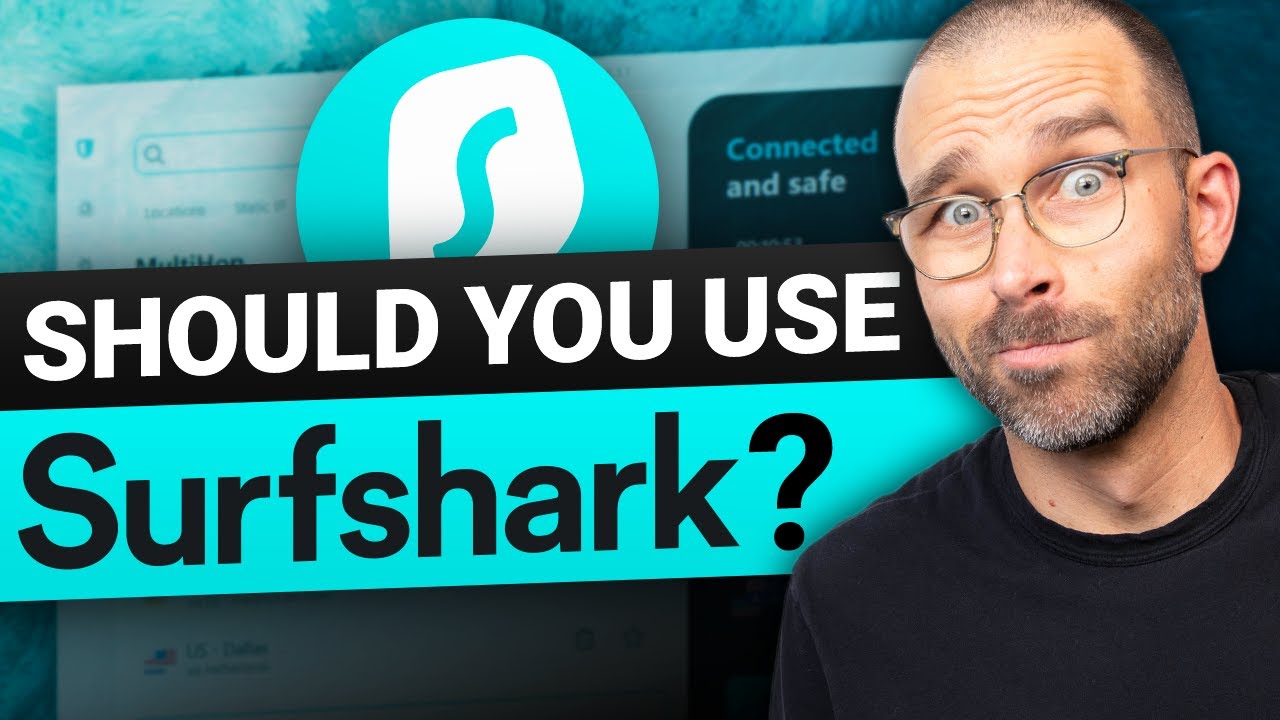
security-wise having access to top tier encryption ad blocking and malware detection is a huge Boon for me too since I care a lot about my privacy I also like nordvpn for the Privacy friendly jurisdiction they operate from and their use of ram only servers these servers can't retain any user data which complements nordvpn's audited no logs policy quite well okay now let's take a quick look at how to change your location on a mobile device I'll be using surf shark here another reliable VPN which I enjoy slightly more than nordvpn for mobile devices for both
Android and iOS devices the installation is a matter of a single click in the respective app stores and once you download the app on your phone you'll need a subscription to log in just like with nordvpn you can get surf shark with a massive discount through the link in the description below this video or by scanning this QR code on screen once you do log in you'll be met with a very simplistic and straightforward user interface granted there's no map in here but this list is not too much harder to navigate the quick connect button
is also present so you already know how to change IP address with just a single click just a reminder Quick Connect will only give you the server nearby with the Optimal Performance you will need to choose a server yourself if you aim to unlock specific content now to make sure you are indeed connected you can use the exact same method as in the desktop tutorial the what is my IP address website works on mobile as well as you can see I'm now in Denmark makes me wonder what I'm doing here now the reason Reon I've
chosen surf shark for this tutorial goes well beyond its UI surf shark is one of the best vpns on the market right now with Market leading encryption a no logs policy Ram only servers and a built-in antivirus Suite it's extremely secure besides it has a wide server coverage across 100 different countries and if you were wondering can VPN change your location on a GPS tracker with surf shark the answer is yes on Android devices surf shark offers a GPS spoofer feature which masks not just your IP but also your GPS position in conclusion using VPN
to change location is really easy after all that's what vpns are made for if you're interested in getting the best VPN option with great security measures and performance consider nordvpn or surf shark you can get either of them with a significant discount through the links in the description or you can follow the link on the screen right now it also works thanks for watching this video hope you found it informative and make sure to come back for more cyber security news reviews and tutorials bye-bye
![I Replaced ALL my ADOBE APPS with these [free or cheaper] Alternatives!](https://img.youtube.com/vi/5EfqHg49kMk/maxresdefault.jpg)