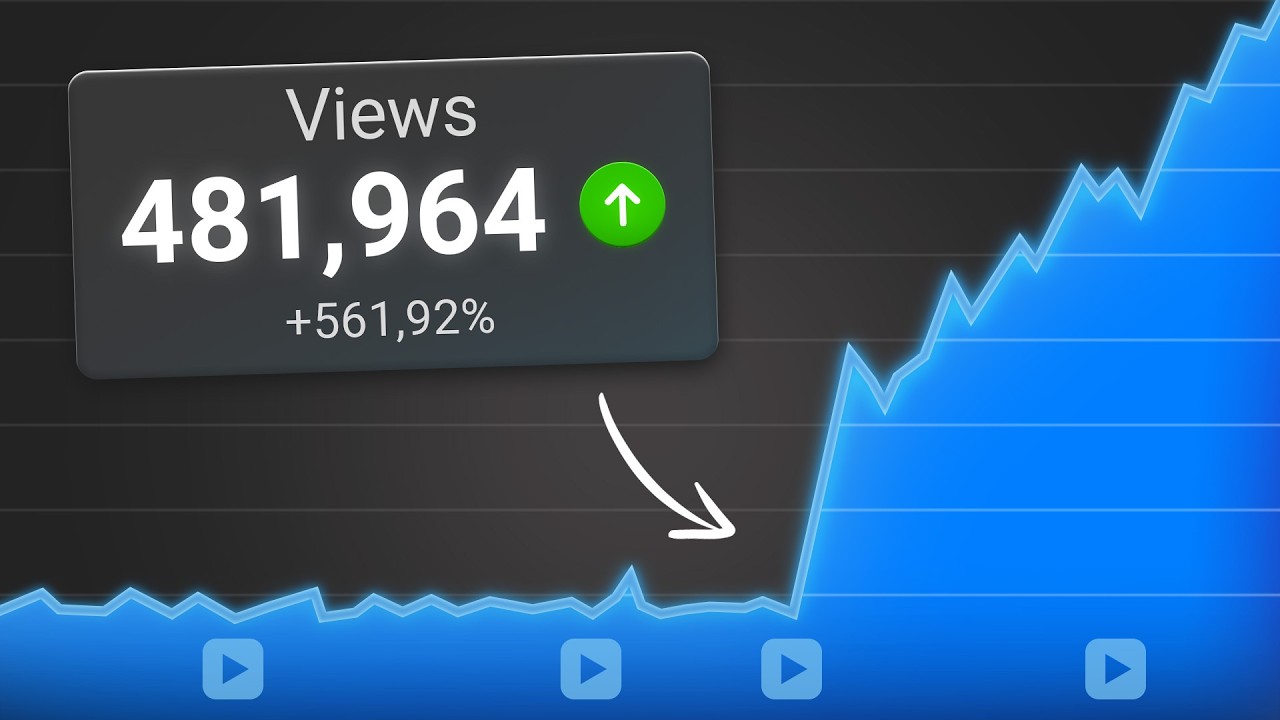
vid IQ just released a massive update that completely changes how their tool looks and how their tool Works which is exactly why I wanted to upload the step-by-step guide on exactly how I would use vid IQ today because I started using vid IQ 4 years ago and was able to get over 50 million views 700,000 subscribers and it allowed me to make millions of dollars for my YouTube channel by the way this video isn't sponsored by vid IQ I just love the tool so I wanted to share with you exactly how I'd use it today
to replicate the same exact results that I got when I first started using it and to prove that to you here a little all the receipts that I have to vid IQ since 2020 this is by far the best tool if you want to become a full-time YouTuber and by the way you can get started today for just $1 for the next 30 days if you go to the pin comment below that's the only time I'm going to say that if you don't already have V IQ i' strongly suggest you do it it's literally $1
for 30s it's an absolute no-brainer so when it comes to vid IQ there are two parts of this tool there's the website that you can go to but there's also the Chrome extension so if we look up vid IQ Chrome extension you're going to see it right here and basically you'll be able to install the Chrome extension so first I want to go through the Chrome extension and how I would use it so here's how it works when you log on to YouTube the Chrome extension is going to allow you to see several different things
for example it is going to allow you to see how many views per hour people's videos are getting so what you could do is use this to spy on one of your competitors for example Gary ve who I used to work for before my YouTube channel blew up let's look at his Channel right now if we come under his videos we're going to be able to see which one of his videos are getting the most views per hour so what you'll actually see is that this video is getting a lot lot of views per hour
even though these videos were uploaded more recently this video is actually capturing people's attention so what we'll want to note is the length of the video we want to not the title that he's using and even the thumbnail that he's using because this is going to allow us to see oh this could actually be a really good video or really good topic for you to do but we can't stop there because if you go do a search for something for example how to get followers on Twitter and you have the vid IQ Chrome extension what's
going to happen is it is going to completely change the search results that you get so what it'll show right here never miss a trending video you can create an email alert so if a video starts to trend for this search you can then get an email about this and I would strongly suggest that you do this for any popular searches within your Niche but nevertheless you want to come down here we have volume competition honestly I would completely ignore competition you want there to be competition for what you're going to be posting for the
main thing that you want to be focused on is how many people are actually searching for this so you'll be able to see this based off the average views or the highest amount of views and essentially which you're going to be able to see who the top creators are and who the top channels are under the search room this right here is going to show you exactly who your competitors are and if you come down here it'll show you other keywords that you can rank for so essentially there are five different Search terms you could
go after in addition to this one right here and if you can rank for search you're going to get views 247 365 because people come to YouTube Every Single Day search for things on top of that if you keep scrolling down you're going to be able to see the top trending video so it's this video right here 11 views per hour 13 views per hour 2 views per hour 4 views per hour what does this tell us that the top two videos on any search are the ones that are getting the most views now if
we click into one of these with the Chrome extension you're going to be able to do so many different cool things for example if we scroll down here you're going to be able to see how this video has been getting views so as you'll see this video started off really small and then the last 28 days started to pick up in addition to that you're going to be able to see exactly what video tags this Creator is using so if you're going to create a video want a similar topic come under here get these tags
use them in your content in addition if we come under Channel tags typically you'd be able to see the different Channel tags but guess what they have no Channel tags so it's not going to show up here if we go under Ali up here welcome back and click on this and scroll down here we're probably going to see that he does have Channel tags yes he does we're also going to be able to see the topic that he chose for this piece of content now on top of that there are a bunch of other things
that you can do like you can come up here come into here and you can go under most viewed and then what you could do is type in a keyword for example YouTube algorithm and this is going to allow you to see the top videos under here in a certain date range so I'm going to filter this by views and what I'm going to do is go last 30 days and this is going to show me the top videos under YouTube algorithm from the last 30 days and you can also add a bunch of filters
here like you can only do this for small channels or you could do this based off of shorts and not long form content or you could do this based off of different areas and essentially what you're going to be able to do here is you're going to be able ble to see which videos are trending for whatever search you're going to be doing so that you can see exactly what you need to beat if you're going to create a piece of content within this on top of that if we come under here daily ideas actually
Let's ignore that for right now cuz it's bringing us to the website but if we come under competitors you're going to be able to add a bunch of different competitors in your Niche and you're going to be able to filter by views per hour you're going to be able to filter by views essentially you're going to be able to filter by all these different things and see which one of their videos are getting the most views and what is this going to allow you to do it's going to allow you to learn exactly what is
trending within your Niche and exactly what pieces of content you should be creating because if you want to get more views you need to know what is working within your Niche and you can literally add a bunch of different competitors in here in fact I would strongly suggest that you do that this is going to help you spy on your competitors and do better research now when you actually go to upload a video in fact we can go in here and we're going to upload the video that I'm going to be uploading today on my
channel we're going to upload that together so we're going to go under manage videos we're going to click on here we're going to click create we're going to click upload videos hopefully there's nothing on my computer you guys shouldn't see right here and boom we're going to click this so what this is going to do is this is going to start to upload the video that I'm going be uploading today now I'm just going to leave this blank but I can come under here and I can actually get this to create the description for me
what this is going to do is look at the transcript of the video and then build a few different descriptions based off of that which is going to be incredibly helpful if you get stuck with what you should have as a description on top of that what you could do is you can come over here and do what search term are you trying to rank for I'm trying to rank for how to make money on Instagram I can click preview and search and what is this going to do it's going to show now obviously I
don't have a thumbnail edit here but what this is going to show is how mine is going to show up against everybody else's and guess what that does it allows me to say oh I actually did a good job here or maybe I did a bad job here and what this is going to allow me to do is it's going to allow me to see whether or not I actually made a better video based off of the title based off of the thumbnail than the videos that my content is going to show up against and
you can see this for the home screen you could see this for the search screen you could also see this for different devices now if we come out of here you're going to see that they actually built a bunch of these so I'm going to go with this one right here I'm going to click insert obviously I have to add a thumbnail my editor hasn't made that yet I'm going to come under playlist I'm going to click Instagram blah blah blah no no no and what I want to do here now is I want to
come down to tag so this knows what I'm actually talking about so I'm going to click these then I'm going to click refresh how to monetize YouTube no make money on Instagram yes and it is going to keep giving me new tags based off of what I'm actually going to be doing but you could also do is type in how to make money on Instagram and it is going to show you a bunch of other different tags under here and what is this going to allow you to do see which tags are the best whichever
one has the highest score here that is going to be a tag that you should use in your content now at this point I was going to move into how you can actually use their website to do even cooler things with it IQ but I forgot to show you how their AI chatbot works with the Chrome extension so I want to show that to you quick and then we're going to dive into exactly how the website works okay so the next thing that you can do here is their new AI coach so what you can
do here and my favorite things to do with this is to click summarize this video I also like give me three other ideas like this and I like when you ask it to tell you how the hook actually works work so what you could do here is if you click this right here it brings you back to what this was so you can also say something like give me three similar ideas for my channel this is going to give you a bunch of different ideas now the more that you use this the better this is
going to get I strongly suggest that you begin using this for example it just gave me three different ideas that I can use based off of this for my own specific Channel and since you hooked vid IQ up to your channel guess what ends up happening it makes it way better because it has your Channel's data and then takes what this Creator did and did it for what would work for your exact audience now if we actually come into vid IQ here I want to start at the top so we're going to go top the
bottom here if we click on today we're going to see a bunch of different stats so a few things that we're going to see immediately are optimize your latest video and this is going to allow you to optimize it and if you click in here right now it's thinking but if we click optimize this is going to show us how we can optimize the title how we can optimize the thumbnail and a bunch of other different details so right now this is still loading because my video is still uploading on the back end but typically
you'd be able to optimize your videos based off of that so we come right here and now we go to daily video ideas this is going to show us a bunch of other different video ideas that are going to work based off of content that my audience is currently interacting with if we wanted to generate a video title for example how to make money on Instagram we can click right here and this is going to generate a bunch of different titles for us it's also going to show us other related key keywords and essentially these
are going to be people that are showing up under here so how to make money on Instagram in 2024 growth operator we're going to click refine here and we're going to say make longer now what this is going to do it's going to go ahead and it's going to build us a bunch of different things here it's also going to give us a description it's also going to give us a tags that we should use now these thumbnails here I'm going to be completely honest I hate the way that these thumbnails look so I wouldn't
use this this hook I wouldn't use this these outlines I wouldn't use this what I would use here that I would use these title suggestions but remember you need to make sure that you optimize these don't just take what vid IQ told you to do and use that you need to optimize it the description you could take this word for word the tags you can also take this and I would also recommend that you add some of your own in so that's what you can do Under the generate tab if we come back over here
you're going to see a bunch of different keyword opportunities for your specific channel in addition to that you're going to be able to see the best time to post on your specific Channel and a bunch of other stats under here like what your competitors doing and how their views are doing as you can see in my Niche generally right now views are down for everybody if I go to 30 days looks like almost everybody has seen a decrease in the amount of views that they're getting now today's growth plan I would also ignore this part
this is basically just part of like the learn section where they're going to show you a bunch of stuff but if you already know what you're doing on YouTube you're not going to want to do that so now what we're going to do is we're going to come under create now this is going to give you a bunch of different things like it's going to give you the topic of the day you're going to be allowed to save all your different ideas here you could start by entering a topic or title and this is going
to give you a bunch of different recommendations based off of that and now for one of my favorite Parts when it comes to vid IQ so jump on emerging Trends this is going to show you a bunch of trending topics within your Niche answer your audience this is going to compile a lot of the comments that you get and give you good videos for them reinvent viral videos from your Niche this is going to go through and find viral videos AKA channels that don't have a lot of subscribers that got a lot of views within
your Niche then more topics for you it's going to give even more topics Evergreen content this is going to be content that you can rank for search with and then try out Search terms it's also going to give you a bunch of other Search terms and then if we come down here double down on your top videos it's going to give you a bunch of your top videos videos sending you traffic this is going to show you what videos people are watching on YouTube and then going ahead and watching one of your videos and you
can find tune this video speed by adding in your topic for example Instagram growth strategies uh I can get rid of this I can get rid of this and then I'm going to say these look good actually I should have tck should have Tik Tok strategies clicked should have this clicked should have this clicked then I'm going to click these look good and essentially this is going to change the topics that you're going to be getting based off of what you just put there now I did want to show you this optimized tab because we
were doing this earlier so what you can do here is if you click into one of these it's going to show you how to generate alternate titles it's also going to give you some feedback on why your post is good why your post is bad same for the thumbnail and then if we come under details here it'll do the same things for your tags and it will also do the same thing for your description so this is going to allow you to optimize your content after you've already uploaded it now if we come here to
keywords this is one of my favorite sections so if I come under here how to make money on Instagram and I do a search for this it's going to tell me what that search volume is it's also going to give me a bunch of other related keywords for example instead of doing how to make money on Instagram if I did a video about how to make money on Instagram reals I'd probably get 1 nth of the views why because this has almost 50,000 searches this has 5,000 searches so guess what a lot more people are
searching for how to make money on Instagram as opposed to how to make money on Instagram reals which is exactly why my title is going to say this and it's not going to say that you need to do the same thing before you post on Instagram but on top of that it's going to give you a bunch of other ideas and if we come down here guess what this is going to show us it's going to show us a bunch of the trending videos so again if we want to show up in search we need
to make sure our videos are better than these now if we come over to ideas this is just going to be a bunch of other different personal ideas and remember you can save these ideas and then what this will do is it'll save it when you go to today it'll show you all of your different saved ideas now a few more tabs that I really like on here this right here this coach you can always do Advanced and what I would do is it'll give you a bunch of different suggested topics here and you could
talk to this basically what this does is adds chat GPT plus your channel data mixes them together so you can ask it a bunch of questions if you come under competitors this is going to be very similar to what we saw under the Chrome extension but it's a little bit different because you're actually able to filter by a little bit different things we click here more there are really only four other things that they have under here one I have SEO which is going to show you how you could a change certain tags on certain
videos to increase the views if we come under subscribers this is going to show us what our subscribers are actually interested in but personally I think YouTube actually does a better job at this we come under analytics we come under audience here and if we scroll down a little bit you're going to be able to see other channels your audience watches and you're going to be able to see what your audience watches I don't know why this is staying here so let's refresh this and if we scroll down again boom come under videos here this
is going to show us other videos that our audience is watching and what I would suggest that you do is make sure that you're paying attention to all these because it's going to be really really good place for you to able to see what kind of content you should be creating based off of what your audience actually watches it'll show you whether or not your audience watches videoos shorts and lives also but if we come back over here go under here learn this basically has a bunch of different like little mini courses in here that
I would suggest that you check out if you come under events you're going to be able to see when all these people are going live now if you still feel like you're struggling to grow on YouTube I personally want to help you in fact I want to clear up any question that you might have about YouTube and if you want to learn how I can do that I TR as suggest you check out this video right here cuz we could op on a phone call I could audit your Channel or we could even do a
30-day mentorship where I literally tell you everything you need to do differently whether you're uploading long form content or shorts content to guarantee that you get more subscribers on YouTube if that sounds interesting well please check out this video