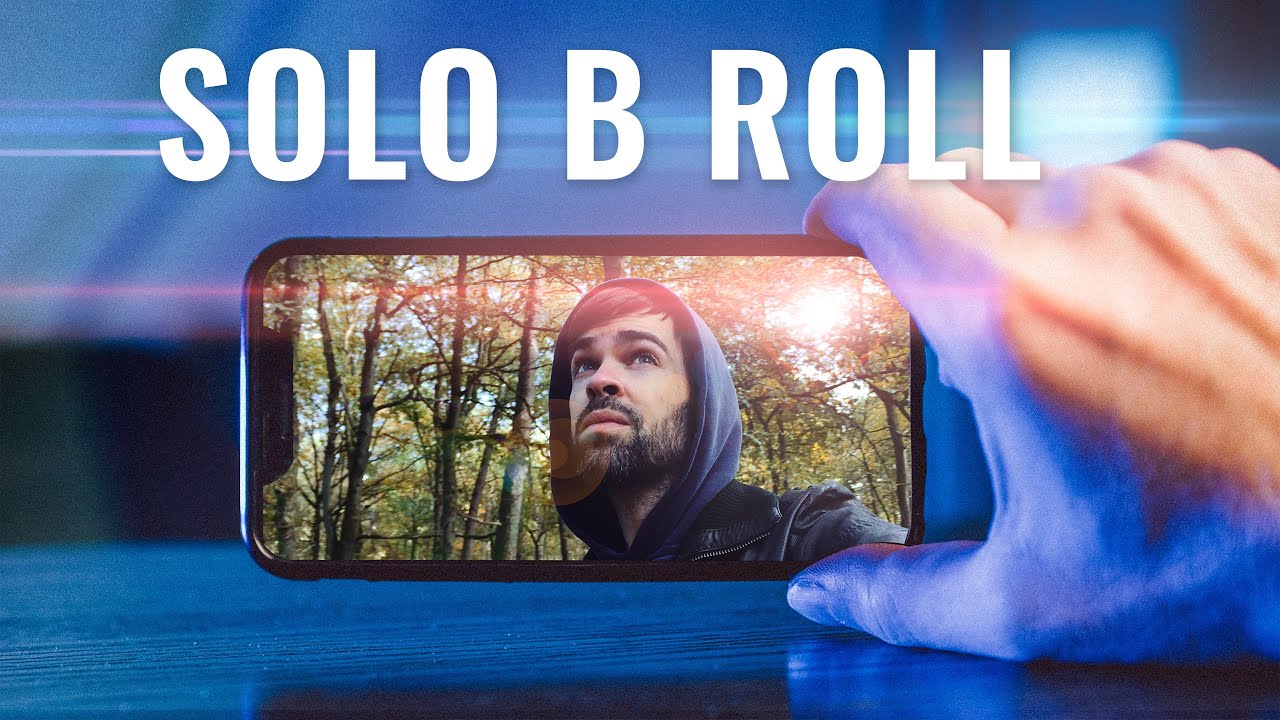
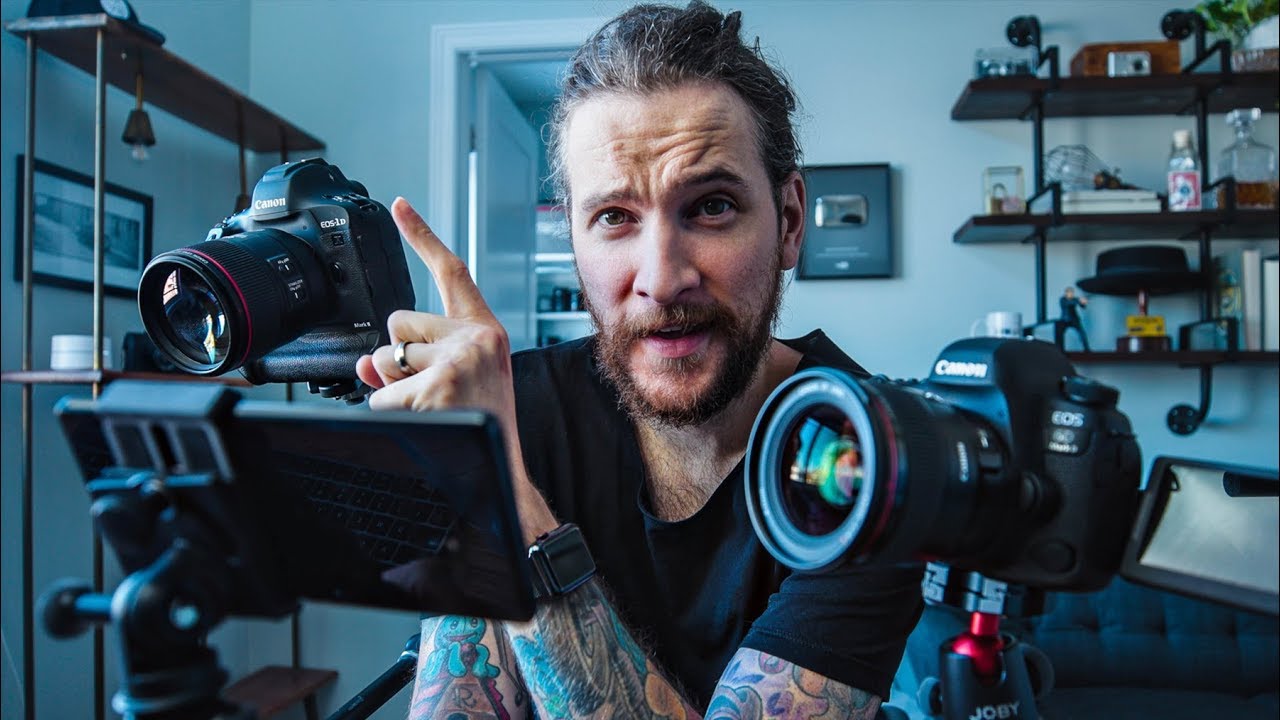
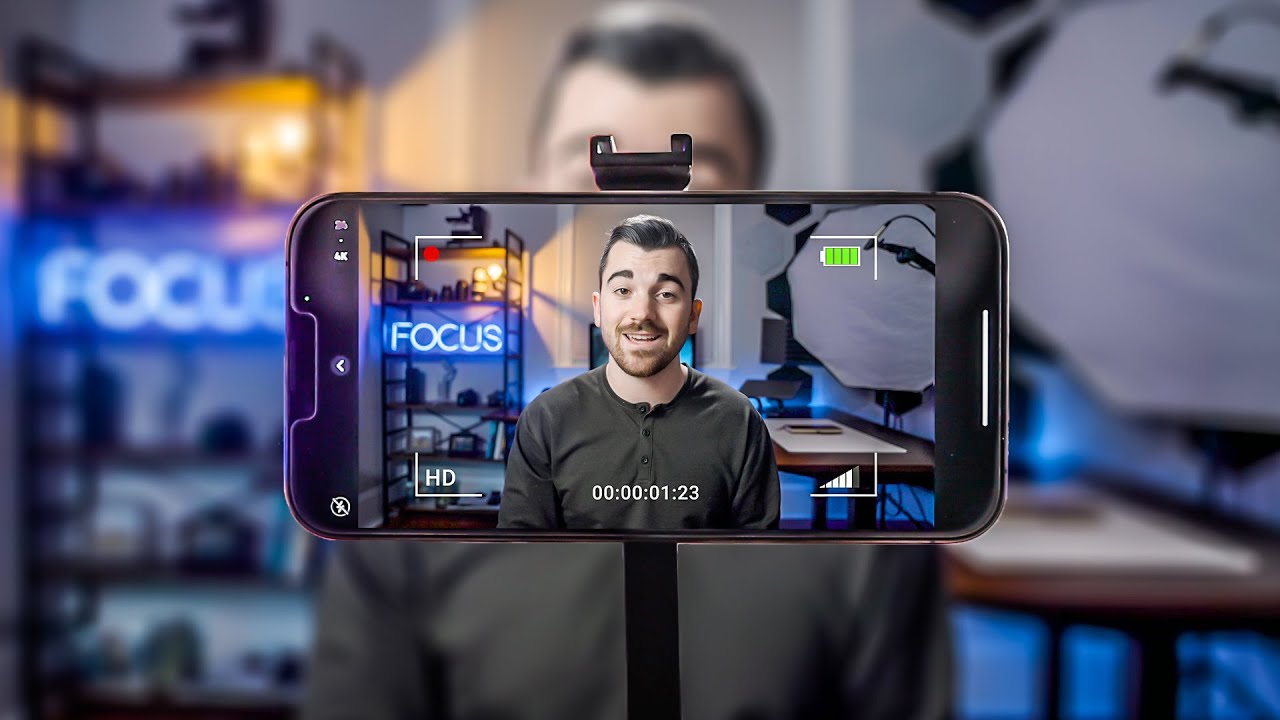
so the question I get asked the most is something along the lines of how do I get better at filming by myself with little to no experience and just some basic gear and the answer is make a ton of videos I learned everything by making fake commercials by myself here on my desk with just a camera and a few lights and a lot of improvising of course or by shooting cinematic sequences in my neighborhood and then sharing them online that's it it just takes time I mean it took me at least 2 years of making
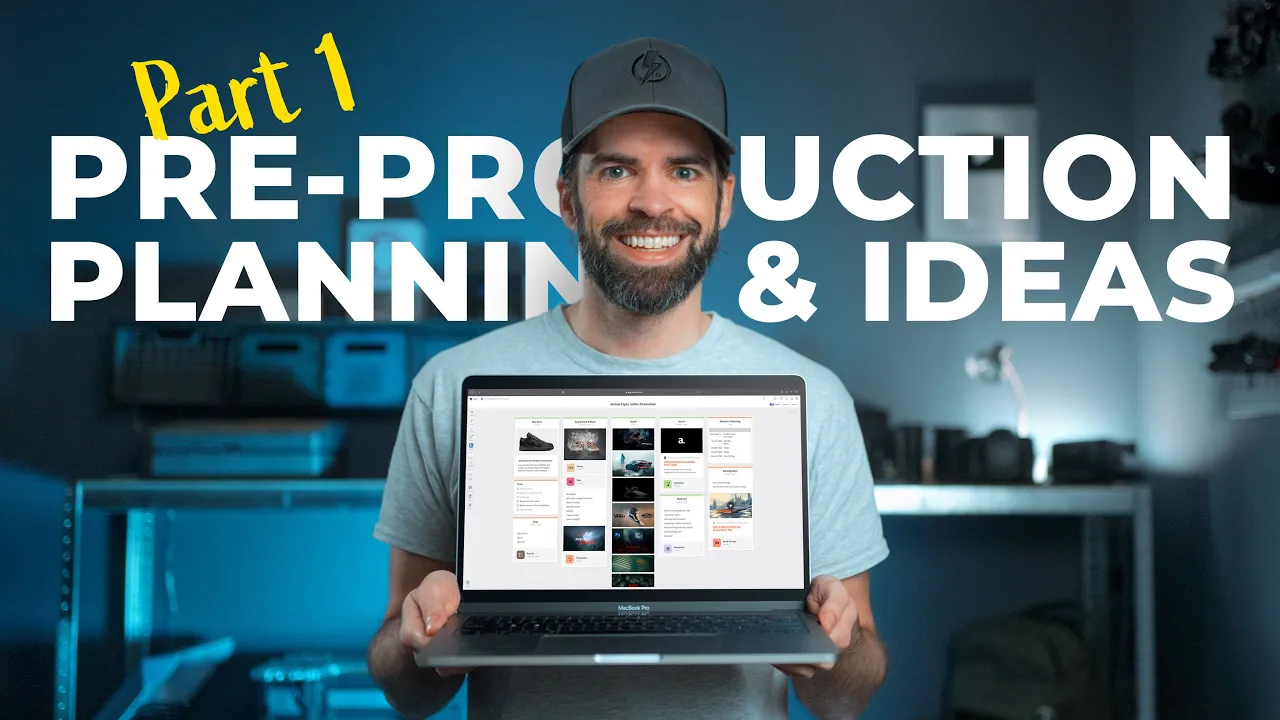
these dumb little videos here on my desk to learn everything that I know now and it's still just a fraction of what there is to learn but you know what instead of me just telling you what to do like I'm your boss or your dad or something let me just show you I'm going to show you how I make a video a new fake commercial by myself from start to finish and it's going to be a three episode series this is part one pre-production and ideas then part two in a few weeks will be filming
and then part three editing and maybe you can also come up with an idea and follow along and then you know it'll be like we're making a video together yay right it's just an idea do whatever you want of course um okay now first of all the easiest way in my opinion to learn a lot in a short time span is by making these fake commercials right a car commercial a cycling commercial coffee whatever and if you want to make it super easy for yourself a tabletop commercial so filming it on a table or your
desk because then you don't need a lot of gear and you can do everything at your your own pace at home you can even use your smartphone no problem and for me how it always starts is I buy something new a new computer a bottle of rum some candy and I decide to make a commercial for it and for this new commercial I want to make it's my new shoes mainly because it's something I've never done before and when they arrived I already started getting a few ideas you know so preproduction already started from the
moment I saw these shoes now I used to have my own pre-production system I guess that's what you can call it folders text files spreadsheets hundreds of screenshots and it was a mess look I've shown you this before but I'm going to show you again now if you're a bit screamish skip the next 10 seconds because it's not pretty okay so this is what my desktop used to look like all the time yeah I don't know what to say and I mean I always made it work but it wasn't ideal I mean you can see
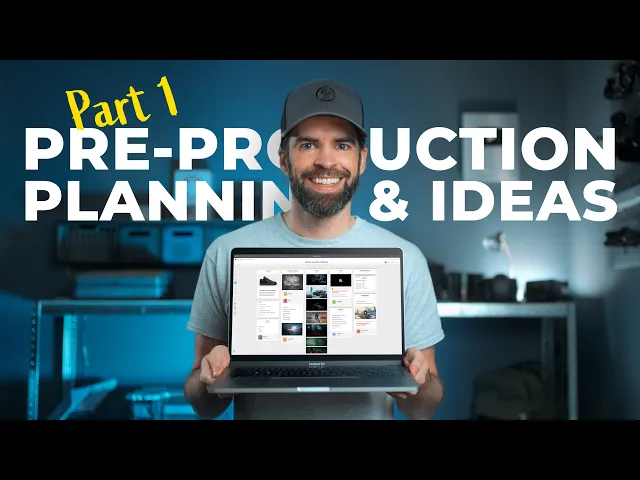
it right but then a few weeks ago and I didn't know if they if they knew that I needed help but a few weeks ago milanote reached out asking me if I wanted to try out their platform to organize and plan my videos and my ideas so yeah they're sponsoring this video and I'm going to show you how I use milanote now to come up with ideas and organize my thoughts and plan my commercial but guys and this is the most important part of the video you can use whatever you want okay the most important
thing is that you create something and it doesn't matter what what you use or how you do it just create something but Millan note will make it a lot easier to show you what goes on in here you'll see okay so this is what I came up with so far my pre-production board but let's go over the whole process from start to finish so this is where everything started right the products The Shoe Air Jordan 1 dark smoke gray and this here these three words dark smoke gray that's what sparked my brain into action my
initial idea was that I wanted to do something dark and Moody with smoke and so I started looking for inspiration and more ideas that's always the first thing I do I started watching YouTube videos but also you know on Google look for images screenshots photography anything that has that dark smoky gray looking feel and I've collected everything in this column here see videos I can watch them right here this one for example and these are screenshots and photography shoes smoke dark Moody but it doesn't have to be just shoes of course this for example is
a barber shop Commercial but it also has that look and feel that I was looking for I've also added some random thoughts and ideas here just some random things that pop in my head while I'm watching these videos and looking at screenshots and photography because and this is super important I get most of my ideas while I'm looking for inspiration and while I'm looking at all these videos and screenshots and photography it's like like a chain reaction and of course also typography is something that I already started looking at from the beginning I drop some
of the screenshots that I like on the timeline of D Vin resolve and I just try out different animated titles and effects and for these shoes I wanted something with red because of the red stitching of the shoes and Millan note makes it super easy to organize everything much better and faster than my old system well that's that's not a surprise but you know it's all drag and drop super smooth let me show you real quick so my inspiration column for example let me drag it to the side and let's create a new one you
can find everything you need here in the toolbar just drag a new column drop it and give it a title and then you can add some notes maybe some ideas or whatever or even a new board in the column drag and drop and then open it and then you're in that new board and for example screenshots or images just drag them onto the board and Millan note will handle it from there automatically same with videos just copy paste the link and boom your video is right there okay and then once I have a lot of
inspiration and ideas there's this column right mood that's where I put everything that looks and feels closest to what I want my video to look like so that it's always visible and so that it keeps tickling my brain and my creativity and the cool thing is that everything the whole board and everything is like a living organism a living organism that's constantly evolving because remember when I said it's like a chain reaction well let me give you an example so at some point once I have enough visual inspiration and I have the mood here that
I want I start looking for music right and I use keywords to search for music you know dark Moody epic and I look at this column here while I'm playing the music and then all of a sudden this song popped up and I play it [Music] and I'm like wow that could be on the soundtrack of Blade Runner or something but wait dark Moody smoke Blade Runner futuristic so I started Googling Blade Runner Stills and then I saw this all of a sudden and it all made sense it all came together dark Moody these red
lights which look like the stitches on the shoes and I'm like yeah that's it dark Moody with smoke and red lights Blade Runner futuristic that's the vibe that's the look and feel that I want and so after that Revelation also here in typography things started moving and changing in the beginning I had these two you know for the red stitching and they look okay but then when Blade Runner and that futuristic Vibe came into play I started looking for some more cinematic typography and titles and then I found these and see my notes Here looks
futuristic like Blade Runner and looks like stitches so it's everything that I wanted and so that initial idea dark smoke gray very basic evolved into dark smoke with red lights and that whole Blade Runner futuristic Vibe and the music ties it all [Music] together [Music] and all this happened over the course of one week almost and that's my favorite thing about Millan note it's perfect for a flexible evolving workflow a living organism because you can move around everything at all times you can add things delete things you know it it evolves as your the things
in your brain evolve and then once I have like a pretty clear idea of what I want it to look and feel like I make a simple shot list and a storyboard now for a video like this it's not a fixed shot list it's not set in stone you know it will probably change while I'm shooting but these are the ideas that I have now I took some photos and see I made some drawings on the photos just some ideas for shots and some shots are also inspired by what I saw in all those inspiration
videos and screenshots but it's not like a real movie storyboard you know and then here is a to-do list that also grows while everything else is going on and this is all the gear I'm going to use but also the gear I still need to buy because when you're coming up with all these new ideas it usually means that you're going to need some new gear or at least some new accessories and so this is all gear related also gear research because for example I want to use a smoke machine but I've never used one
and I didn't know anything about them so I just did some research and put everything here what type of smoke machine do I need what works best for my video you know and then here on the right side I already made a planning and also a column for later editing ideas because while I'm doing all this here you also get ideas for editing so why not just add them here so that I don't have to keep storing them in my brain you know and yeah so everything you see here grew out of that that first
seed dark smoke gray now I made my own custom board here but you can also use one of the pre-made templates if that works better for you or like I said your own system the most important thing is that after this video you get inspired and motivated and that you start creating something yourself but Milan note really suits my flexible workflow So yeah thank you so much milanote for reaching out and sponsoring my video and you can try it out for free by the way I'll put the link in the description and let me know
what you think about milanote is it something that you would use or do you have your own system let me know in the comments but either way I hope that I inspired you and motivate you a little bit to create something yourself also let me know in the comments thank you so much for watching and see you in the next one
![How to FILM BY YOURSELF [at Home] Part 2: Gear, Lighting & Camera Moves](https://img.youtube.com/vi/6k_kqQ5zcMo/maxresdefault.jpg)
![I Replaced ALL my ADOBE APPS with these [free or cheaper] Alternatives!](https://img.youtube.com/vi/5EfqHg49kMk/maxresdefault.jpg)