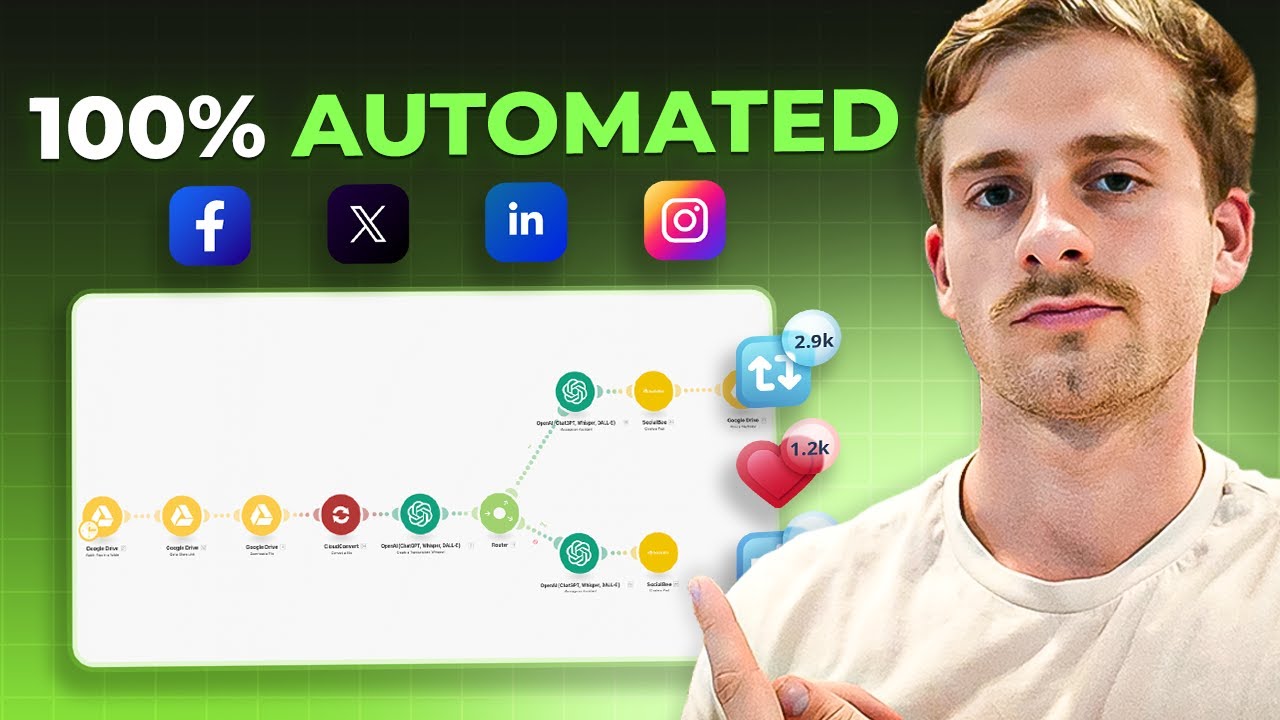
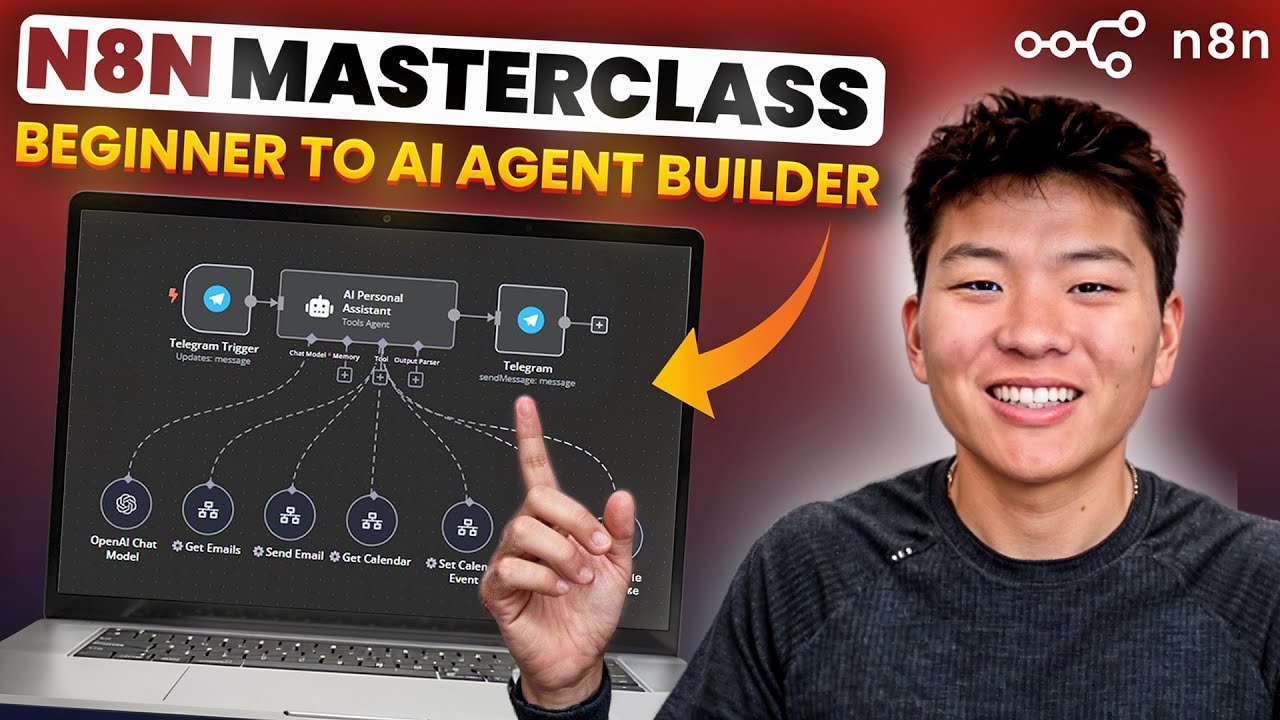
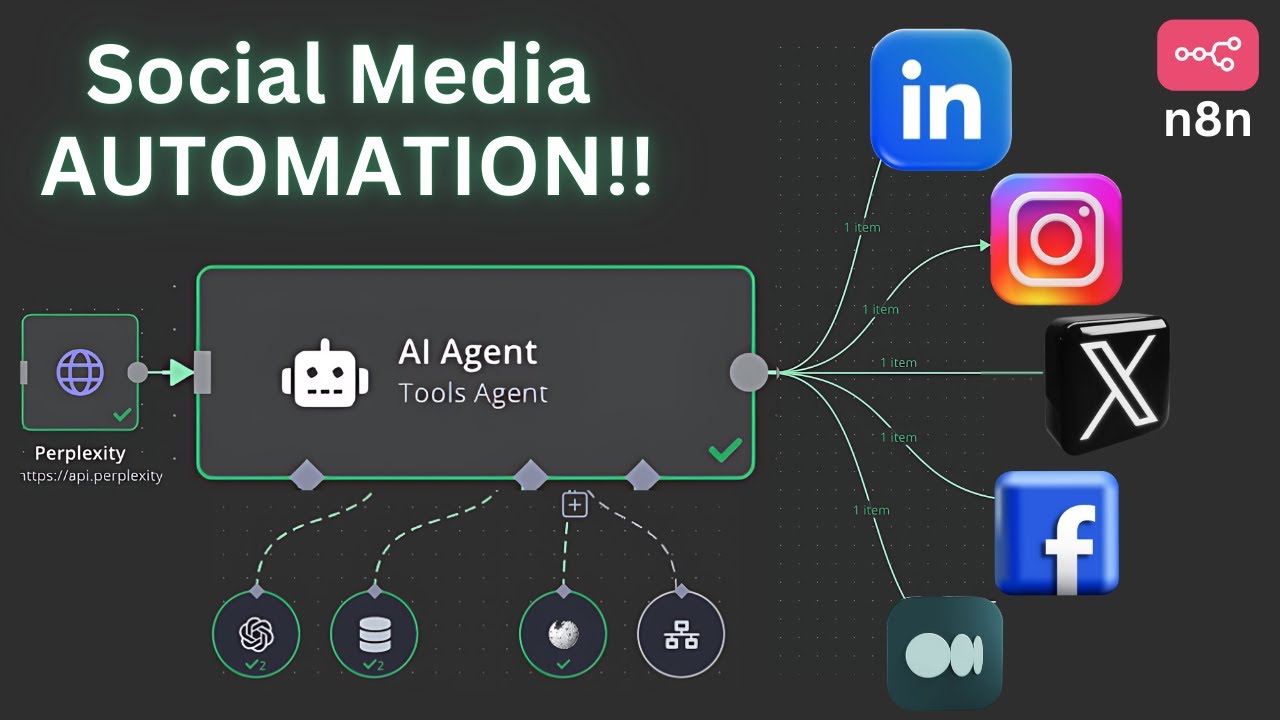
in the last few weeks I've been using a new powerful tool for AI automations called n if you have heard of automation platforms like make or zapier this is like those but on steroid in this video series I'm going to show you the automations I've built and that I'm using every single day for my business and for my personal life so if you don't want to miss any future videos make sure to subscribe to the channel in today's video I will be walking you through an automation for generating and repurposing content from just a simple
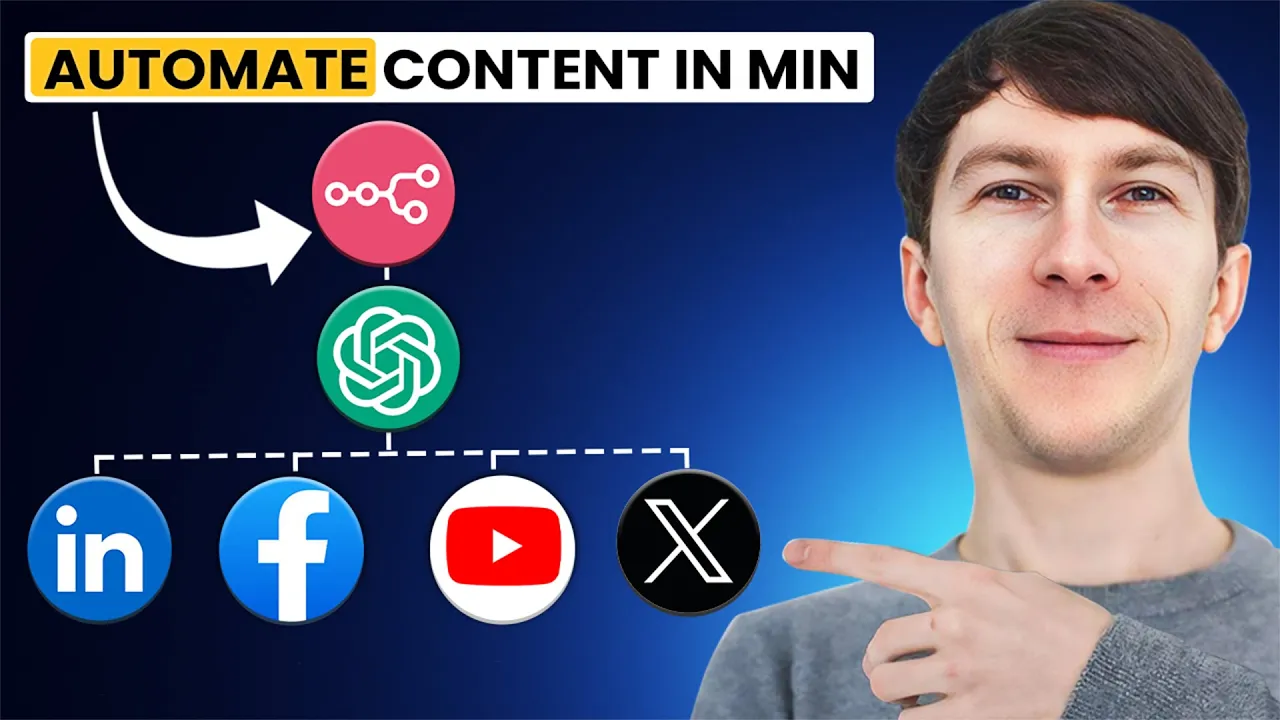
YouTube video ID this workflow and download the transcript of the video and automatically generate a LinkedIn post along with a series of tweets and with a few small tweaks you can apply the same process to repurpose content from any sources whether it's a blog post podcast or anything else and this is a fantastic way to get the most out of your content with minimal effort hey friends and welcome back to the channel if you're new here my name is dona and I've been deep into the world of AI for over 3 years in that time
I've helped businesses streamline their processes with Automation and AI Solutions including things like voice agents and custom workflows if you're interested in exploring how AI can work for your business you can book a free Discovery call using the link in the description before we dive into building this automation I want to mention that I've been recently starting a school Community it's completely free to join and it's the perfect place to ask questions connect and participate in live Q&A sessions the link is also in the description all right let's dive into into anything and build this
automation this automation is about taking a YouTube video and repurposing into different type of content so here it repurposed it into a LinkedIn post as you can see right here and it automatically generated this where I can directly get all the different thing and paste it directly into LinkedIn or I can even post it directly to LinkedIn but in this case I prefer to have access to it and first check what it generated the second thing that also created from that video transcript is this Twitter thread so here I have the title of the Twitter
thread and then I have all of the different tweets under each other that I can directly take and copy paste inside Twitter I can also directly post that but we don't want to be automatically posting things I want to be able to check first and then post them there but there's also a way to directly push it into Twitter as well so how did I create that well first we have a manual trigger this trigger can also be started by action such as uploading a new YouTube video for example but in this case I want
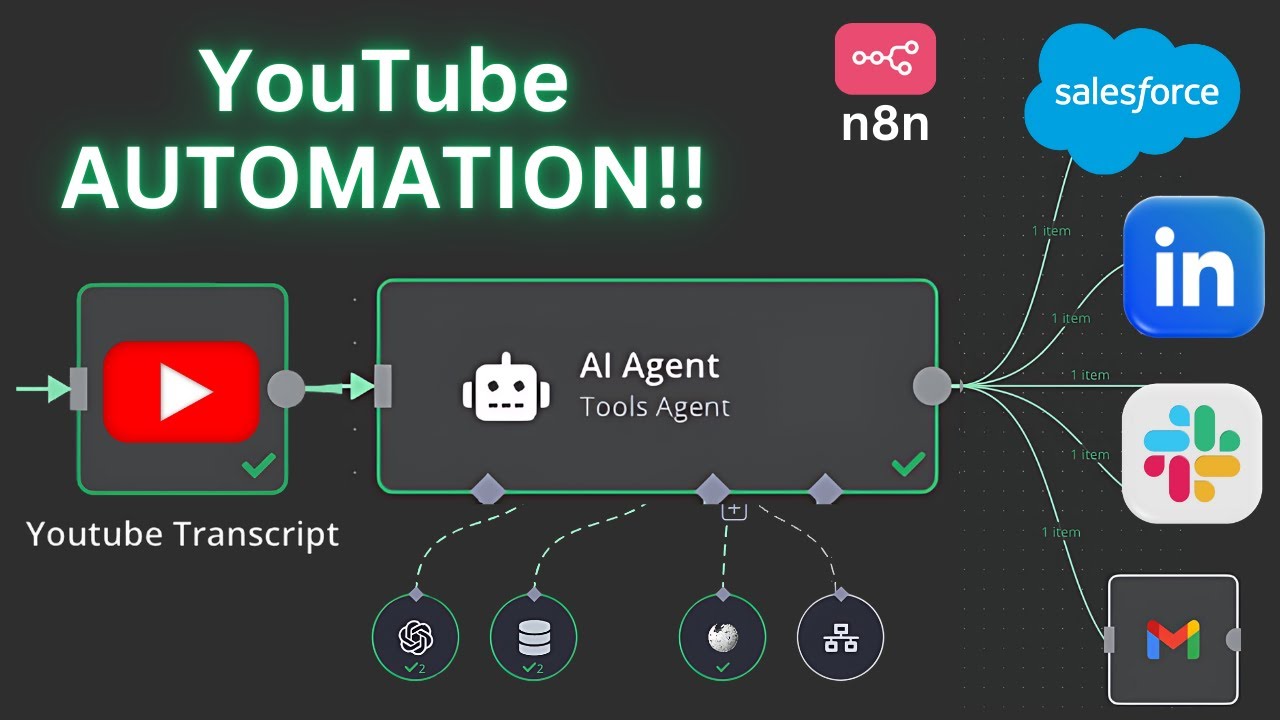
to keep it simple so it's just a manual one the second one is about adding the video ID of the video so here I added this video ID which is exactly the video ID I took from here and I directly paste it right there and the next step is YouTube transcript this is a module that is not available by default here on the Node panel that you have to add yourself so in order to do that you need to install it locally with Docker and as I was showing on the first video and then you
need to directly go inside this part here and execute the following commands so here you have to do Docker exact Hy it nnsh to directly access the n 10 that instance that you have the next step is to create the folder where you can add add NN nodes and then you have to run this Command right here which is npmi and then copy the name of the node so in this case this is the name of the node NN nodes YouTube transcript and this will automatically added directly on the right here so if I search
for YouTube I have YouTube transcript and I have this icon right here that says that this is a node from the community and say how to get it now the next step after that once this is set up is to aggregate so here after this is executed I'm going to get all the different text the offset and the duration and this is for the whole transcript of the whole video and the next step is to aggregate all of that to have an array of text so that I have it like this so the future where
you have your Manu at home folding your laundry is a lot closer than new thing blah blah blah so here I have all the different text of the transcript and the next step after that is to add all of that into one single element which is what I do here with the code block so the code block allows you to create and add your own code and here in this case I just push everything and concatenate everything into one string which is that string right here so as you can see this is the whole transcript
now that I have as text and I can continue further so now I can use this YouTube transcript and send it to open AI to ask you to generate any type of content so LinkedIn thread blog post or whatever you can imagine in this situation it will only be a LinkedIn post and also tweets but you can pretty much uh generate a description for example of the video and the first automation at the top right here in this three module is to generate a LinkedIn post so here it will say based on this YouTube video
transcript write a LinkedIn post for me you will always add the video link with a CTA so to say check out the video here and then you will always add also another CTA at the end of the post with the link to my canly to book an appointment so in this case here it's like send me a DM book a free Consulting call right here with my currently link and also the tracking with the ID of that video and then I say for these two ID you will replace the ID with the provided YouTube ID
then here I have two other messages which one of them is the YouTube video transcript and the second one is the YouTube ID and here you have the whole posst that has been generated but now it has been generated this with like this following format right here and I have a couple of back sln and so on so I don't want to have these elements here I want to have just something that I can take and copy and paste you can also directly upload it to LinkedIn but I want to have another check so what
I will do is I will edit the field and I will only filter that one field which is content and I will return it as post so here I have now only one field which is called post and the next step right here is to convert that into a file this will allow me to click directly on download and then get this following file right here so now I can just take this whole thing I can copy it and I can directly paste it on LinkedIn and my LinkedIn post is generated so the next time
I upload a YouTube video I can directly put ID right here and generate directly the LinkedIn post and the next one is an llm chain to create the Twitter thread so here I say based on this YouTube video transcript write one Twitter thread for me with five tweets you will use emojis and hashtag and also include the CT at the end now I paste the YouTube video ID and the YouTube video transcript I paste an example and as you can see here on the right I have the exact output where I have the title of
the TW Twitter thread I mean there's no title in the Twitter thread but anyway it doesn't really matter and then here you can get all the different tweets that I can just copy and also paste directly on Twitter this workflow is highly customizable so you can easily update it to fit your needs if you would rather start with a blog post instead of a YouTube video just switch out the first part and the rest will work seamlessly need to generate a blog post or an email instead of a LinkedIn post just tweak the prompt to
match your goal in the next video we'll dive into how to chat with your document and ask questions directly through a chat interface in NM if you don't want to miss it be sure to subscribe to the channel thanks for watching and see you in the next video