hello everyone um this is just to uh start off our kickoff tutorials for Ruby programming um this is tutorial one in which I'm going to go over a uh very common asked question that I see in the forums uh commonly this is that uh when you go into the game you don't want the save menu in your in your menu options so what I'm going to do is I'm going to show you how to remove that option so that you can obviously you can you can call that via event or whatever to uh to uh
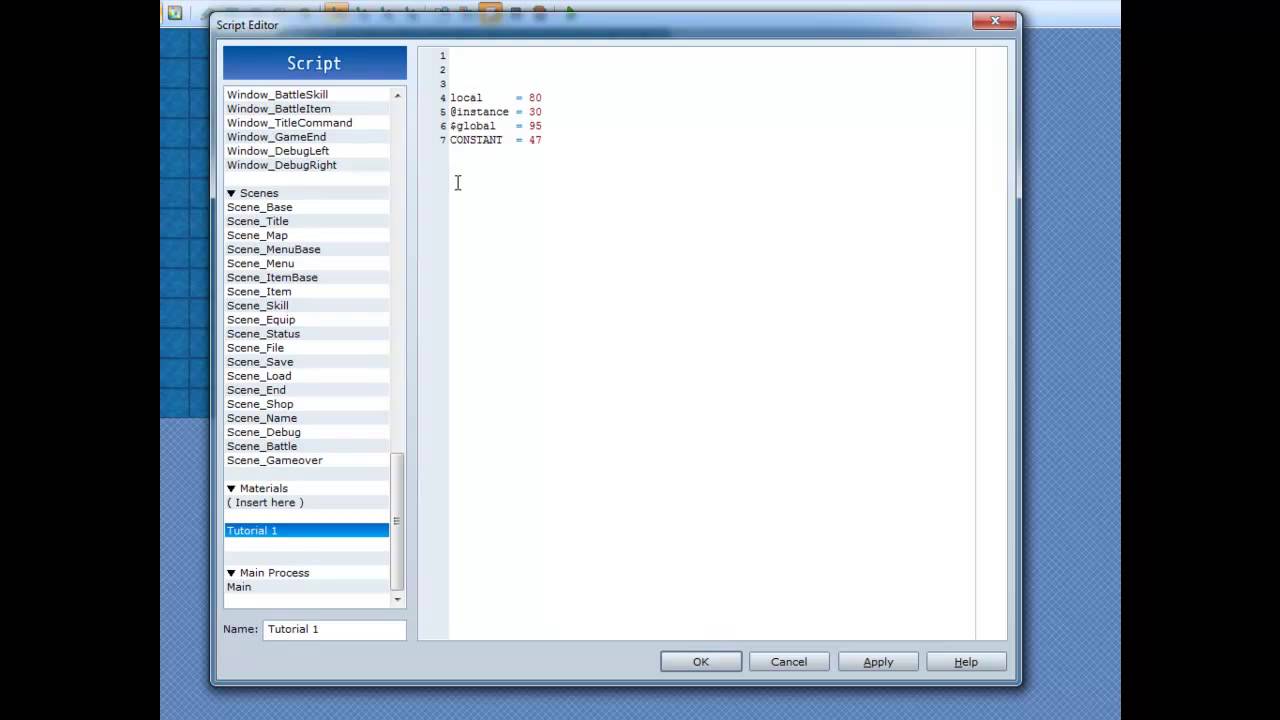
play your game so what we're going to do is just go ahead and open up the script editor and inside of here we're going to scroll down to the scene menu which is obviously where your menu happens now inside of here we've got two places that we need to update uh the first one is under the create menu uh window command here so what we need to do is we need to remove this option here for save so what we're going to do is we're just going to remove the end of that actually I'm just
going to comment it out and we're going to rename that uh end option to five and then we need to remove that over here so that we can so that it's only processing lines or these strings one 2 3 four and five okay so now that we've got that then we need to come right down here where it's got the if save disabled item here and because this is no longer applicable because we don't have that option we're just going to comment this out as well okay the next thing we're going to do is update
your command selection the command selection is when I hit the input and I'm on the main menu scene and it's trying to determine what action should be done then it uh it calls this method here so these here are your methods um this uh item here is no longer applicable because save disabled is no longer an option we even need to worry about so we're just going to comment out those lines and then the last part is that we need to remove this section down here which again is calling of the scene menu so this
this option here was to say that if I selected um this if I selected item number 4 which previously was save then it would and the save was disabled then it would play the buzzer and cancel out and return but because that's no longer applicable it would continue down here and say all right well because you're on option number four which was previously save then it would call the save menu but because that's no longer the case four is now end game so we just need to change that to a four right there and that's
actually it as far as removing the menu um this is specifically for RPG Maker VX um XP is very similar but um that's the basic concept so let's just go ahead we'll save that and we'll play test it here so we'll open up the menu and as you can see we no longer have the save menu option and selecting the game end option sends us to the appropriate place okay um actually one other thing you just barely noticed is when we selected the game end and we hit cancel you see how it comes back and
it selects this index that isn't even an option so to fix that um what we're going to do is because that was part of the scene end that was the problem we need to come down here to scene end and say when you terminate and you go back to the menu you need to go back to option number four because it it it's based off of the index um of that so let me just go and render that one more time here and we're going to go ahead and open up the menu go to game
end we're going to say cancel and as you can see it now returns us now to that now the other part to understand those is that when I say in index I'm usually referring to an array and every array starts at zero so the first item in the list is always zero 1 2 3 and four so that's why we put four back into that box rather than five so that pretty much covers it as far as the uh removing of the menu there um but um I'm going to go ahead I'm going to keep
on doing these tutorials I'll try to do one a week um we'll see how that pans out but uh what I'm going to do is we're going to go over creating some new types of menus so I'm going to start taking suggestions on what things we should uh create and we'll go through and make those things from scratch uh in RPG Maker um I will only be programming in RPG VX as uh that is the the current standard out there and the the things that you do in RPG VX in most cases is you can
transpose back to XP with with little to no effort so anyways um that should handle it so we'll see you next time