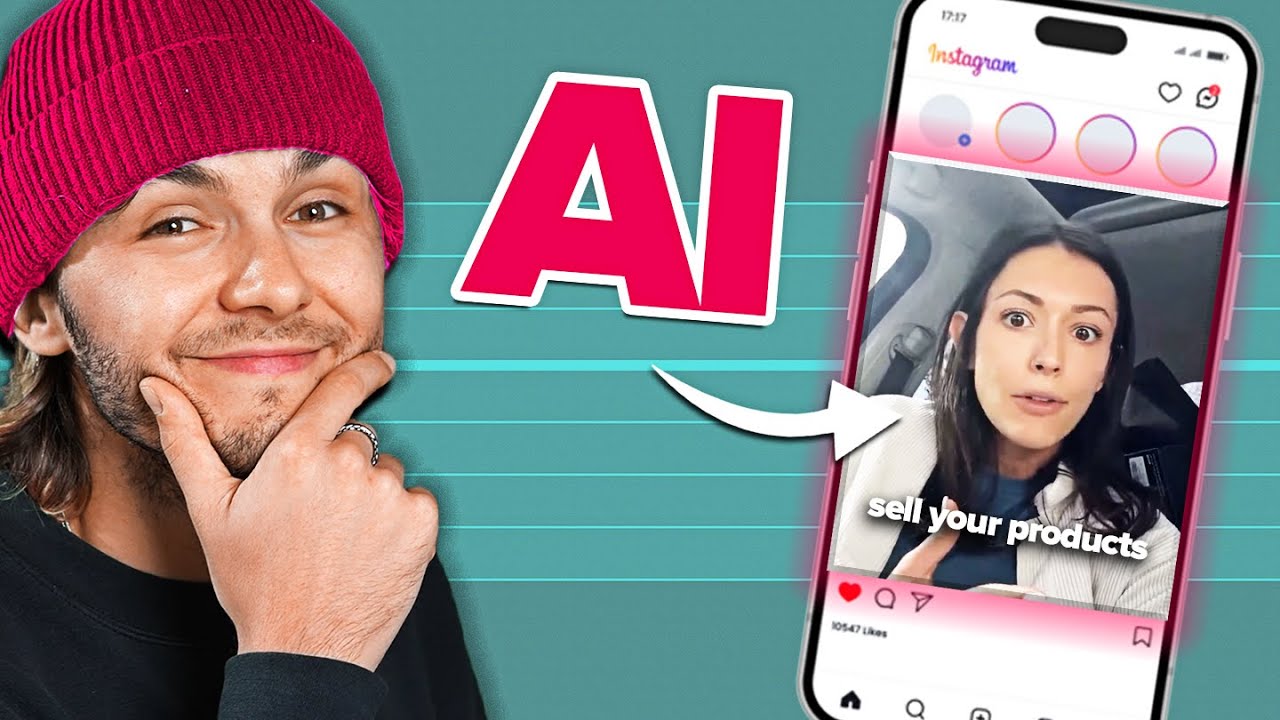
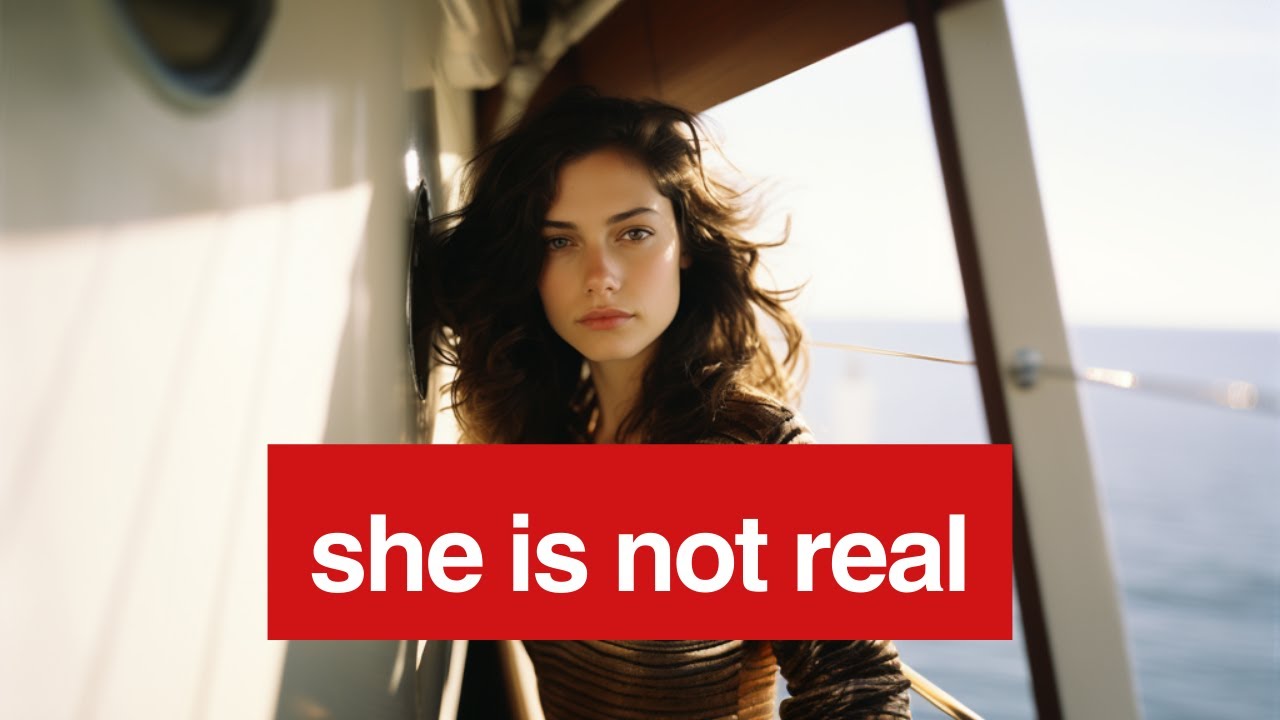
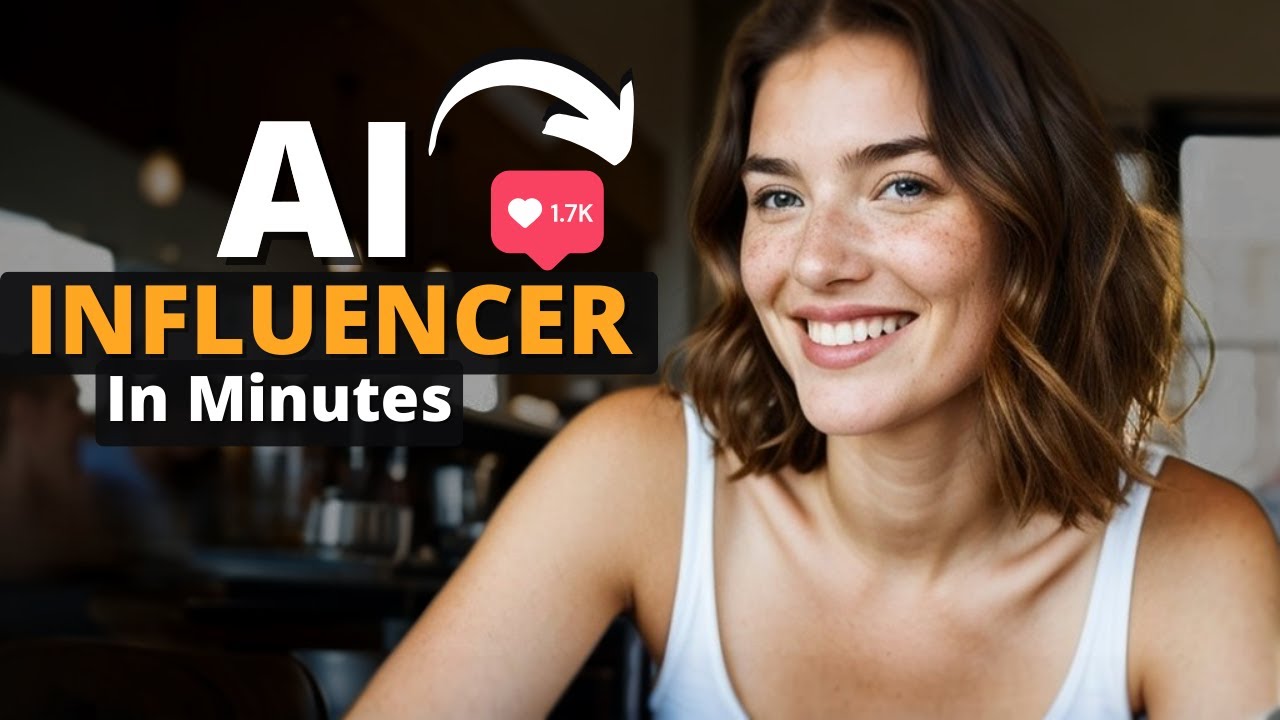
imagine using AI to create a person that can earn you thousands of dollars online without you ever having to show your face in this video I'm going to show you a shortcut that allows you to get started quickly and easily with 100% free tools now the thing is you have to understand that to make big money like this is normally very difficult to do you have to become an expert at high level AI video editing tools and it takes months of creating videos and images in order to get a following and you really need to
get a following of around 100,000 people normally to even make any decent money with this but there's a huge shortcut that lets you use the same concept to make you great money without doing any of that hard work my son tested this shortcut out himself and made $1,000 without any experience that is by making these short little videos on Fiverr that people are paying big money for if you look here $145 for a video $250 for a video $100 for a video and I can verify this because I paid $58 for a 15 second video
of a guy pointing with his finger just like this and that was before I knew this AI trick of course so let's Dive Right In we are going to create an AI generated influencer right now using 100% free tools and by the end this AI generated person is going to be talking and making their own videos now I don't make any money recommending these tools it's just what I found to work so we're going to start with a tool called Leonardo a which is kind of like mid Journey if you ever heard of that it
creates AI generated images and you just sign up for a free account you click on image generation like I'm showing right here and then you type in this prompt a woman looking straight into the camera outside now you can make it a middle-aged man anything that you want for the example of this video I'm doing a woman and I'm going to pick the second video that you can see right here and then I'm just going to click download and save it on my computer now make sure you pay attention to where you save everything put
everything in the same place so you can easily go and find it later cuz we're going to create a couple of different files right now now the second free AI tool that we're going to create is called 11 labs and that's where we're going to generate the voice of our AI generated person and you can see you click right here you can hear the different voices they give you samples of what the different voices sound like and I'm just going to pick Sarah and I'm going to type in hey everyone I'm an AI influencer blah
blah blah just we're just putting in some sample text for the purposes of this video but you can make her say whatever you want hey everyone I'm an AI influencer called Sarah and then you click that little download button on the lower right again save it in the same place that you save her face cuz we need to find all these files later now the trick to make these AI generated people look very realistic is to do a face swap so in other words you create a face which we just did with Leonardo and we're
going to put that face on the video of a real person now you can just use a video of yourself and you can put your AI face on a video of your own self that's a simple way to do it but I'm going to show how you can do it by downloading a stock video that you have the rights to use because that gives you a lot more flexibility as far as the kind of person that you're generating now here's one example of the kind of video you're looking for on a site called pexels which
you can do a search on pixels is great there's a lot of different sites like this you can get free downloadable stock videos but you want somebody like you see right here where they're not moving their head or their face or their body that much cuz it makes it really easy then to make a realistic looking f swap another good one is a site called mix kit and what I found is if you do a search for talking to camera you're a lot more likely to get these types of Clips where you got a person
not moving that much really and just talking to the camera and these are great for these user generated content type videos that I showed you on Fiverr earlier so I'm just going to pick this one right here and I'm going to click download right here and again I'm going to download it and put it in the same place as I put the other files that I generated earlier make sure you have the rights to use whatever video You're downloading for the face swap that's why I recommend like a stock video site like I have right
here or a video of yourself and now we're going to put this all together to create our AI generated person and we're going to make them talk but before I do what I want to recommend that you do is create a whole bunch of different personas so create an elderly man create a young woman maybe create a teenager so you have a whole bunch of different AI generated models that you can actually use that will generate you money just like I here on F if you look there's all kinds of different people on here generating
videos and the more different types of faces and ages that you have the more orders you're going to get as you can imagine you're going to start to get a lot of orders coming in I know when my son was doing this he had tons of orders coming in all the time he was creating videos it seemed like he was creating videos almost every single day so it is a lot of work to do this even though the AI model is making you money you're still having to create these videos for all your clients so
this is not like an autopilot business model that's generating money for you you're having to actually work every day to make the money now if you came to this video and you were hoping for more of an autopilot business or a residual income that would come in whether you're working or not I highly recommend that you click on the link in the description of this video and get my free class in that free class it'll teach you how to create a system that generates autopilot money resist ual money whether you're working or not so you
set up the system at the beginning I teach you how and then that system generates money for you day or night whether you're working or not and it's a free class there's no obligation just click on the link put your email in and we will email that free class to you now let's get back to our AI generated person first of all we created a face second of all we created the voice and third of all we downloaded a video that we could put that face and that voice into so next we're going to go
to a site called vidos that is going to put our AI generated face onto the real video that we downloaded earlier all you have to do is go to the vidau site click on free AI tools and click on video face swap now once you've done that you're going to click on upload video and you're going to upload the video of the real person the stock video that we downloaded and then we're going to upload the photo of the AI face that we made at the beginning of this video and this is going to actually
put our AI face on this real person and transform her into our new AI generative model and there you go isn't that incredible it's completely transformed her into our new AI generated model then you're just going to click on download and download that put it in the same place again where you saved all the other files and now we're going to put the voice that we created remember earlier when we created that voice on 11 Labs we're now going to make our AI model speak in the voice that we downloaded earlier from 11 Labs so
you go to this SED dat.com site and you click on the lips sync section right there again it's a free tool and over here you click on Source video and we're going to drag the video of our AI model and then we're going to drag the voice that we created from 11 labs and put it right here in our Target audio section and what it's going to do is now it's going to make our new AI model say the words in the voice that we created in 11 laps hey everyone I'm an AI influencer called
Sarah and there she is talking isn't that incredible our 100% AI generated model that we can now use to make all kinds of videos for clients now I will say there's this site called sync Labs which is a paid tool not a free one but it's going to do a lot better job at the Lim syncing and make it a lot more realistic if you really get going with this and you have some money to spend on some paid tools this is the first tool I would recommend investing in because it's going to make the
lips look a lot more realistic when your AI generated person is talking and you can see it's really not that much compared to the amount of money that you're going to be making with this now the final step and this is where you can actually create all your videos is in a tool called v.i and again there you have a free plan that you can use just click on the free plan and now what you want to do is bring the video that you that you created with the c site the last step bring it
into your v. account and this is where you can create all kinds of effects for the video you can remove the background you can add stock video you can add all kinds of things for your clients to make it really fancy but the main thing that you want to do is Click create subtitles so that the video that you're making has subtitles almost all your clients are going to want to see subtitles and it'll automatically put the subtitles in for you and it makes it really really easy like you can see right there you can
also add music to the the background which is another thing that your clients are probably going to want and they have builtin stock music that you can put into the background of the videos that you're making for your clients you can add other kinds of stock video where you go back and forth from seeing your AI model to seeing a stock video and back and forth to make it a little more fancy that way your client might even have photos of the product that they want you to be promoting that they want to be included
in the video you can bring those in this is where really the magic happens and everything gets put all together for you Here's the final video that we created with v and the subtitles and everything hey everyone I'm an AI influencer called Sarah I can help you create the perfect ugc ad so your next step is to go out there and to create several sample videos that you can put on your Fiverr account because your clients are going to want to see what are you able to do and if you show them some of your
samples that's going to help you get clients a lot faster the other thing that I recommend you do on Fiverr which is on my Sunday is you want to charge a very very low price at first like $5 or $10 make it extremely cheap just so you can get some reviews and get some clients under your belt they're going to review you and give you high ratings and the more ratings that you have and the more previous clients that you have the more likely you are to get new clients asking you for videos and just
like my son did he did that exact strategy and before long he had people sending him video requests almost every single day but it all started because he started with a very very low price just to build up a reputation on the Fiverr site once you get really good at this that's when you can go to the next level of some of these AI influencers that I showed at the beginning of this video where they have their own Instagram accounts they have their own YouTube accounts just like a real person would but getting started on
Fiverr can get you making income with your new AI influencer right away while you're building up a Following on social media now like I said earlier if you put this all together you can see this is actually quite a bit of work getting this all going and it's a lot of ongoing work generating videos getting clients answering client requests and that's why I have my free class in the link in the description I won't say it doesn't involve any work at all because there is some work in the front end learning the system and getting
the system set up like I teach in the free class but once you get the system set up like I teach you then that system generates you income day in and day out on autopilot even my own daughter set up a business like this when she was only 12 or 13 years old it's been generating her income for years and in just a second a video is going to pop up on your screen on top of this video of her story and how she got it all set up when she was very young and the
kind of money that she has made with that but again all this you can get in the free class in the link in the description of this video it'll be an autopilot business model you really owe it to yourself to at least check out the free class I'll talk to you soon