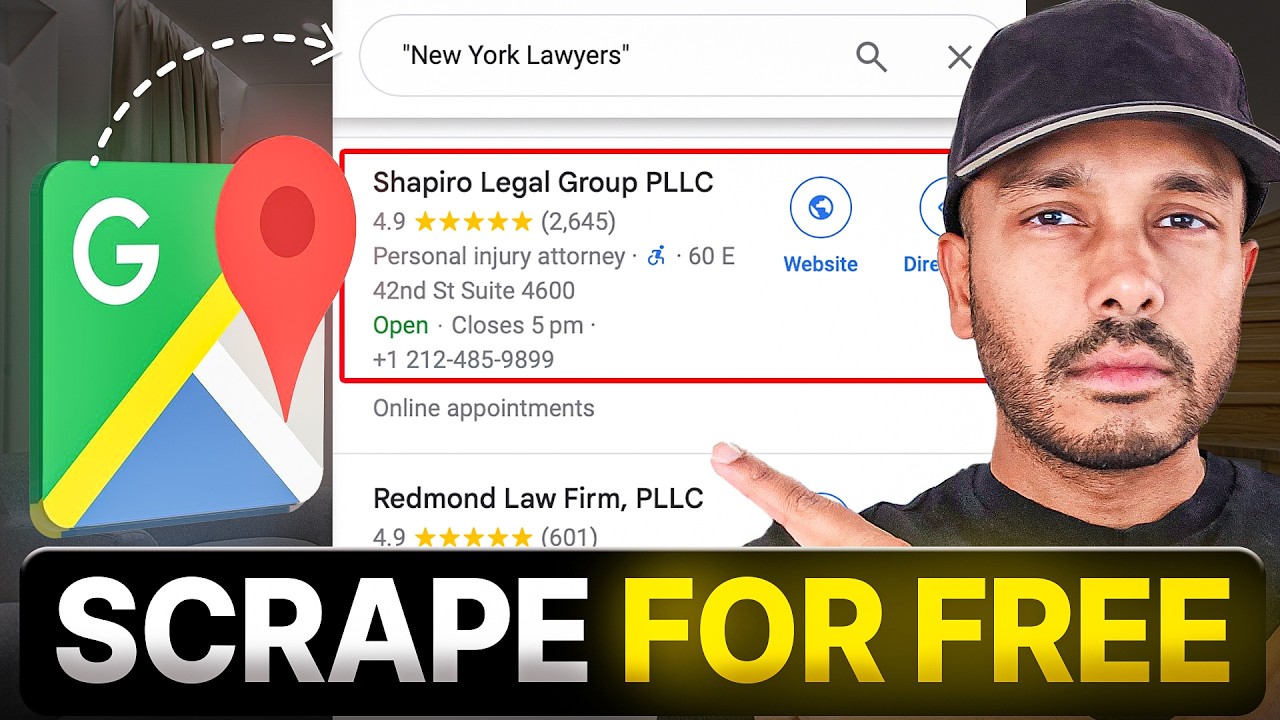
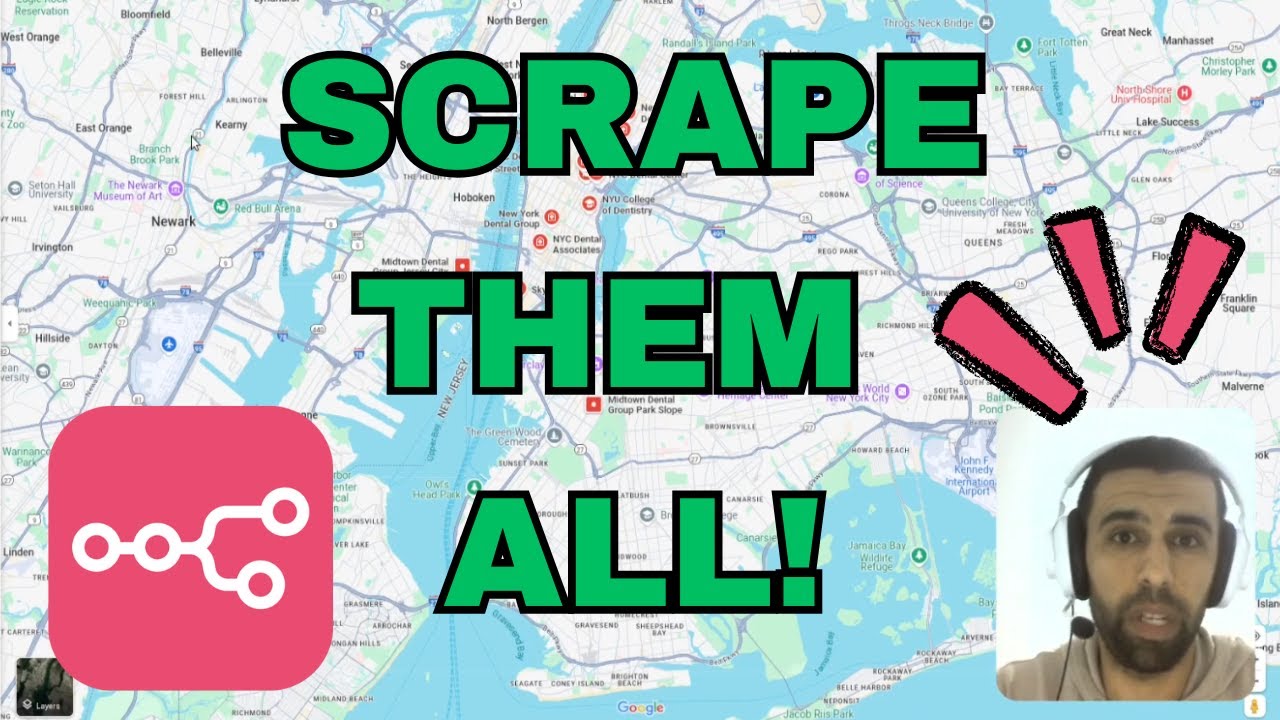
what if I told you that using NN we can go ahead and scrape any website like Google Maps here and we can build up a use case for a real who can scrape data for real estate agencies and landscapers and we're going to build up this Automation and this helping automation as well in this video so stick around and I'm going to show you which apis you're going to need and all of this is completely free some of the apis are going to cost you minimal so it's not going to be anything significant and you're
going to need API from apy as well and just one Google sheet in which you're going to dump in all of your data and that's all the explanation and intro let's dive right into it and actually start exploring this custom workflow that I've built for you hi and welcome back to skub this is your hostr and we're at the n10 website and as you can see this is a secure and AI native workflow Automation and in this video today what we're going to do is we're going to use nadn which provides you a 14-day free
trial if you get started with it and we're going to build up a web scraping automation on top of Google Maps now this is just an example of how you can scrape Google Maps but the use case for this one is going to be about real estate and how you're going to search and scrape data about lands scrapers I have the workflow already created and I'm going to explain each and every aspect of the workflow we're going to need some API keys from chat GPD and epy console and we're going to dump all our data
in this sheet right here as you can see the web scripting test sheet now without further ched let's dive right into it so once you sign up with n 10 you will see something like like this and you will not have these workflows because this is a new account that you're created and you're going to have to create a workflow by clicking here and starting from scratch but the workflow that we're going to talk about today is going to be this one and now I will explain each and every aspect of this workflow and we're
going to need an auxilary workflow which is for this Google Maps web scraper which I have created here so I'm going to explain both of these now for those of you who don't know how to put all these blogs in you can just click on plus here and search for the node that you want but I will be providing the blueprint for this workflow and the other workflow as well and you can just go ahead and import from file here and you can customize your own workflow all the workflows start with a trigger in this
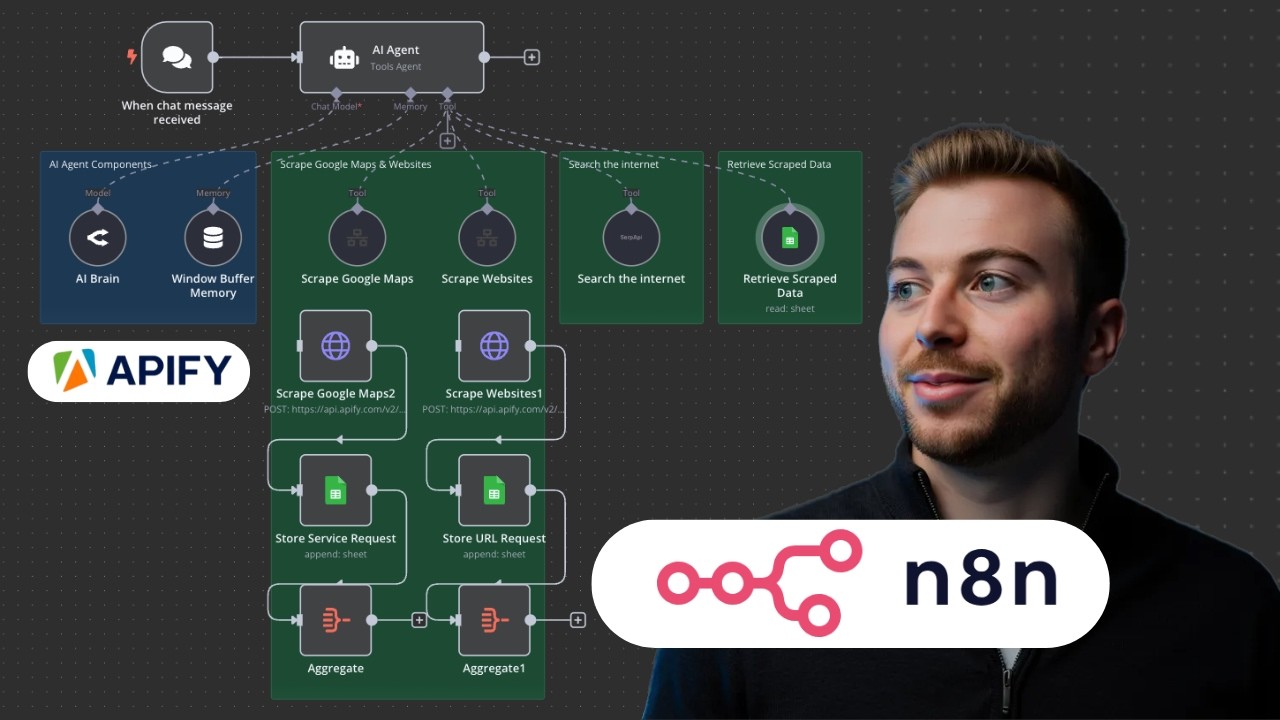
case we have a chat message trigger and once we click on open chat we can actually go ahead and send a message to the AI agent to perform a certain task for us which is web scripting in this case now the next module is the AI agent this is a tools agent which works on this prompt that I have here I will be providing the whole blueprint so you don't need to worry about this prompt now let me explain the prompt I'm just going to zoom in a bit so that you can see it clearly
so the prom goes like you are the personal assistant that excels at web scrapping your job is to send the users query to the correct tool you should never be writing emails or creating event summaries you just need to call the correct tool and I use some Inspirations from the web and some AI tools to craft this prompt and you can do your own custom prompt as well so don't worry about that now let's go back to our canvas and the next thing that we're going to talk about is open AI chat model now here
you will have to configure your open ai's API key and the model that you're going to use I'm going to use GPT 40 mini because this is quite fast accurate and very efficient and you can go ahead and choose any of your models from here and if you click here you can create a new credential so I already have set up my API key but if you click here you can paste in your API key and this will be all that you have to do to connect to your Char GPT account now the next module
is the windows buffer memory this actually keeps track of your session or of your context that you're putting through your AI agent so this is like the temporary memory or the memory of your AI agent then you have the Google Maps web scripper as a tool now why do we have this as a tool we have a separate automation or workflow for this which is right here we could have actually plugged these four modules right here but this is more of a norm to actually have helping tools or helping workflows in a separate canvas so
now let's talk about what this Google Maps web scrier does you can see that it has a trigger that says when executed by another we which means that it's going to receive input from another workflow right here what it would do is it is connected to the API of appify which is right here that you can create and they have a free tier so you don't have to spend a single penny on this then it's going to goad ahead and look for what you have requested maybe it's some URLs that you want to scrap or
maybe it's some URL that you want to hit so it's basically doing that one by one hitting the HTTP request and then scraping data from it and putting that in this Google sheet and again here you will have to establish a connection or your credentials by clicking here and you can just sign up with your Google account and this will give it access to your Google Sheets then you will have to pick up which document you want to work on which sheet and right now I have map automatic but later on I'm going to change
this and I'm going to show you what is the difference between map automatically and map each column manually so for now I think we're done with everything now let's actually go ahead and run this and see how it's going to populate this sheet right here so I'm just going to go ahead to my main workflow which is right here and I'm going to go and open chat and I'm going to say I'm looking for rental apartment in London that's it hit enter and this should put your message through the AI agent as you can see
here and it's going to the model then the buffer and now it's going to the tool workflow which is right here and going through each of these module one by one once completed it's going to generate results for us which is right here as you can see the rank of the property the title it couldn't fetch the price as it was not placed on the Google Maps the category it's apartment building address Street City Post poster card and all these details and if you go back to your sheet you can see everything is populated right
here this is quite a lot and quite frankly you won't need all of this so we're just going to go ahead and keep what we need so I'm just going to go ahead to my Google Map scraping workflow and I'm going to open up the Google sheet and here I'm going to change the mapping method from map automatically to map each column manually now here you can decide which values to actually send to the sheet so I really want the rank so I'm just going to drag and drop that right here I won the title
okay as for the price if there is a price go ahead if there is no price then that's all right as for the category yes I want that address I also want that neighborhood I would say it's not that important but it's really your personal choice I'm just going to go ahead with the street and the city right there the next thing that I want is the postal code and the state there you go and then the website I don't need the unformatted phone I just want the phone right here and one more thing is
the total score because I want to analyze what I want to buy and what I don't want to buy or invest in next up I don't need any of these maybe I can use the review con from here because this will show how much people are reviewing this and The credibility of the site and then the last thing I want to have is the opening RS so let's just go ahead and drop that right there that's it I think this is more than enough information that we need and anything else is not that much important
but last thing that I want to drag here is going to be the image URL and the advertisement status so I'm just going to go ahead and drag the image URL right here and the advertisement status and I think that's more than enough mapping we don't need all these columns but just the specific data that we need so I'm just going to go ahead and go back and save this now that our mapping is done we're going to go back to our main web scraper and open chat I'm going to go ahead and ask the
same question I'm looking for a rental apartment in London and it's going to repeat the same step going to the AI agent going to the Chad model and then running the Google VAP scraper module which is right here and going back and forth repeating the same process so it's going to do two valid iterations of this after running two durations a stop and here are the results the output is right here but the actual output is going to be in the sheet here so as you can see we have the rank we have the title
if there is no price it's going to leave it at null we have the category address Street City the postal code if it's there if it's not there it's going to leave it as none same for the state and the website URL as for the phone the formatting is doing some errors so we can look into it later on but for the location you can see we have latitude and longitude then the total score it's scored over reviews and the review count then the opening RS if they're listed and the language and if it's on
advertisement or not so as you can see it is not on advertisement which means you can attack this property this Prospect and actually put this on advertisement and go ahead and sell this then you have the image URL which you can view by clicking here so this is the street view of the property that you're looking into and this is the street view of the second property you're looking into so this is the second apartment building right there so you can go ahead and run this web Scrapper find out the properties that you want to
deal with or invest into as a realtor and I'm going to go ahead and download the blueprint and I will be pasting the links to These Blueprints in the description so you don't need to worry about the boiler plate or the template that you're going to customize for your own custom need so this was a way and use case in which we explored how we can scrape data from Google Maps related to some properties as a realtor you can apply the same workflow in different use case like if you're looking to invest in businesses like
restaurants you can go ahead and do that as well you just have to tweak a little the agents prompt right here and you have to play with the Google Maps scraping setup right here and that was literally all it took me to do this web scraping and you can go ahead and scrape anything from Google Map using this automation so this was one of the freeways that I've explored and I personally use using anad to scrape useful information from Google Maps or some other platforms and we'll be having more use cases in the upcoming videos
about how you can scrape different website like Apollo or social media platform like Instagram or Tik Tok using Anan so with that side I want to wrap this video up if you found this video insightful hit that like button share your thoughts or experiences in the comments below ring the notification Bell to never miss out on our daily updates thanks for watching and we'll see you in our next video till then stay curious and keep exploring