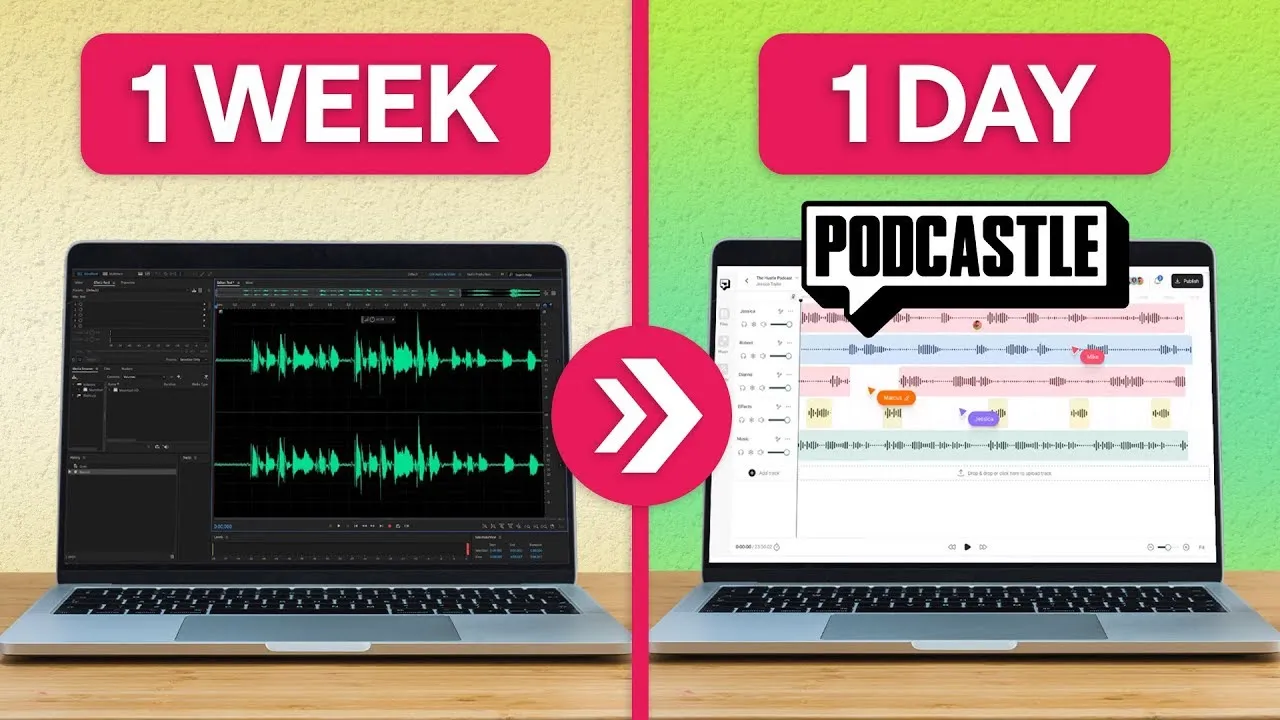
if you've seen any of our other videos you know my friends that podcasting has changed it's now possible to create and edit your podcast in just one day using AI tools that make everything a total Breeze and I'm going to show you how to do all of it the first tool we're going to take a look at is the magic dust AI audio enhancer now you might remember this from our previous video top three AI audio tools magic dust is an AI tool developed by podcastle for podcastle the explicit aim of giving you world class
audio editing with the click of a button all right now let's take a lesson here's the before hey I'm Amy and whether you're recording an audio podcast or a video podcast notice how the audio has some background noise and it's kind of fuzzy all I have to do is right click and select magic dust now listen hey I'm Amy and whether you're recording an audio podcast or a video podcast see how the audio is 10 times clearer and way more balanced now right next to the magic dust button is the noise reduction tool this works
similarly to magic dust except it works to remove any unwanted noise distractions such as a TV or a hair dryer or some static in the background Let's test it out using the wrong recording software could mean that you don't ever actually publish an episode using the wrong recording software could mean that you don't ever actually publish an episode now many of us accidentally fill our podcasts with ums and A's and all kinds of other filler words and in just a moment I'm going to show you how you can use AI to remove these while editing
is crucial for podcast success we of course recognize that attracting listeners and eventually monetizing your podcast is equally as important this is why in an upcoming video we'll be focusing on podcast monetization so don't forget to subscribe so you don't miss it before we get into some of the super futuristic AI tools let's explore some of the classic tools that have been modernized AI Texas speech for example has been around truly for years but the weird robotic voices with awful pronunciation have made the use case protex of speech incredibly slip until now podcastle ai text
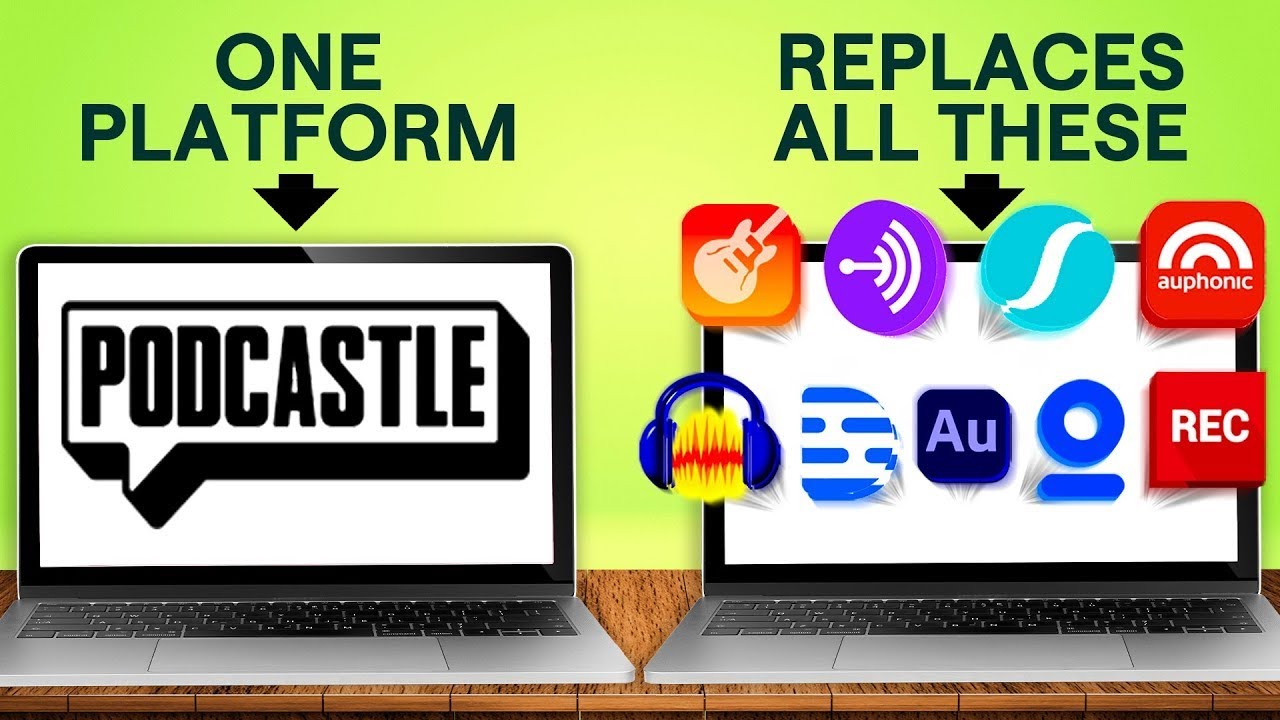
to speech can deliver a wide range of different accents ages even emotions allowing you to connect with your audience totally organically and without sounding like a robot before I show you the demo in case you're new podcastle is an all-in-one audio and video podcast recording software plus editing posting and Publishing so definitely check out our full tutorial if you want to see our non aai features it's linked in the description below all you have to do is paste your text into the text to speech tool select your AI ey skin and click generate pretty cool
huh what's that how do you find an AI voice that matches yours you don't why try to find a good AI voice match when you can just create an AI version of your own voice and while that might sound like the most futuristic sentence of all time it's actually pretty cool and if you don't think that's really cool it's probably because you haven't watched the intro to podcastle video right here anyways where was I right voice this tool can be used in tandem with the text to speech tool or as a way to get your
podcast out when you've got a little cough or are battling this Loop all you need to do is record some sample text submit it and in 24 hours or less your all new natural voice will be ready for use then just go to my digital voices and start creating and if you didn't know already you can get 50% off your first month of the podcastle Pro Plan in the link in the descript destion below so we've talked about converting text to audio but what about audio to text this is a question for the ages and
of course podcastle has an answer to it our audio to text AI can transcribe multiple speakers and is crazy accurate perfect for creating a transcript or repurposing your content into a Blog but how does it work after adding your audio truck to the editing timeline right click on it and select transcribe from there select the number of speakers that are in the a audio and click the transcribe button in just a few short moments you'll have a complete transcript of your latest episode you could even notice something super annoying in the written version that you
didn't quite pick up on in the audio and just like how you're improving your podcast by watching this video podcastle is always working to improve as well and we have a super cool super new AI feature coming out very soon that will make your editing even easier and you don't want to miss out so don't forget to subscribe now we talked about this a little bit before we all know that those filler words like um M mhm and all those little noises can make a podcast episode really difficult to listen to which is silly because
we all do it so instead of forcing yourself to speak like a talk show host that never has time to pause and think you can remove those filler words with podcastle filler word detection tool it works like this first transcribe her audio just like I showed you a minute ago and toggle on detect filler words once the transcription has generated your filler words will be highlighted and then you get the option to decide which ones you want to remove from the transcript and keep any ones you'd like to and while wearing out your vocal cords
isn't on the list I highly recommend checking out our 10 worst podcasting mistakes vide so you can avoid the pitfalls and make sure your voice is heard by as many people as possible okay we won't spend a ton of time on the next tool because it's pretty self-explanatory but this is the AI silencer remover which as us it remove silences and the great thing is that this accounts for any type of Silence this means that whether the silence is one of those I'm thinking really hard silences that goes on for a little too long or
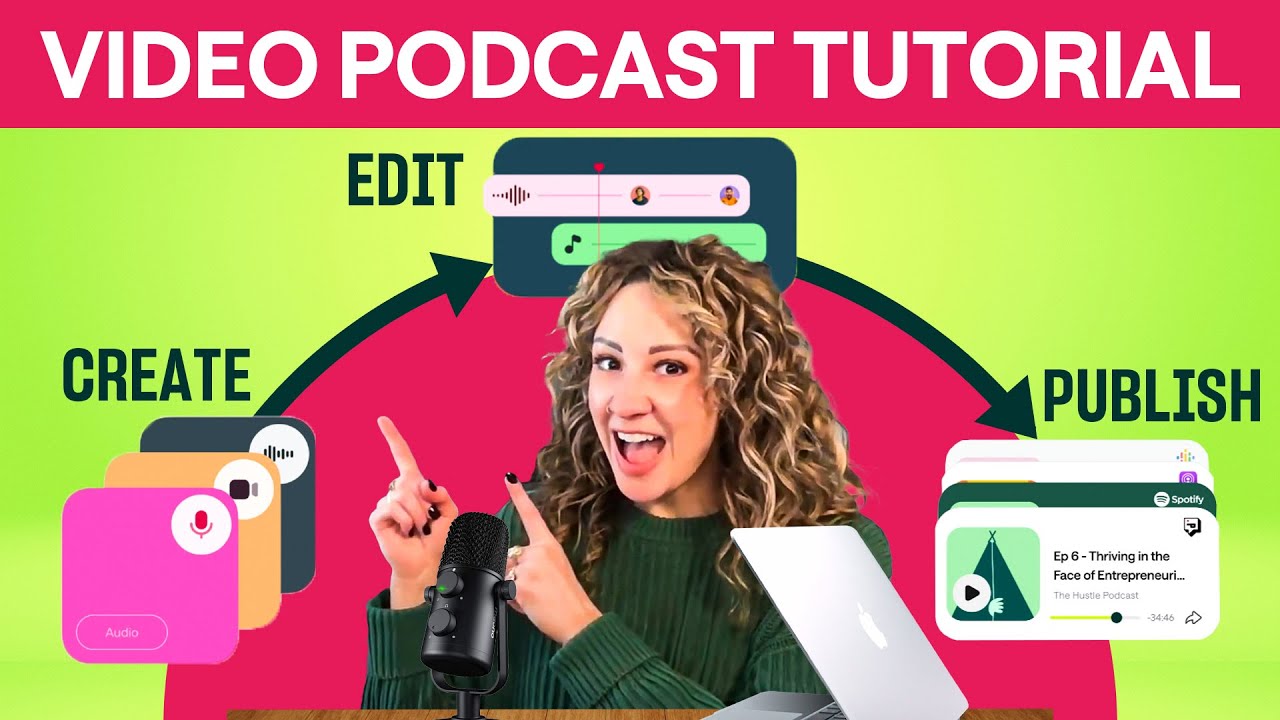
it's one of those I'm feeling awkward and I don't know what to say silences podcastle has got you covered so it's as simple as a drop- down box and a click now that you know how easy it is to create edit and publish your podcast using ai go get started but before you go don't forget about the promo code Linked In the description for 50% off your first month of podcastle pro thanks for watching and see you next time
![I Replaced ALL my ADOBE APPS with these [free or cheaper] Alternatives!](https://img.youtube.com/vi/5EfqHg49kMk/maxresdefault.jpg)