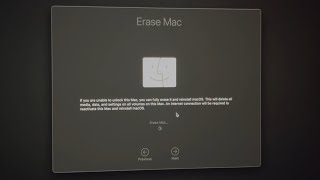
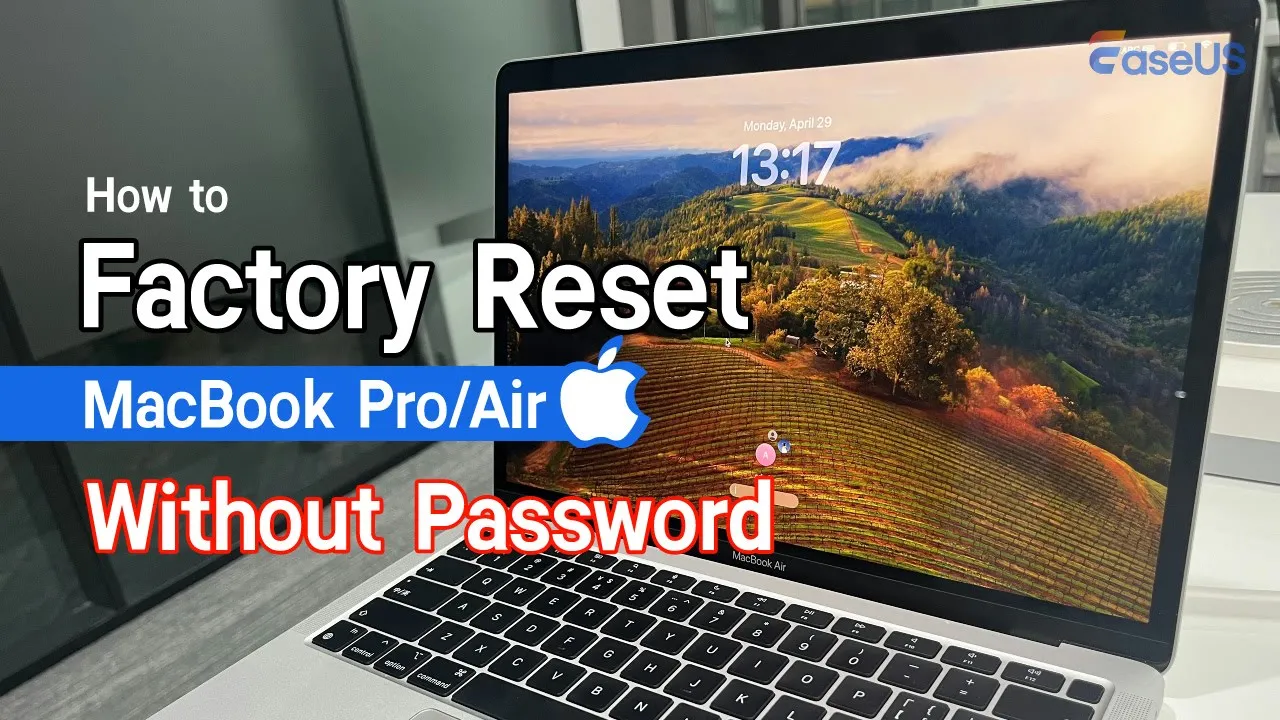
hi guys welcome back to the eus channel if you're planning to give your MacBook away or sell it you'll generally want to consider restoring it to its factory settings normally all you need to do to restore your MacBook to its factory settings is to turn on your Mac and find the erase all content and settings button in settings but if you've forgotten your password don't worry today we will discuss how to factory reset a Macbook Pro or air without password remember before erasing your Mac you should consider back up your Mac with time machine or
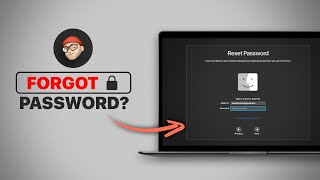
iCloud or you need to find a data recovery tool like eus data recovery wizard for Mac to recover lost data after resetting after saving your important data we will explain how to reset your Mac in case you forgot your password method one reset your Mac's password in recovery mode shut down your MacBook and press the power button until you see the message loading startup options click on the options button and hit hit continue then wait for the Mac OS recovery window to appear and choose utilities terminal type reset password in the terminal window and hit
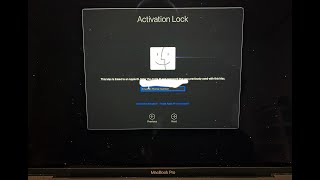
enter the reset password window will appear and you should choose the main dis on your Mac click next select the account that you need to reset the password and click the option for get all passwords then choose the deactivate Mac option the system will ask you to confirm the process click deactivate to continue just wait choose the set password option and set a new password for your Mac finally you can open your Mac using the new password and then you can factory reset it normally method two reset your Mac without a password via Disk Utility
this method should boot your MacBook into Mac OS recovery mode and then choose the Disk Utility you should choose the Macintosh HD often refer to your startup disc and click the erase button at the top new remember to set up a Mac OS compatible file system for the erased volume this method can help you erase all contents and settings on your Mac so you should make sure you have saved your essential Data before erasing it subscribe to the eus channel to get more content videos in the future thanks for watching this video hope you have
a nice day