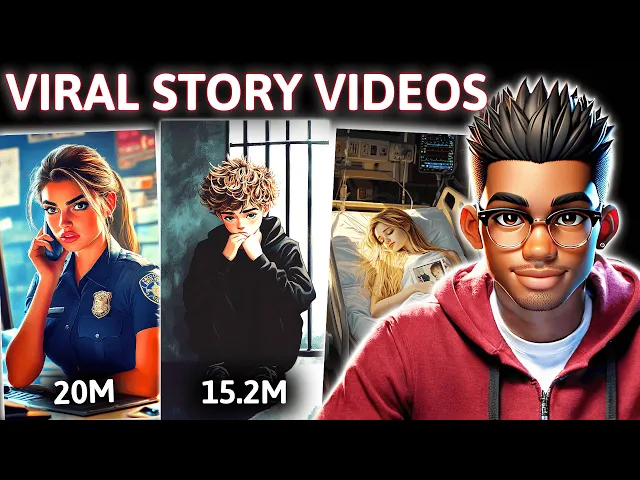
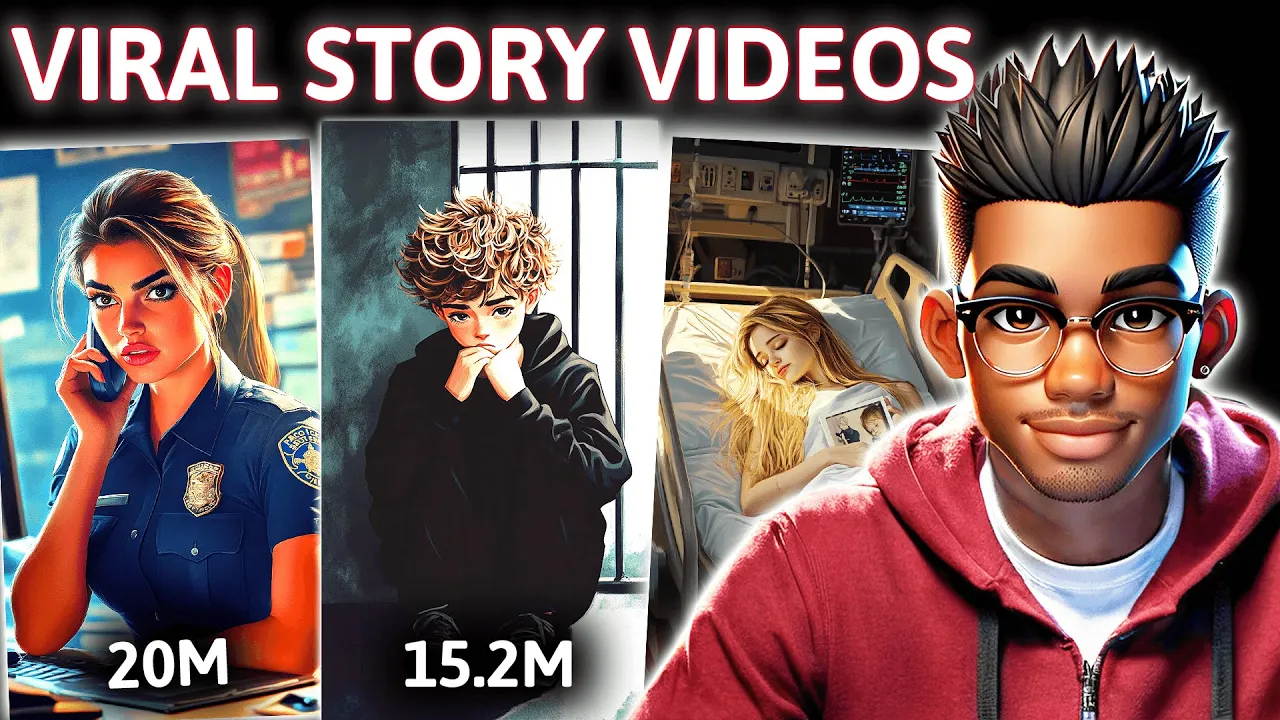
this new YouTube channel has skyrocketed to over 30 million views and a massive number of subscribers in just 5 months what's truly remarkable is how the channel by simply sharing heartfelt Tales manages to Captivate its audience with top-notch storytelling and stunning visuals that keep viewers glued until the very end and if you're skeptical about the monetization potential of such channels think again the best part is these videos are surprisingly easy to create this channel is already cranking out new content daily and I'm here to make it even simpler for you by providing all the tools
you need to create similar videos we'll cover everything from crafting compelling scripts to editing the Final Cut since having a great script is crucial for this Niche we won't just use a generic chat GPT script instead we'll provide the AI with the right details to generate stories in similar style so let's get started first step is to create our script we could take the easy route and ask chat GPT for a 200-word heartfelt story but the result would be this boring introduction so I'm going to show you two ways to go about creating the script
First grab some sample Scripts paste them into Google's Gemini then ask Gemini to analyze the samples and spin out a brand new unique story that still captures the same engaging style these samples consist of 10 transcripts taken from the top videos of the channel we're modeling you can find the file in the resource channel of my Discord server the link will be available in the description and on my channel page as you can see Gemini has crafted a fantastic story for our video while chat GPT can certainly help in this process I found that Gemini
tends to deliver better scripts for this Niche than any of the chat GPT versions I've tested feel free to give it a try and see the difference for yourself the second option is to extract the transcript from one of their videos this isn't recommended so we'll be paraphrasing it before heading over to YouTube let's start by installing the YouTube summary with chat GPT and Claude Google Chrome extension once it's set up head over to the channel page and pick one of their most popular videos for our demo let's choose this one featuring a police officer
and a boy to extract the transcript for this video go to the video URL and replace shorts with video this will allow the short to load like a regular video now just click on this icon to extract the transcript once you've got it delete any unnecessary parts and then prompt chat GPT to paraphrase the transcript take a look at the result chat GPT will even correct any missing punctuation next up is generating images for our script start by asking chat GPT for 20 prompts to use as a basis for creating images for your story these
prompts won't be overly detailed which is actually ideal for our purposes they're not meant to be used directly for image generation but rather as a guide if you need more detailed prompts feel free to ask for them but for this demonstration we'll focus on creating a separate description for each of our characters as you can see we've got a very thorough description here to work with if you're a GPT plus user you can use the consistent character GPT to generate images but it can sometimes be tricky to correct issues like this one feel free to
leave a comment if you have any permanent solutions for fixing this problem for those on a budget free premium tools like Leonardo AI can be a good alternative but for our short video we'll stick with mid journey to create our images before we dive into mid Journey let's start by crafting a prompt for generating our police officer we'll opt for a female character to give our video a unique twist this prompt looks promising so let's copy it and head over to Mid Journey I've already set up a private server for Mid Journey so let's navigate
there now our first task will be to create the initial character which we'll then use as a reference to depict her in various scenes throughout the video to get started type forward SL imag followed by the style of image you're aiming for in this case a highresolution digital illustration paste your copied prompt and make a few adjustments remove any unnecessary background information and facial expressions and specify the hairstyle finally add the command double hyphen AR space followed by your desired aspect ratio to set the dimensions for the image take a look at our images they
look fantastic to select the one you like use U1 for the top left image U2 for the top right u3 for the bottom left and u4 for the bottom right choose the one you want and then proceed with generating the other images before moving on to the other scenes let's save our reference character for easy access copy the link to the selected image and then type for/ prefer option set next click plus one more and choose value type Double hyen C ref followed by a space and paste the link to your character then go to
option and name your reference let's call it Lisa with our character reference saved we can now move on to creating the other scene to get started on our first scene return to your list of generated scene prompts for inspiration or copy them one by one type for/ imagine and paste your prompt be sure to specify the image style aspect ratio and add double hyphen Lisa to include the character reference you saved these images look great let's explore the variations of the top right one by selecting the corresponding option once you find the variation you like
simply choose it here since the image dimensions are already suitable for short form content there's no need to up scale now let's move on to generating images for our next scene follow the same process as before and make sure to include the character reference for each generation to streamline the process use the same method to create and save your second character reference here are some of the images we've generated for our second character with our images ready let's move on to creating the voice over head over to 11 labs and paste your script you can
select one of the available voices but I recommend exploring the extensive voice library to discover something unque to simplify your choice you can refer to this compilation of my favorite voices that I've put together for this demonstration we'll use Adam a popular voice on social media to generate our voice over once that's set you can select a track from YouTube's audio library for our background music however if you're aiming for a truly epic soundtrack consider exploring premium services or creating your own music with AI the final step is to compile the video start by importing
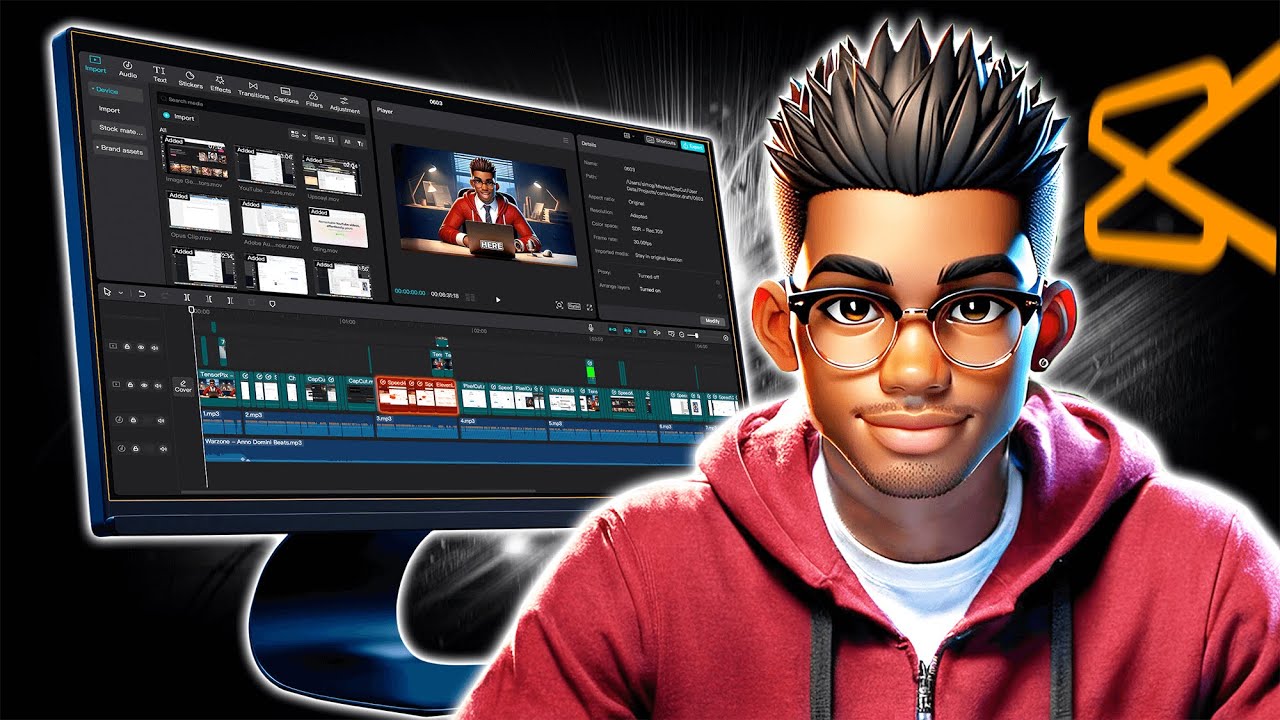
your clips and placing the voiceover into the timeline remove any unnecessary pauses and silences from the voiceover and arrange the video clips to match the flow of the story next go to Transitions and drag your preferred transitions between the images you can use as many different transitions as you like or click this button to apply one transition to the entire clip enhance the visuals by adding animations to each clip for extra engagement choose your favorite filter and apply it to the timeline by dragging it to the end of the clip to cover the whole video
then select all your images and create a compound clip go to effects and add a vignette to the compound clip finally go to text and generate captions for the audio now choose a template from here reposition the captions to the center and scale them slightly feel free to change the font type though the default looks pretty cool finally add background music and reduce its volume significantly to ensure it compliments rather than overpowers the content all that's left is to export the video at 1080p resolution and this is the final result a police officer was sitting
in her car when she noticed a boy stealing medicine from a store without paying the officer called out what are you doing and the boy started to run but the officer quickly caught him and said you're in trouble now the boy was then taken to jail and every day the officer could hear him crying and repeating the words stay strong mom one day the officer received a call from a woman who was concerned because she hadn't heard from her sick neighbor or the neighbor's young son for several days the officer rushed to their house to
check on them but when she arrived it was too late she found a woman lying in bed holding a photograph when the officer looked at the photo she saw it was the boy she had arrested on the back of the photo was a message that read my son please help me I need the medicine