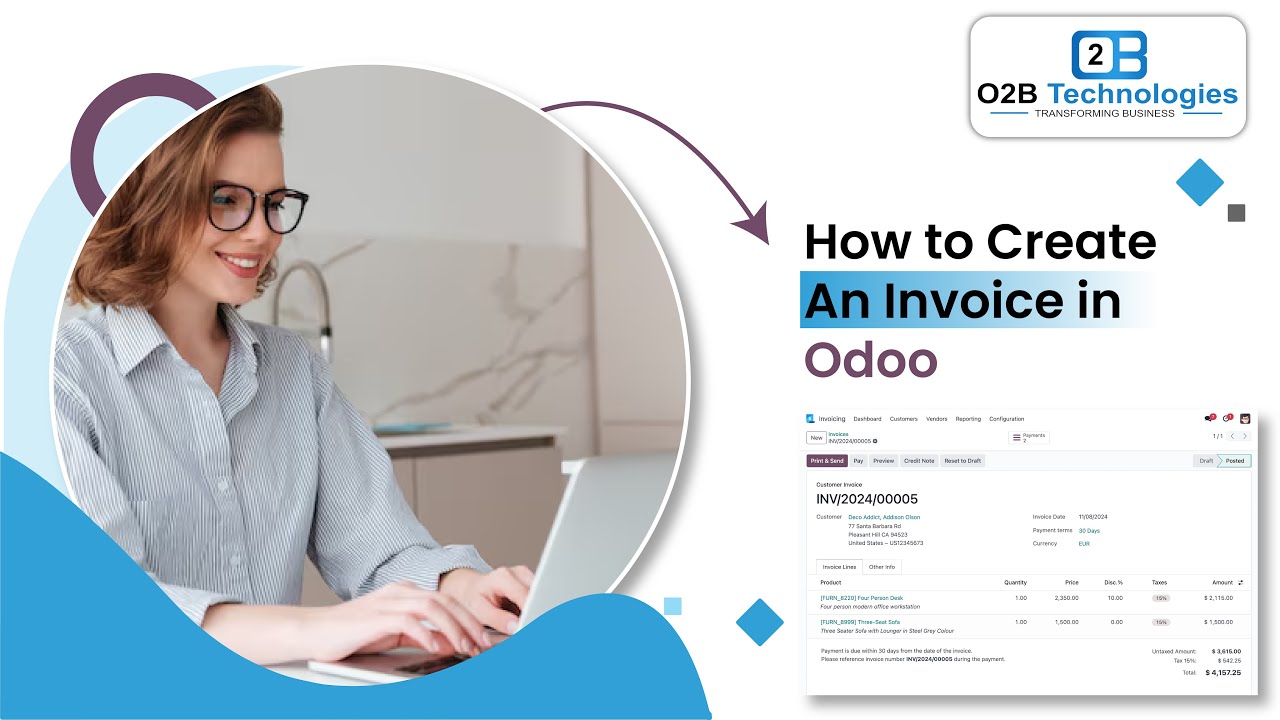
foreign ERS it's time to talk about one of the most essential elements of the sales process invoicing invoices provides us and our customers with an official record of a sale they also allow us to track payments ensure that we get paid by our customers on time and they fulfill a bunch of legal and financial obligations as well that's always nice now invoicing can be done at different times using different methods and depending on the product we're selling and how we're selling it for example here at stealthy wood we typically create an invoice when a sales
order is confirmed before we deliver the product in odoo this invoicing policy is known as invoicing based on ordered quantities because we invoice them right when they place an order other times we may want to hold off on invoicing the customer until after the products have been delivered this investing policy is known as invoicing based on delivered quantities so when we deliver the goods then we'll deliver the invoice as well this particular policy is ideal for businesses that frequently ship large quantities of goods or typically deal with discrepancies between their ordered and delivered quantities for
example let's say a client orders 50 shares from us but we only have 40 chairs we don't want to ignore the whole order and just leave them kind of hanging I guess you could say in that case standing without any chairs you know because it doesn't matter you know see what I did there but anyways in that scenario we'd send them all the chairs that we have now and just fill the rest of the order later on at that point we'd invoice the customer based on the number of products they actually receive instead of the
amount they initially ordered makes sense right there's also instances when we prefer to invoice the customer based on Milestones that our employees reach as they provide a service think of it like a video game whenever our workers complete a level AKA reaching a milestone the customer pays them for their efforts and that fun little pattern keeps going until the entire project is complete and just like some video games out there there are projects and services that can take a long time to complete with a ton of steps in that case it makes more sense for
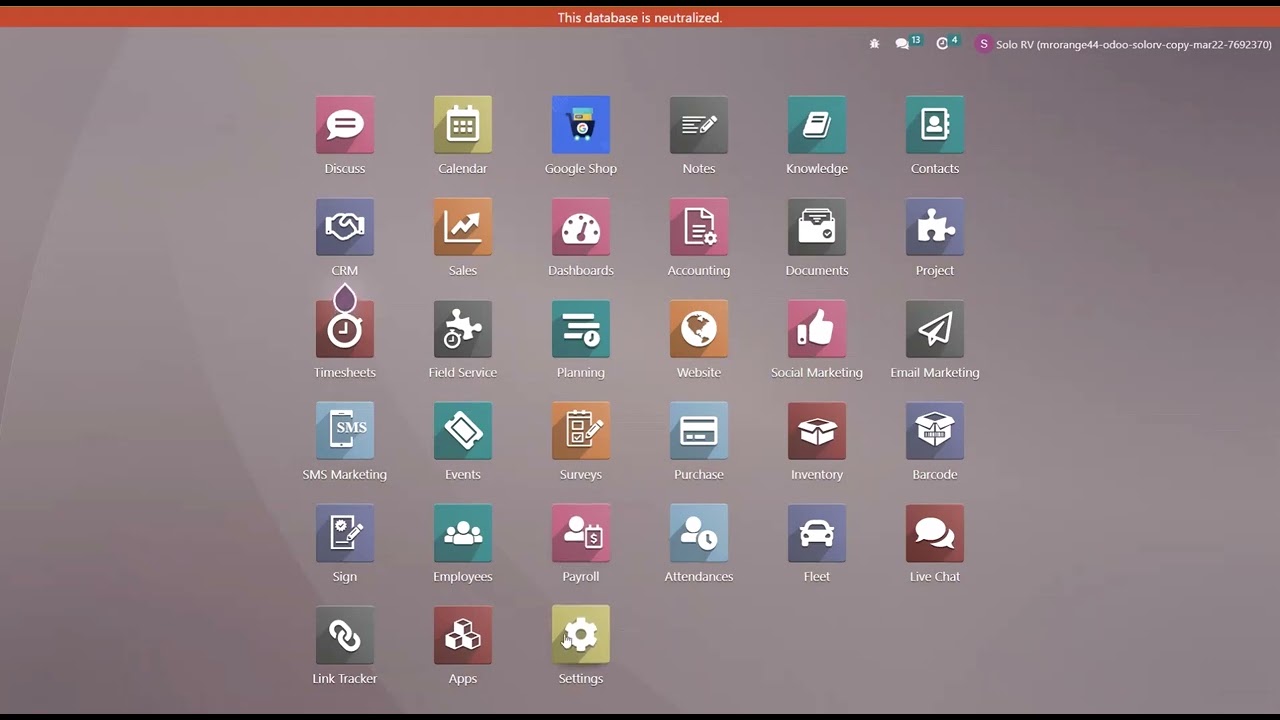
our workers to be paid along the way instead of waiting until the whole project is finished just to get compensated this type of invoicing can be based on work hours lucky for us ODU lets us create a bunch of different invoices for all sorts of occasions so let's put on our sales shorts and dive into our database so doers so as usual we're going to start things off on our sales settings page which can be found here by going to configuration and settings that'll take you to the same page now once we're here let's scroll
down over here to the invoicing section now first off we see that the invoicing policy setting which can actually be set to invoices what is order and invoice what is delivered like I was talking about in the introduction now this particular setting will decide what Odo uses as the default invoicing policy for all newly created products it won't change the invoicing policy on any pre-configured products however so always make sure to not worry about that and even though this will be the default invoicing policy that shows up when creating a new product that doesn't mean
it's set in stone you can change the policy directly on the product form to suit your needs at any time regardless of what we choose right here onto this page but for this video I'm going to select invoice what is ordered which is already selected and you'll notice that there is an essential new setting over here you'll notice that there is automatic invoice over here to the right side when we enable this setting as well once that it's checked off it allows us to do something special Odo automatically generates an invoice the moment a payment
is confirmed through our online store or by Saving you time and on that note I'm going to make an additional one odoo does not automatically send the invoice to the customer because they've already paid for their order but that said we could still choose to send it manually if we wanted it's always nice to have options right alrighty last part in this section we have a down payment setting below but we don't need to stress about that right I talk more about down payments in another video so be sure to check that out when you
get the chance okay so now that we got our settings in order let's go on up here let's hit save always save odoers and get down to the nitty gritty about invoicing policies all right in order to move on we'll need to navigate to our products page so head on up to the top and hit products Naturally products now from inside of here we're going to select new up here in the top left because we're going to make a new product all right now we need a title as always so let's go through the motions
of creating a product so that I could just show you how to properly configure different invoicing policies now back to that title we need something that I'll be keeping in my warehouse like a leather chair for example so we're going to name this leather office chair because I'm very clever all right and our product type again is I just said it's a storable product so we'll select storable product underneath the product type perfect and you can already see it below it we have invoicing policy and again you'll notice that we have the option to choose
between ordered quantities and delivered quantities in our cases and all you Eagle Idaho doers probably saw that the ordered quantities option was set by default just like we configured in the settings but as you can see I can still choose to swap it over to delivered quantities because nothing is limited and remember when the invoicing policy is set to deliver quantities all need to validate a delivery before creating an invoice and boom that's it that's how you configure invoicing policies for standards adorable products that's super easy right now I'm sure you're probably asking and saying
yourself okay Jose I see how easy it is to configure all that stuff but what about service products what about other products are you going to cover that well of course I am and my short answer to that is of course we will so you think Professor Jose was going to just leave you high and dry no we're going to talk about those two I'm going to take you immediately into that right now all right now let's pretend that we're creating a service product so in our case we're going to delete some stuff namely you
can get rid of this name right there because now we're doing a service and since we're doing a service we're also going to configure this so we're going to change the product type over here to service and some new options appear now you'll notice if I click the invoicing policy drop down menu we have new options added over here if we choose something such as the prepaid slash fixed price the invoicing policy this works the same way as invoicing based on ordered quantities for a storable product we could also choose to invoice customers based on
delivered quantity which if we select that you'll notice something else changes boom now this works similarly to invoicing based on delivered quantities for a stored product however instead of validating a physical delivery we'd have to manually enter the delivered quantity into the confirmed sales order before creating the invoice which I understand that may sound confusing so let me show you what that means real quick now to do that I'll need to create a sales order with this product so let's go do that now we're going to be up here to orders actually and quotations hit
new up there and we're going to select our customer I'm going to pick Azure interior because they are the only customer that I like at this point now all right now we're going to select our office design service over here and boom we're going to confirm this now after confirming it I'd like to see something else and right now I'm noticing that I don't have a delivered column so if we click over here on our options menu we can make it pop up give that a quick refresh that is where you'll always find it outdoers
it's always tucked over there all right perfect now we have everything appearing over here now we can enter in the delivered quantity into that column which in this case we're going to select as just one boom we've delivered one so far and that's it now you can actually click create an invoice over here and you can select your desired invoice option for this order I'm going to select a regular invoice and I'm going to click create and view that invoice and there we go here's an invoice for our service product based on the delivered quantity
that we manually input it's pretty simple okay now let's navigate back to our product form by clicking on the product inside of this invoice over here boom we're back over here all right next we have the option to invoice based on Milestones which is basically an automatic version of invoicing based on delivered quantity so let's select that right now based on Milestones boom now with this policy the delivered quantity on the sales order updates automatically based on the Milestones that employees completed in the odoo project app and given that this option directly connects to the
project app you'll need to make sure that you not only have the odoo project app installed you'll also need to make sure the Milestones feature is activated in the Project's app settings as well so be sure to keep that in mind so let's reopen that invoicing policy once more and lastly but sure not least we have the option invoice based on timesheets we all love them now this option is perfect for when we want to build our customers based on the hours our employees work now in order for this option to even appear you're going
to need a couple of things first one you're gonna need to have the timesheets app installed on your database and two you'll need to have the timesheets feature enabled in your project app settings with those two things taken care of you'll be able to use the timesheets app to accurately track the work hours of your employees and to learn even more about those apps be sure to check out the videos on the project and time sheets app they're all great there you have it oh do fam bam that's all for this video you now have
all the knowledge you'll ever need to quickly configure any kind of invoicing policy for any kind of product now remember to give our other sales tutorials a watch so that you can discover more stuff about odoo until next time party people take care of yourselves and don't oh do anything I wouldn't oh do foreign



![I Replaced ALL my ADOBE APPS with these [free or cheaper] Alternatives!](https://img.youtube.com/vi/5EfqHg49kMk/maxresdefault.jpg)