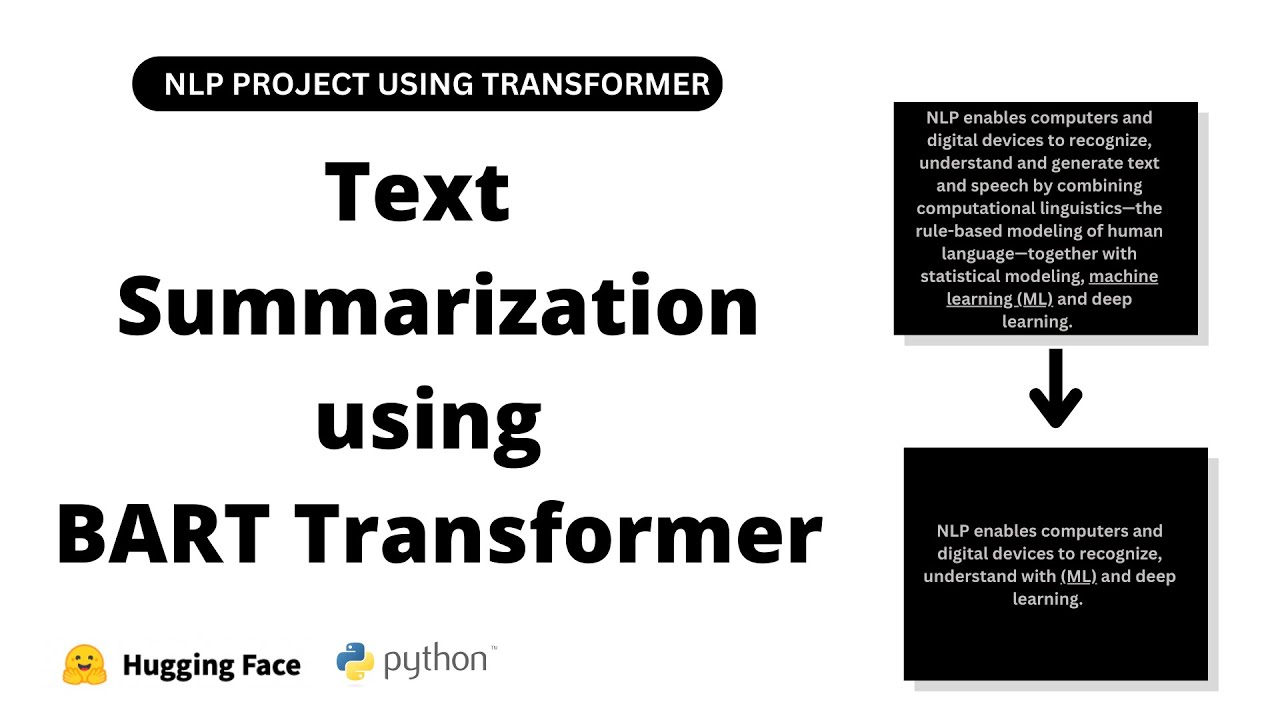
hello coders I welcome you all in this video we are going to discuss our next NLP project natural language processing project automated text summarization using NLP in the NLP Journey this project holds its own importance now let's begin with a simple introduction to our project imagine you have watched a long movie and someone asked you what it's about instead of recounting every scene and detail you would likely summarize it by highlighting the main plot point key characters and significant events right this summary gives others a quick overview of the movies storyline without needing to watch the whole thing Tex summarization Works similarly Tex summarization is like telling someone the main points of a story or a book without going into all the details it's about capturing the key ideas and presenting them in a shorter and more condensed form making it easier for people to understand the main message without reading the end entire text applications of teex summarization text summarization with NLP finds applications in news document email summarization social media monitoring content curation legal analysis Education customer feedback analysis medical records and meeting summaries now let's move on in NLP there are two types of tech summarization that we can Implement extractive Tex summarization and abstractive tex summarization now let's first discuss extractive text summarization in extractive text summarization the summary is created by selecting an extracting important sentences or phrases directly from the original text without any modification I am repeating in extractive text summarization the summary is created by selecting and extracting important sentences or phrases directly from the original text without any modification now let's discuss abstractive text summarization in abstractive text summarization the model generates a summary by understanding the original text and paraphrasing it in a concise manner possibly using new words or sentence structures I am repeating abstractive text summarization in abstractive text summarization the model generates a summary by understanding the original text and paraphrasing it in a concise manner possibly using new words or sentence structures as you can see here I have implemented two guis one for extractive text summarization and another four abstractive text summarization now let's use our first GUI that you can see over here for extractive text summarization let's input text inside the text input so this is our text input and here we will see the output after extractive text summarization we can also select number of sentences that we want in extractive text summarization so here the text let me copy this and let me paste it over here we want three sentences in extractive text summarization so that's why here I have selected three now let's press this button summarize as you can see the output consists of three sentences because we have selected three here you can select as per your requirement please remember this GUI performs extractive text iation meaning it internally identifies important sentences based on their scores don't you worry we are going to implement this shortly and here it directly prints the top three sentences because here we have selected three from our paragraph without any modification based on their scores so as we discussed in extractive text summarization the summary is created by selecting and extracting important sentences or phrases directly from the original text without any modification now let's use our second GUI let me close this as you can see this is our second GUI which performs abstractive text summarization using a Transformer let's input the same paragraph and let's press this button summarize as you can see here the abstractive text summary please remember these sentences are not directly taken from the original text so as we discussed in abstractive text summarization the model generates a summary by understanding the original text and paraphrasing it in a concise manner that you can see over here possibly using new words or sentence structures like cat GPT don't you worry we are going to implement this both abstractive text summarization and abstractive text summarization and let's write code for extractive and abstractive text summarization now let's jump to jup notebook and let's write code for abstractive and abstractive text summarization now let's start with abstractive text summarization first then we will discuss abstractive text summarization using Transformer so in this first method extractive text summarization we will use sentence importance to generate the extractive summary of the input text first we will tokenize the text and identify the occurrence of important words then we will calculate the importance of each word next we will assign weights two sentences based on the sum of the important scores of their words finally we will rank the sentences and select top and sentences from the text body to form the summary don't you worry shortly you will understand everything now let me copy this text and let me paste it over here so imagine you have a big chunk of text that you can see here like a long story or article and you want to make it short water while keeping all the important parts that's what we are going to do here we start by putting the long text into a variable called text that you can see over here and here is the text that I wrote which we will use for text summarization and I have stored it in the variable text that you can see over here now let's execute this cell now first let's count the characters in our text using this length function as you can see the number of characters in our text so now let's import libraries that we require we will import others when they are needed so first we require Spacey also from spacy do l do. toore words let's import Stoppers and also from string let's import punctuation let's execute this cell so we are going to use these two libraries for text cleaning now let's import the small sized English model from Spacey so we have to write Spacey do load and here Encore core uncore webcore smm and let's assign it to one variable NLP is equal to this statement let's execute the cell so now let's apply the loaded pre-train model to our text stored in the text variable this one so here we have to use this instance NLP that just we have created this one and let's apply this pre-rain model to our text this one that we have stored in this text variable and let's create one variable with name doc let's execute this cell now let's write code for tokenization and removing Stoppers from our text this one so here I'm going to use list comprehension so for token in Doc first let's print token dot text we are extracting text from the token and let's convert into lower case so here we are printing lower case version of the token if token do isore stop so print the token if it is not a stop word and not token do eore n c print the token if it is not a punctuation mark also token do text not equal to new line let me assign it to one variable tokens is equal to this statement let's format it out so this code performs tokenization and removes stop wordss from the processed text so we first process the text using loaded Spacey language model here which we have stored in the separate variable doc then we iterate over each token in the document that you can see over here for each token we check if it is not a stop word not a punctuation mark and not a new line character if the token mees these three conditions we convert it to a lower case and add it to the tokens list this one so this process effectively filters out common words like the or is punctuation marks and new line characters from the text leaving us with a list of meaningful words only let's execute this cell let's check as you can see over here our claim text without stop word without punctuation mark and without new line character that you can see here so this is the first Way by that we can perform tokenization and text cleaning so now let's discuss alternative approach to removing stop first and punctuation using posos tagging part of spee tagging let me write the code first then we will discuss so let me create one empty list and also list of Stoppers that we have imported over here this one stop words and let me assign it to one variable stop words is equal to this statement allowed underscore EOS so we want only this tag now for token in Doc if token. text in stop first or token.
text in punctuation that we have already imported this one from string then continue if token. eore in allowed _ EOS this one then tokens 1 do upend token do text let's execute this cell let's check as you can see over here our clean text so as you can see here alternative approach to removing stop words and punctuation using posos tagging so as you can see here we initialize an empty list named tokens one to store the filter tokens here we have created a list of stockers using the the predefined set of stockers from Spacey that we have already imported and here you can see another list of allowed EOS txts including adjectives proper nouns verbs and nouns and here we iterate over each token in the processed document Doc and as you can see here if the token is in the list of stop or is a punctuation mark we skip it using this continue statement and here you can see another if statement if the tokens POS tag is in the list of allowed POS tag this one we append it to the tokens one list this one so this is alternative approach for removing stop first and punctuation now let's move on so as you know currently we are performing extractive text summarization so our main goal is to find the sentences that have the most important words in them by focusing on sentences with the keywords appearing most often we create a summary that captures the main ideas of the original text so let's get started so let's calculate the frequency of each word in the list of tokens using the counter class from the collections module so first we have to import from collections let's import counter let's execute this cell now let's calculate word frequency so counter and here we have to pass tokens so currently we are considering this code you can consider this or this anyone let's execute this cell as you can see over here python dictionary as you can see here this particular word kindness occurs five times power occurs three times likewise that you can see right here so we have successfully calculated word frequency and let's assign it to one variable worldcore fq is equal to this statement you can give any other name as well let's execute this s so please remember the counter class is a convenient tool for counting the frequency of elements in a list or any itable as we have seen this line of code creates a dictionary called word uncore frequency that stores the frequency of each word in the list of tokens right this one that you can see over here and as can see we have utilized the counter class from the collections module to efficiently count the occurrence that you can see here as you can see here this particular dictionary word underscore frequency contains each unique word from the tokens list as a key that you can see over here with its corresponding value being the number of times it appears in the list as you can see here e value pair word and number of times it appears in the list that you can see here now let's find maximum frequency so max worldcore frequency do values we want to find maximum values from values and here maxcore frequency is equal to this statement let's execute this let's check as you can see here maximum value is five that you can see over here this one so now let's normalize these values for that let me write four word in word uncore frequency. keys and word underscore Frequency Word as a key and word underscore frequency and the word divided by maxcore frequency now let's check as you can see here normalized value so as you can see here this Loop iterates through each word in the word frequency dictionary keys and normalize the frequency of each words by dividing it by the maximum frequency in our case five so this normalization process scales all the word frequencies to be between 0o and one that you can see over here ensuring that the most frequent word has a normalized frequency of one that you can see over here and while less frequent words have a lower values that you can see over here so just here we have performed normalization nothing else now let's move on now let's perform sentence tokenization so for that I'm going to use list comprehension so for sent in Doc dot sense and let's extract sentence text let's assign it to one variable sentore token is equal to this statement let's execute this C let's check as you can see here this is our first sentence this is second one likewise as you can see here now this sentore token is a list where each element represents a sentence from the original text that you can see over here now let's write logic to calculate sentence scores based on word frequencies so for that sent underscore score dictionary so here I'm creating one empty dictionary so for sent in sent underscore token let's print word from each sentences because we are going to calculate sentence scores based on the word frequencies so that's why here we are extracting word from the sentences in sent do split let's check word let's execute this cell as you can see here words from sentences now let's Implement our actual logic to calculate sentence score based on the word frequencies so here let me write if word do lower in word uncore frequency is so here we are checking word underscore frequency is this one so if sentence not in sentore score do keys in this particular dictionary if sentence not in sentence score Keys means if sentence is not available as a key in this particular dictionary then let's use this dictionary and sent and also word underscore frequency and word else sent underscore score sent plus equal to word underscore frequency underscore word so here we are extracting word frequency for this particular sentence so in this case our sentence become key in this particular dictionary and word weightage this one that we have normalized will become values so now let me explain you this scod so as you know this line initialize an empty dictionary named sentore score which will store the scores of each sentence now this line This Loop iterates over each sentence in the scent token list which contains the individual sentences from the text this one right that just we have created now this line for word in sent.
Split this nested Loop splits each sentence into individual words and it rates over them now this if statement if word. lower in word frequency. ke so this condition checks if the lowercase version of the word exist as a key in the word frequency dictionary this one ensuring that we are only considering the words that have a frequencies calculated now next if statement if sent not in sentore score.
Keys this condition checks if the current sentence is already in the send score dictionary as a key then it will execute this statement so if the sentence is not in sentore score dictionary this line creates a new entry in the dictionary with the sentence as the key and assigns the frequency of the word as its score else this one if the sentence is already in the sentore score dictionary this line increments it score by adding the frequency of the current word by end of this process sentore score dictionary will contain the score for each sentence in the text calculated based on the frequency of the words within each sentence let's execute this cell and now let's check this dictionary let me copy this and let me paste it over here let's execute this c as you can see over here score for each sentence that you can see over here now let me show you properly let's create pandas data FR so import pandas s PD and pd. data frame list our dictionary sentore score do items and columns as sentence and here another column score let's execute this same as you can see over here sentence and score so as you can see we have successfully calculated sentence score based on word frequencies that that you can see over here this is first sentence with score this is second sentence with score likewise that you can see over here now let's move on as you know currently we are performing extractive text summarization so let's select the top scoring sentences based on their scores calculated here that you can see over here we are going to select top scoring sentences as per their score this one so for that let me import from HQ let UT and largest let's execute this Cent now here let me create number of sentences three you can select any and let's use n largest first argument number of sentences that we want to select s percent underscore score and here key sentore score. get let's execute this as you can see over here top three sentences based on their score that you can see over here as you can see here small acts of kindness as you can see here having the highest score 3.
6 this our second sentence from Grass Roots is one having the second highest score 3. 2 and whether it's a smile to a stranger is one that you can see over here as you can see here three sentences with similar score 3. 0 3.
0 and 3.