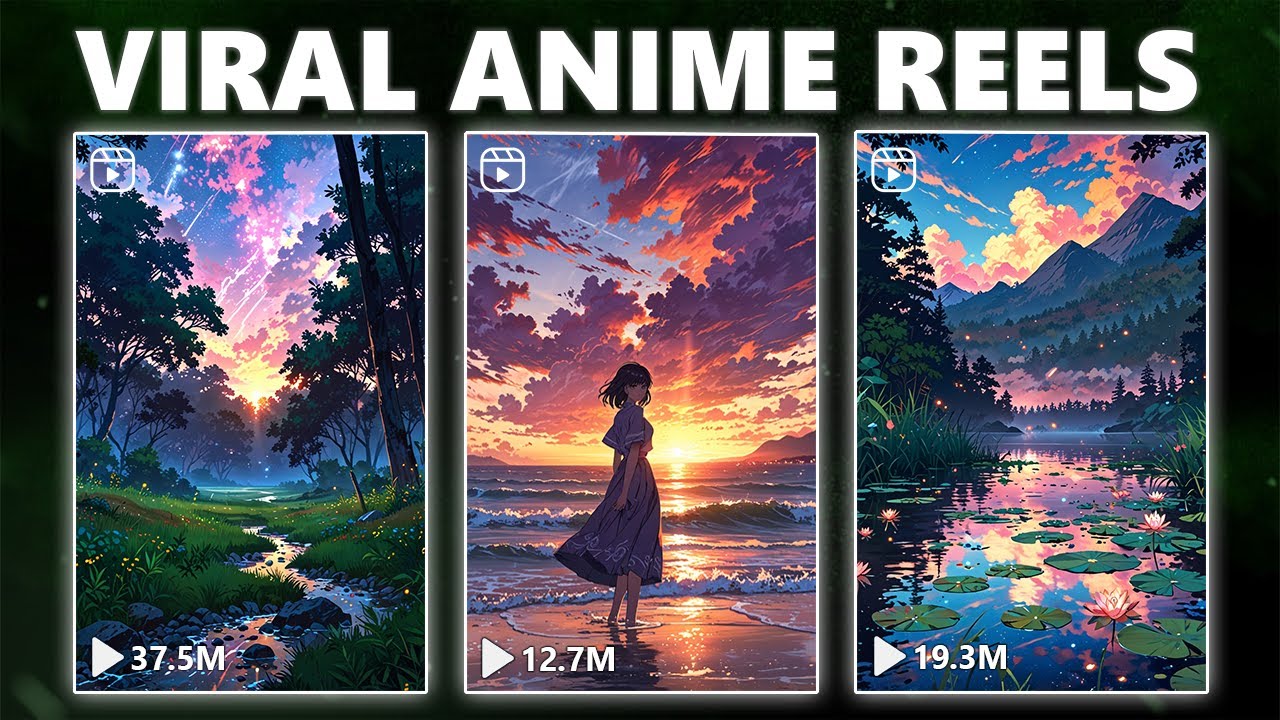
take a glimpse at these content creators thriving on platforms like Instagram and Tik Tok racking up hundreds of thousands if not millions of views on their short videos it's astounding how these videos which often take just 5 minutes to create can generate such immense engagement Can you estimate their monthly earnings pause the video drop your guess in the comments and I'll pin the correct answer we're talking about earnings ranging from 10 to $330,000 monthly depending on how they monetize their channels but what if I told you that you could churn out 1,000 of these viral
short clips in just 20 minutes and what's more you could monetize your social media accounts to the extent of retiring comfortably from home in this video I'll not only reveal the secrets to creating an abundance of viral short clips but also how to efficiently scale your brand and swiftly monetize these channels we'll delve into a clandestine method for scheduling posts across platforms with a single click I've personally employed this method for nearly all my social media businesses and the results are mind-blowing you're tuning in to how to Ai and before we Dive In I've prepared
an AI tool cheat sheet featuring over 200 tools categorized by their best use cases in pricing it's completely free so grab it from the description below we'll leverage two AI tools to streamline the process of creating shorts and automate it seamlessly our primary tool chat GPT and fret not you won't need the premium version I've ensured that this method is accessible to anyone irrespective of financial constraints educational background or prior knowledge in online business let's get started after creating an account and loog logging in you'll see a page that looks a bit like the one
shown in the video however if you are using a free account you may not see the plus icon which is visible only but don't worry you still have access to it our goal is to ask chat GPT to generate 50 sets of facts covering a variety of topics such as psychology motivation relationships boyfriend and girlfriend topics and productivity to create a variety of content the main goal is to find topics that are easily relatable and especially sharable since many of these platforms promote content that people share with each other the transaction you will use should
be improved through experiments because the secret of these AI tools is that when you enter a complete transaction you will get the desired result or the closest one this may require testing and modifications after entering the transaction simply click Send message and let chat GPT generate the facts so let's have the First Column for the different types of facts and the second column for the starting point you can adjust this number to your needs but avoid choosing too many to create more facts simply run the copy command and generate 20 more transactions with the same
specifications without repeating previous transactions this method allows you not to worry about producing duplicate videos now let's start with these 20 transactions and move on to the next step this is a method that allows you to automate the entire editing process so that you can create a large number of videos first we need to copy the entire table and go to the next tool only a few changes are needed to create 50 videos in no time let's visit canva.com if you haven't already signed up for a free account after logging in you'll see a screen
that looks like this without problem canva is an online design tool that allows you to create a variety of Graphics including videos images animations and more this tool allows users to create creative designs without the need for technical Graphics knowledge using canva you can create attractive short videos using various templates images text and effects also canva provides tools for adjusting and timing text audio and visual effects and even the ability to create videos using input data to create 50 short videos in canva you can use the bulk create feature which allows you to automatically add
a variety of content to different video layouts this feature allows you to quickly create a large number of short videos using different data or sentences short videos are short videos that are shared on social platforms like YouTube Instagram and Tik Tok these videos are usually designed specifically to grab quick attention and increase engagement with your audience in short videos the use of text Dynamic images and attractive effects can help attract attention and establish a connection with the audience let's select the video and proceed if you come across videos with a crown icon meaning they require
canva Pro you'll need to set up a free trial for the pro version this will also be needed for the bulk creation tool a great tip here is to start the trial and then cancel it immediately you'll get one month for free even if you cancel it directly many videos have crowns because they may not be accessible without activating the trial however if you haven't activated the free trial you'll find videos like the one we're using that are free to use they might not look as good but it doesn't matter too much for this video
anyway always choose a video that works well as an ambient background and won't distract viewers from the text to use a video Simply click on it and expand it to the edge of your editing window making it the background for your project this is what we want to achieve release the mouse cursor to apply it as a background video now the next step is creating the text overlay first let's adjust the video duration to about 5 to 6 seconds because longer videos than that might not be engaging enough for these short form platforms just drag
the video down here to around the 6sec mark next remove any background noise or music from the video click on the video locate the volume icon up here in the top right corner and drag the volume all the way down to mute it now let's add text before connecting it to our data for automated video creation go to the text section add a header and select your desired text style it'll get automatically placed on the canvas this text is for the topic replace the existing text with topic and move it to your desired location now
let's style the text double click on the text to select it all click on color at the top and change it to White add a background by clicking on effects and then selecting background it usually defaults to black but if not just scroll down and choose black this will be your topic text at the top of the video so just go ahead and write topic for now if you prefer you can also change the font feel free to choose any font that suits your preferences if you're on the prot trial you can even upload your
own fonts or explore the Google font library for a wide selection or branding now let's change the timing for when our two sets of text appear in our video we don't want both part one and part two to display at the same time to manage this rightclick on part one and select Showtime in this will bring up a timeline view at the bottom allowing you to adjust when each part of the text appears for a 6-second video it's a good idea to have part one displayed for most of the video's duration and then have part
two appear for a shorter period this encourages viewers to re-watch the video leading to longer retention and higher watch rates which is super important in order to make your video go viral you can set part one to show say for 3 and 1/2 seconds which you can also adjust as need did and do the same for part two having it appear at 3 and 1/2 seconds into the video now we're finally at the exciting part not many people know of this feature on canva and it's called bulk create it's time to link our text with
the data which we'll be using the tool for click on apps at the bottom left of your screen and you should find the tool there if not you can also use the search bar to find it and that's it friends an exciting and feature-filled journey into the world of short videos with canva I hope this this tutorial has helped you create engaging and engaging videos with the right Tools in creativity now that you've learned the techniques for making short videos with canva let's talk a little about the importance of views on social platforms short videos
such as Tik Tok and Instagram are one of the most effective ways to attract audience attention and increase brand recognition also high views on these videos indicate more audience engagement with your content and increase your brand as a creative and business it is very important to be able to provide valuable and engaging content that grabs the attention of your audience and increases your views and interactions on social platforms so from now on make your own short videos with your confidence and creativity and wait for more views and more success in the digital world thank you
for spending your precious time watching this video we'll see you in your next videos which will be full of your creativity and positive energy