[Music] hello this year girl facade welcome back to my youtube channel make sure you like and subscribe make sure you click that notification button so you know exactly when i'm uploading new content i have a little bit of time so i figured i let me bang out like a video or two so this video is going to be me creating a top and sneakers to go with it and this is for the men's clothing section not the women's but anybody can create these things anybody can do this this is simple and easy so let's get
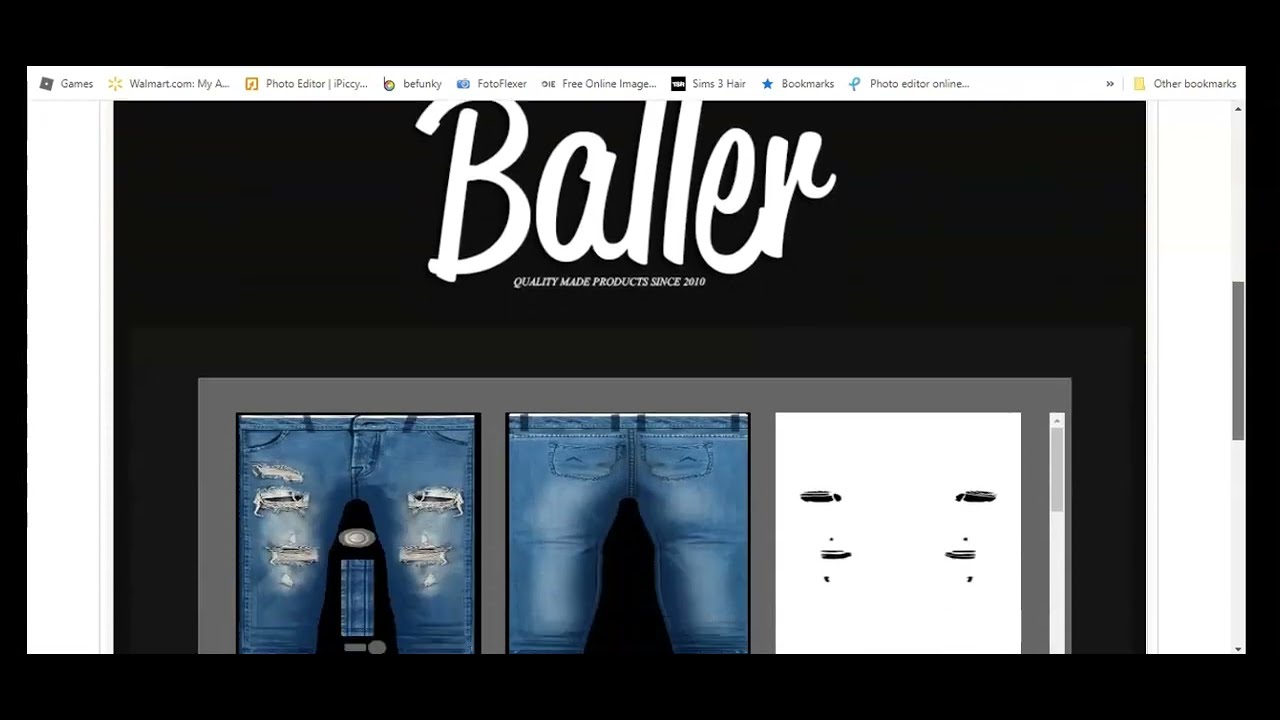
started make sure you have your open up if you use photoshop have that opened up i don't use photoshop so i don't know anything about photoshop i'm using which is completely free but if photoshop works for you then use photoshop let's get started the creator i'm using is from baller i like ballers clothes ballers clothes is very tomboy-ish just just you know like just something that i like here goes the product id number which is at the bottom you guys can see i'm going to leave it there for a little bit you scroll back up
this is a hoodie and it has about four parts to it so i downloaded this part this part this part and the part at the bottom so all the blue pieces and you can save it as whatever you want to save it as and open it up and and let's get to the sneakers so for the sneakers section i [Music] like these type of chunky sneakers i've always been a fan of these it's two parts to download as you can see and i will scroll down to the derive from product you can click on derive
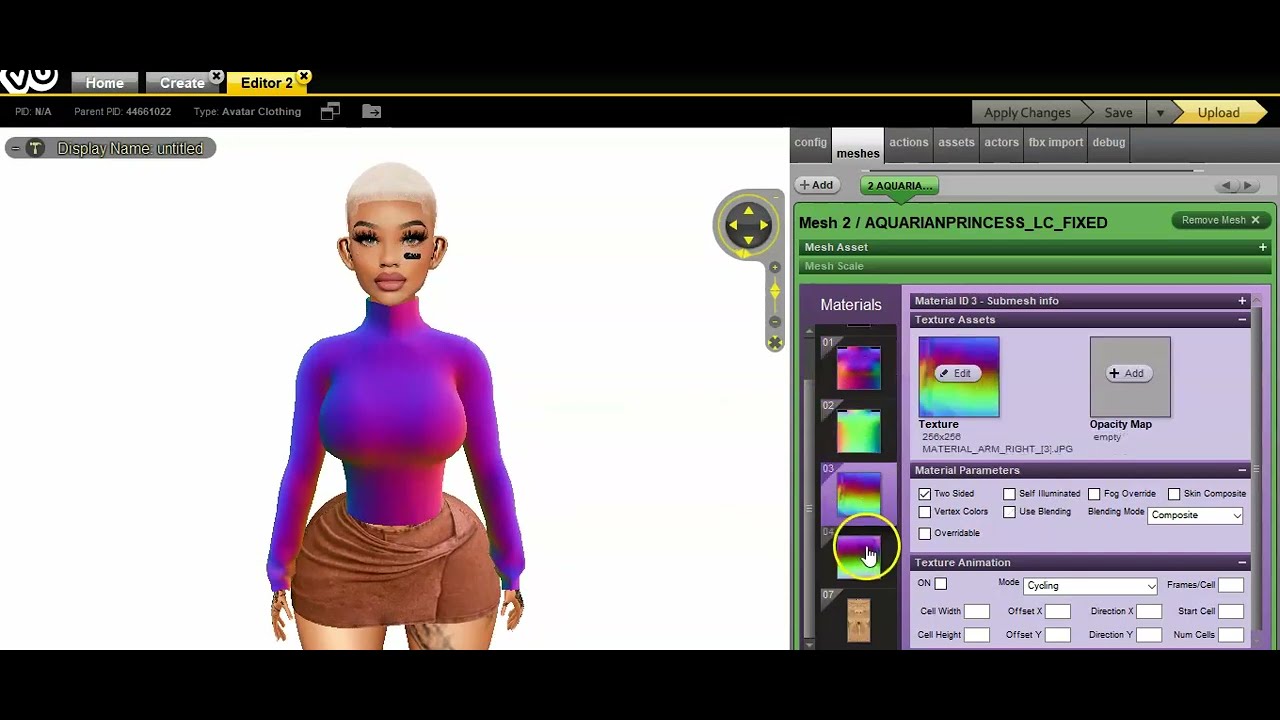
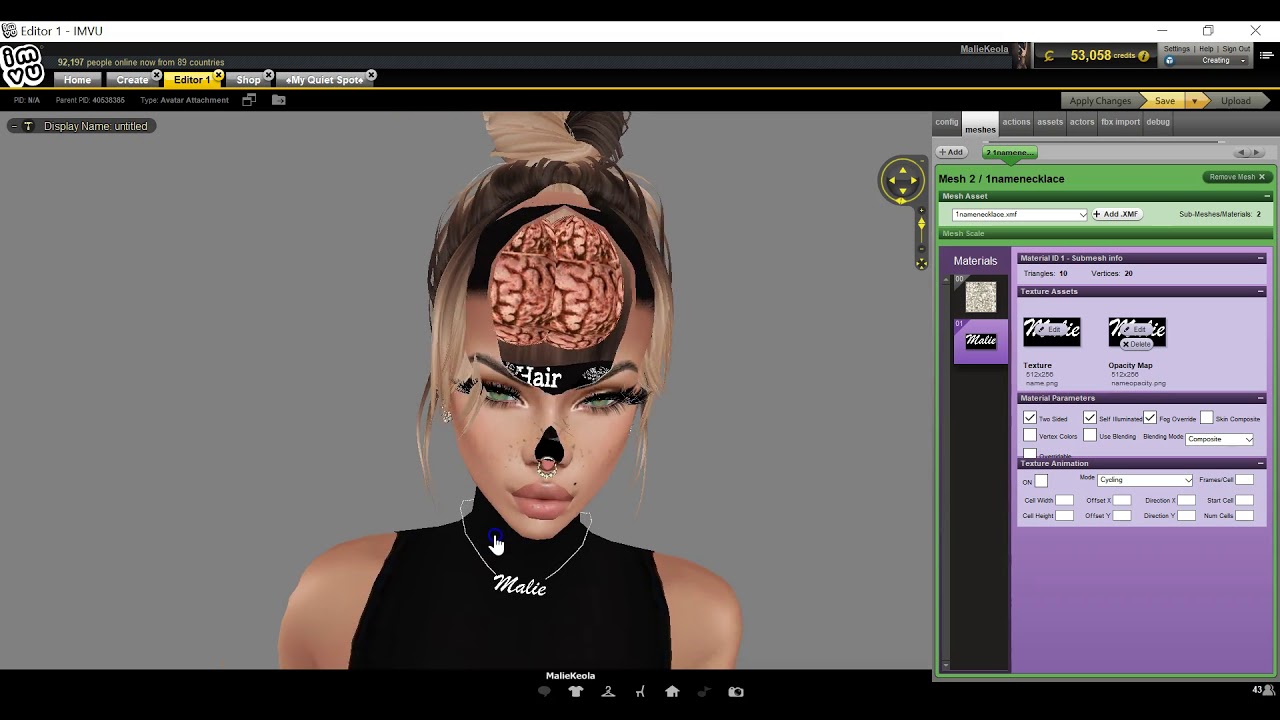
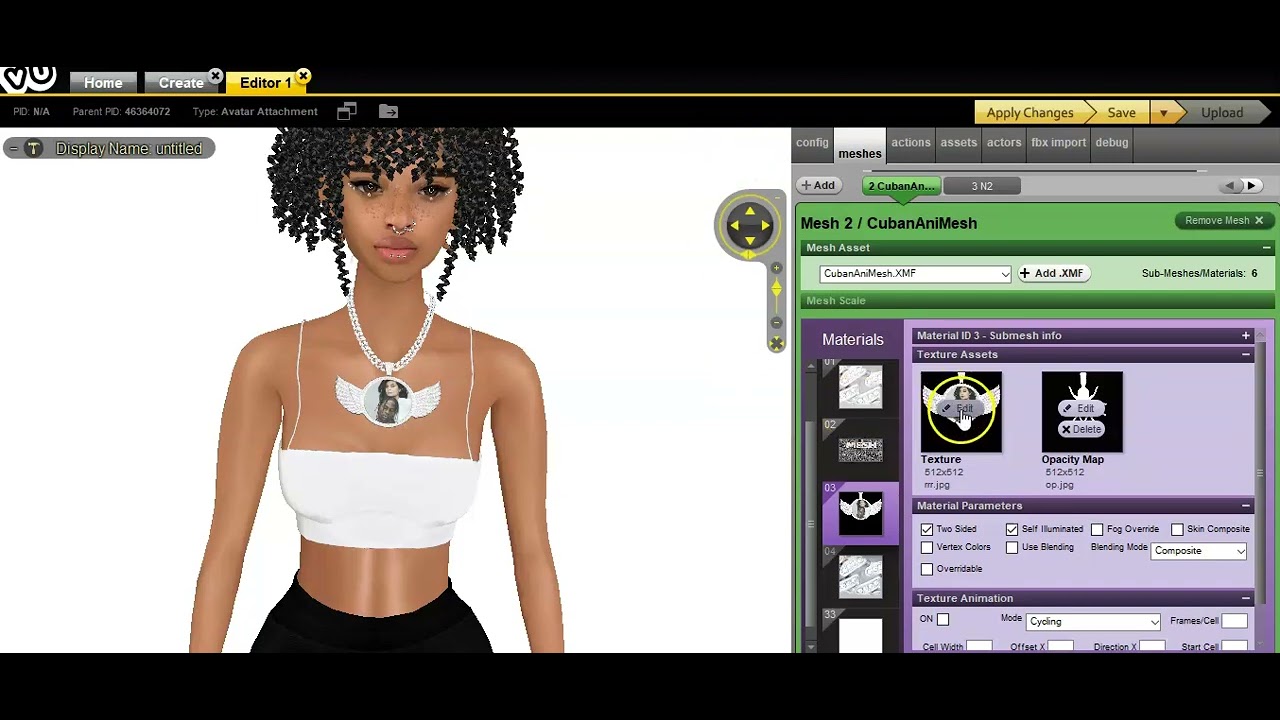
from product which is much easier or you can copy the product id number now let's go into vu and open those up so we can see exactly what it looks like before we do anything to it so this is what the hoodie looks like now it could be a extreme for some people i don't really care for the mouth part of it so anything i'm just going to get rid of that if you want to get rid of that part you can click on the opacity map part and put that as black and that should
get rid of it sometimes you have to click use blending as well but for the most part sometimes you don't have to click use blending you could just put black space here and it will get rid of the mouth part of whatever piece that is all right let's go to the sneakers part so this is what the sneakers looks like i actually like these sneakers a lot i really do like them they're actually my favorite part of this texture okay so let's go into and open that up i have everything opened up in so now
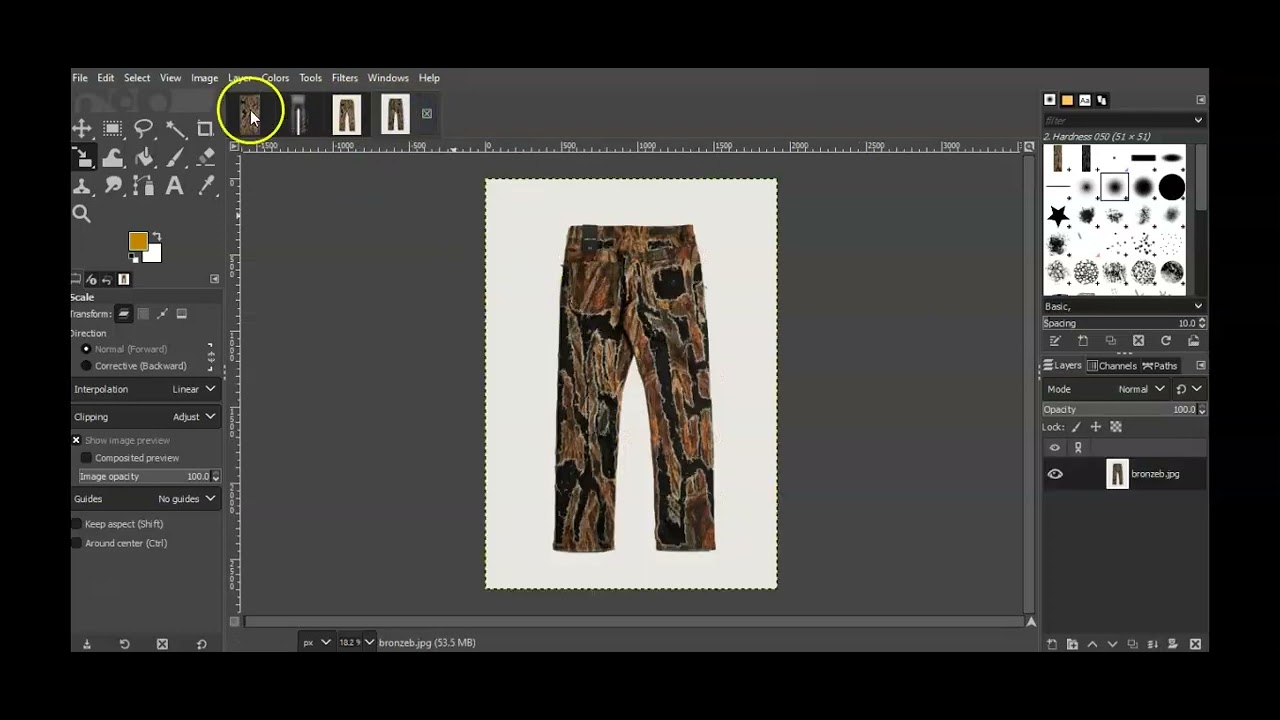
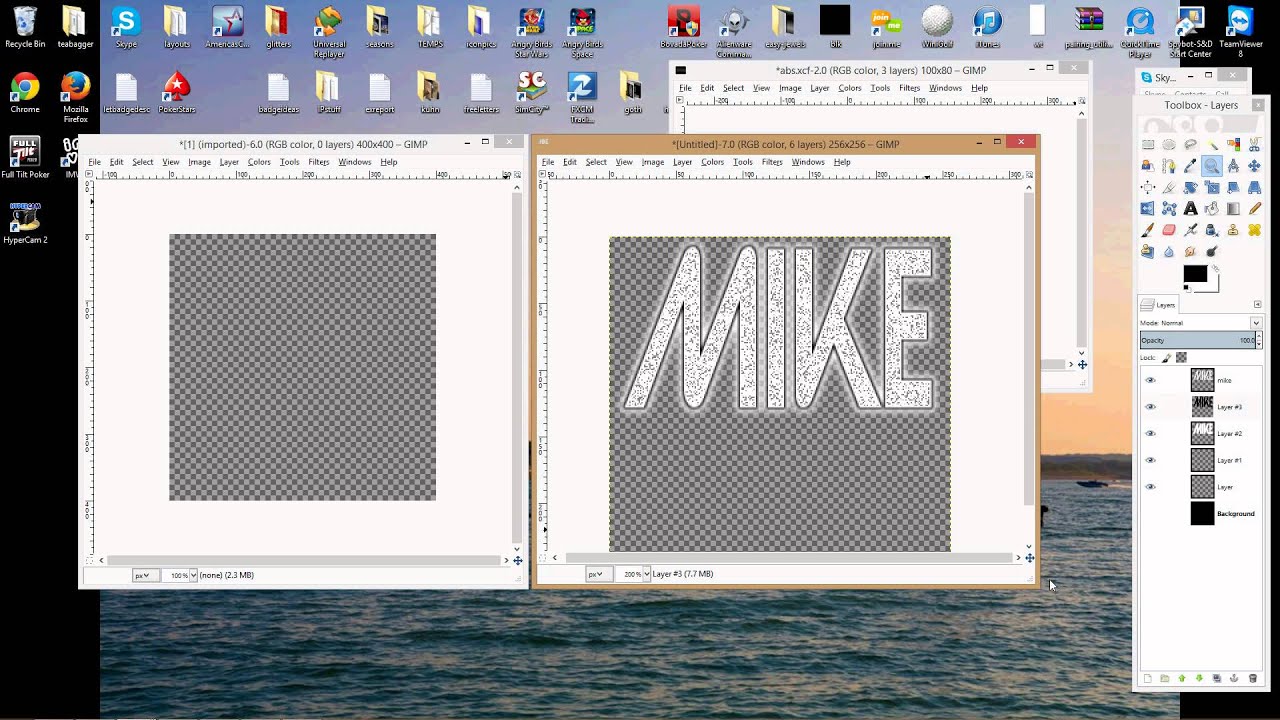
i'm going to do the usual which is sometimes i recolor this before i do this but you could do it before or after so what i would do is new layer okay and i'm going to do a new layer for every one of these pieces i decided i changed my mind i'm going to keep the mask i think it looks a little bit better than without it so this is the mask part layer this and we're going to new layer this all right so now that that's settled i can recolor this i'm going to click
on this always remember what you have yours focused on if it's focused on this it's not going to do anything it's not going to change the color so don't freak out and be like oh i thought i changed the color sometimes i used to freak out and be like oh my gosh goodness i thought i changed the color and the next thing you know it was because this was clicked and not this so i'm going to let's see you chroma it's my favorite thing to use and i'm going to make it gray and i'm going
to do the same for all of these but in order to do that remember to click at the bottom okay click the bottom to have that focus filters repeat you don't have to do anything different just filters repeat everything use repeat let me see what it looks like when i do this because sometimes you have to make it gray yourself filters repeat okay so that's gray all right that's not bad um let me see what this looks like let me do this it's not giving me what i want it to give so i'm going to
undo that edit undo and i'm going to gray it out myself doing colors hue chroma and hopefully it works let me darken it some let's see if that works does that look similar all right so the grays look sort of similar let me check it out and mine needs to be darkened a little bit more so i'm going to undo that again and i'm going to try it again colors you chroma sometimes you got to do it again lightness let me see what that looks like that's much better that looks completely similar that's actually not
bad so do i know exactly what texture i'm going to use no i don't i'm going to be playing with some textures to see i'm going to click back on the layer part i'm going to click back on the layer part on that layer part here here laying part here okay so now i'm going to figure out what type of textures i want to use i did say i wanted to use african textures but first i need to look to see what type of textures they have in google so open your google as you can
see i typed in african pattern textures in google to see what i got i actually like this this is kind of cool um this is kind of retro for me i like retro looks too but i love the african patterns i think they're amazing i like a lot of these things actually i might not be able to choose from all of them but i can choose something that's unique and different i want to make sure it actually works though and when you're picking out textures you want to make sure it doesn't have any backgrounds to
it as you can see a lot of the license things have the names on it in the background which is a watermark as you can see the watermarks very visible you don't want that this is actually nice i actually love this um so i'm gonna do a unique approach things but i'm gonna look super further i'm i'm probably not gonna show you guys what i downloaded yet i'm probably gonna wait until i show the product but oh i like this i actually like that that's that's a cool color okay i think i see some stuff
i like i'm gonna download a couple of these and we're gonna see what works and what doesn't work i found a bunch of textures that i liked let's see different ones i actually really like that one i really really really like this one you know what let me just try this one so it's snake now that would be really weird for a hoodie but i can make it work well i'm gonna try to make it work and see what it looks like so i'm going to do the same for here another layer if it works
that's good i'll keep it if it doesn't then back to drawing board repeat the same steps i'm going to do the same for here file open this layer okay so for this i'm going to layer merge down i'm going to do the same for here layer merge down layer merge down layer merge down and layer merge down now on the right hand side i'm going to play with the opacity map just just scaling it up just like that the texture is so good already that you don't need to play with the opacity too much so
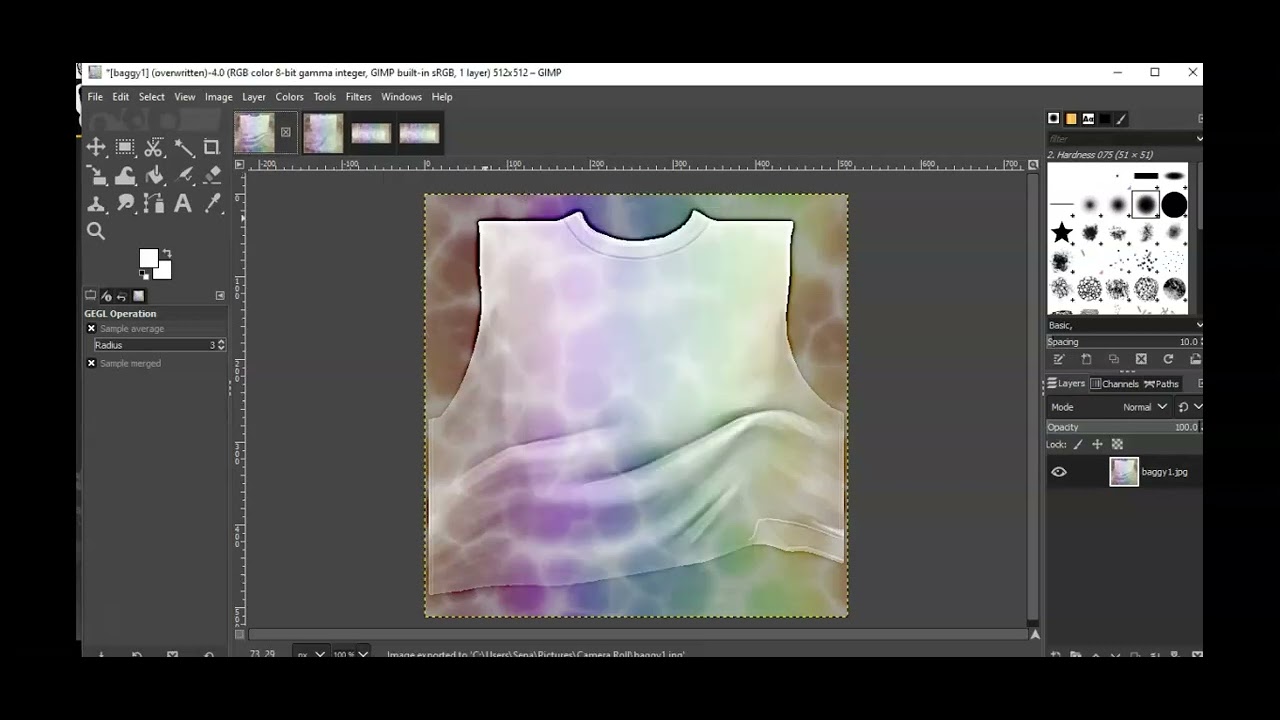
i'm going to do 10.8 for all of them do 10.8 for all of them 10.8 it's actually not bad looking okay so i'm going to merge it down i'm going to do the same for all of them merge it down layer merge down layer merge down layer merge down and now it's about sharpening so i'm going to go to filters enhance and then i'm going to sharpen it see how sharpen it let's see how much sharpening it needs okay that's too much you don't want to do it too much to where you're getting rid of
the wrinkles you don't want to do it too much i'm just going to press ok for that and i'm going to do filters repeat sharpen filters repeat sharpen filters repeat sharpen filters repeat sharpen and now i'm going to save it so i'm going to overwrite the hoodie i just want to see what it looks like it doesn't mean i'm going to put this in my shop unless i fall in love with it i just want to see exactly what it looks like remember if you mess up you can always undo everything and start from fresh
and that's okay because it happens to the best of us it's part of learning sometimes you have to export which is fine that's a normal thing i think i've done it to all of them and now let's go into bu to see what it looks like okay we're back in the vu i'm gonna do the sleeves there's some sleeves you can kind of tell what's asleep and what's not to sleep oh and sometimes i i've made this mistake plenty of times to where the file is too big on view and they're gonna want you to
resize it so do not get rid of any of your work until you know that you're able to upload because i made that mistake so many times and i got rid of my work put in the trash and then yeah and deleted it from the trash and cannot get it back and i was not about to do all that extra stuff just to get it back no okay i'm going to press apply changes okay that's not bad looking and it looks legit and i like it and nobody's really doing like who's doing a snakeskin hoodie
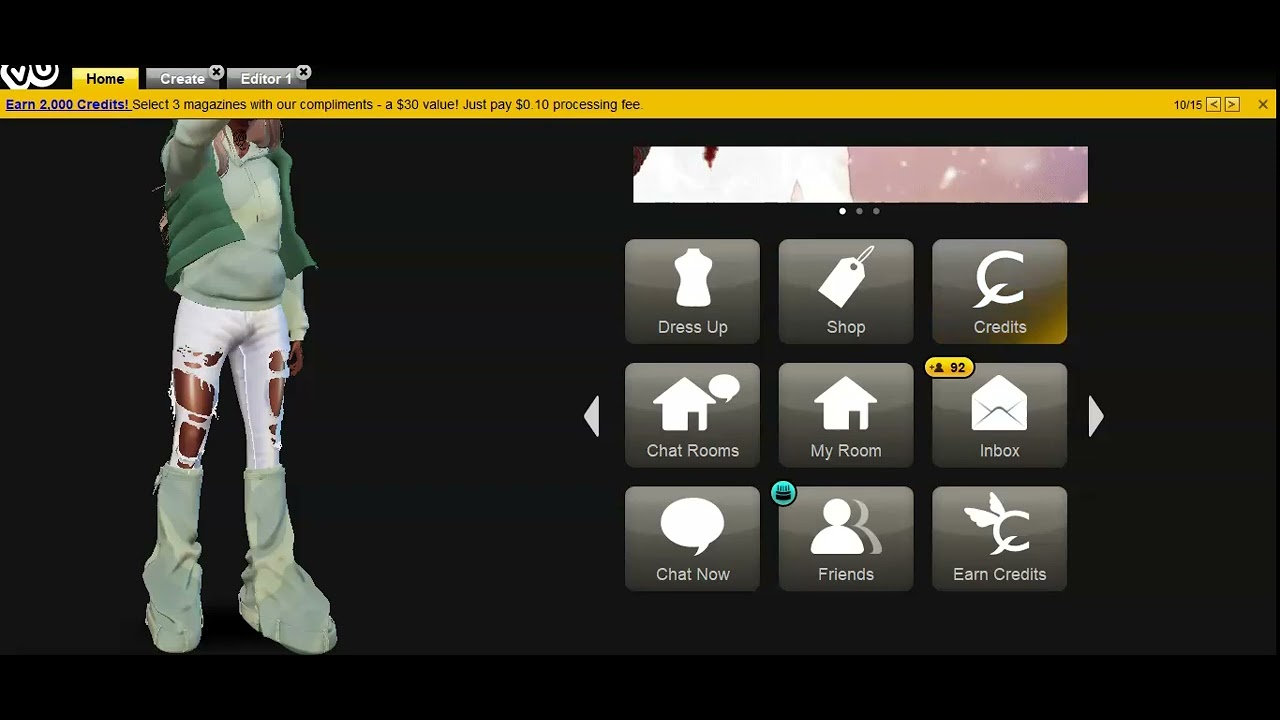
it's it ain't being done okay i actually really really like it a lot and i think i will put this in my shop i really will and i'll probably put a logo in the middle if i feel like it or a logo on the back of the hoodie but maybe a snake of some sort i don't know if i decide to do that if i decide to put that in my shop but i actually really like it now let's go and see how the sneakers look now keep in mind i did not change the color
of this just the straps and stuff i didn't change the color of that but i did change the color of the sneakers so we're only going to look to see what the sneakers look like and apply changes okay i love that i love it i love it it's not being done y'all it's not being done but i am happy with the product obviously i'm not finished with the sneakers i'm going to finish the sneakers that's not going to be a problem for me uh i love this i love everything about it i really do i
like it because it's different it i mean it's not really being done but it's different that's why i like it and um yeah but i know that was a kind of a quick tutorial but that's just how you do the basics of things everything does not have to be 100 perfect but make sure it's to your liking um yeah so you can see here it looks i i like it i like it you don't have to like it i like it and if you like your items that's all that matters if you're happy with what
you put out but there are times when we're not happy with what we put out and i know i said i was going to do a separate video on that but i'm going to show you guys something really really quick if you're not happy with the item you can always hide that item and no one will be able to purchase that item yes you will take the loss of not being able to sell the item but you want your shop to look as pretty and perfect as possible and the only way to do that is
hiding the item so let's let me show you guys real quick how to do that you're going to go to create mode and you're going to click on my catalog so you click on an item that you are kind of not too iffy about this is an example i'm not going to actually do that but you click on the i from that and then you scroll down and you easily click the red and that will make your product invisible in the shop so you'll pretty much be all set with that you won't have the product
be invisible no one can buy it no one's going to see how ugly the product is that's it all you do is scroll down click on that and if you feel like you made a mistake you can always go back and click on the green and it'll be back visible in the shop simple simple things these clear jelly slides are doing really well actually i think i made them a couple weeks ago so i'm really proud of myself with that it's getting a lot of tension so with that being said thank you guys for watching
the video make sure you like subscribe um comment down below if you have any questions or concerns and i will get to you asap because that's how i do it although i'm going to be busier this week i still will have time to do certain things thank you and have a nice day

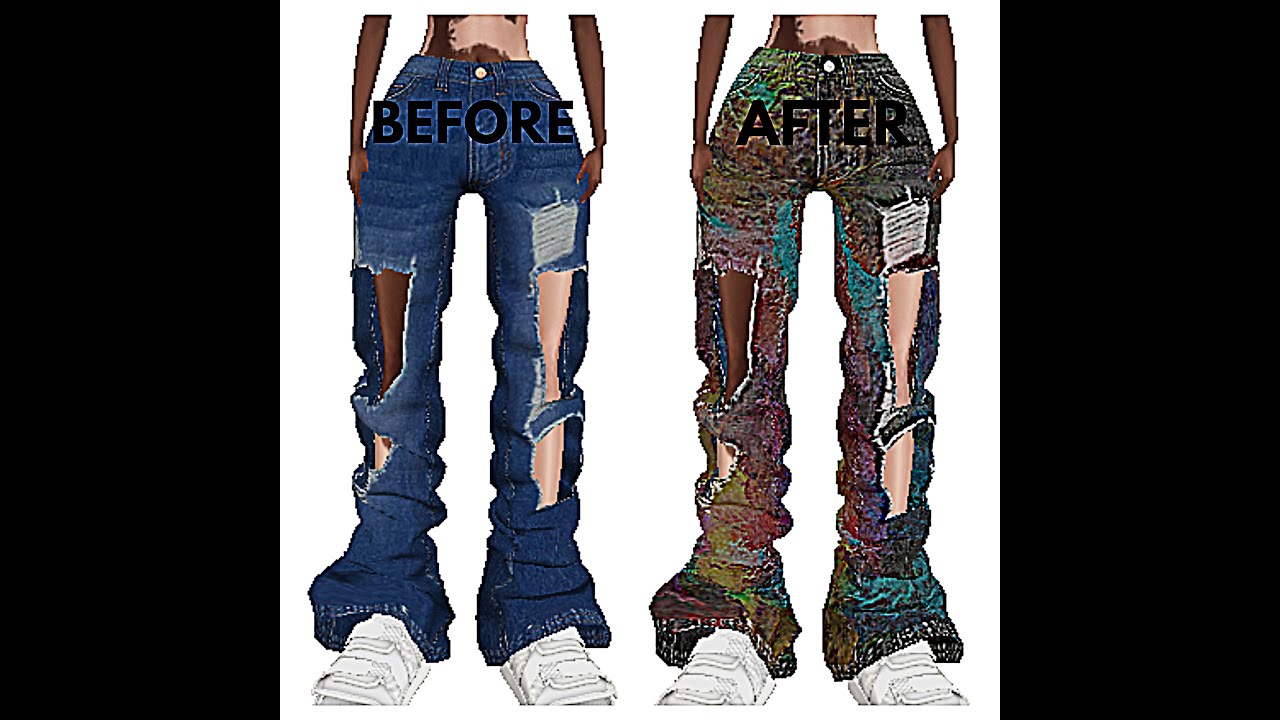
![[Create on IMVU] How to Upload a Product - Tutorial](https://img.youtube.com/vi/a7tJ3V7X2LI/maxresdefault.jpg)
![[CREATE ON IMVU] You Can Become an IMVU Creator! - Tutorial](https://img.youtube.com/vi/YiMqihV0N6w/maxresdefault.jpg)