are you looking to set up your Google my business listing the right way the first time let's jump right in if you want to transform your website into a customer or lead generation machine I'll show you all my best tips tactics and secrets to get their best let's dive in what's up guys West McDowell here for the deep end and if you're not subscribed already be sure to click subscribe so you never miss a video you need to succeed online and you're definitely going to want to access my brand new free mini-course how to guarantee
website ROI just go to the deep end design.com slash roi alright let's jump right in today's topic and that is Google my business listings how to get it set up properly the first time so absolutely every business that operates online or offline should have a Google my business listing if you're local you know if people are searching for your category you definitely want to be able to show up in those map listings or if your business that requires you know word-of-mouth to operate people are talking about you guess what they're gonna do before they call
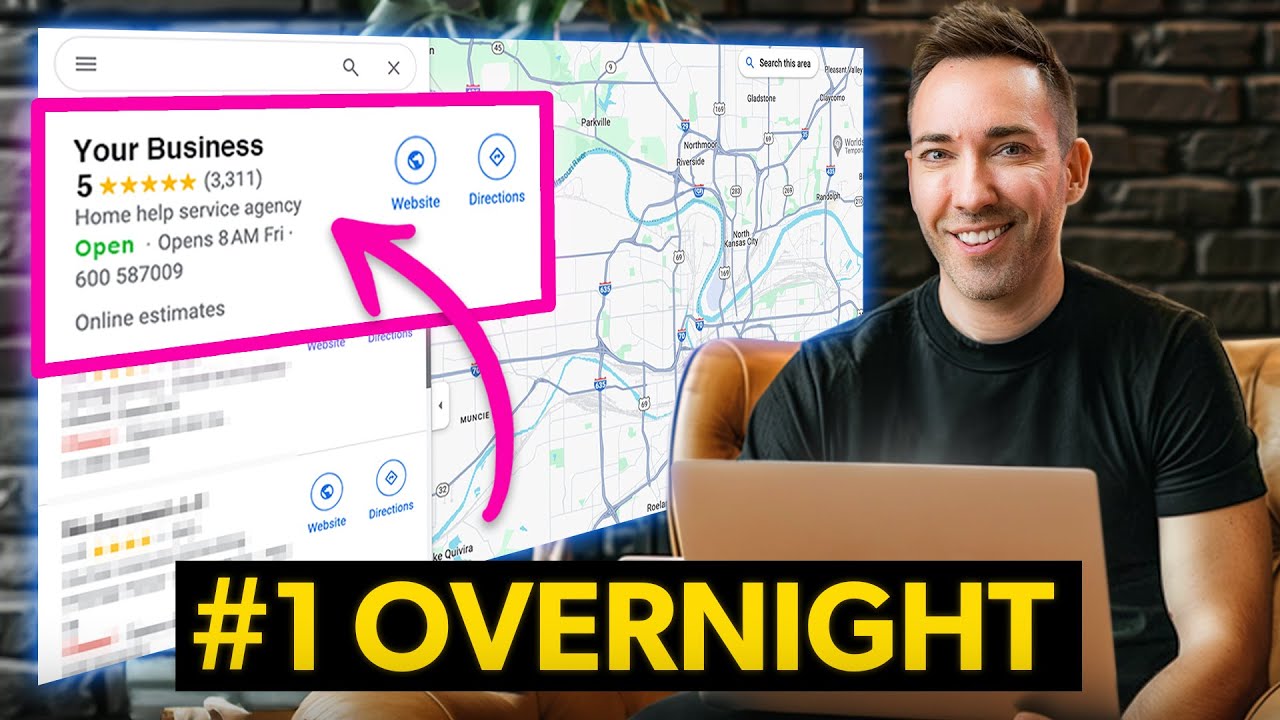
you they're gonna look you up on Google and when you have a Google my business listing you're able to show up very prominently in the right side bar showing reviews ratings a little snippets about the business which makes you look extremely credible so it's very important we get it set up so I'm gonna show you step by step exactly how to do it let's jump over the computer okay so the absolute first step you're gonna want to do is you're going to want to go over to Google and you're gonna want to just verify that
your listing doesn't already exist so you may not have set it up yourself but Google does rely a lot on user-generated information so if you had a customer who was to put you in at some point trying to leave a review it could be there so just make sure it's not so I'm just going to go ahead and do a listing for one of my clients at the moment so I'm just typing in character mapping Portland and if you don't see that big side block over here listing the business then that means it does exist
and if it does there will be a little link there that says claim this listing so that's what you would click to go forward but here in this case it's a brand-new one so we can go over to Google my business so here we are at google.com slash business and this is where you're gonna get set up so one thing to say you do need a Google account in order to move forward here but for this video I'm assuming you have it so let's go ahead and just get signed in okay so the first thing
that's gonna ask you for is the business name and then click Next and now you're just going to put in the street address okay so I filled out the address information and now it's gonna ask you one question here I deliver goods and services to my customers so they want you to check this box only if you don't have people come to your location so let's say you're a plumber or an electrician and you travel out this way there it's not going to publish your address so that confused customers don't come to your house or
to your place of business where they're not actually going to find what they're looking for however if you are a storefront or a business where people do come to you leave this unchecked I'm gonna go ahead and leave it unchecked for now and just click Next okay so now you're going to want to define the business category and it's very important that you get it right so in this case and if you start typing something in it's gonna kind of fill in for you so my first impulse here would be to say acting class but
that doesn't pop up so maybe drama drama school okay so that works basically it has to be something that already is so that they already have defined so you may have to do a little extra homework to figure out what those categories are the most closely matches up with what you do so I mean I've got that going so I'm going to click Next and here you're gonna put in your phone number so let's go ahead and put in a local number for Portland I'm just kind of doing fake information here and then you're gonna
want to put in your website address and then click Next ok so now it's just gonna prompt you to finish so click that to get finished up okay so one last step you what they're gonna want to do to verify your listing is they're actually going to send you a postcard by mail so just fill in your contact name here and then click mail and they will mail it out to you so once you get that postcard in the mail you're just going to follow the simple instructions inside of it there's gonna be a little
verification code just go to the the right address type in the code and you're verified so this is all what I would consider to be kind of the bare minimum setup of a Google my business listing but who cares about bare minimum right we want to do what's gonna take you from here to here so we've got some I've got a few extra things that I want to tell you how to do some are considered best practice some are brand new for 2018 which means your competition is probably not doing these things meaning you can
really rise above so let's take a look at what exactly I'm talking about okay so you're gonna log back into Google my business and here is the dashboard just kind of the home screen for it this is another client of mine so we're gonna go ahead and just kind of go through I'm going to show you the highlights of everything that I want you to pay attention to in here so first things first I want you to go to info and we're gonna go through and make sure everything is filled in here so obviously the
address and one thing to note here that's very important with your address whatever you input into your Google my business listing that is what they call the N AP name address phone number any mention of your company online and we're gonna talk about this for sure in the next video you're gonna need the name of the business the address and the phone number to be exactly the same in as many of those places as possible so for instance we've spelled out Suite 170 so what you wouldn't want to do is on a citation put ste
170 and here we've used Boulevard Blvd as opposed to spelling out Boulevard it's very important that you keep it as close as possible Google really rewards that and they will definitely penalize you in the map listings if these are not consistent so definitely copy it right from here and next we're gonna go to ours so we don't have ours added yet so we're gonna go ahead and click that and just click on everyday you're open let's just say Monday through Friday here and then you're gonna want to fill in the open and close times okay
so open 9:00 to 6:00 everyday you're just gonna click apply next make sure your phone number and your website URL are listed here and one more really important thing or photos so I want you to go and click add photos and you're just gonna add as many photos as possible there's dip there's different categories you've got video videos are really powerful too I would love it if you would add one or two videos you can add interior photos exterior photos at work team members identity so that would be like your logo and branding elements so
as many of these as you can add as possible is going to help you and in the next video I'm going to show you one one way to make these even more powerful by geo-tagging the photos which sounds very technical and complicated I promise it's not and we will get into that more in the next video so next I want you to travel over to the messaging tab and this is really interesting because basically what this allows people to do is when they find you on that that right sidebar they're able to click a button
and message directly with you this is very powerful especially when you consider over half of the people searching or doing it from a mobile device what you should do is enter in your your mobile number so they just it'll text you directly to your mobile number allowing you to get back to them right away in real time and next go up to posts and remember how I said some of these things are brand new for 2018 this is one of them so what it allows you to do is basically add new L knew little posts
to your sidebar listing so and once you click in here to write your post there's different categories so what's new that could be basically a news story an event let's say you're having a wine tasting on Wednesday night in refining the inviting the community over you would do it there click in the event details title start date start time end date and time and then if you have an offer so let's say you're a pizza place and you're having a any pizza for nine dollars special you put it here and you want to use a
nice image how those images are ideally they would be 590 by 445 pixels obviously just be as complete as you can with the listing and one thing to remember is these only are active for seven days so it's not like a set it and forget it thing if you want have if you want something that's kind of more evergreen you're gonna have to set a reminder and keep inputting it every week which is a hassle I know but could definitely be good for some extra business okay so that is what's involved in setting up your
Google my business listing the right way but if you're really trying to rank in those map listings there is more to the story that I'm gonna cover in my very next video which is gonna teach you how to rank in the Google Map 3-pack so if you're not subscribed yet you're definitely going to want to subscribe and click the little bell icon so that you're notified in that video comes out or if you're watching this in the future and the video is already out just click above and it'll take you right to that video and
remember I am just a comment away so if you have any questions or anything to add to this please comment below and as always if there's anything I can help you with getting you set up with the customer client or lead generation website that your business needs just go to the deep end design.com slash get started alright guys I'm West McDowell for the deep end and I'll see you in the next video