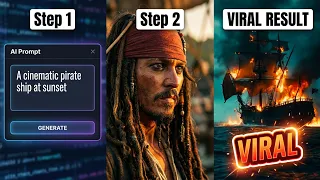
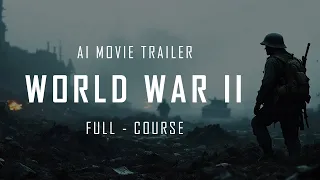
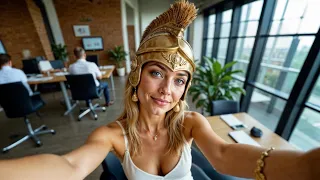
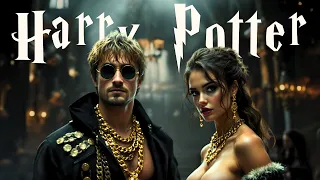
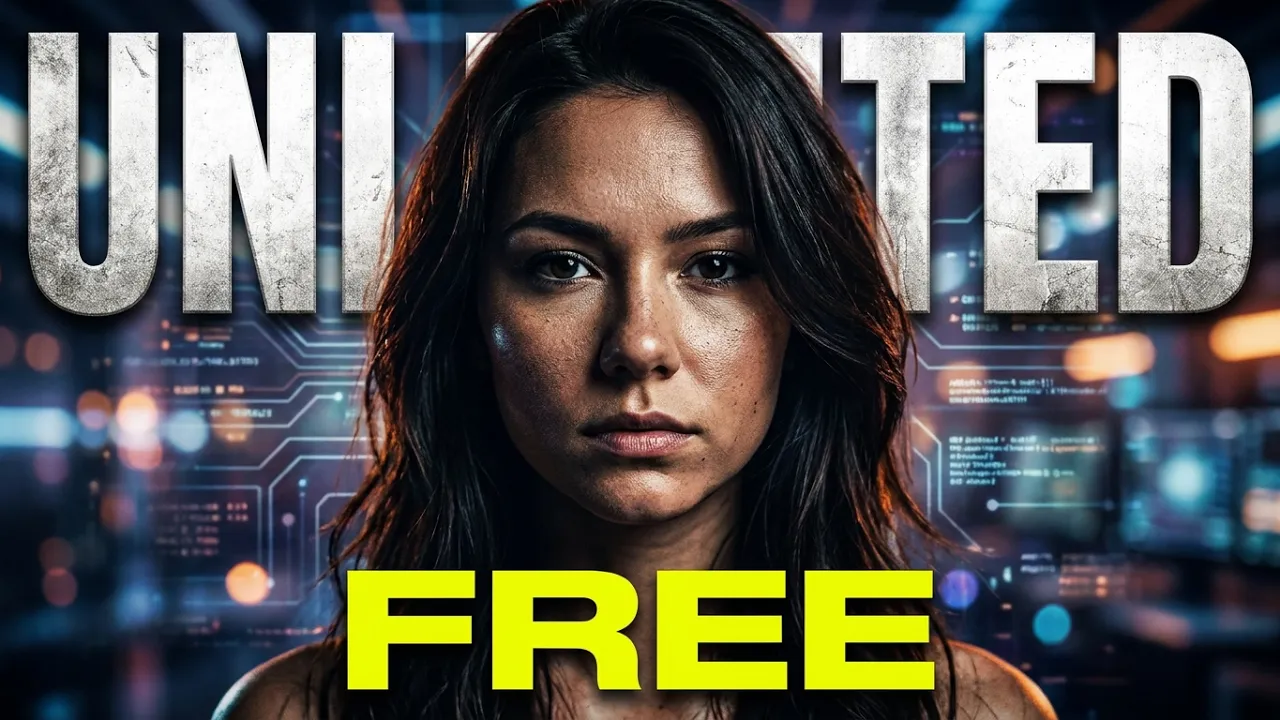
the videos you're watching right now were all made from images using really simple prompts yes take a look at these videos they look amazing and guess what I made all of them using Minimax AI it's so easy because of their new image to video feature which is absolutely mind-blowing Minimax is in my opinion the best free AI video generator available right now and the coolest part you can make unlimited videos yes there's no limit you can keep creating as many videos as you want with this new image to video feature it's going to change how
we create content using AI forever seriously Minimax is making video Creations so simple and fun for everyone hey everyone welcome back to the channel in today's video I'm going to show you how to make amazing videos from just a single image using AI if you have a faceless YouTube channel or want to start one this video is going to help you a lot by the end of this video you'll know how to create awesome documentaries short films B rolles for your videos or even cool animated videos so many possibilities I'm going to walk you through
every single step from creating the images to turning them into videos so make sure you pay close attention all right let's not waste any more time let's get started before we jump into Minimax to start making videos we need images first let me tell you about a free tool called defocus that lets you create unlimited high quality images with consistent characters if you watch my videos then you know how much I love this tool I'll add the link in the description now I've already made a detailed tutorial on how to open and use this tool
so go check that out because it's a bit tricky to get started once you're in you'll see an interface like this first click on Advanced and from this SE section select quality and change the aspect ratio to 5x3 from here next go to Styles and choose the style you want as you can see there are lots of different styles available but for now I'll stick to the default in the prompt section I'll use a very simple prompt and hit generate here's the result just look at how amazing this image turned out this is absolutely stunning
now let's try a different style this time I'll uncheck these options and select s AI anime I'll keep the same prompt and hit generate again once it's done you can see that the prompt is the same but the style is complet completely different and the image looks fantastic now if you want to create consistent characters here's how you do it first click on input image then go to image prompt and upload your reference image here next scroll down and click on Advanced then click on face swap and turn this option all the way up now
in the prompt section you can enter a simple prompt like this and hit generate and here's the result see how perfectly it copied the face it looks awesome so that's how you can create great images using this tool now it's time for the fun part making videos to get started with minia Max click on the link in the description and sign up using your email once you're in this is the main interface as you can see it's very simple and easy to use this is the prompt section and here's where we'll upload our images but
just to show you how good this tool is let's try something simple I'll type in a basic prompt like a dog running in a field without uploading any images and click generate here's the result look how amazing this video turned out there's no weird Distortion or morphing it's super smooth and it looks very realistic plus you can see that the main character stays consistent throughout the video which is awesome and now let's add an image by clicking on the image icon right here I'll use the image we just generated and give it a simple prompt
like this and then click on generate and now look at this output it looks incredibly realistic you can see that her face stays the same throughout the video Even when she's smiling and talking there are no strange distortions or anything like that the way her hair moves is absolutely perfect and everything looks smooth and natural let's try one more this time I'll use this image and type in the prompt talking on the phone then click generate and here's the output just take a look at this folks it honestly looks like a scene from a Pixar
animated movie there's no Distortion at all and all the movements are super smooth and fluid it even added hands and the hand movements are so natural without any strange morphing I'm pretty sure no other image to video generator can create videos like this just imagine the kind of animated stories or even short movies you could make using this tool let's do one more this time I'm using this ultra realistic image that I generated using the flux 1.1 pro model if you want to learn how to create super realistic images like this check out my previous
video video I'll put the link in the description all right now I'm going to give it a prompt smiling and talking and here's the output wow this looks just like a real Instagram influencer doesn't it it's incredible if you show this to someone they wouldn't even be able to tell that it was made by AI That's how good it is here are some more videos I've generated using this tool and as you can see every single one looks amazing the possibilities are endless with what you can create using this tool you're only limited by your
imagination you can make animated stories animal videos historical videos and so so much more now one thing I need to mention is that although it's completely free the generation speed can be a bit slow because of uh high demand in my experience if you use this tool in the morning the speed is a little faster or if you prefer you can subscribe to one of their monthly plans with a subscription you'll get faster generation times and no watermarks on your videos I would highly recommend getting a subscription because you'll be able to create amazing content
with this tool I've tried many video generators but honestly nothing comes close to this one right now if you found this video helpful make sure to like share And subscribe for more videos like this thank you so much for watching and as always keep grinding